I think… and hoping that this was related to the (fixed) issue(s) we were having awhile back with the extra LF’s and disapearing measurement files. 
Yes, it’s very confusing, everytime it pops up. With the wonderful work that you’re doing on the software, I just can’t express enough how important it is to do the weekly updates every week.
Just an update… @Grace was correct on the ME file with the missing date… I was looking for the file “measurements.smis”, but since I already had 7 other “measurements.smis” files it got renamed to “measurements(8).smis”, 
I may look at the schema for the ME files. I think currently some of the “personal” data is required to be a valid file per the schema. That’s why it was throwing the error for the missing date. I think we can change that so the personal data is not required as per the schema.
Yes, I totally agree with you. Not many people use this personal data, so it should be blank until it’s used. 
Hi @Grace I’m having the same issue. I downloaded the app just two weeks ago, and I’m still experiencing this error.
Thk U for your support I fixed as you mentiones
The newer app will not fix older patterns with the error. The newer releases won’t write a broken file, but they can’t fix a broken one either. This has to be done manually by editing the xml files & switching the order of any <images> and <groups> blocks. the <groups> have to appear first as that is the order the <groups. appear in the schema that is used to validate the xml pattern files.
If you want - you can post any broken patterns and we can fix them for you.
Since it still seems to be an ongoing issue I should probably write a fix that auto repairs broken files. 
To verify, are you saying that you first installed Seamly two weeks ago, or that you are using a version from just a couple weeks back?

I would assume a version from 2 weeks ago. It’s been over a year since we fixed the images & groups issue.
Hi @Douglas
I actually just installed the latest version of Seamly2D recently, and I’m new to using the application. So, these are not older patterns that were created with a previous version of the app. I created these patterns last week using the current version.
I was able to fix the files by following Grace’s instructions and editing with a text editor.
Are you sure it was the latest version used to create the pattern files? The newer releases implicitly write the <groups> and <images> tags in the correct order. The release (or 2) where there was a issue was not writing these 2 tags when a new block was added. When we only had Groups there was no issue. When we added the Image Import the issue popped up as the <images> tag could be written first… then at some point the <groups>… causing the error.
Yes… it’s pretty simple fix.
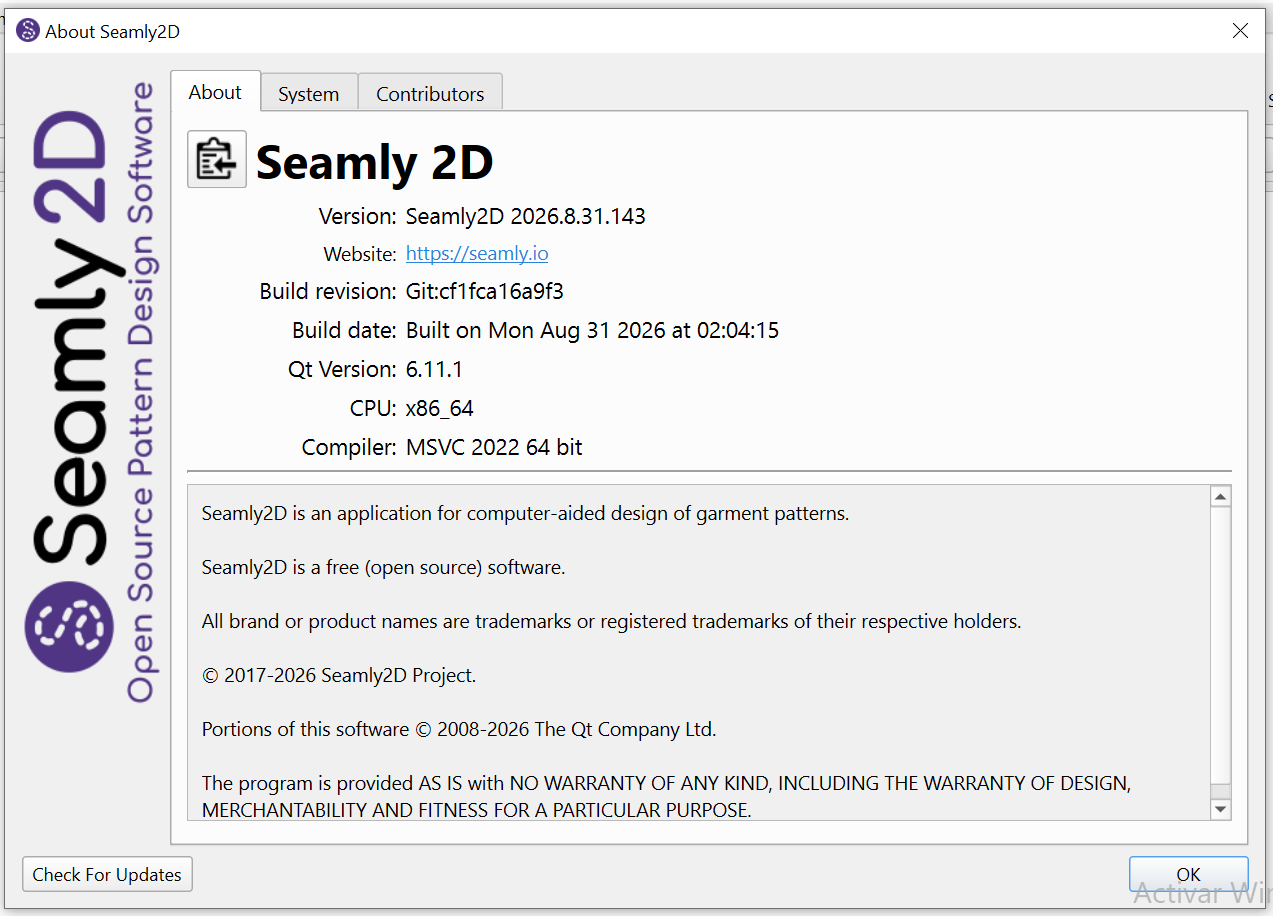
Hi @Douglas , I think there is a pending update available now, but the version I have been using since I installed Seamly2D is 2026.8.31.143 for Windows, see de image below: