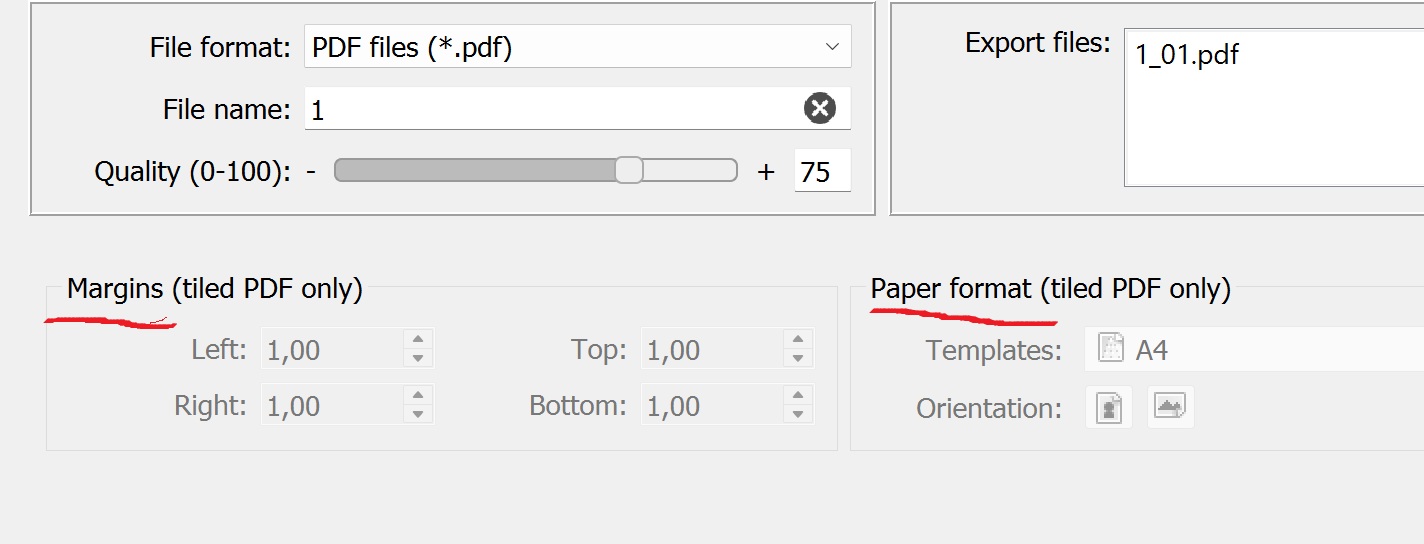
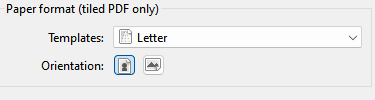
The margins and paper format is only applicable to tiled PDF exports. It represents the size of the “tile” page the larger page is divided into. Selecting any other format greys out the section.

I’m a little unclear here. You made sure that the layout was made with the needed margins for your printer?

Hello, I like to use Inkscape for my print jobs. However, what bothered me was the lack of control when creating tiled PDF files. That’s why I developed a small Inkscape extension to create pages in a grid with controllable overlap. Now I can simply copy the saved Selamy2d SVG file and paste it over the pages created in Inkscape, arrange the different parts as needed, and save the document in Inkscape as a PDF. Now all I have to do is print this PDF without scaling and I can start cutting and pasting …  It worked well for me … maybe you’ll find it interesting too.
Not sure what you mean lack of control? The tiled PDF export has a built in overlap (1/2" I believe), and you an adjust the additional export margins - as well as adjusting you printer margins.
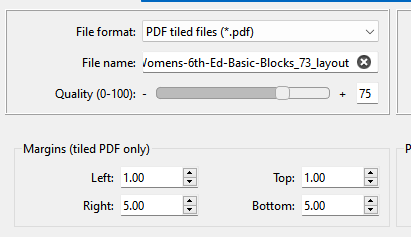
Margins set to 1cm and 5cm:
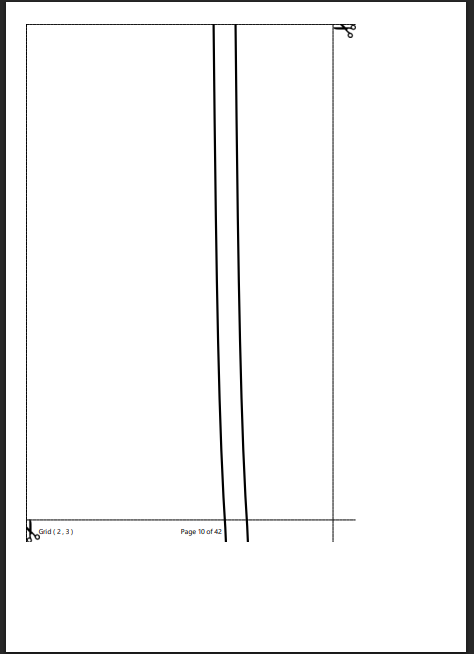
Margins set to 0:
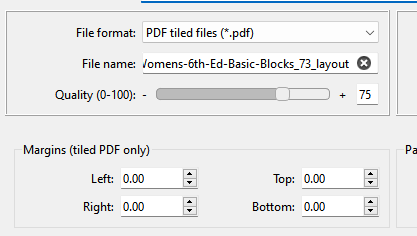
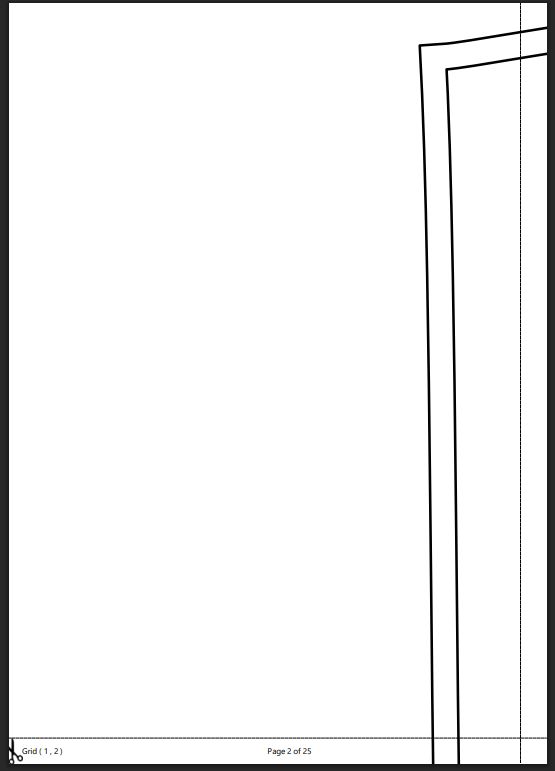
In theory the idea is you match the margins to your printer margins, and if your printer supports borderless you set the margins to 0. The overlap is placed on the right and bottom edges of the paper. The size pf the paper… i.e. the tile is set in the format box:
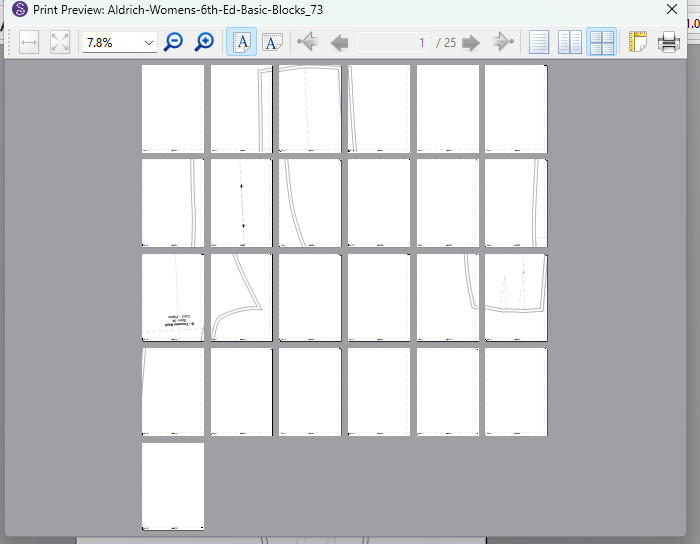
Plus if you print from the preview you can see what blank pages you may not want to print.
Other than a fixed overlap width… What am I missing?
Thank you very much, @JCDesign
The current layout certainly wastes pages. I actually have templates made up for various sizes to paper in Inkscape, with column numbers and pages.
The one feature that I do miss in Inkscape is the optional content of the layers in PDF. This seems to be very exclusive to Adobe. Can you write an extension for this? If you do, I’ll personally come over to Germany to kiss your feet. 
I mean lack of control in the way, that I c’ant arrange the pieces as I wish and rearrange them on the pages as I want to… and sometimes I want to add some comments/symbols/etc. on the pdf which I do in Inkscape anyway…
Whta do you mean with optional content of the layers in PDF? Do you have an example? Since the PDF-Standard is defined for all, I guess every application should be albe to create files in the same way?!
Hi, do you want to have each layer separated in the PDF-File, so you can show/hide them in the PDF? That’ is a feature which Inkscape can’t do, if I’m correct. I just did a quick search in the net and tested the export functionalities in Inkscape. But maybe an extension could automate the export and save each layer in a sperate pdf, so you don’t have to do it manually?!