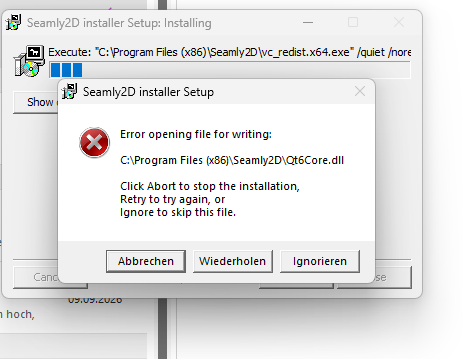
Gerade wollte ich ein Update machen und bekomme diese Meldung.
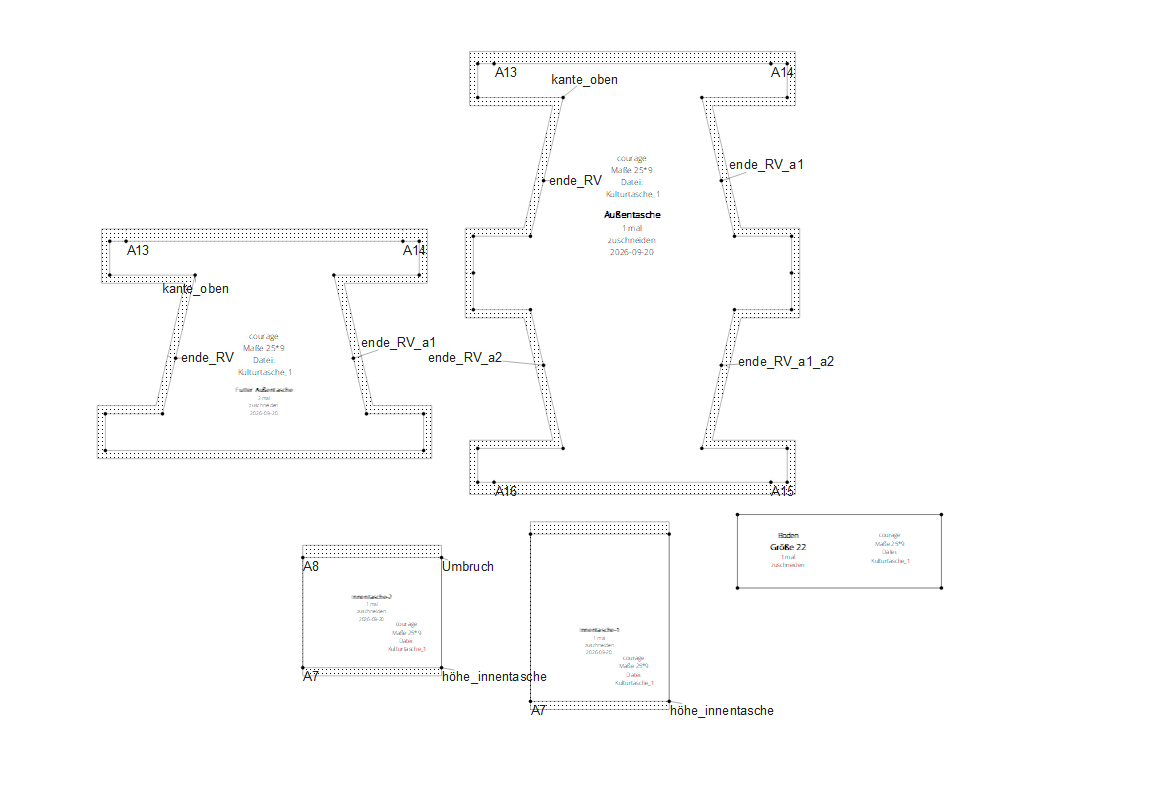
Das ist merkwürdig. Ich verwende auch eine Multisize Tabelle:
Größentabelle Bettina.smms (3,6 KB)
Was läuft bei mir falsch?
Aaah, @Scholli - it’s another case of the very small numbers. Please change your Seam Allowance default setting to 1.00001. This corrected it for me.
Kulturtasche_1.sm2d (45.2 KB)
Vielleicht weil ich immer noch eine ältere Version nutze? Seamly2D 2025.5.19.215 Auch mit deiner Größentabelle ist die Nahtzugabe bei mir korrekt dargestellt. Schon interessant.
Mit Nahtzugabe 1,0001 ging es. Bei meinen anderen Schnitten habe ich das Problem nicht.
Warum kann ich kein Update machen und die neueste Version runterladen?
Yes, this problem came in when we upgraded the QT… I think it was in January 2026.
The latest version will be 14 September 2026 until tomorrow. I didn’t have any problems with it on Monday last week.
This week’s may be interferring with last week’s today because @Douglas is probably loading it up at the moment.
I just downloaded and installed 2026.9.14.145 just fine.
Nothing… like @grace said it’s "small"numbers or more specifically rounding error with real numbers. It all depends on the pattern and size that can change the an angle which can lead to not finding an intersection when constructing corners… then the seam allowance goes wacky.
Ditto… I just insalled last weeks no problem.
Nope. Not uploading anything. But… note tonights / tomorrows release will have updates to all the tool dialogs. The stupid expand / collapse buttons for the fx boxes are all gone. Just clicking in an fx box auto expand it. Also fixes some other issues with the dialogs.
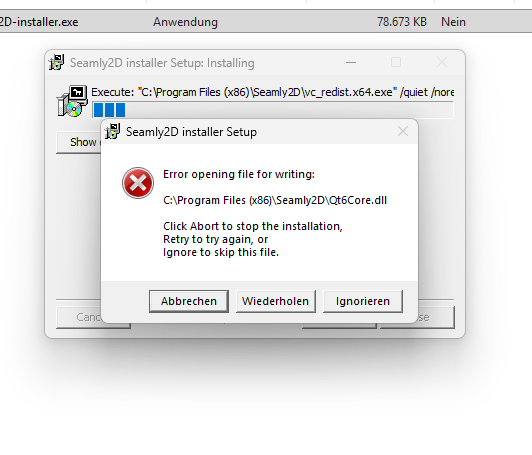
Hmmm. Have you tried to download the installation again? Try downloading directly from Github:
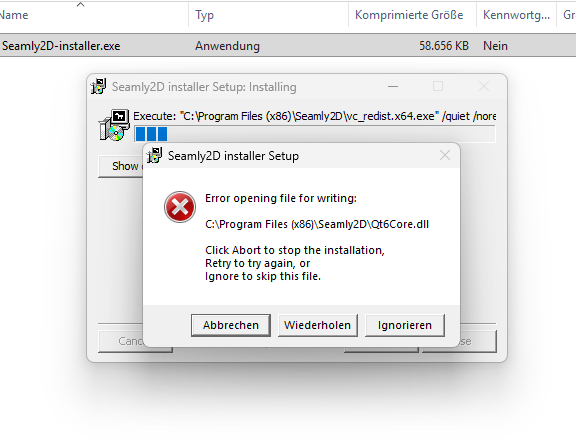
Have you tried uninstalling Seamly2D and then restarting your computer and then installing it again?
Jetzt hat es funktioniert:)