Hello, I am new to using Seamly and have many questions.
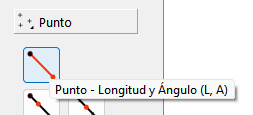
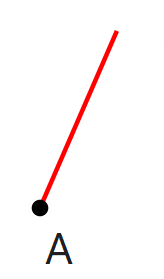
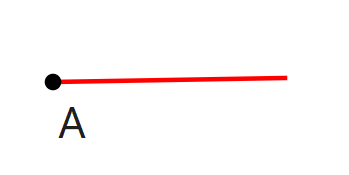
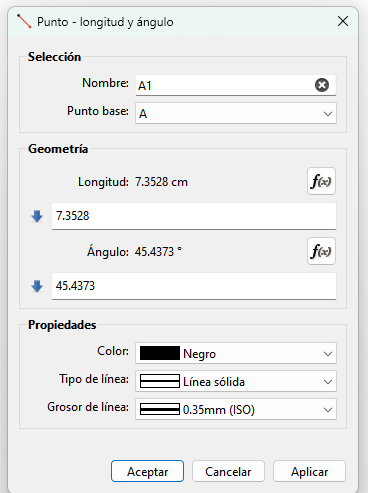
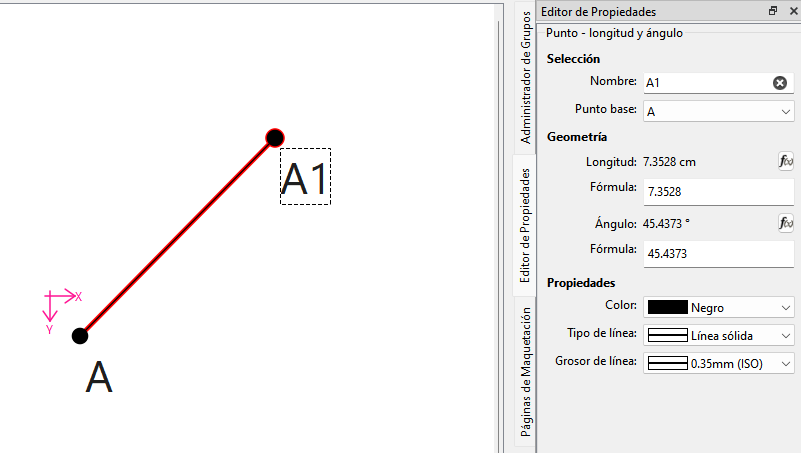
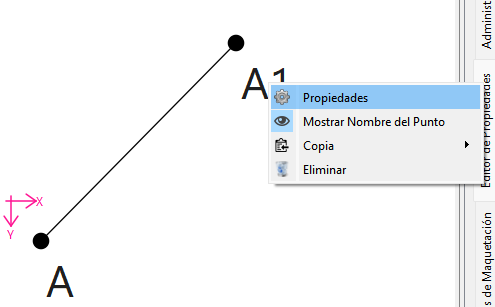
When I select the pointer command and then the line command to draw a straight line, a pop-up window should appear when I release the mouse, asking for the “distance point and line angle”” so I can manually enter the required data. This window does not appear for me. Does anyone know why this is happening? I have a Mac Sequoia and a Mac mouse. Could that be interfering with the situation? Would someone be so kind as to explain in detail how to resolve the situation? Thank you.
Does anyone know where I can find a detailed user manual in Spanish or perhaps some good videos with detailed explanations? It could also be in English or Italian, but with good explanations and good detail. What I found in English is very general and doesn’t have detailed explanations. Thank you.
Assuming that you’re selecting the “distance point and line angle” tool like it sounds like you’re saying, it sounds like you’ve been down-clicking on the base point & then dragging the cursor away before unclicking. What you need to do is to first do a full click of the mouse to select the base point, then a full click again to place the point. The property editor window will then pop-up & so you can properly define the point placement formulae.