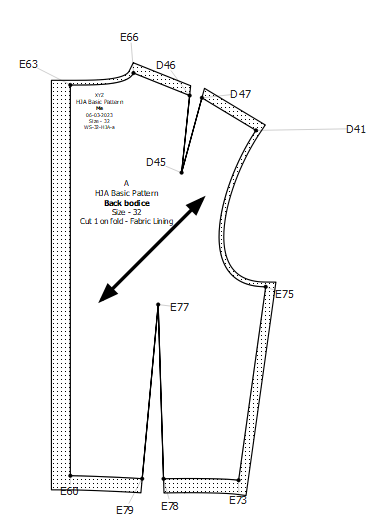
Ok, yes, you can have 2 labels but I’ll get to that lower down…
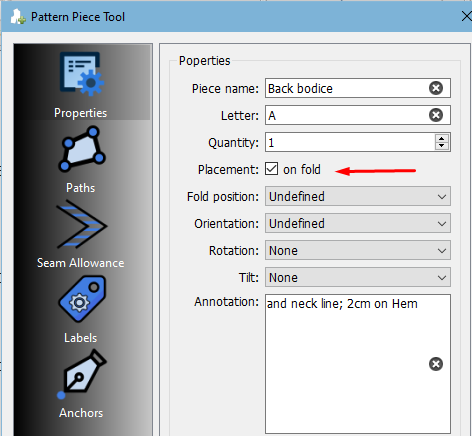
If you want the pattern to say ‘Cut on fold’, you have to checkmark this box:
If you want the ‘Cut on bias’ you will position your grainline accordingly:
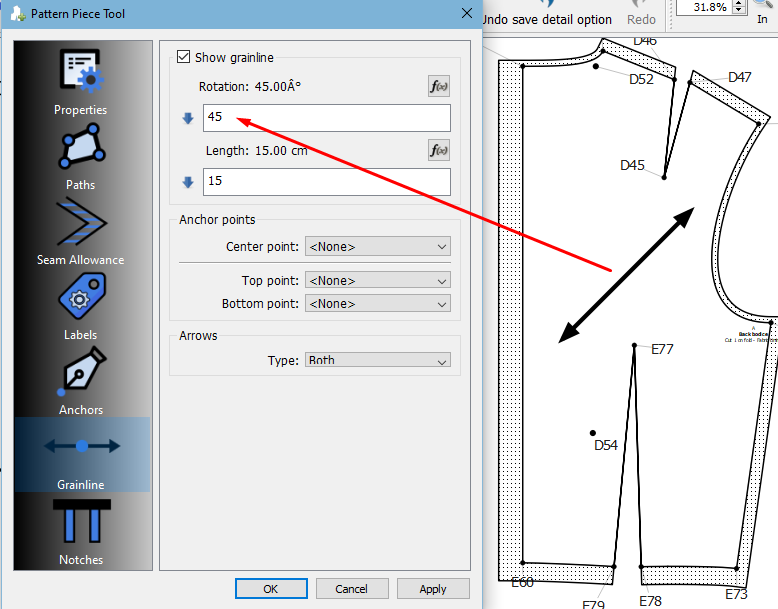
Likewise if cut on the straight.
The pattern piece for the lining is often a different piece, so you can just change the ‘Fabric’ to ‘Lining’ in your template. I like having both in my template, so that I can just delete the one that’s not applicable to the piece.
For the 2 Labels:
This is the 1st Label and I’ve used this template:
template.xml (617 Bytes)
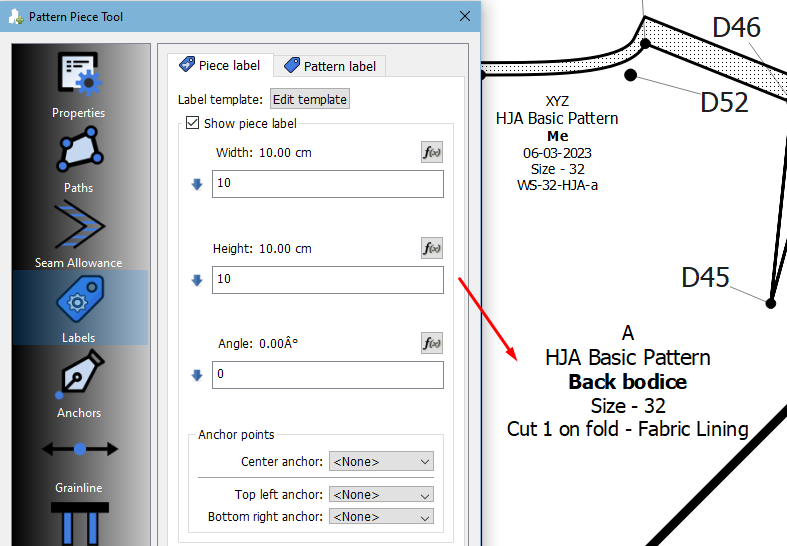
The 2nd Label:
template Label 2.xml (520 Bytes)
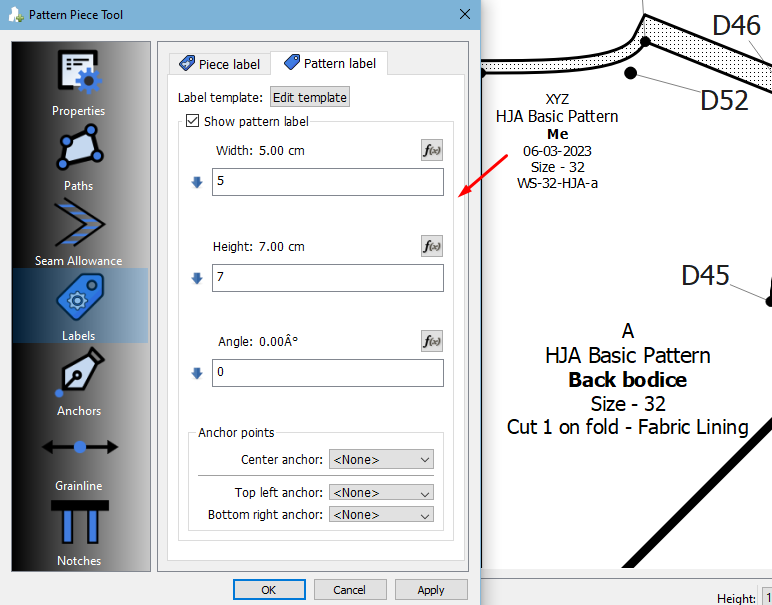
And then, I added some info to the File>Preferances for the 2nd label:
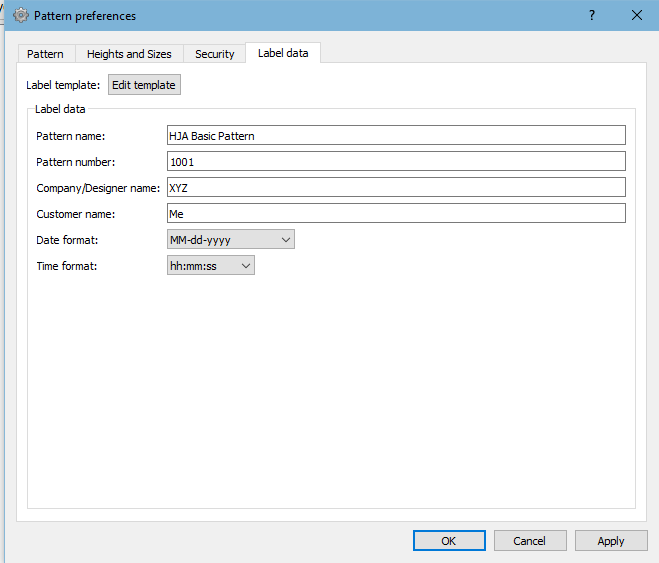
The best is to play around and see what you can get out of all the different options and to see where the info comes from and how it will be of use to you.
And this is what my pattern looks like now with the grainline & 2 labels: