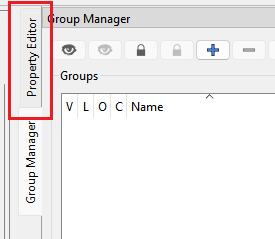
In some cases like the spline tools you need to use the dialog instead of the Property Editor as not all spline attributes are available in the Property Editor.
Hello @Douglas trust you are doing great? I do like to remind you to please help me fix my file. Because you have not replied to the measurement file you asked me to fill the missing measurement H_D which I fill it as 10. Though i have earlier made the correction and i have sent it.
Secondly, the dialogue that shows when you click on the ‘on line’ tool, ‘line’ tool, ‘mirror’ tool and the likes is what i was referring to. The dialogue that shows the meaning and how to use the tool at the lower part of the system when clicked for use, is not showing on my system.
Hello @Pneumarian Thank you for you prompt response. No, i am not referring to the property editor. I am referring to the dialogue that shows when you click on the ‘on line’ tool, ‘line’ tool, ‘curve’ tool, ‘mirror’ tool and the likes is what i was referring to. The dialogue that shows the meaning and how to use the tool at the lower part of the system when clicked for use, it is not showing when i click a tool to use on my system.
I have repaired both issues with your files. The 1st problem was the one of the groups being listed after the images in the pattern. The 2nd was multiple blank lines both in the pattern and measurements files.
I see that your version of Seamly is 09 February. You need to check for updates every Monday or as soon after Monday as you can. This way your software will stay up to date. Any patterns create with the old version of Seamly will need to be repaired if it hasn’t been repaired before.
It seems that you are saving your pattern files on cloud. They need to be kept on your laptop. You can copy them to a cloud so that you can access them from anywhere, but when you want to work on a pattern, you need to copy it the computer’s local drive, work on it, close it & then copy it to the cloud. Working directly from the cloud creates multiple blank lines in the files that will cause that your pattern will need to be repaired again and again and again.
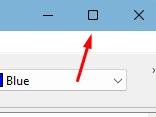
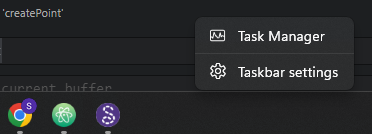
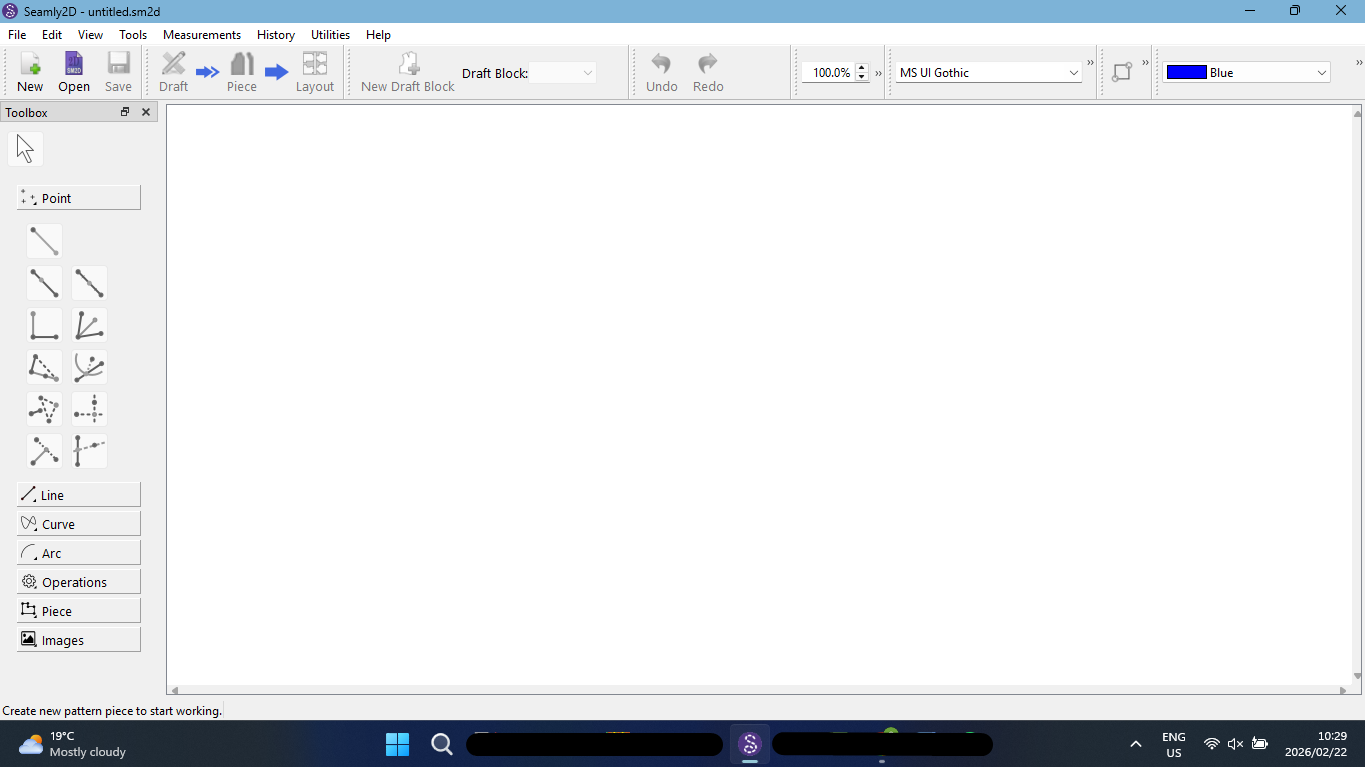
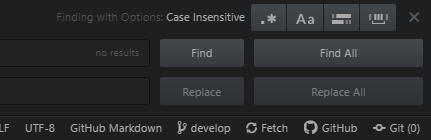
Oh. On the picture above, your status bar clearly reads “Create new pattern to start working.” Then in a later post the status bar has disappeared. Did you switch to a computer with a smaller screen? Or increase your screen magnification? It looks like you have pushed your window past the bottom of the screen.
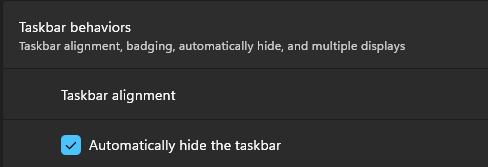
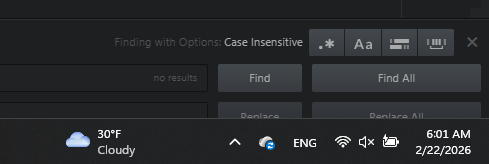
But please, i do not know why the status bar use to disappear and i have tried to check my computer settings but i could not figure it out. Please could you give a guide on how to fix the issue.?
@Grace thank you so much for you contribution. @Douglas has helped me to fix the pattern file and i will update again on monday. Also, i have deleted the old software.