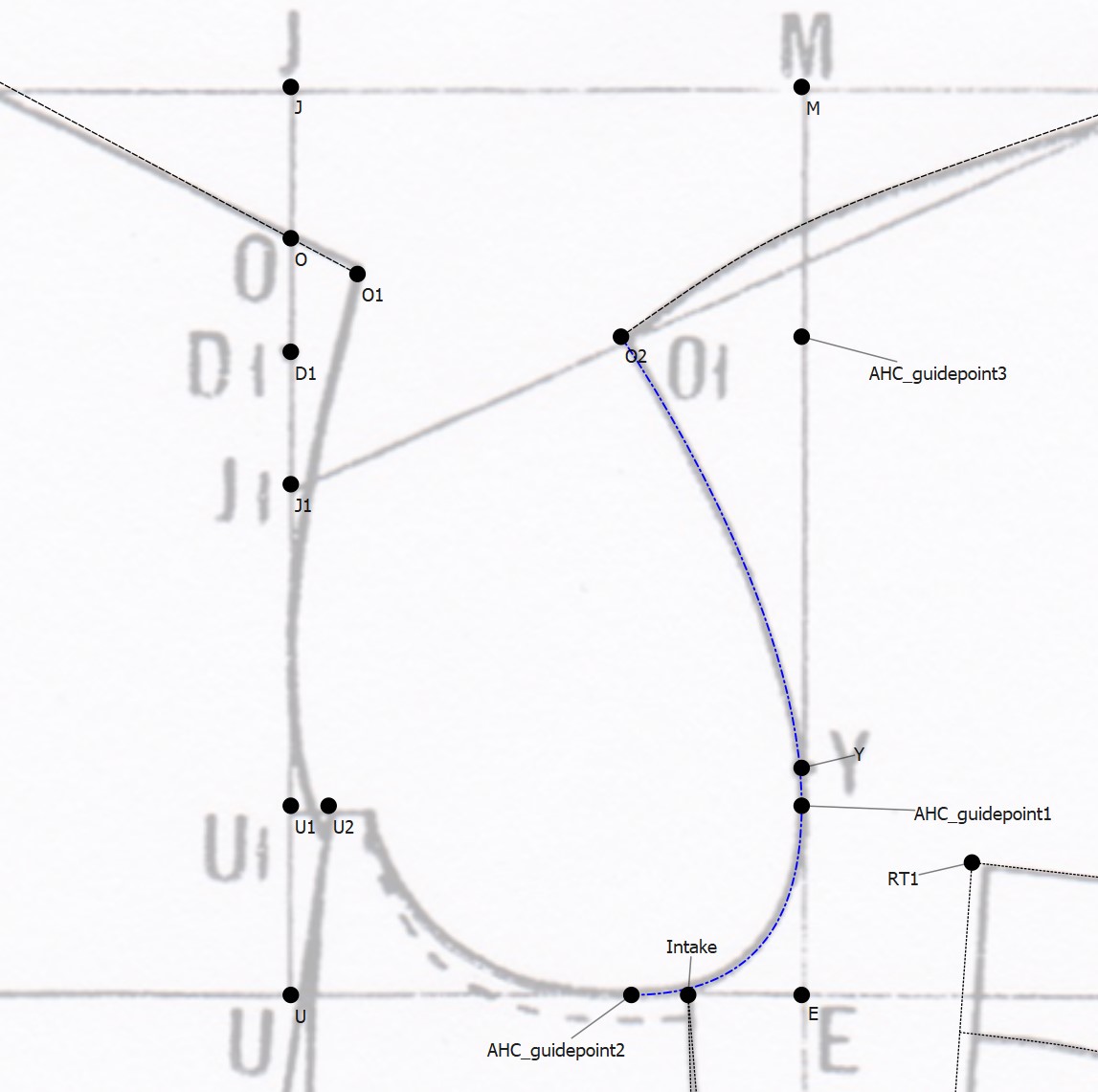
Hey everyone
As promised in the introduction part, I’ve got some questions to ask - mostly about general drafting and how to apply that to Seamly 2D.
As background information, I am a selftaught drafter. I work in the film industry as props/set design/clothing department and I have a business with my friend. We sometimes get requests for making specific clothing, so I’ve been learning drafting on the side. I’ve made a few different (simple) garments over the years, mostly using Fusion & Adobe Illustrator and hand drafting all the required sizes.
However, recently we’ve been getting more and more requests to do different more complex garments and this is causing a scheduling issue with me. So I’ve decided to try and use parametric drafting in hopes that it’ll speed up things.
Here’s the catch though… I am running into issues where I don’t know enough about drafting since I haven’t gone to any schools. I’ve read countless books and tried watching as many tutorials as possible on Youtube (though they are often very surface level and basic), learning as I go. I’ve even talked to a number of tailors over the years and asked them too many questions, getting bits of information here and there.
Now, Seamly 2D doesn’t allow me to just wing it anymore, I need to understand a bit more about how things are drafted to get the mathematical parametres in place. So here, after all this talk, I’m going to be asking some questions… 
The garment: I am drafting a 1930’s military style jacket. I have 5 originals from different manufacturers of this very pattern, that I’ve disassembled and compared. They are all somewhat stretched in use, so the measurements from them are more of a hint, rather than accurate facts. They are also sewn all over the place, sometimes the stitching line is almost 2 cm from where it should be according to the cut edge.
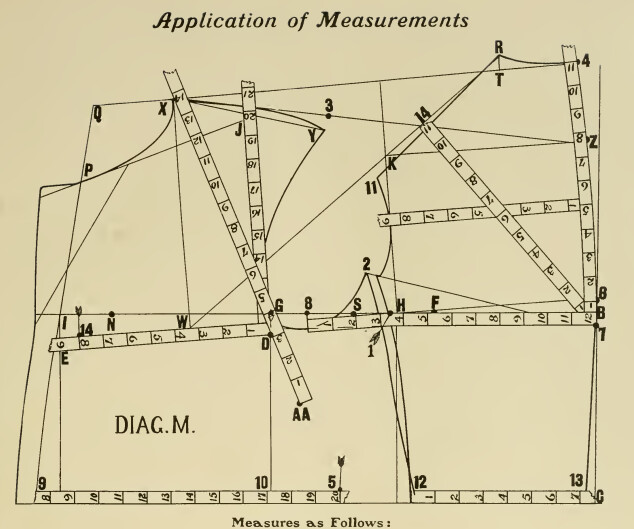
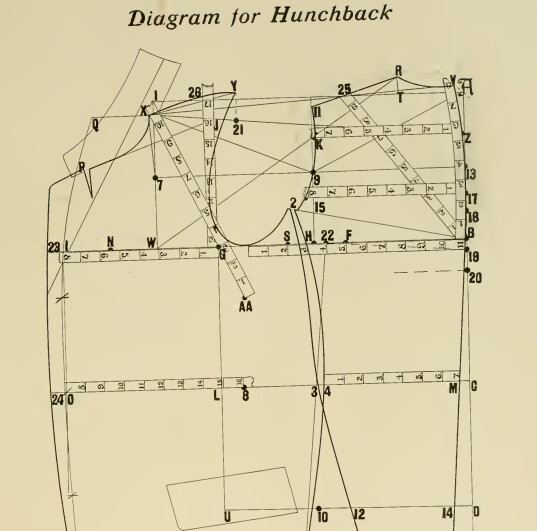
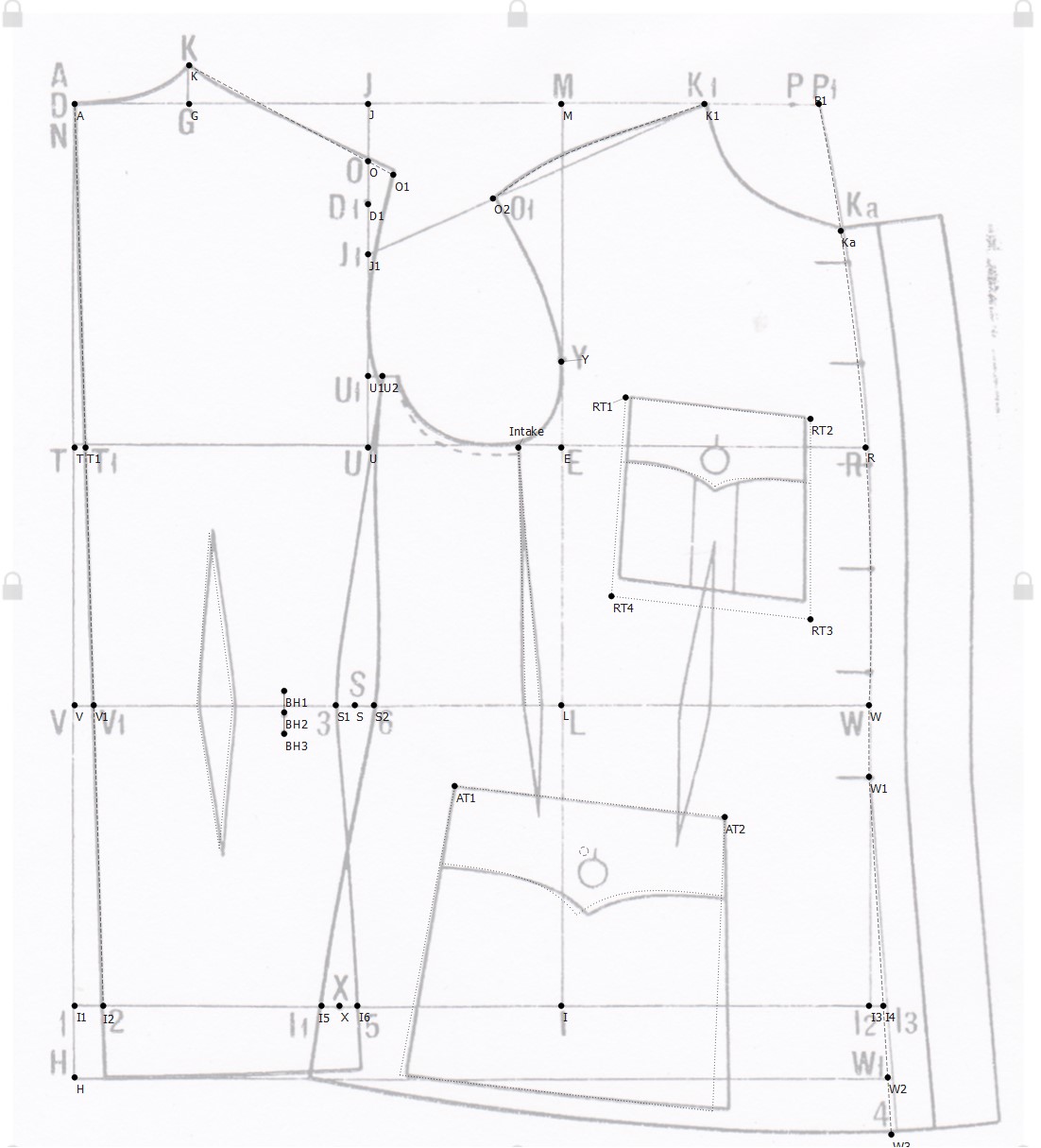
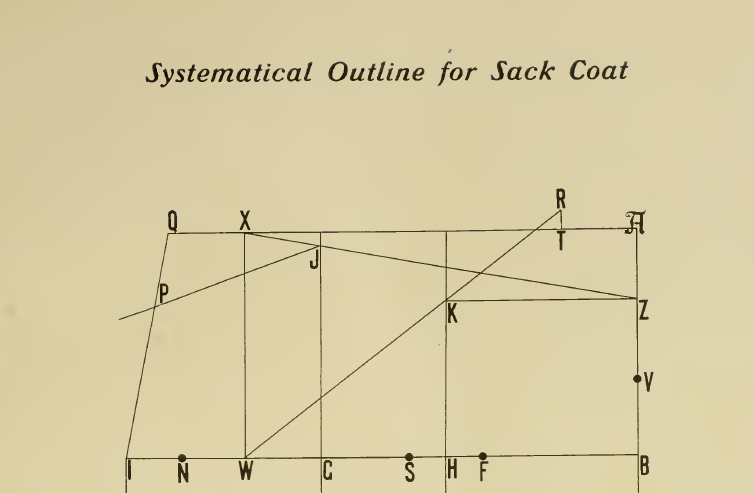
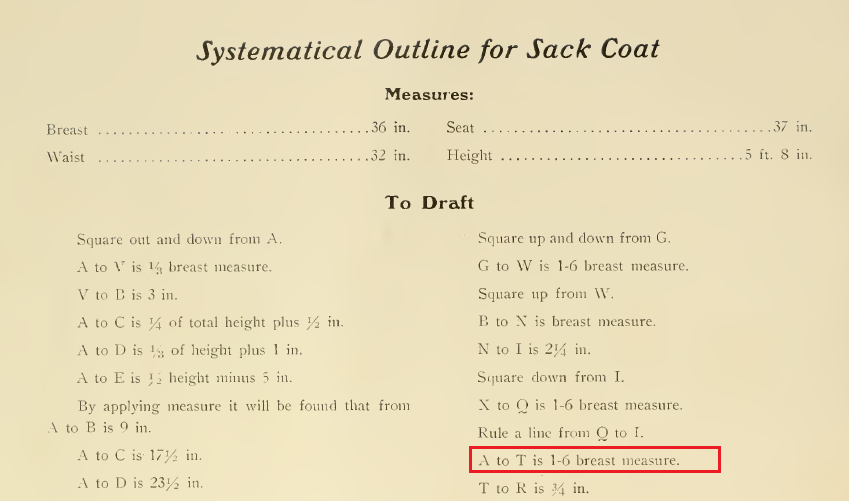
Anyways, here are two scans of the pattern from two different public domain drafting guides I’ve found (1936 and 1938 respectively) from a tailors guild paper.
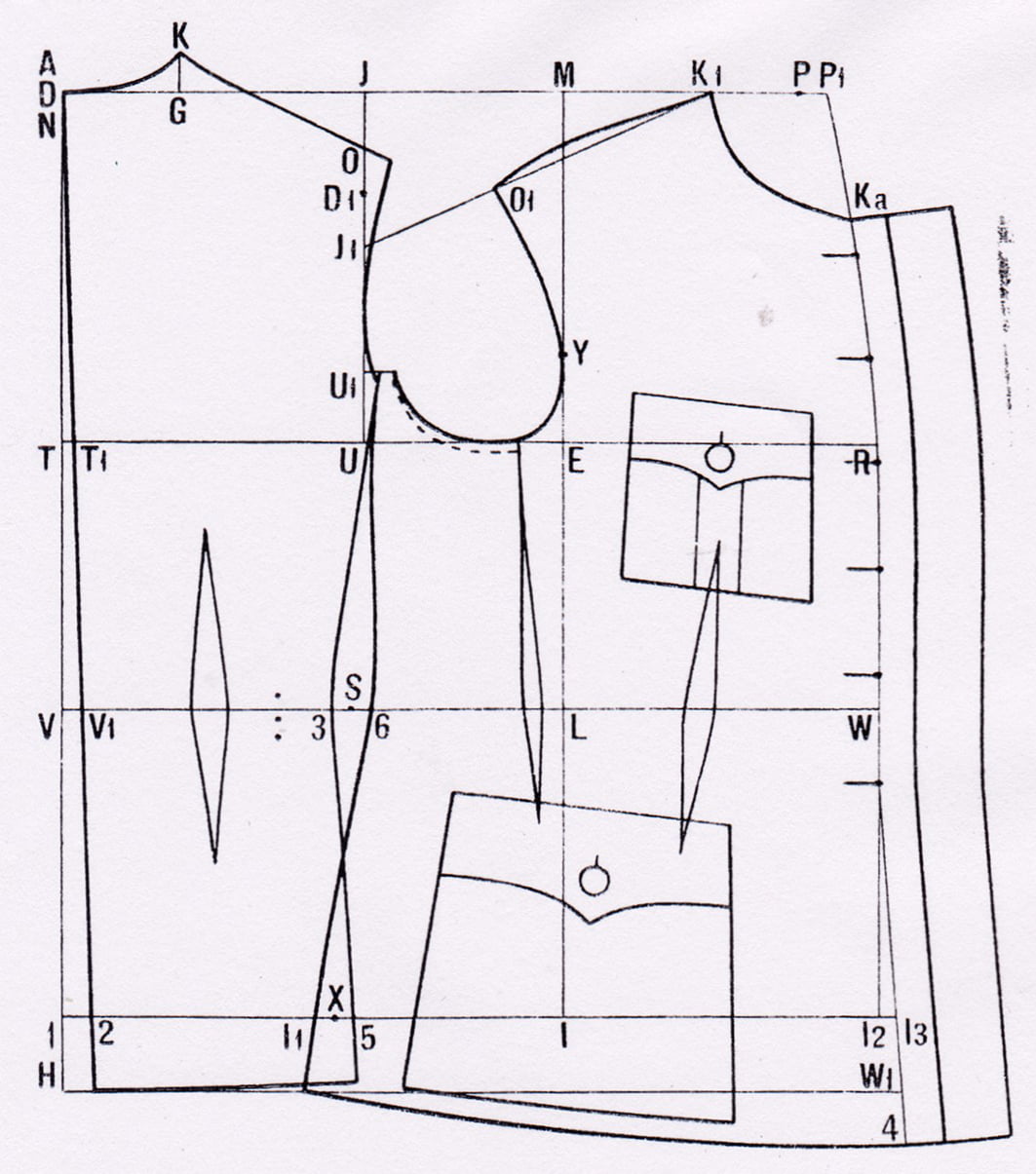
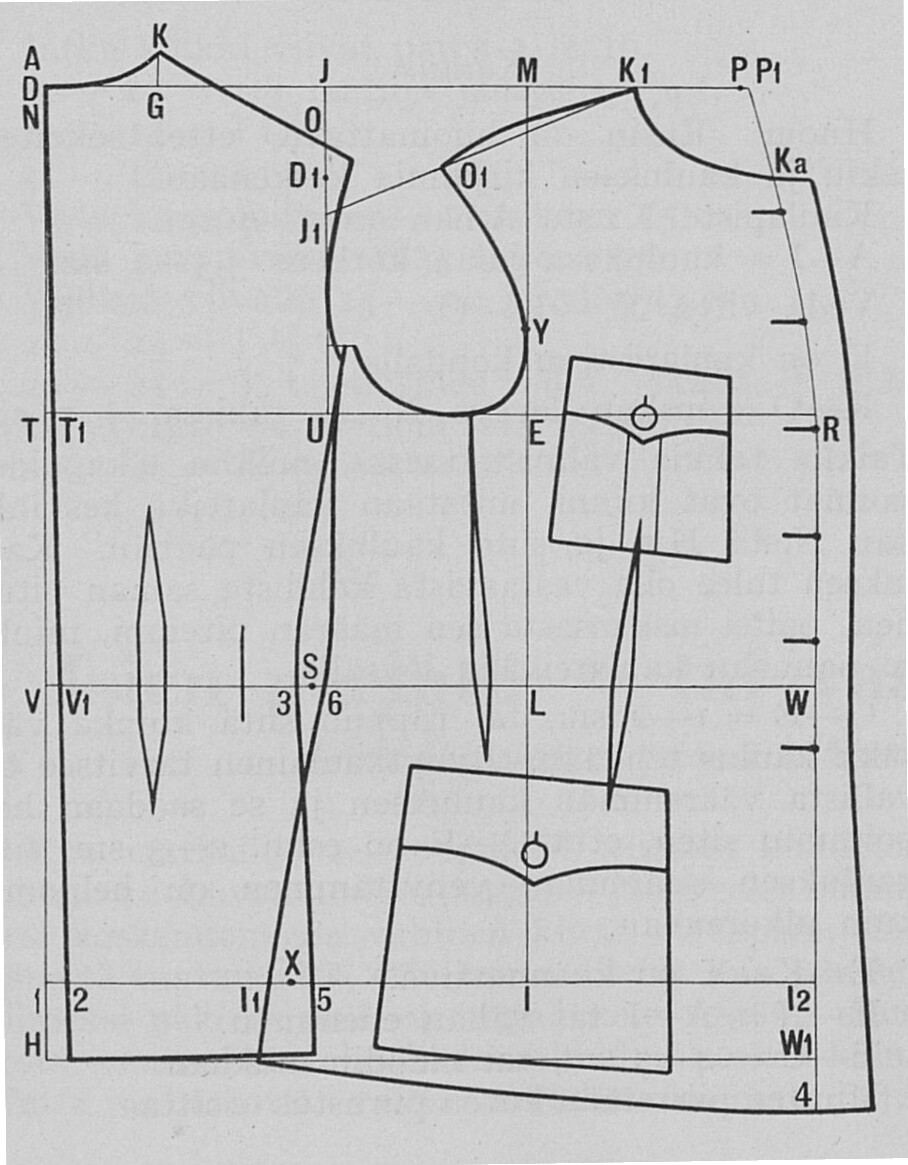
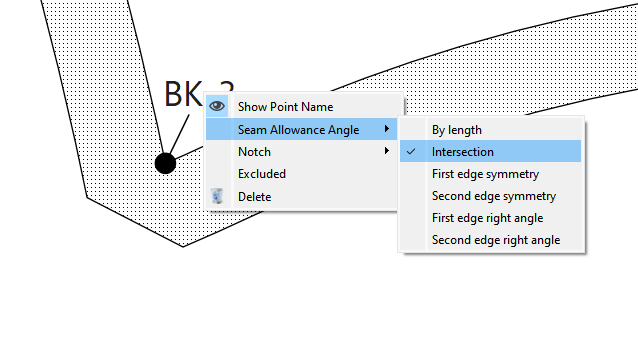
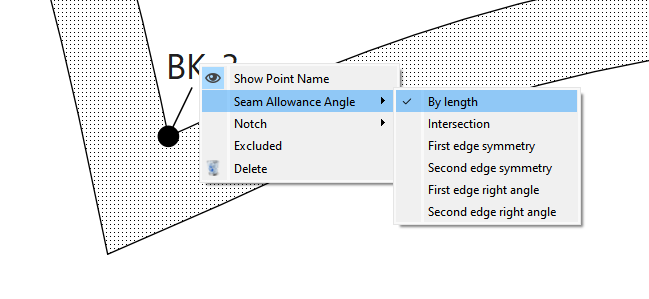
They both use a 1928 domestic “tailors drafting manual” system as a basis, which is a domestic system developed in order to harmonize sharing patterns between professionals. The issue is though that the system also leaves a lot of the explanations out, simply stating “draft this the usual way”. I’ve even talked to a tailor who specializes in old garments and he had no answers, he just uses his 40 years of experience to get past these points - experience I don’t have. On top of all this, the system includes simple seam allowance of unknown measure. Meaning, from experience with previous garments of the same system, I’ve figured there’s about 8 mm to 10 mm seam allowance included in the seams that attach to other parts if you’re doing open seams. Many of these patterns how ever require felled seams or welted seams, so you end up having to add extra seam allowance to achieve comfortable results.
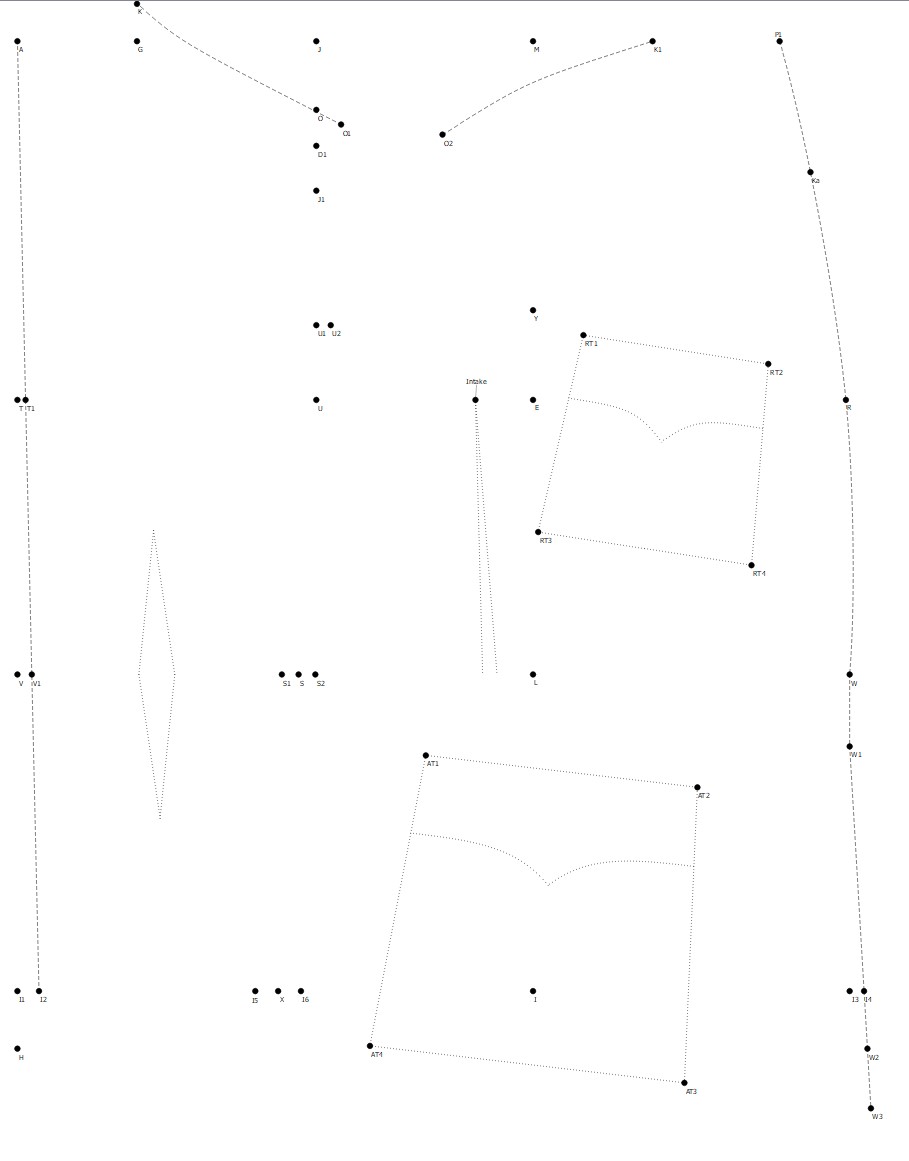
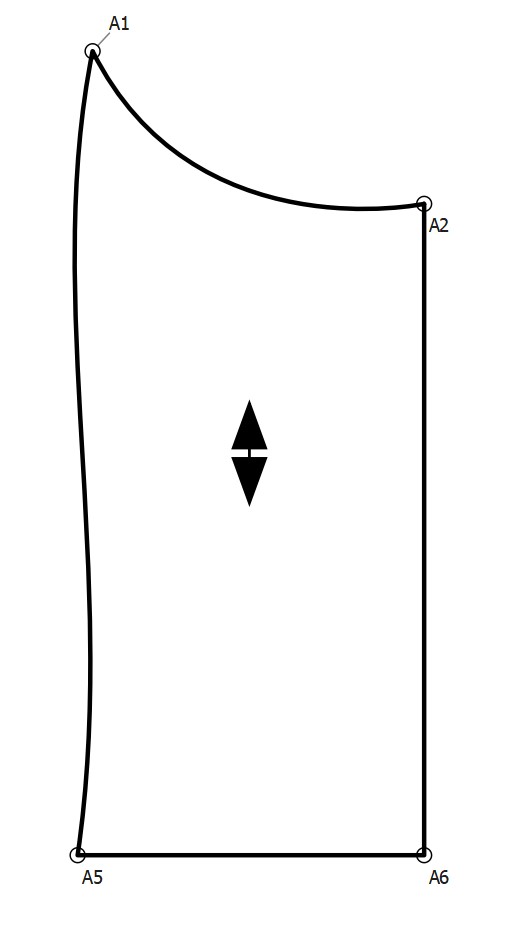
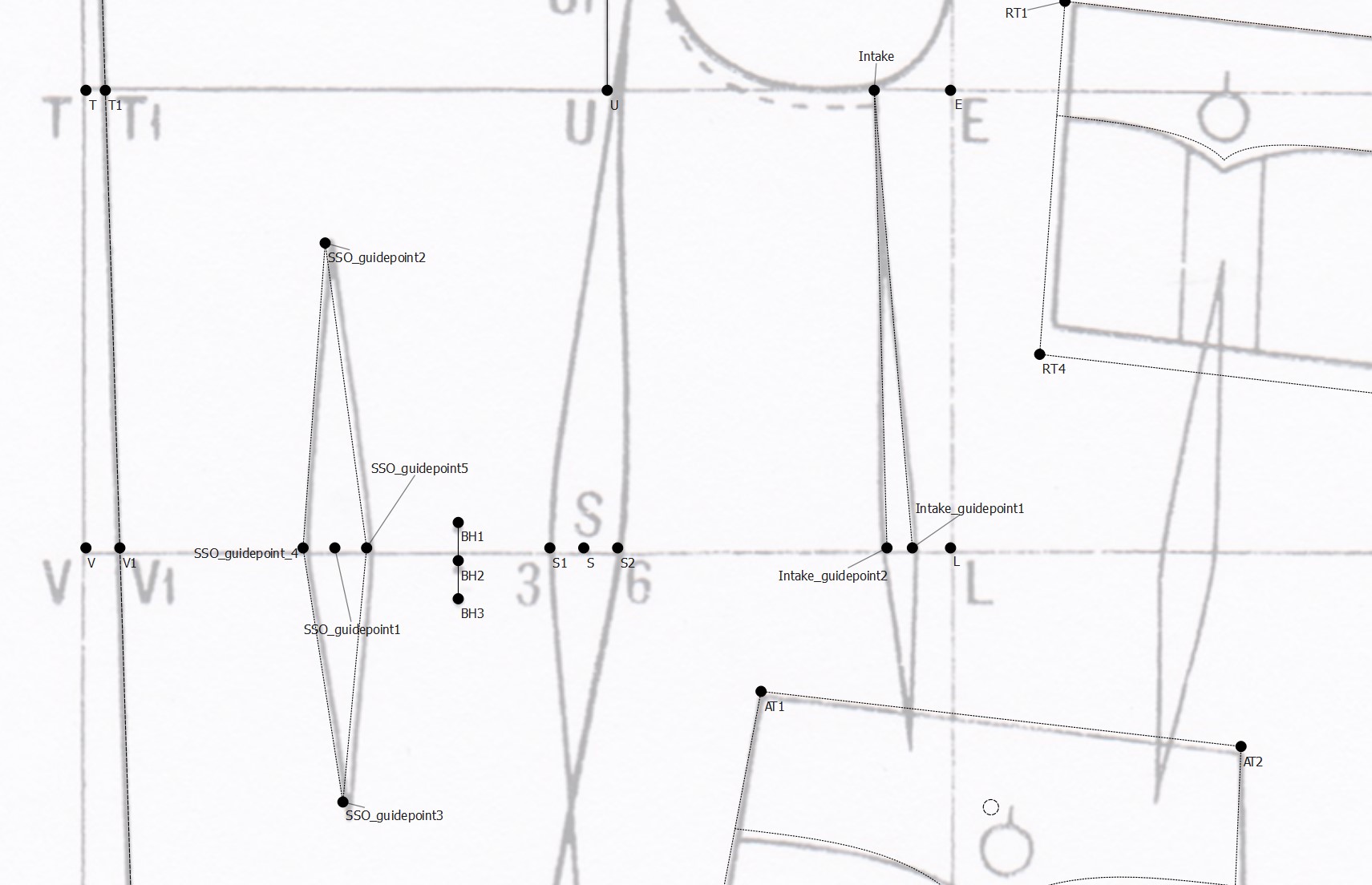
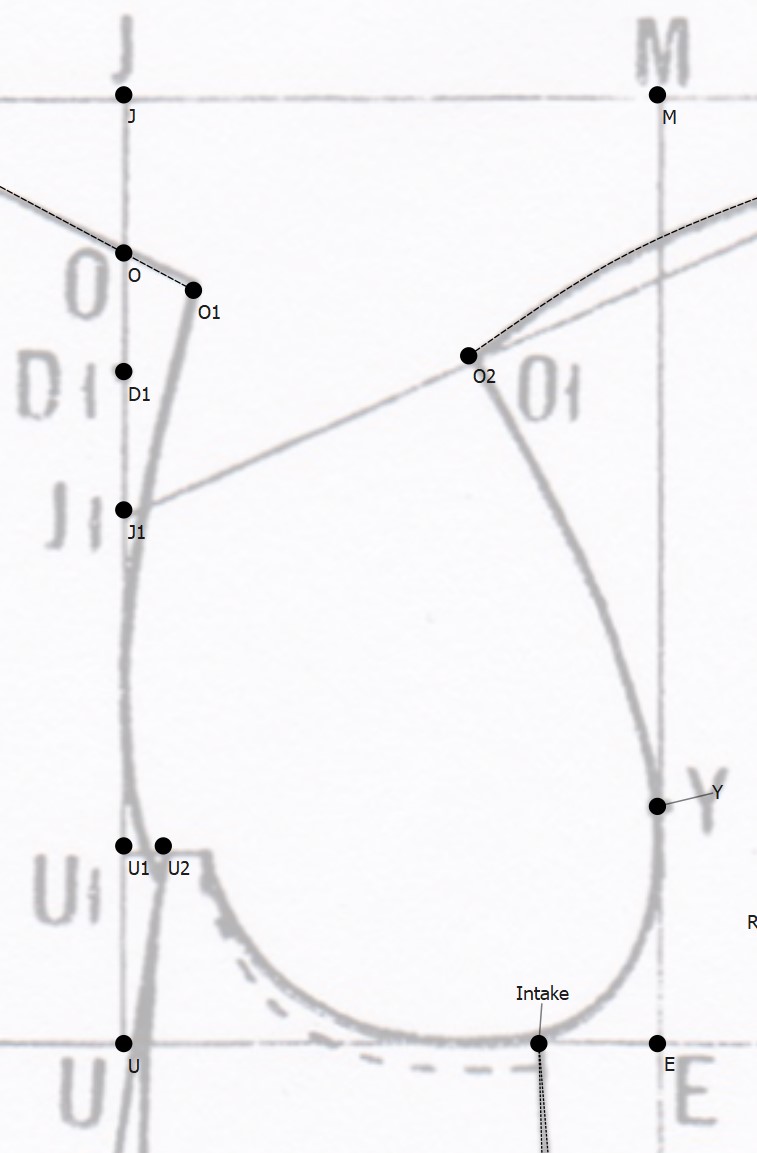
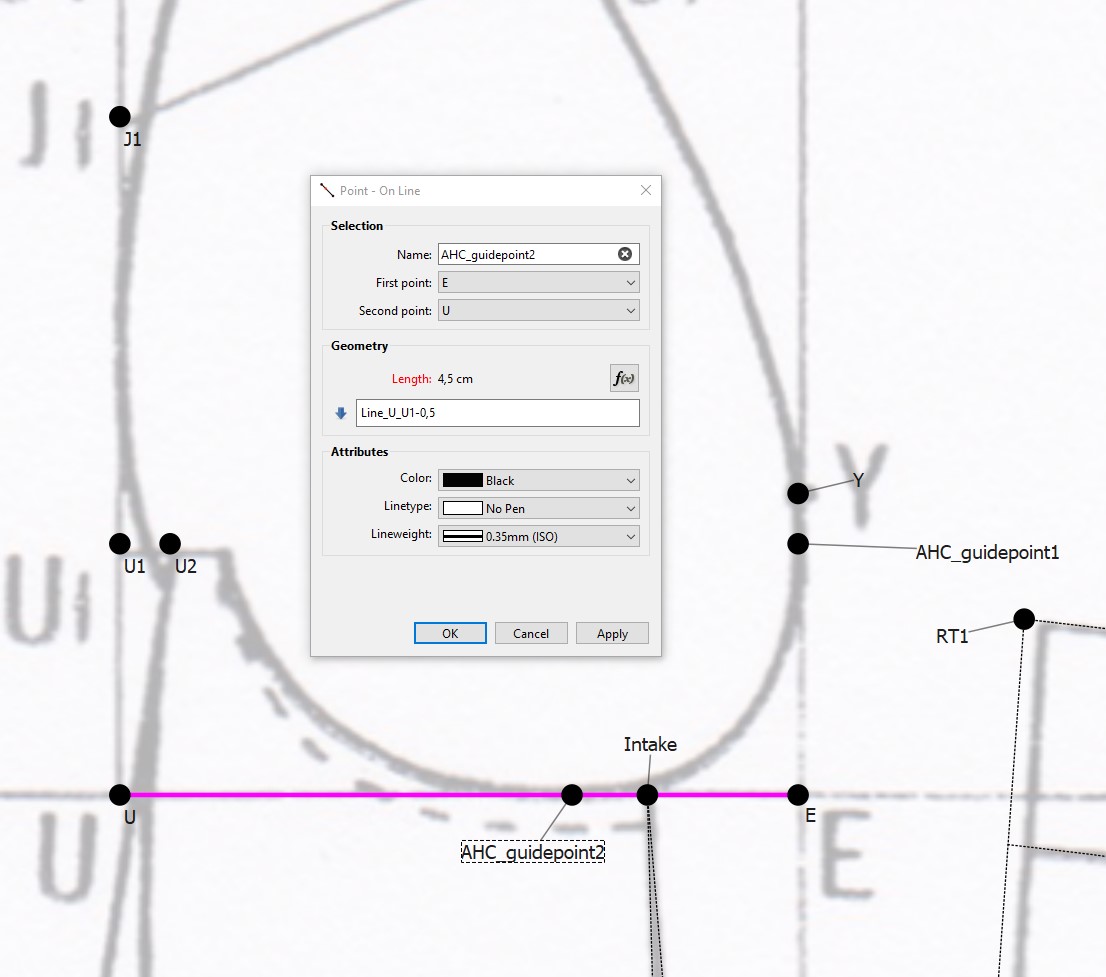
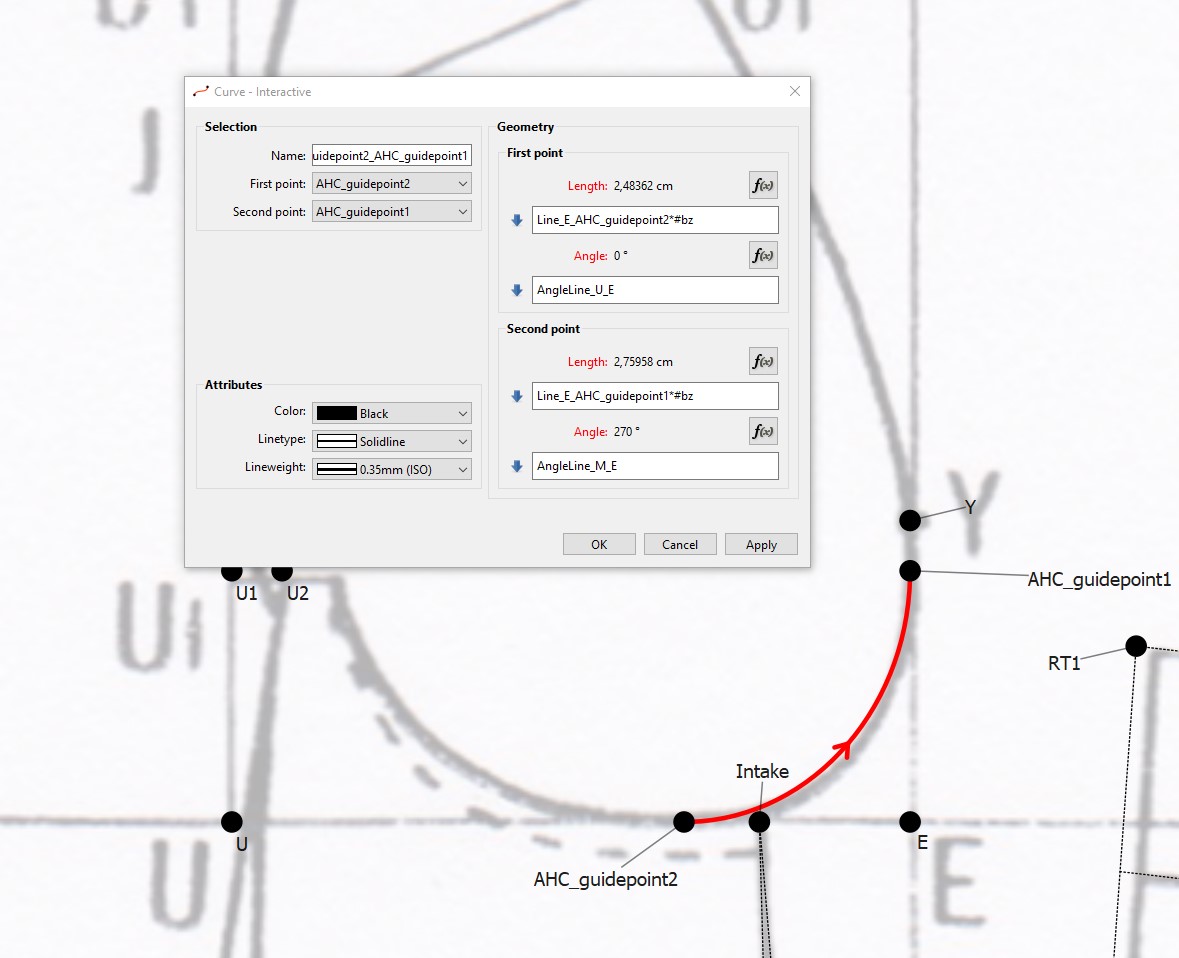
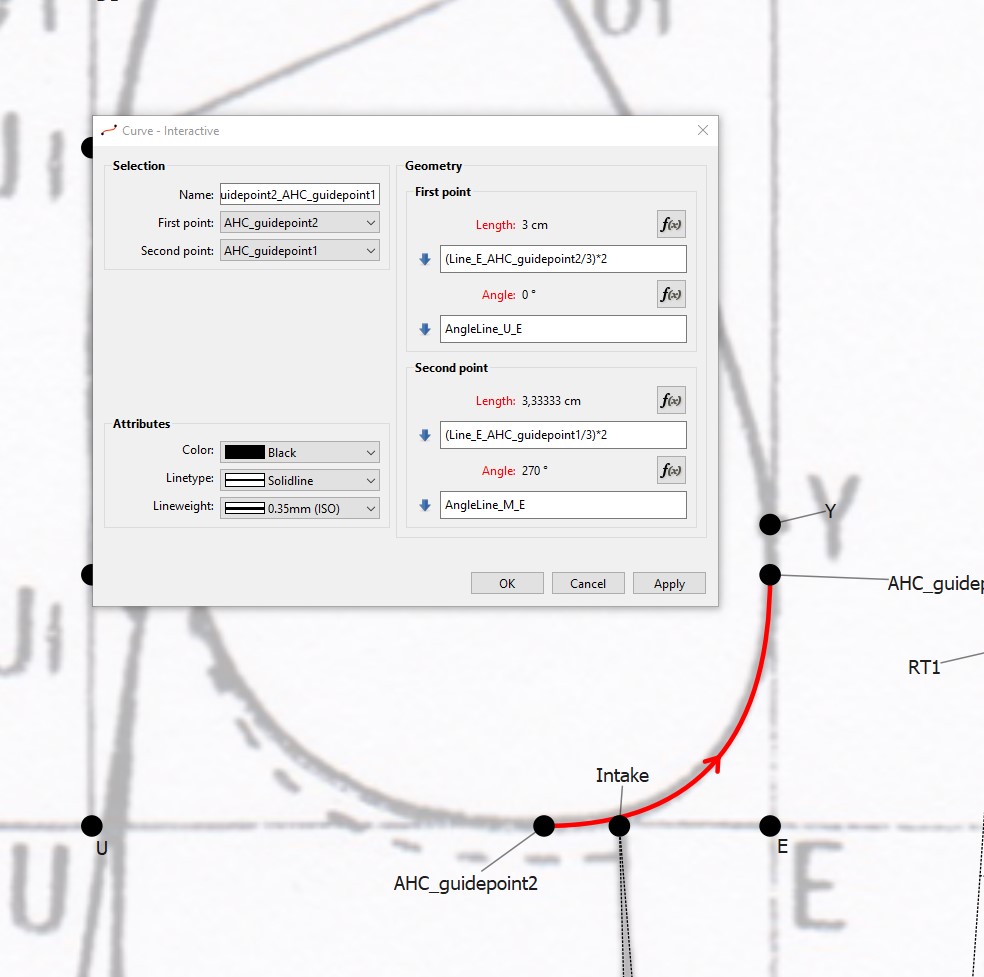
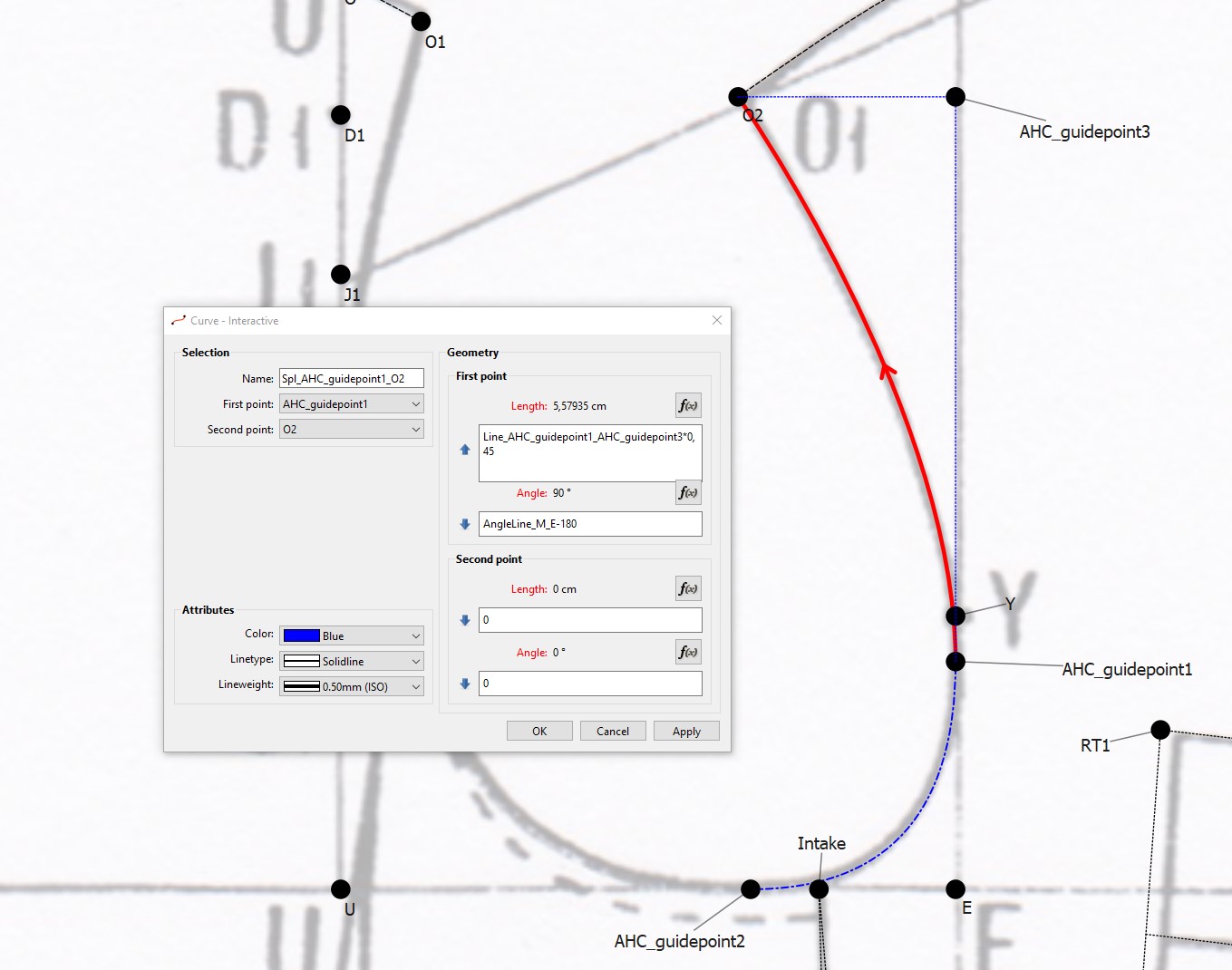
Here’s where I am currently with the draft, made to my best understanding of the system. These are all the points and lines that are explained in the drafting guide - rest of it is done “the usual way” or use “the usual measurements”.
Right now I am focused on the waist area (V1 - W) and how to determine the location of the side waist darts. Or mainly, how the second chest dart location would be determined and how their shape below the waist would be determined.
Also, I have not figured out yet how the skirt and side seam lengths are determined. All I know is they go through the points I1 and 5 (in the original drafting guide) or I5 and I6 on my draft. Then cross, using the points 3 and 6 in the original, or S1 and S2 in my draft. The length of the skirt itself seems to be full back length on the center back (A - H), but since the drawing includes side seam allowances, the actual drawn line does not match in length (also I assume there ought to be some allowance in the length anyways).
So what I’d really like to know right now are these two things:
**1) Is there are method to the madness of drafting the waist vents?
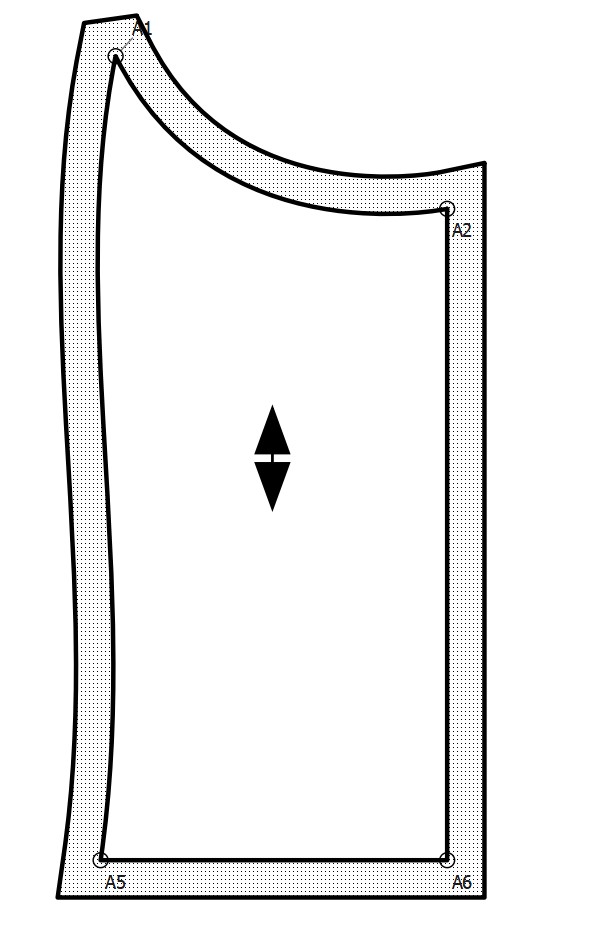
- How would I go about drafting the hem/skirt of the jacket? ** Also, I am planning of using this base layer just as a reference for making another draft on top of this WITHOUT seam allowances, so I can use Seamly to determine the final seam allowances, getting everything done in the same file without having to fiddle around with anything extra.
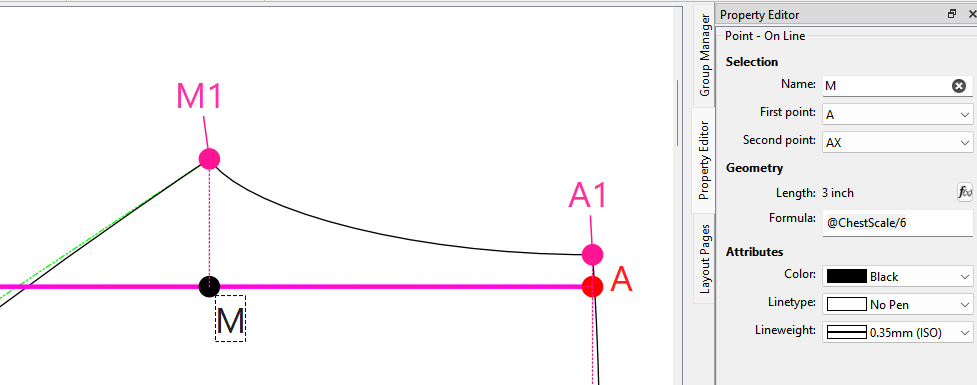
PS. Sadly there’s no option to just offset current lines it seems, so making the CF extensions requires some manual work in this.