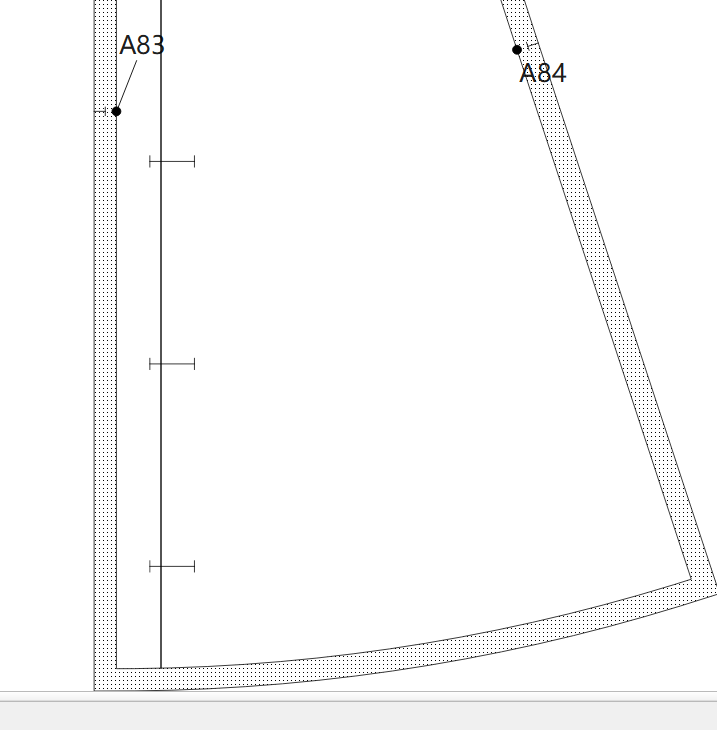
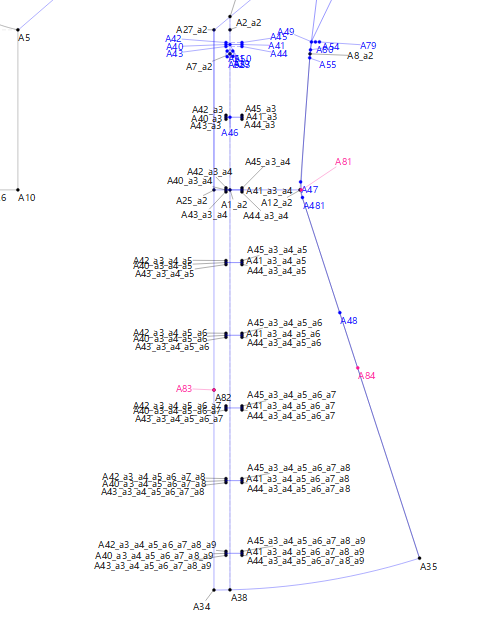
P1----Shows the “buttonhole” outlined using an internal path.
P2----Need to add 6 points for each individual buttonhole, then connect the lines.
P3—Finally, using the point-moving function, shift the six points in stages by a fixed, uniform distance; then, continue connecting the lines and adding internal paths.
The process of plotting buttonholes is incredibly tedious; is there already a feature for automatically arranging them?
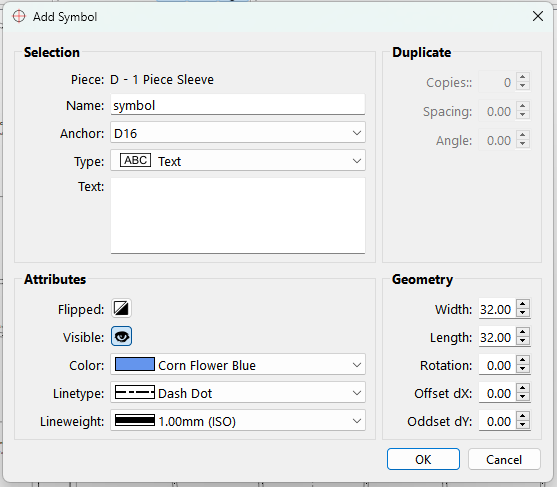
I also have a small suggestion: it would be great to freely add multi-paragraph text or sewing symbols on the pattern editing page (with support for custom fonts, font sizes, and icon dimensions). Options to highlight, bold, or color-code seam allowance outlines would be excellent. Combined with the ability to freely rotate and move patterns, this would make it possible to create perfect sewing tutorials that seamlessly integrate text and graphics!
Yeah… I know. I was thinkiing about that as I was fixing the labels in the DXF exports. Which BTW I’m going to finish that and get back to the multisize improvements.
It’s also another thing that bothers me about the fire at my shop… I no longer have a plotter to test and use Seamly with.