Hi everyone!
I’m a hobbyist pattern maker with some programming background, but definitely not a professional developer. Over the past few weeks I’ve been exploring Seamly2D’s codebase and ended up implementing two new features for the cubic Bézier curve tool that I think could be genuinely useful for everyday pattern work. I wanted to share them with the community — and hopefully connect with a developer who might help get them into the main program.
I’ll be honest upfront: I built this with help from Claude Code (an AI coding assistant). I wouldn’t have been able to do it alone. The math works, the features behave correctly in my testing builds, but I’m not confident enough to navigate a GitHub Pull Request on my own.
What’s new?
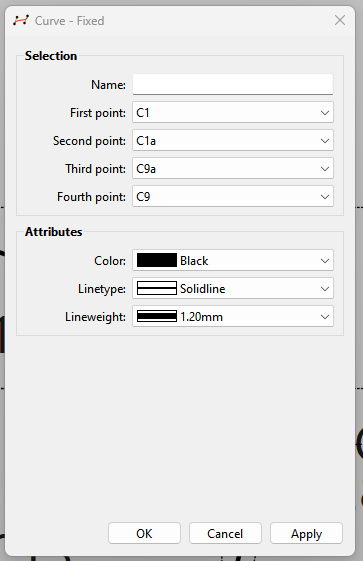
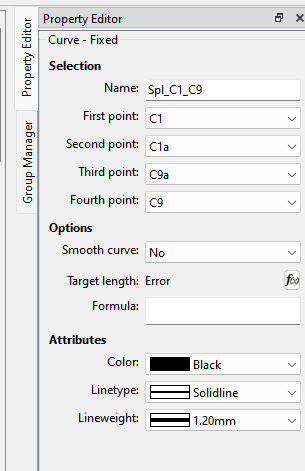
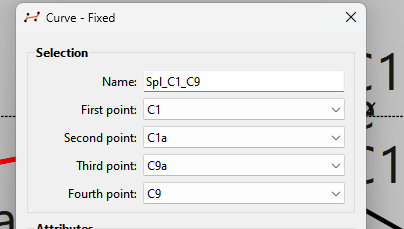
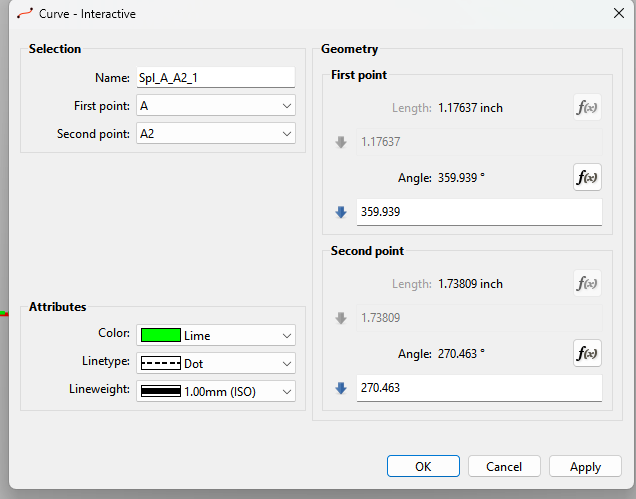
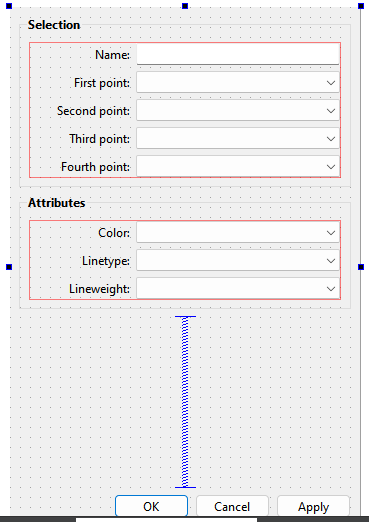
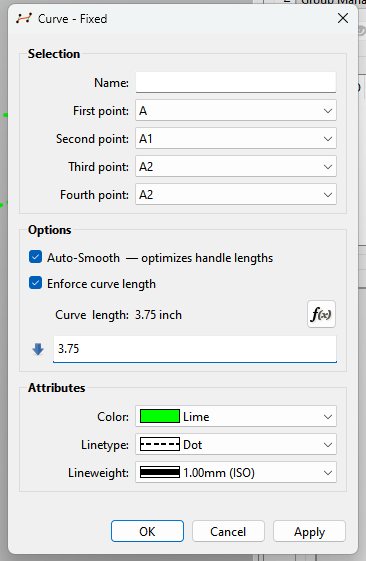
Both features appear in the existing curve dialog. nothing moves, no new tool to learn.
Checkbox 1: Auto-Smooth
Normally, drawing a smooth, natural-looking curve takes a lot of manual handle-tugging. With Auto-Smooth enabled, the program calculates the handles automatically using the Hobby algorithm — a mathematical method that produces curves with natural-looking tension, similar to what a skilled drafter would draw by hand.
What this means in practice: Place your points and the handle-angles, check the box — the program fairs the curve for you.
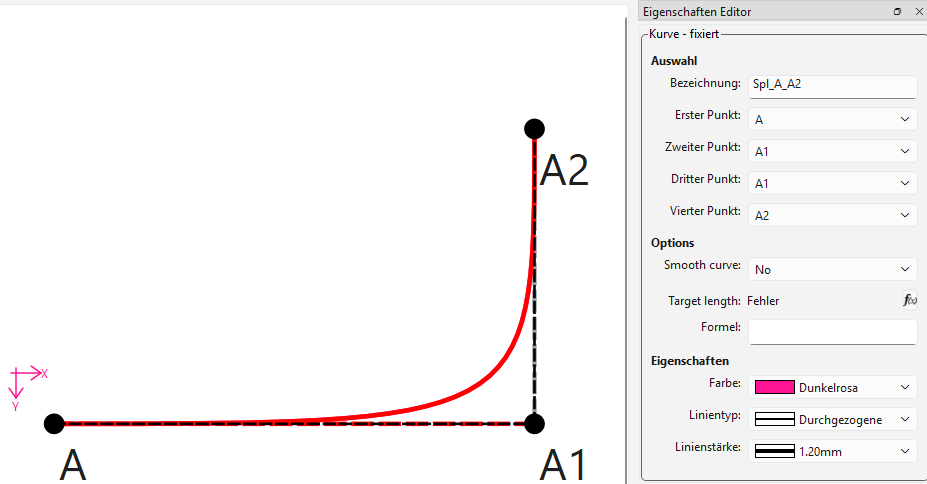
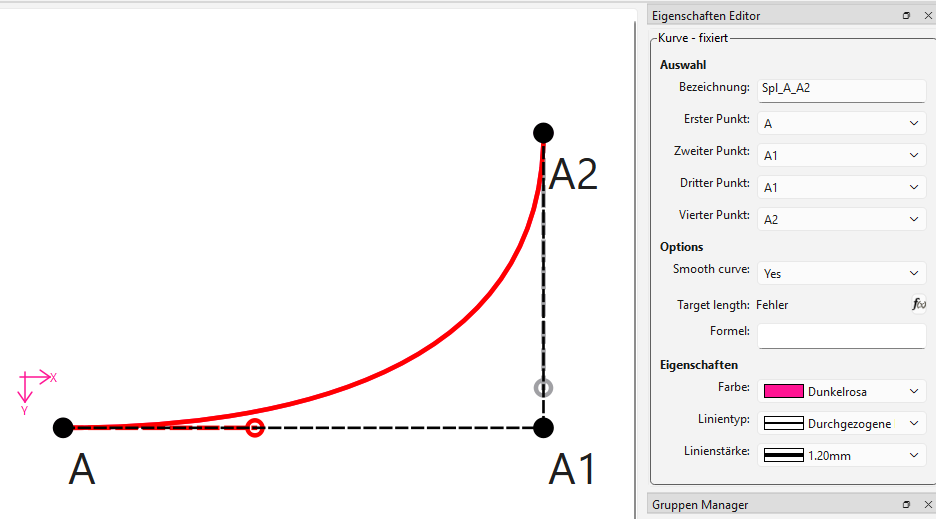
(before/after comparison — manual handles vs. auto-smooth)
Checkbox 2: Force Length
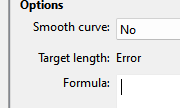
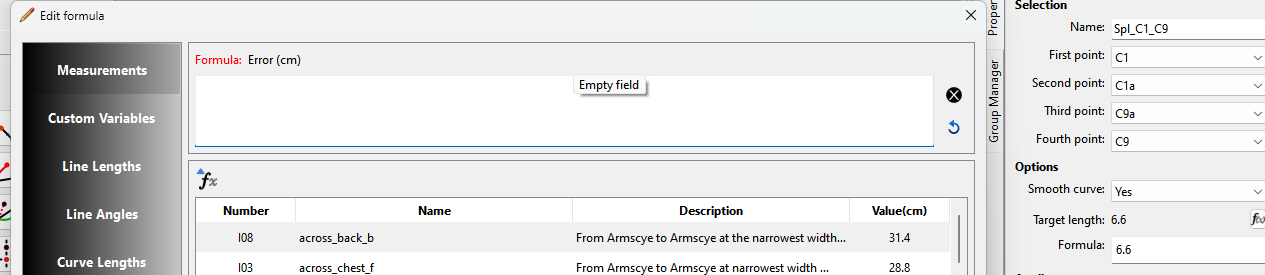
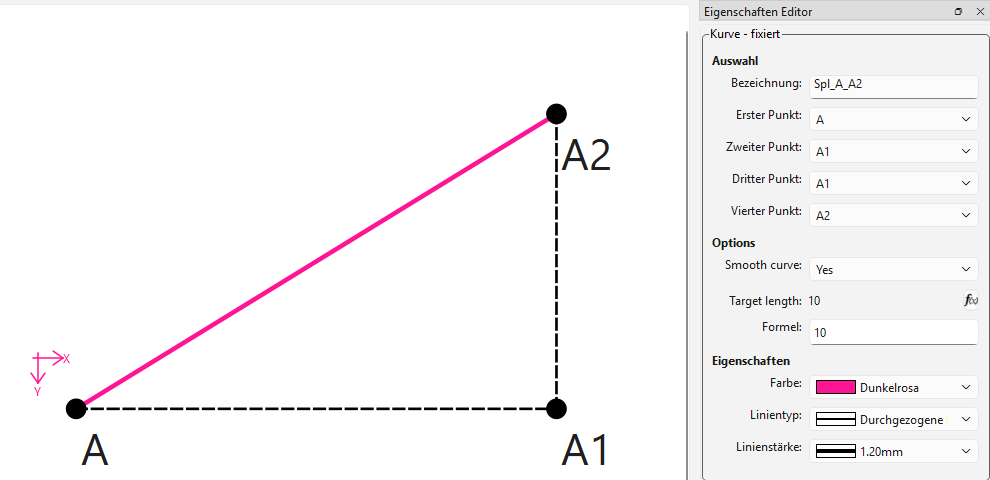
This lets you enter a target arc length for the curve. The program then automatically adjusts the control handles so the curve’s actual measured length matches what you typed.
What this means in practice: Useful when you need a seam to be a specific length — for example, to match a bodice side seam to a sleeve seam of a known measurement. Draw the curve between your two points, type in the length it needs to be, done.
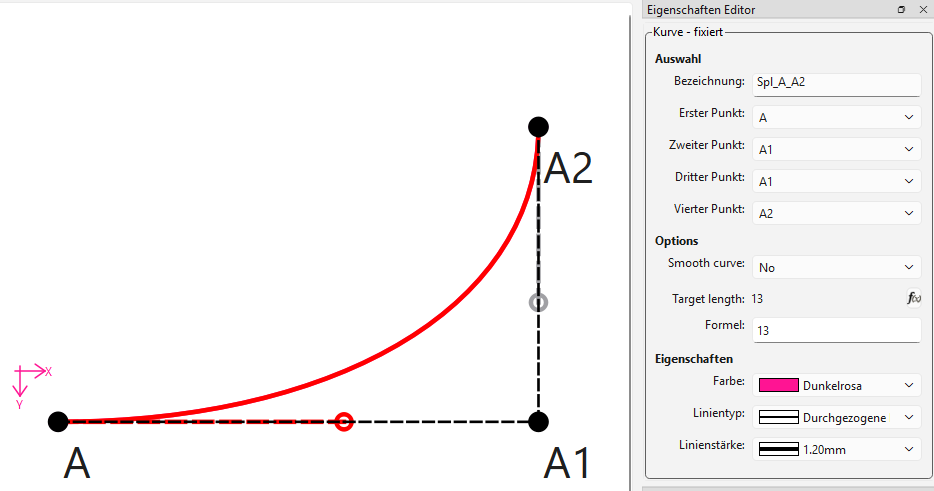
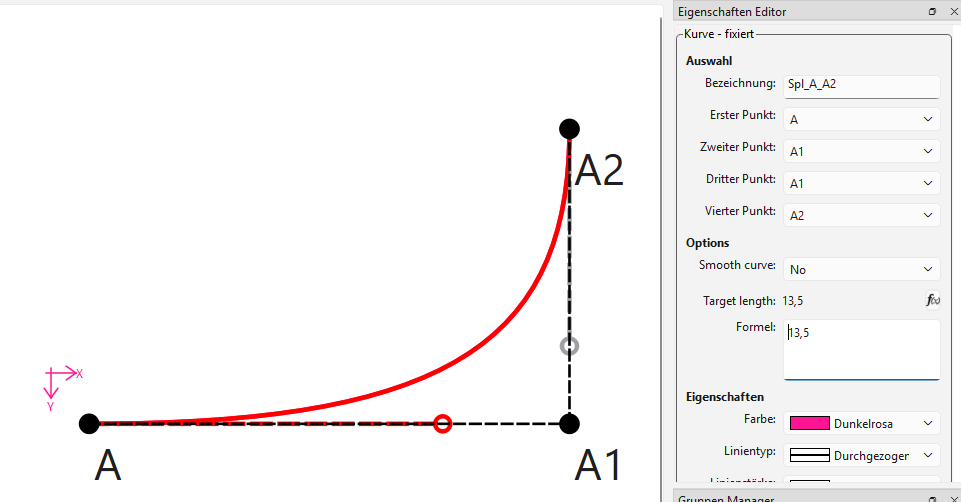
(Curve with target length field filled in)
(Fallback)
Combining both
The two checkboxes work independently or together — giving four modes:
| Auto-Smooth | Force Length | Result |
|---|---|---|
| ☐ | ☐ | Standard Bézier (unchanged behavior) |
 |
☐ | Automatically faired curve |
| ☐ | |
Your shape, exact length |
|
|
Auto-faired curve with exact length |
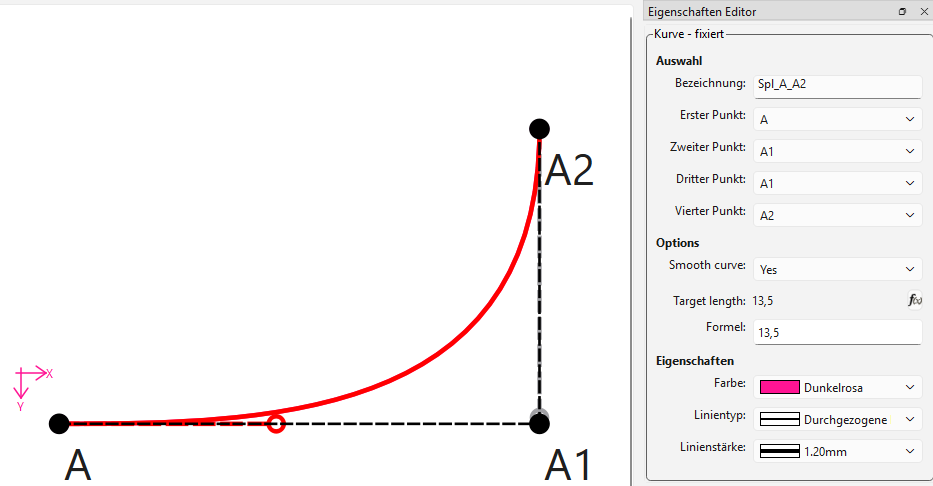
(combined features)
For developers: the code
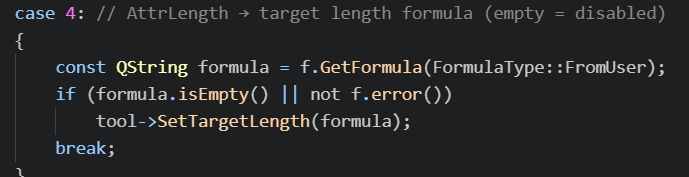
The implementation lives entirely inside the existing VToolCubicBezier — no new tool was added, just two optional modes. (And yes, I learn the hard way: messing with the enums is a literall nightmare). The arc-length solver uses a secant method (fast convergence), the Hobby algorithm follows the standard velocity formula.
The feature branch is available here:
https://github.com/Odrnorn/Mirror-Seamly-2D/tree/feat-enhanced-cubic-bezier
It’s based on Seamly2D’s develop branch and contains 16 commits touching 27 files.
Note: My original development was done on Qt 6.11.1 (a newer version than Seamly2D currently uses). The feature branch was prepared by cherry-picking only the feature-relevant commits onto your develop branch, excluding my personal Qt upgrade and a Windows deploy script. A few merge conflicts came up during that process and were resolved manually (mainly a vabstractapplication.cpp translation-loader conflict, kept your version; and xerces-c library headers that got dragged in and were cleaned out). I haven’t been able to build-test the result against the current Qt Version — so a developer review for any compatibility issues would be very welcome.
I’d love to hear whether these features are useful to others — and if any developer would be willing to review the code and either submit a PR or guide me through doing it myself. I’m happy to answer questions, record more demo videos, or adjust anything that doesn’t fit the project’s standards.
Thanks for reading!