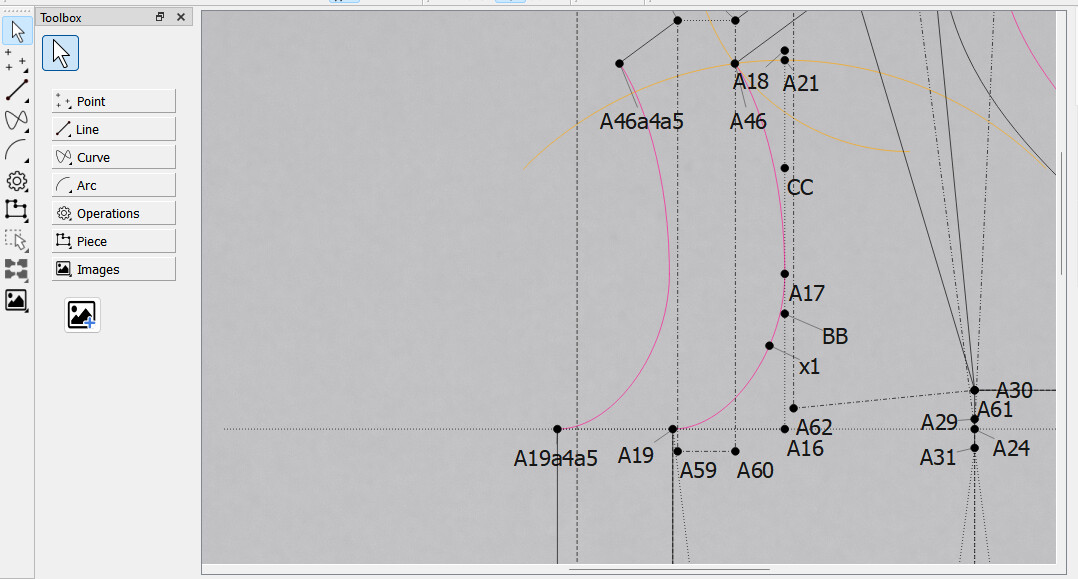
While testing out a build I used the new Import Image tool to load what was a simple Grey paper background… hmmm I thought. For anyone wishing to change the background color of their Draft mode screen - just load a large single color image. Not quite Dark mode… but it helps. 
Could this be implemented with Qt’s default functionality? The eye strain is quite severe when having to make something for several hours.
I was looking to make a suggestion for this when I found your post.
No. I have a branch that I need to push that will add the background color option. It’s kind of temporary fix until we can add a real “dark” mode - which I don’t want to do until we migrate to Qt6 whch handles darkmode better.
The mirgation wuld be great
I just rebased the background color brach and I’m going to submit a PR. Probably won’t show until next week’s build.
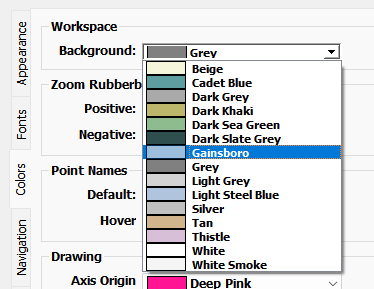
Again it’s not a total fix for a darkmode, but it can reduce the glare of a white workspace scene. There’s a seperate set of colors that are not used for the draft tool points, lines, curves, and highlights to somewhat avoid the same color for both.
This will be available on the development branch?
It’s already been merged. There’s currentrly an artifact, and it will be in next monday’s release.
Or in “normal” English: If you go to the Releases page on Seamly’s GitHub, it’s available now as a pre-release.

I’m a software engineer myself but relevant for non technical people