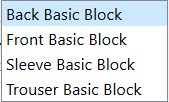
Is there a way for me to merge all my draft block into 1
2 Likes
With some careful manual editing of the pattern file… yes you could cmbine the draft blocks into 1.
2 Likes
How can i do that please? Can you please elaborate more on it
2 Likes
You would have to combine each of the draft block sections into each respective block…that is the < calculations > , < modeling >, < pieces > , < groups >, and .
BUT this would create multiple basepoints and unknown behaviors… without connecting each draft block to some other point in the 1st block rather than the block’s basepoint. Not an easy task without understanding the document structure.
2 Likes
Can i send you the draft file for you to help me combine it, i will appreciate if you can help with a step by step process on how you do it
2 Likes
Hello, @Latifah_Omolola
If you send your pattern and measurement files, I’ll do iit for you.
1 Like
Just beware that wthout replacing the additional basepoints with some other type of point, the behavior of the app will be unpredicable.
2 Likes
Size 10 (M) Blocks Duplicate.sm2d (42.2 KB)
Size 10 (M) Women.smis (11.4 KB)
Here is the file with measurement, thank you so much, i will appreciate a guide on how you were able to do it so that i can do it myself in future
1 Like
It’s quite complicated. I don’t think I’m up to a guide as well after 4 hectic, long days of work. Even just putting them onto 1 draft board is proving a challenge for me today.
I’ll do the pattern once my personal batteries have been restored, and send the pattern back.
1 Like
Oh ok, no problem thank you in anticipation
2 Likes
Size 10 (M) Blocks Duplicate.sm2d (41.4 KB)
I have removed all of the draftblock breaks between the pattern pieces, but I haven’t created connections between the pattern pieces. This way, you can still drag the pattern piece around and place it where ever you want to. Just remember to use the History to insert objects connecting the pattern pieces and to connect any lines from the Base points to the object and delete the Base point once you have updated all of the formulas, etc.
2 Likes
Wow Thank you so much @grace, i do appreciate it. i’ll check it and revert
2 Likes
Hi grace, do you mind explaing how you were able to merge it please? I’m curious to know
2 Likes
It isn’t difficult. You need to open the pattern in a text editor and remove all the partitions between each draft board.
First, you need to delete all pattern pieces, images, groups, etc. so that they can’t get in the way. Just leave the place-holders for them at the end of the file.
Then you just delete the sections where the one draft board ends and then next one begins.
Save that to a new name and test it by trying to open it. If you get an error, something went wrong and it’s best to try again until you get it to open without errors.
2 Likes
hmmm, this explanation itself is difficult for me 
Firstly, what is text editor?
2 Likes
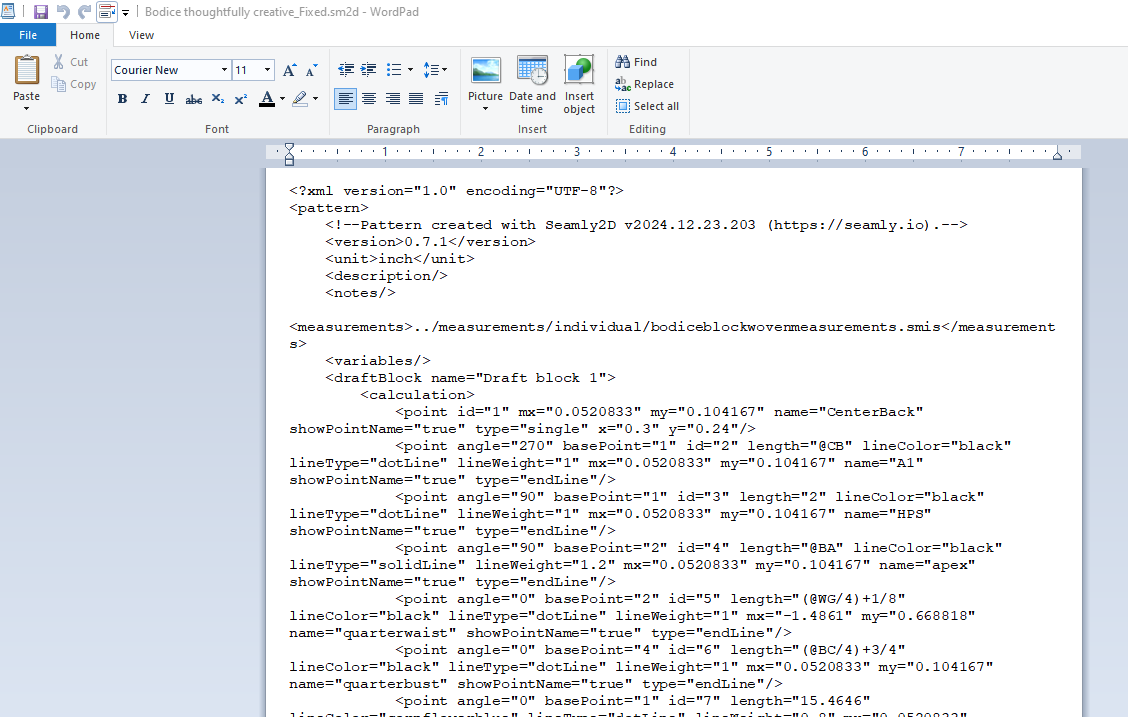
A text editor is a basic word processor… like NotePad or WordPad. Since the pattern and measurement files are stored as XML files - rather than binary - we can read and edit them with a text editor. Here’s a pattern in WordPad
Same file opened in the Atom text editor that I use for programming:
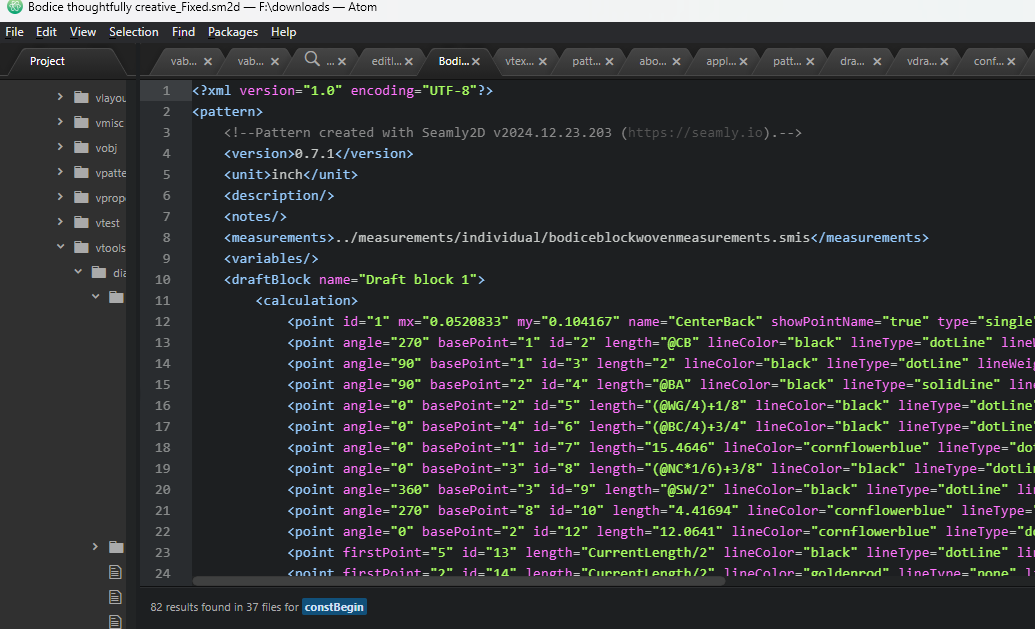
Both can edit text, but have a completety different function from one another.
4 Likes
Wow, thanks for the explanation Douglas, i think it’s clear to me to an extent. let me try and revert. Thank you once again.
2 Likes