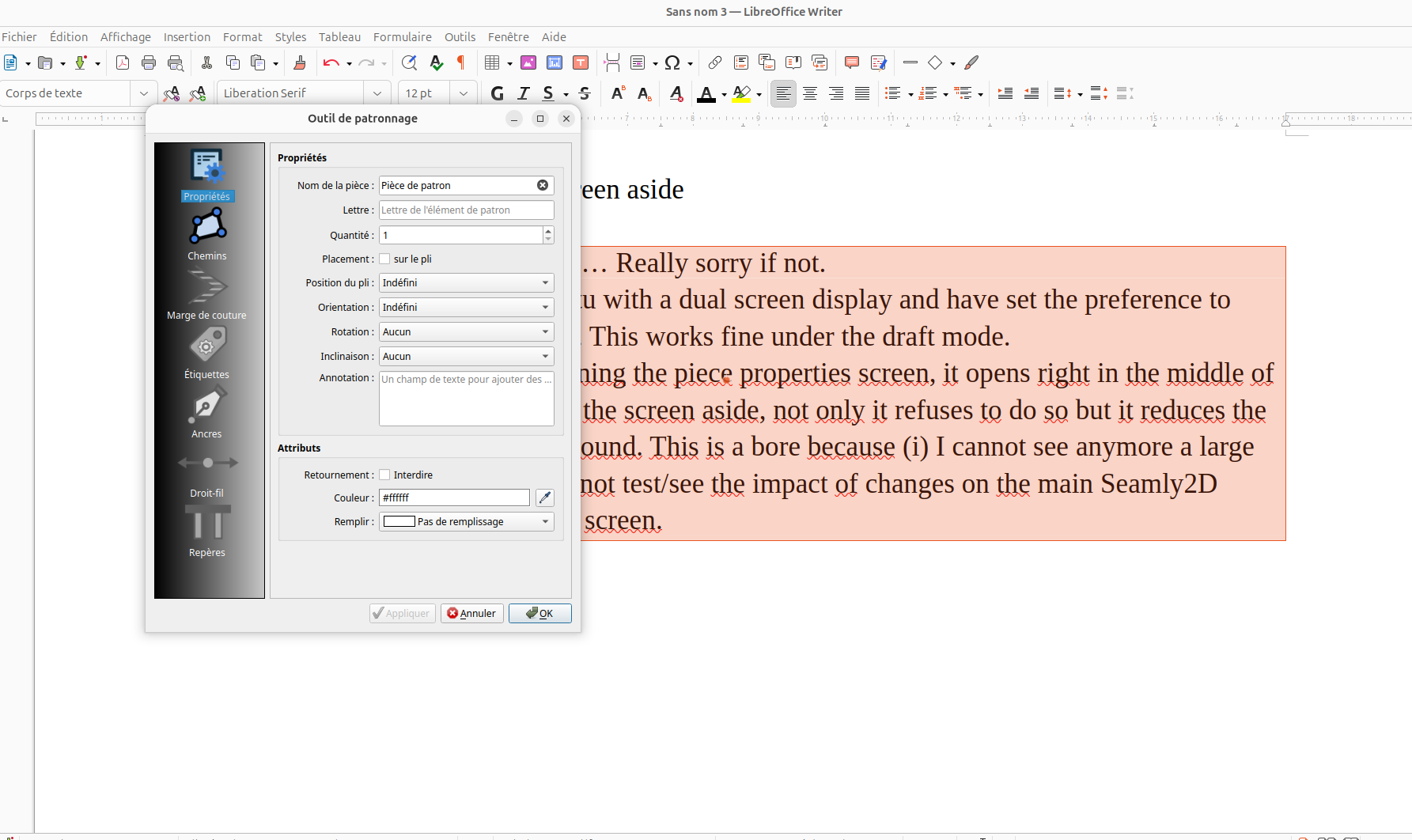
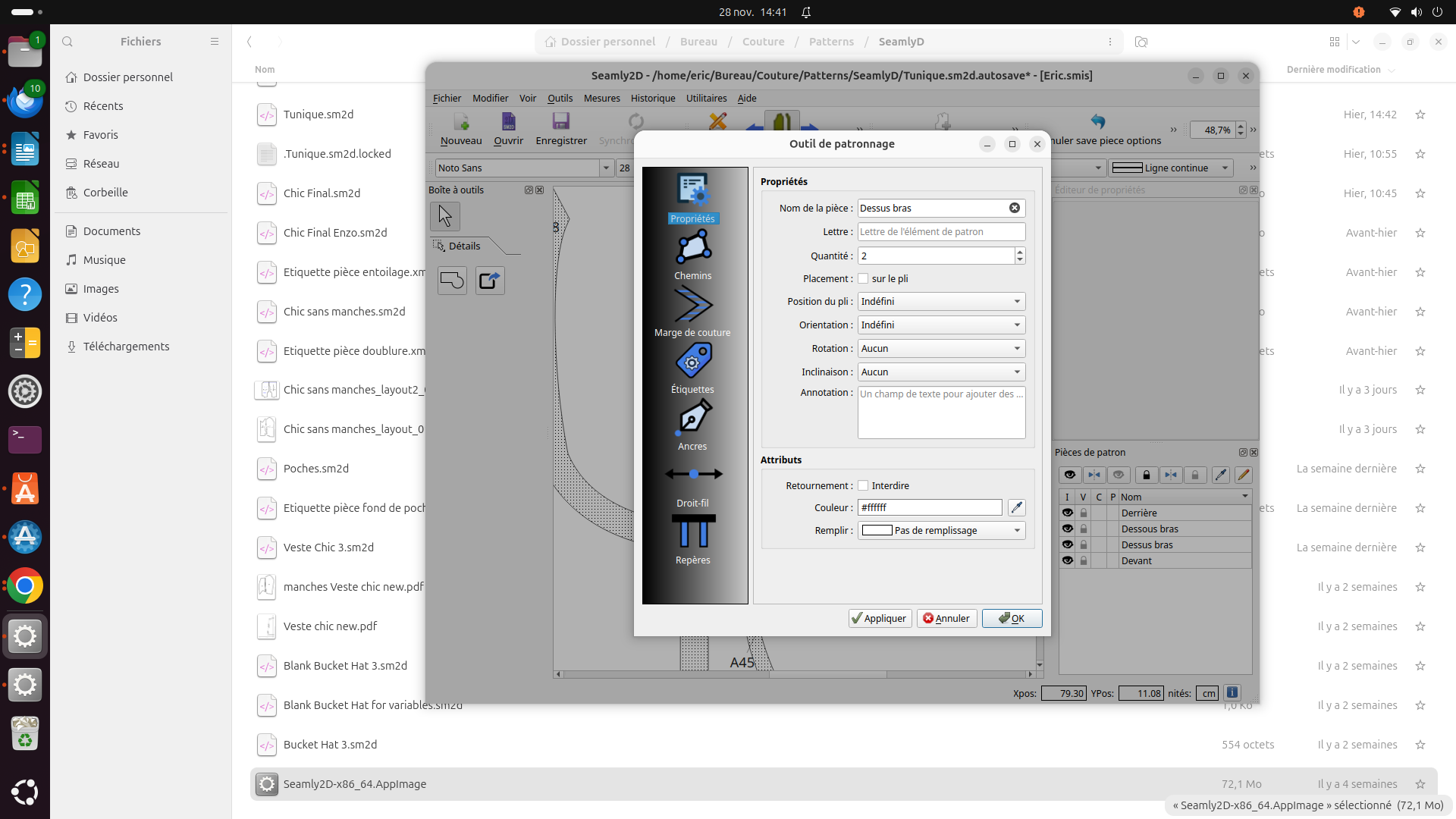
Don’t know If I use the proper topics… Really sorry if not  I am using the AppImage with Ubuntu and a dual screen display. I have set the preference to open the dialogue on the 2nd display. This works fine when on the draft mode.
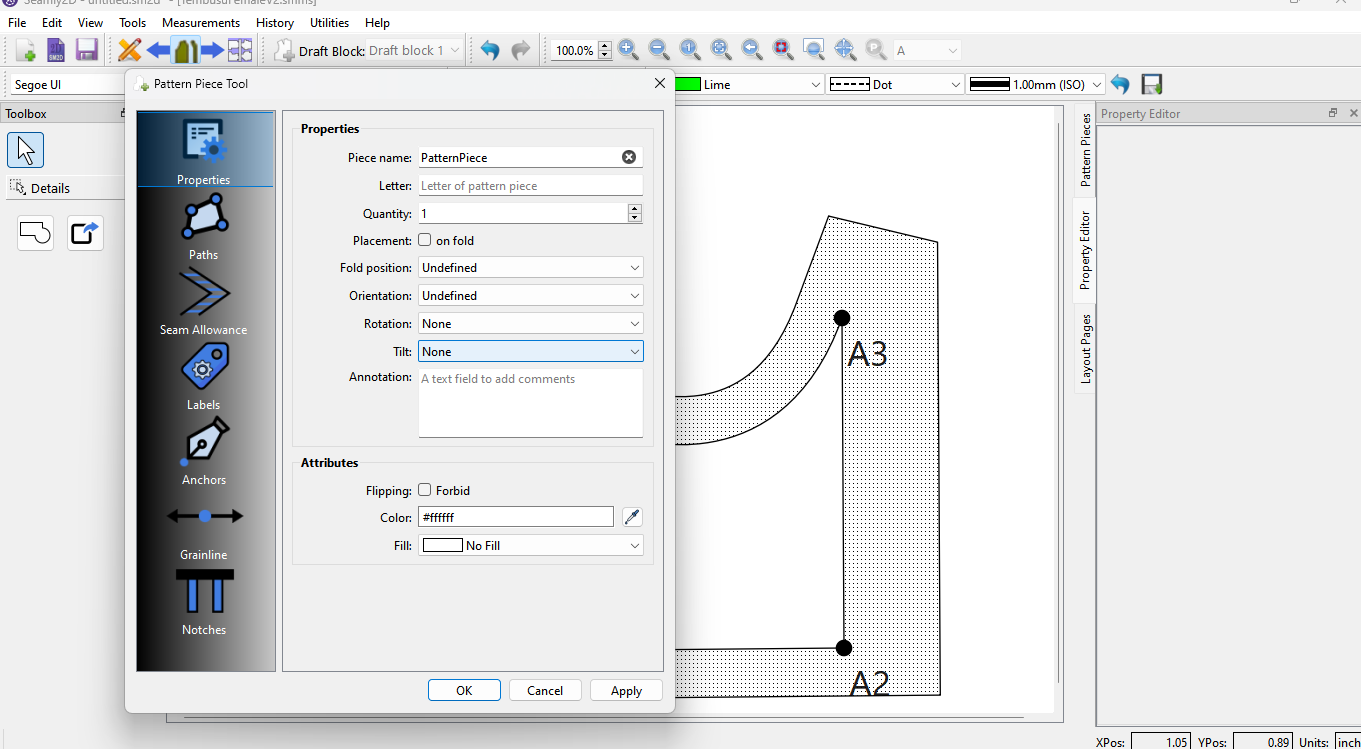
When on the pattern piece mode, opening the piece properties screen, it opens right in the middle of the main display and If I try to move the screen aside, not only it refuses to do so but it reduces the seamly2D main screen in the back ground. This is a bore because (i) I cannot see anymore a large part of the main screen and (ii) I cannot test/see the impact of changes on the main Seamly2D screen without closing the properties screen.
Is it normal ? Have I missed something?
![Capture d’écran du 2025-11-28 14-48-14|794x777]
(upload://ct5kIMVLgmtVCJYEH1hk8BpG91U.png)
I am using the AppImage with Ubuntu and a dual screen display. I have set the preference to open the dialogue on the 2nd display. This works fine when on the draft mode.
When on the pattern piece mode, opening the piece properties screen, it opens right in the middle of the main display and If I try to move the screen aside, not only it refuses to do so but it reduces the seamly2D main screen in the back ground. This is a bore because (i) I cannot see anymore a large part of the main screen and (ii) I cannot test/see the impact of changes on the main Seamly2D screen without closing the properties screen.
Is it normal ? Have I missed something?
![Capture d’écran du 2025-11-28 14-48-14|794x777]
(upload://ct5kIMVLgmtVCJYEH1hk8BpG91U.png)

Is it only in Seamly2D that you cannot move sub-windows from the center of their parent? Or is it in all programs, but you just had a reason to notice in Seamly2D? I assume, from a similar problem that I had, that it’s the later.
It’s been a minute since I’ve used Ubuntu, but you should be able to find a settings tweaks program in the apps repository. I think I actually had two, & only one of them showed the setting. You want to find the setting to unlock the sub-windows from their master-windows. I’m sure there’s also a way to do it by manipulating the actual text file containing the settings, but I assume you’d rather leave that can un-opened at this time.
ETA: I have nothing to say about using multiple monitors. Maybe someday.

First… question… are you using a current version?
I have no issue with the Windows ver… here’s my main screen with Seamly2D:

and the second monitor (with the forums) with the Pattern Piece dialog free to move around:
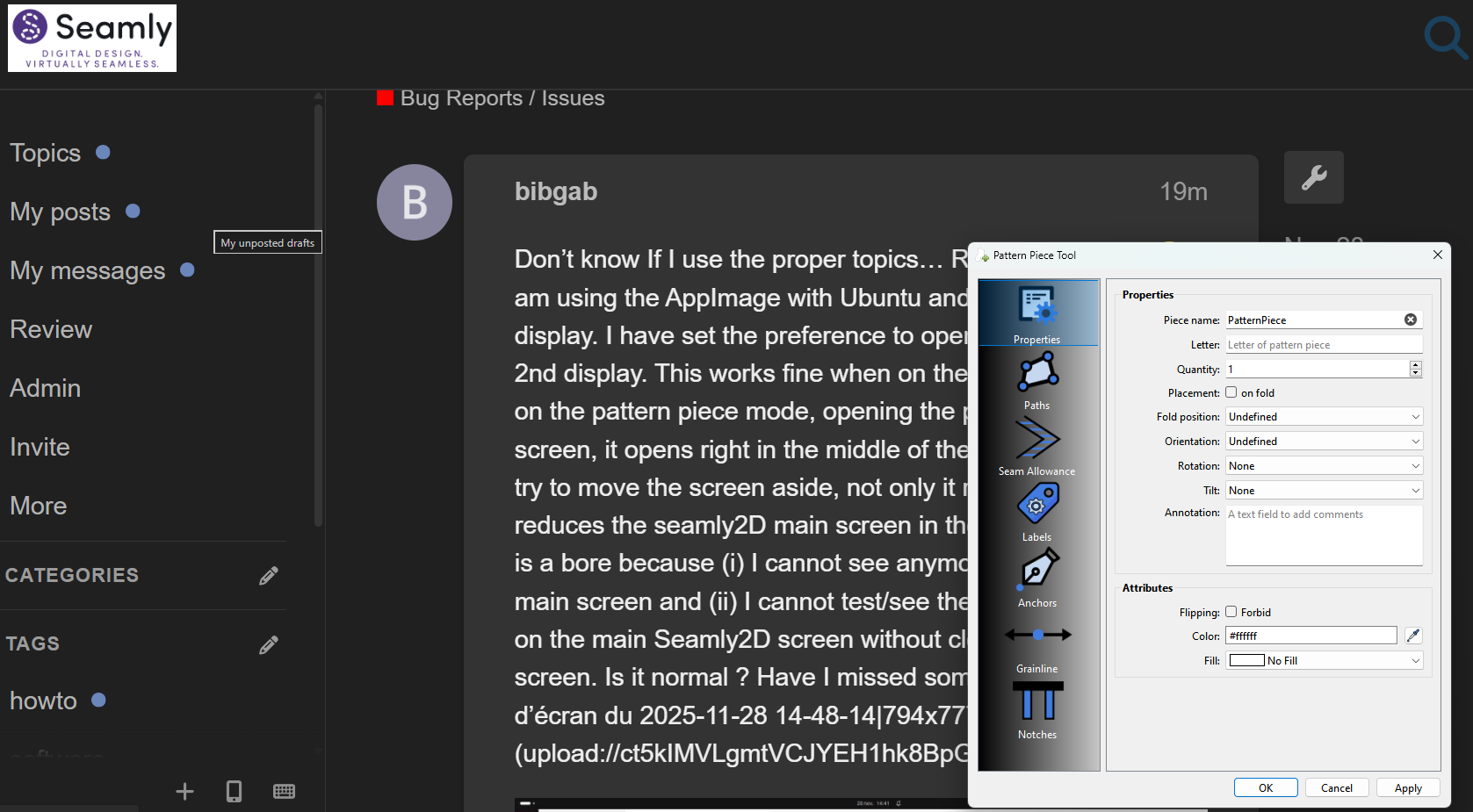
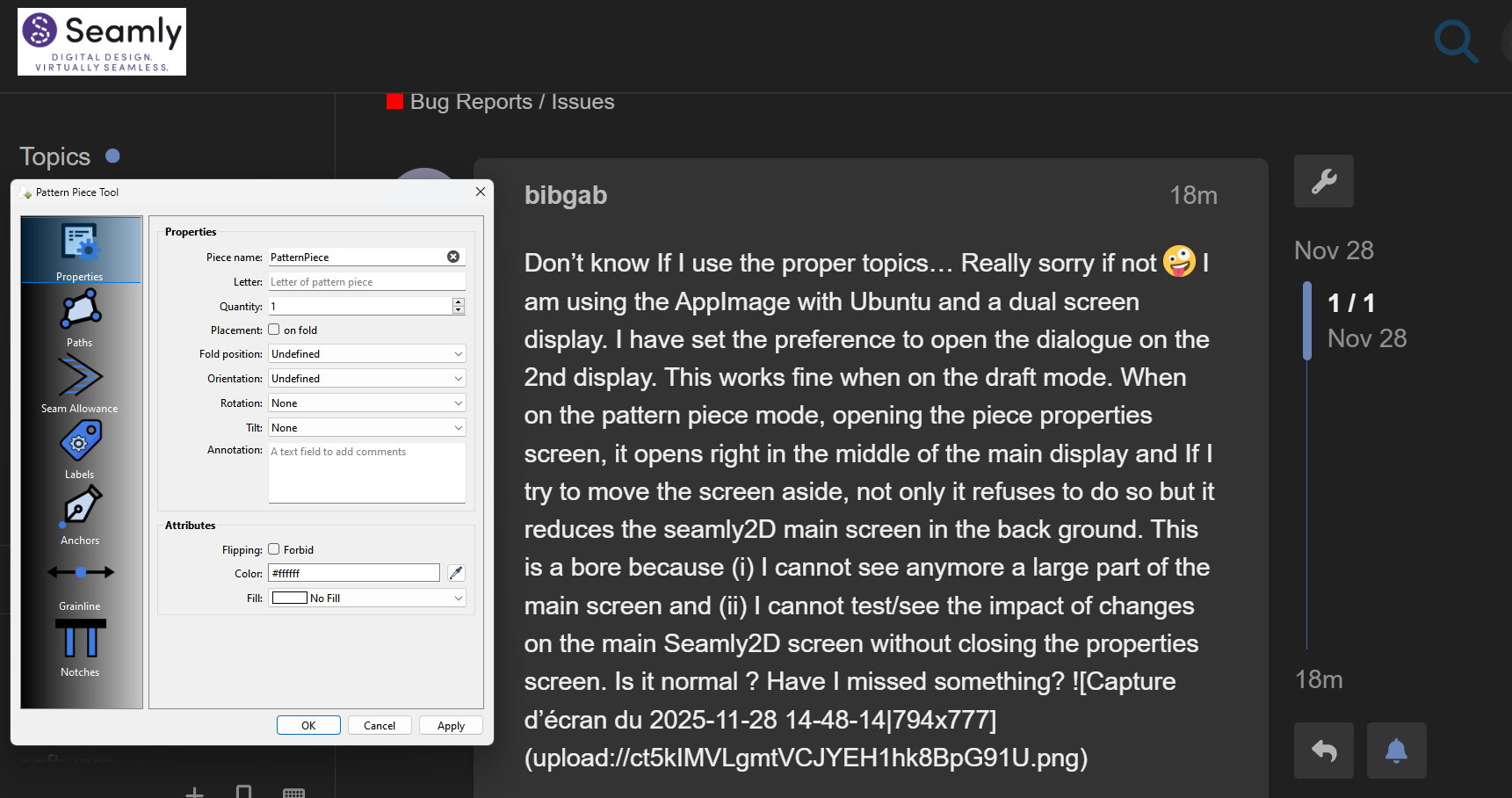
In fact I can move it (back) to the Seamly 2D screen if I want:
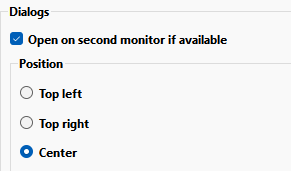
Of course if I close and reopen it, it’s going to be centered on the second monitor as that’s what the prefs are set at.
Anyone else running the Appimage having the same issue?
Hmmm… Why would only the Pattern Piece dialog be affected? It’s a modal dialog like all the other tools… but not the History and Variables table.
I can’t live with out it now. Although it does catch me off guard sometimes when something opens on the 2nd monitor - like a file dialog… and I can’t figure out where the dialog is until I Iook at the 2nd monitor. 
Yes. Judging by the pictures shown & the lack of words saying that other sub-windows do move around, I’m assuming that it just hasn’t come up but is actually affecting more.
First, tks for looking at it. I am facing this issue only with Seamly2D. I am using the Seamly2D-x86_64.AppImage that I downloaded less than a month ago.