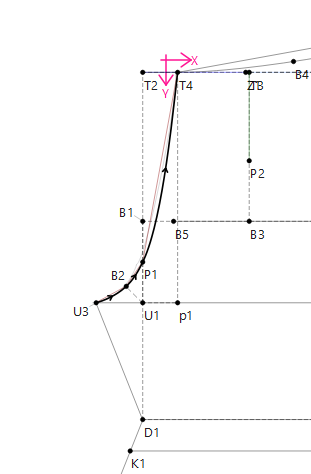
Hello! I have a question about creating notches/ passmarks on a spline. On my pattern piece I have a spline going through the points: U3,B2,P1,T4. I wanted to add a notch where the P1 point is.
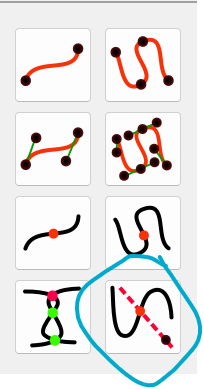
I tried following the post on adding notches on curves but it doesn’t seem to be working for me.
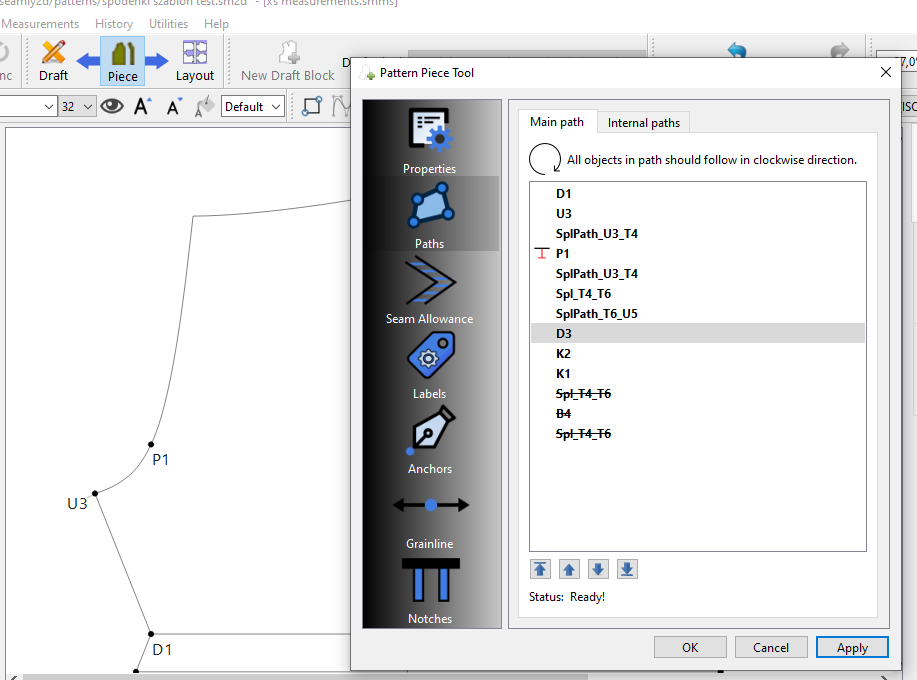
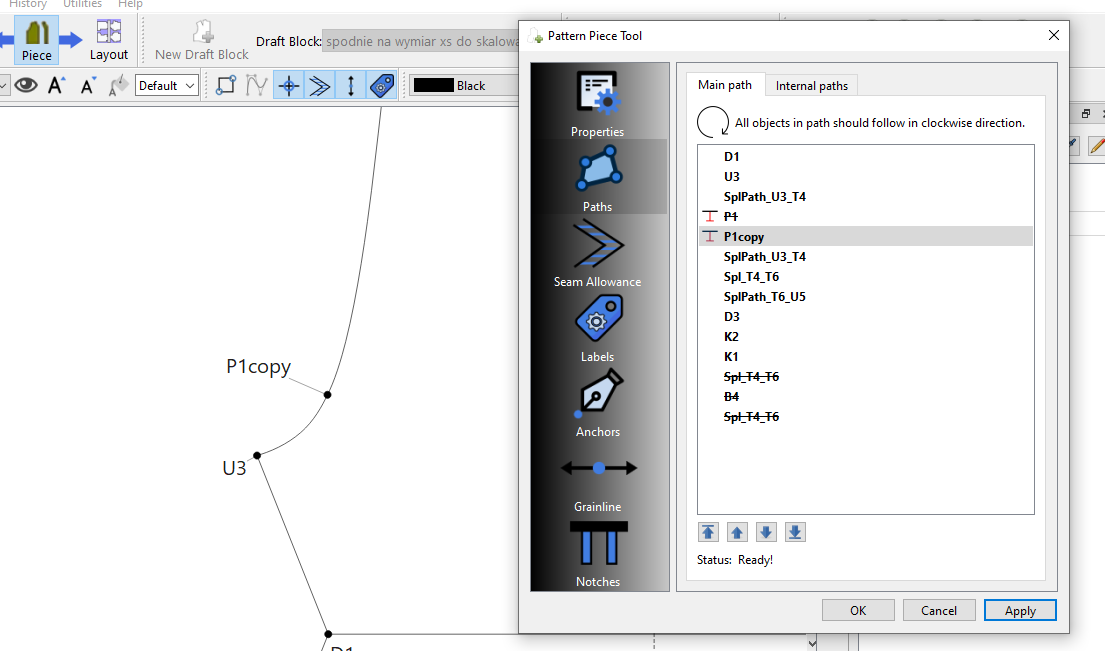
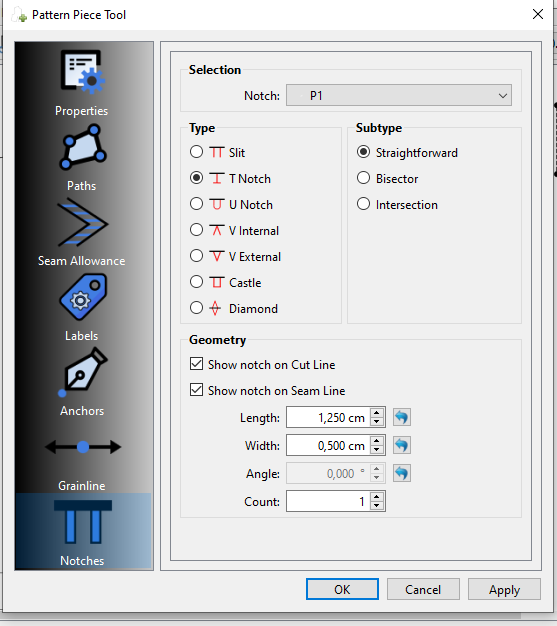
I added P1 into the main path, turned it into a T-notch and duplicated the spline. And now, even though the point is in a correct position, the notch isn’t visible.
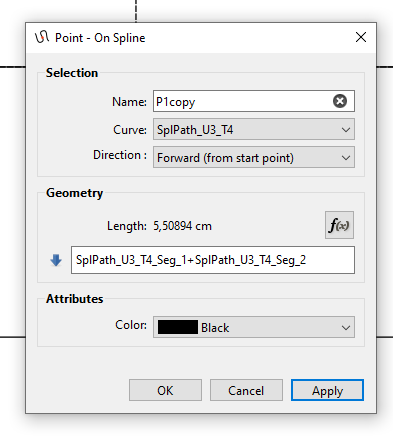
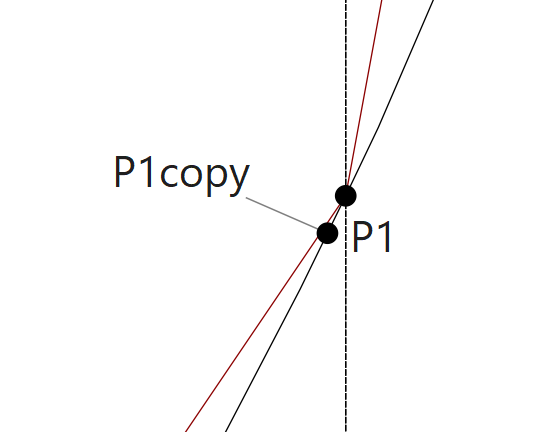
So I tried creating another point on the curve in the same place as P1, but I ran into even more issues. The first thing i noticed is that the new point I created (P1copy) is not in the exact same place as P1.
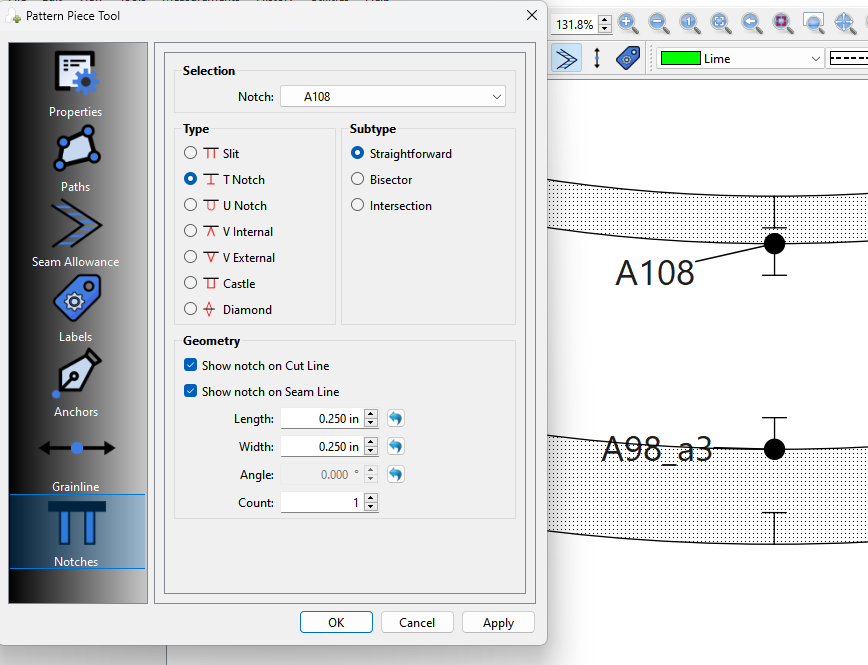
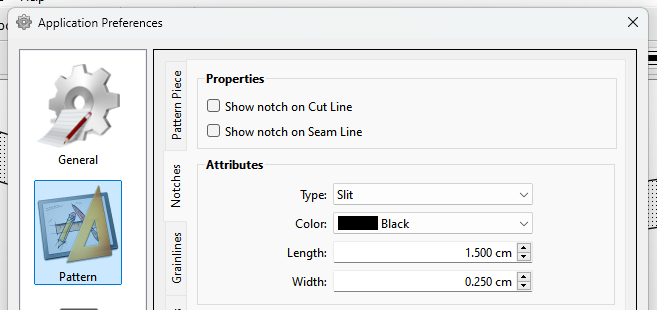
You might also want to check your preferences to see what the notch prefs are set at. For ex this has unchecked the notches on the cut & seam line… i.e. No notches will show:
Problem solved! Thank You everyone for your replies!
I checked the notches’ preferences and realized that there might be an issue with the lack of seam allowance in my pattern ( I needed to draft it this way for an experiment )
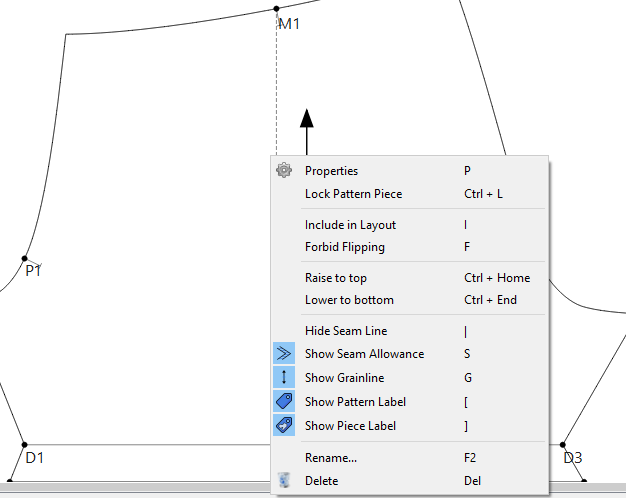
I didn’t see the notches because the show seam allowance option was set to off. Now that it’s on all the notches are visible. It was a kinda specific situation so hopefully anyone who makes pieces with seam allowance won’t have the same problems.