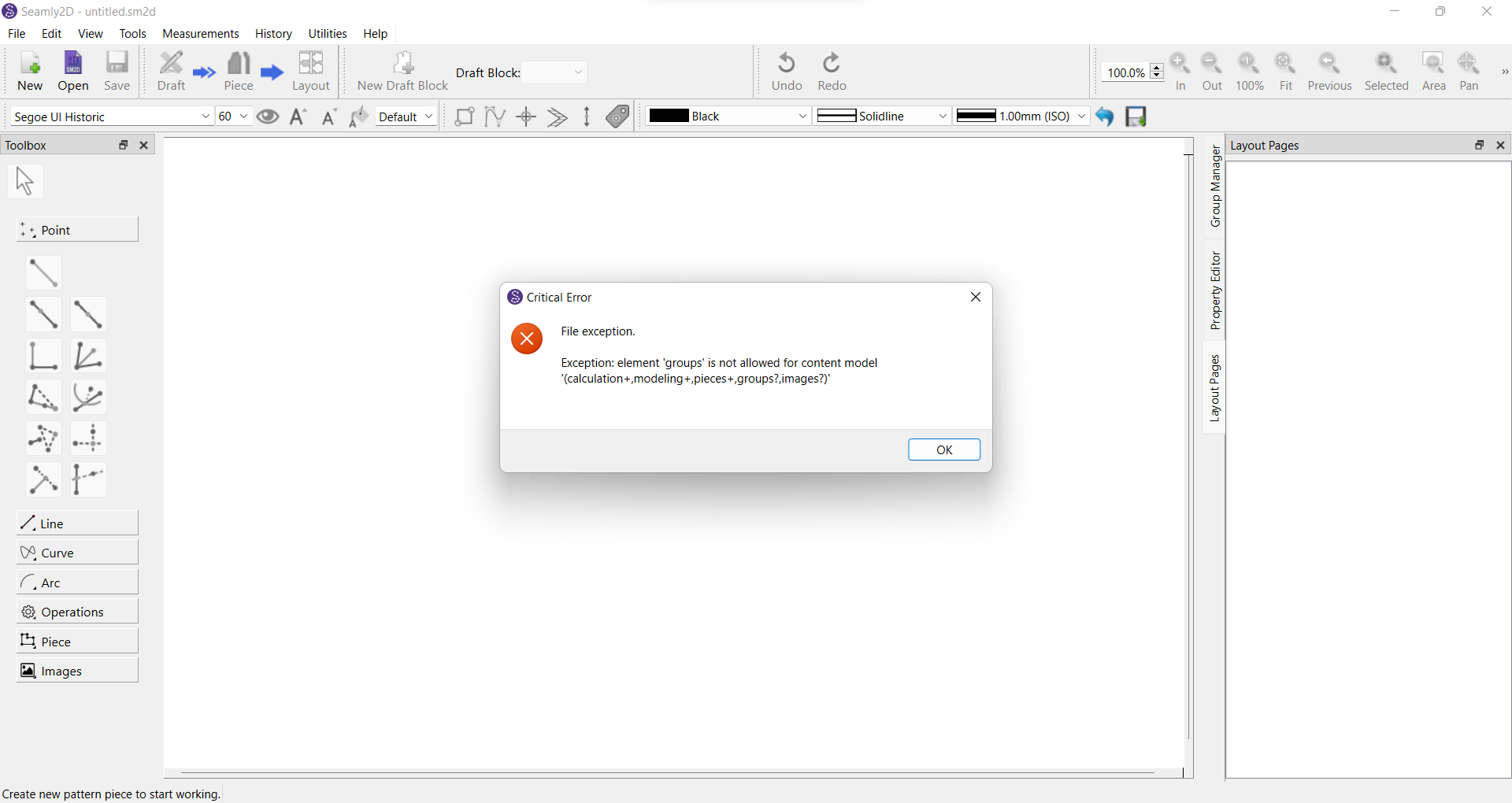
Can someone please help[ me, i tried to open a pattern sent to me by my friend but i’m unable to open it from my end
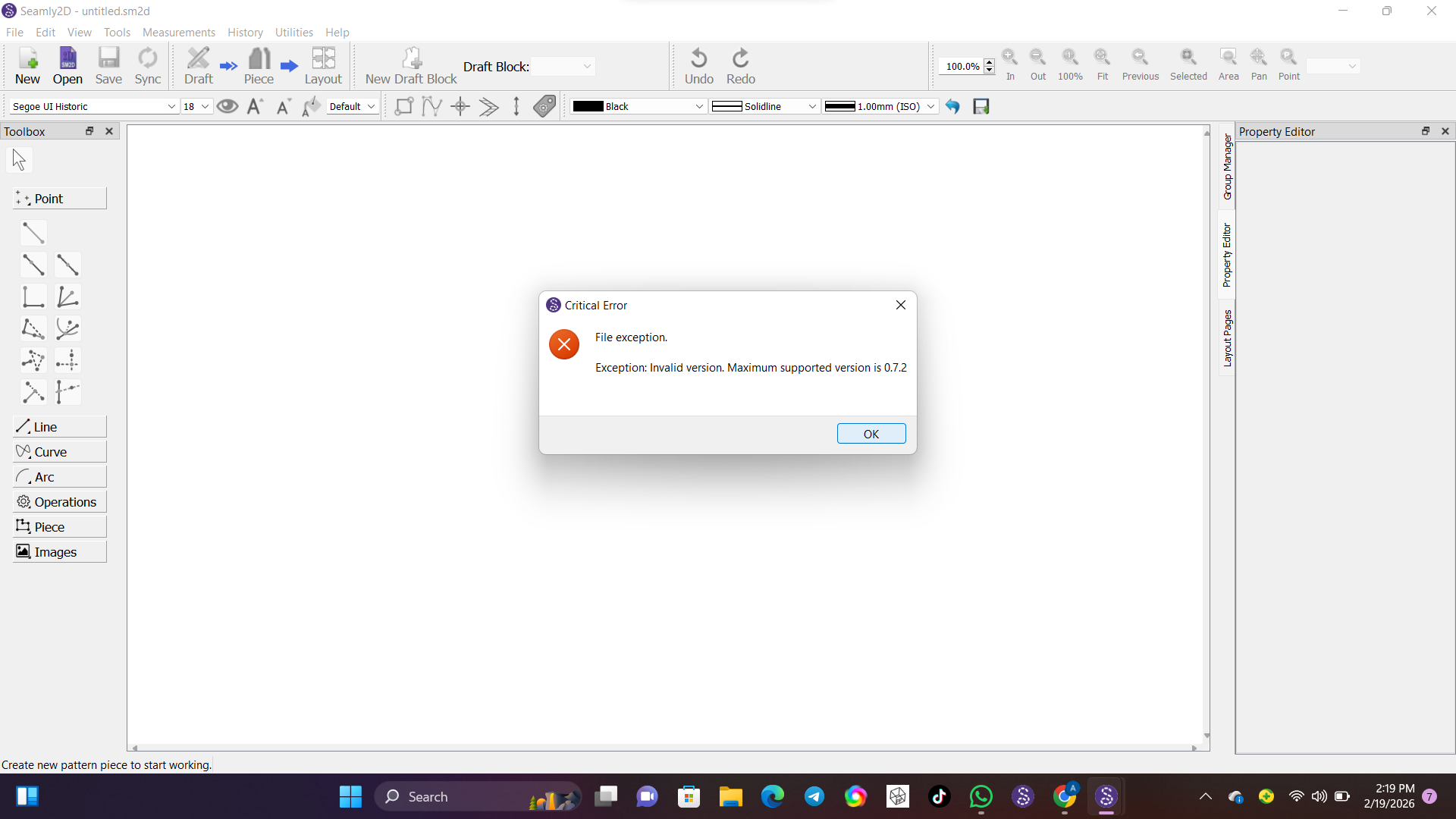
It means you need to update your Seamly. The pattern was made with a newer version of Seamly.
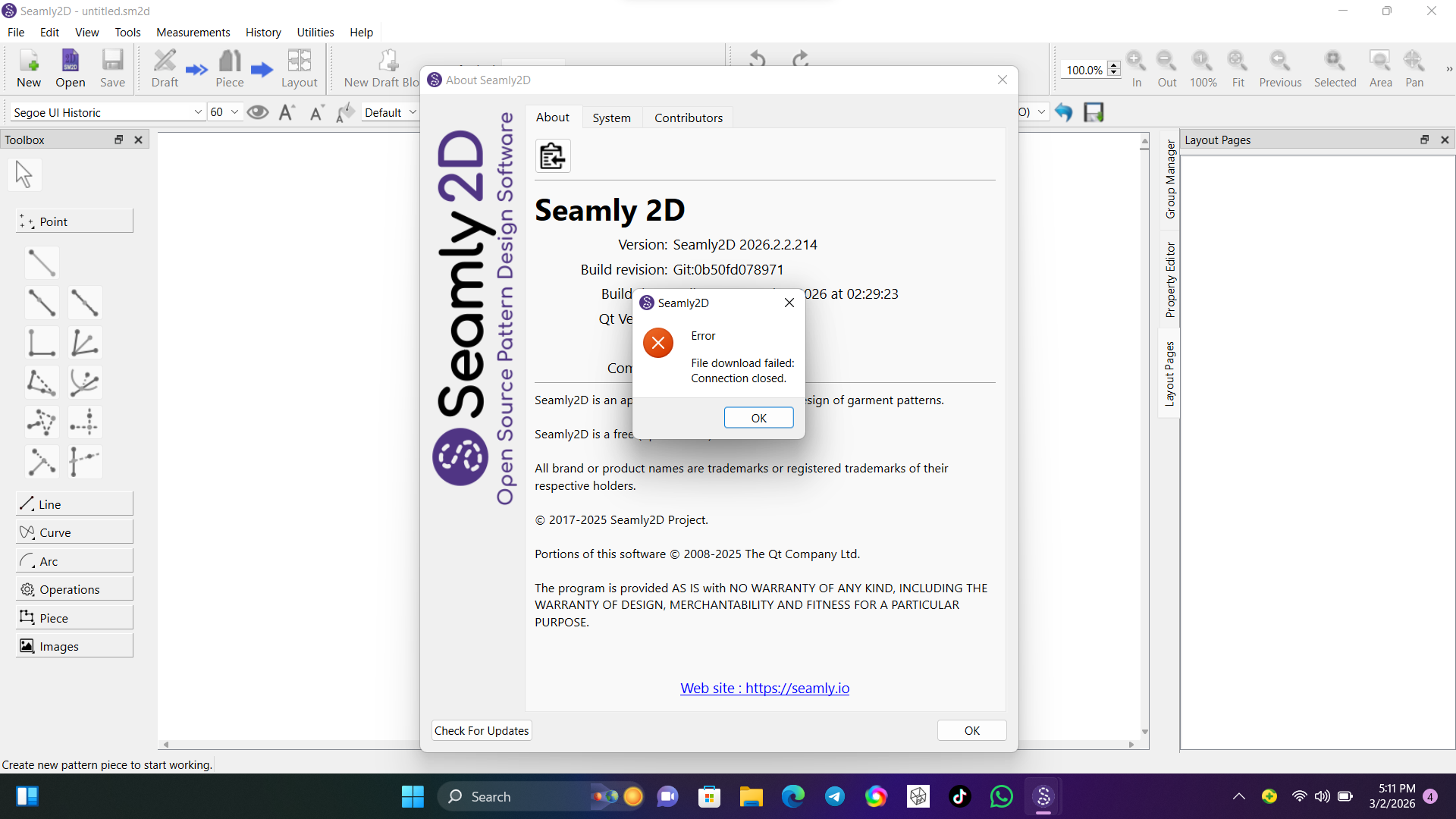
Does it happen every time? I’ve just downloaded and installed the latest without any problems. I’m on Windows 11 with fibre internet connection. I’m just wondering if your internet isn’t cutting out briefly.
Like @Grace said it’s probably a bad connection. You could try again, or if you want the latest pre-release you can go directly to Github:
No it doesn’t happen all the time, this is the first time i’m experiencing this and i’ve been trying to make it work since morning but all to no avail.
i even updated my window, clear up some space and also restart my laptop.
Or does it have something to do with me deleting the previous version each time i update a new version? Because i use to delete the old version so that it will not clash with new version i just updated.
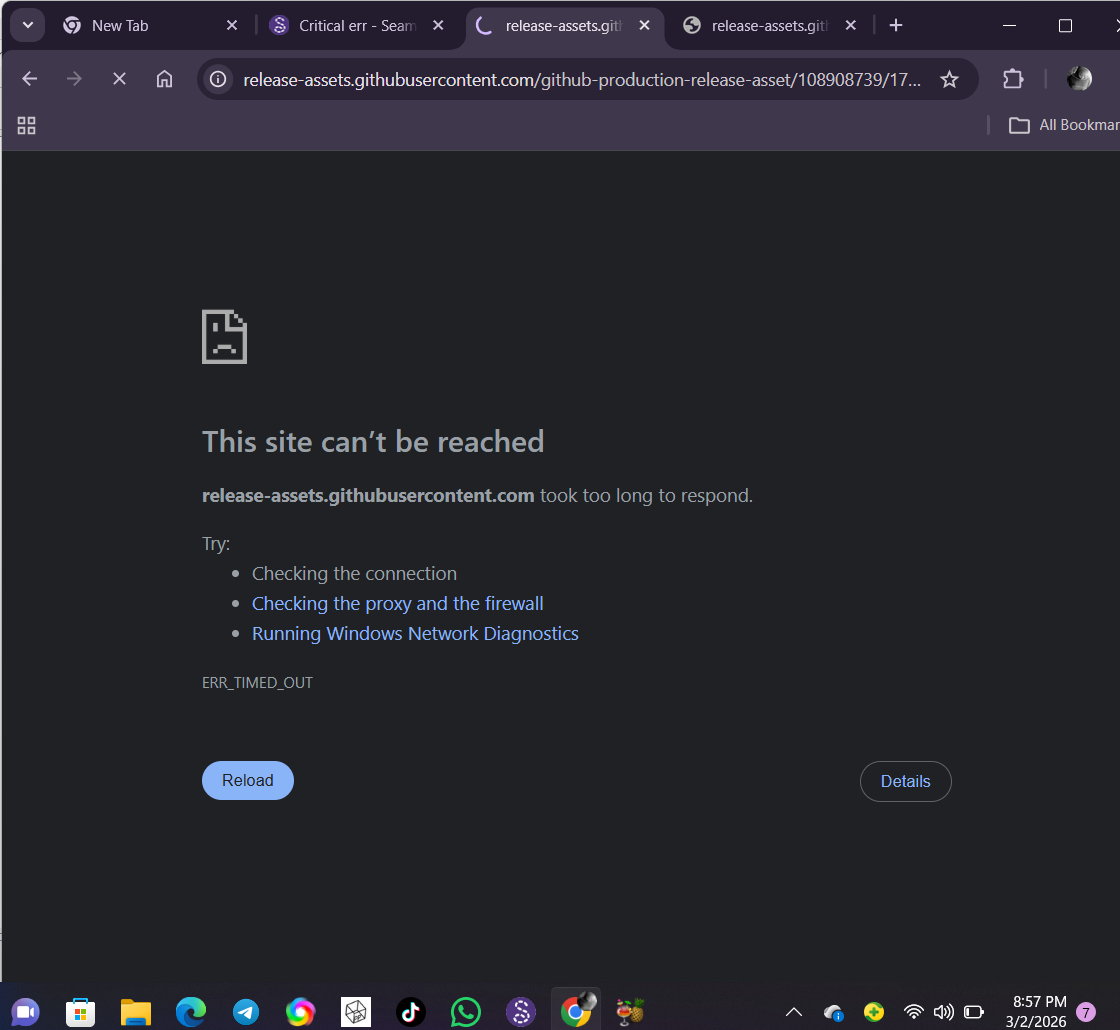
Thank you @Douglas , but unfortunately i’m unable to download it through this link too.
Once i click the link it opens, but the moment i click the download link for windows it will say the site can’t be reached.
My network is not interrupted, as it’s working fine on other platforms.
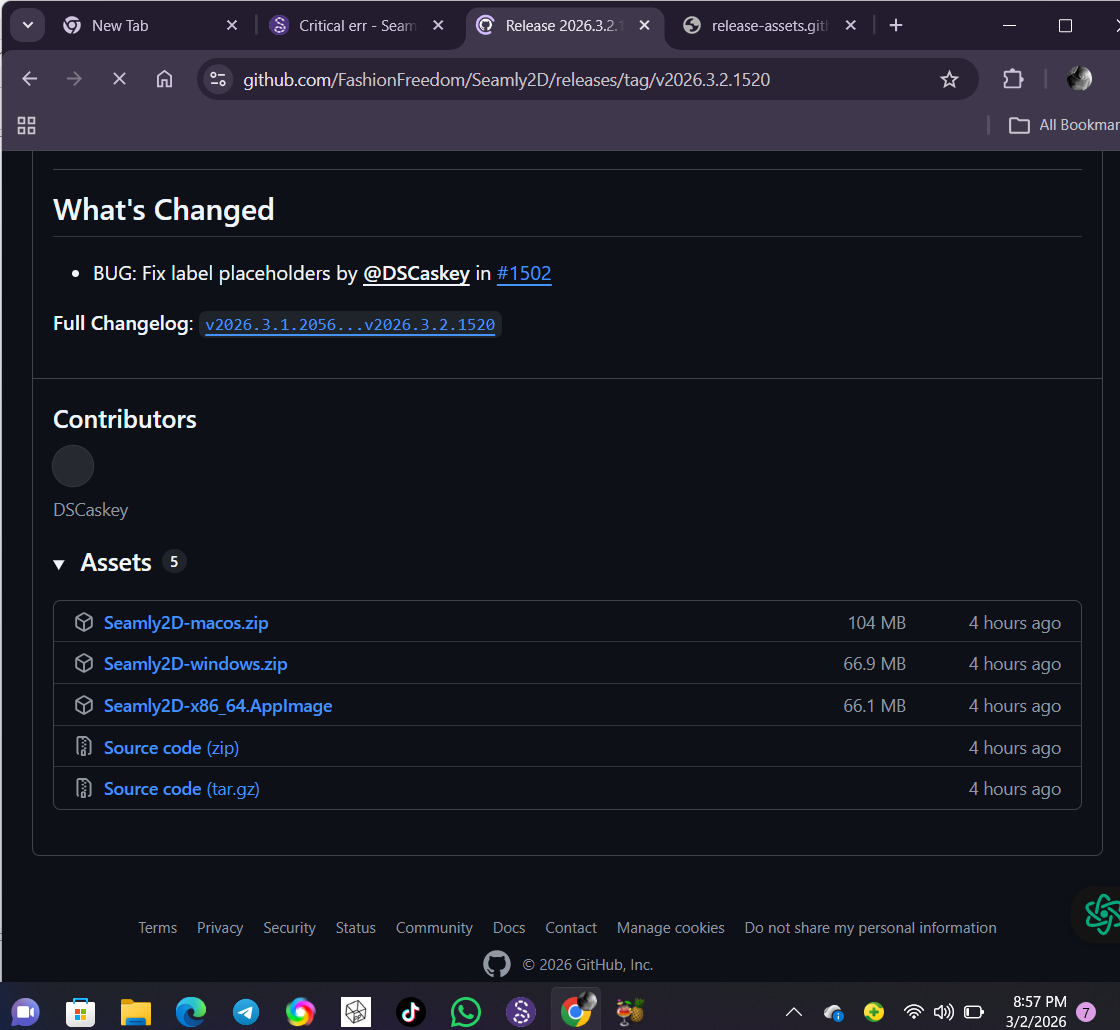
No. That would have no effect. At least on Windows you can download a new relesse to a new folder and there are no clashes with older versions. I do it all the time:
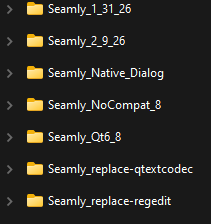
The only “clash” you may experience is if a new release has a new preference that is not available in an older version. Any versiom of Seamly2D or Me will share the same preference ini files… rather than the prefs being stored in the Regisitry for each version of Seamly installed.
It’s probably your internet connection. In fact mines been acting up today so I’ve seen the “this site can’t be reached” page myself. 

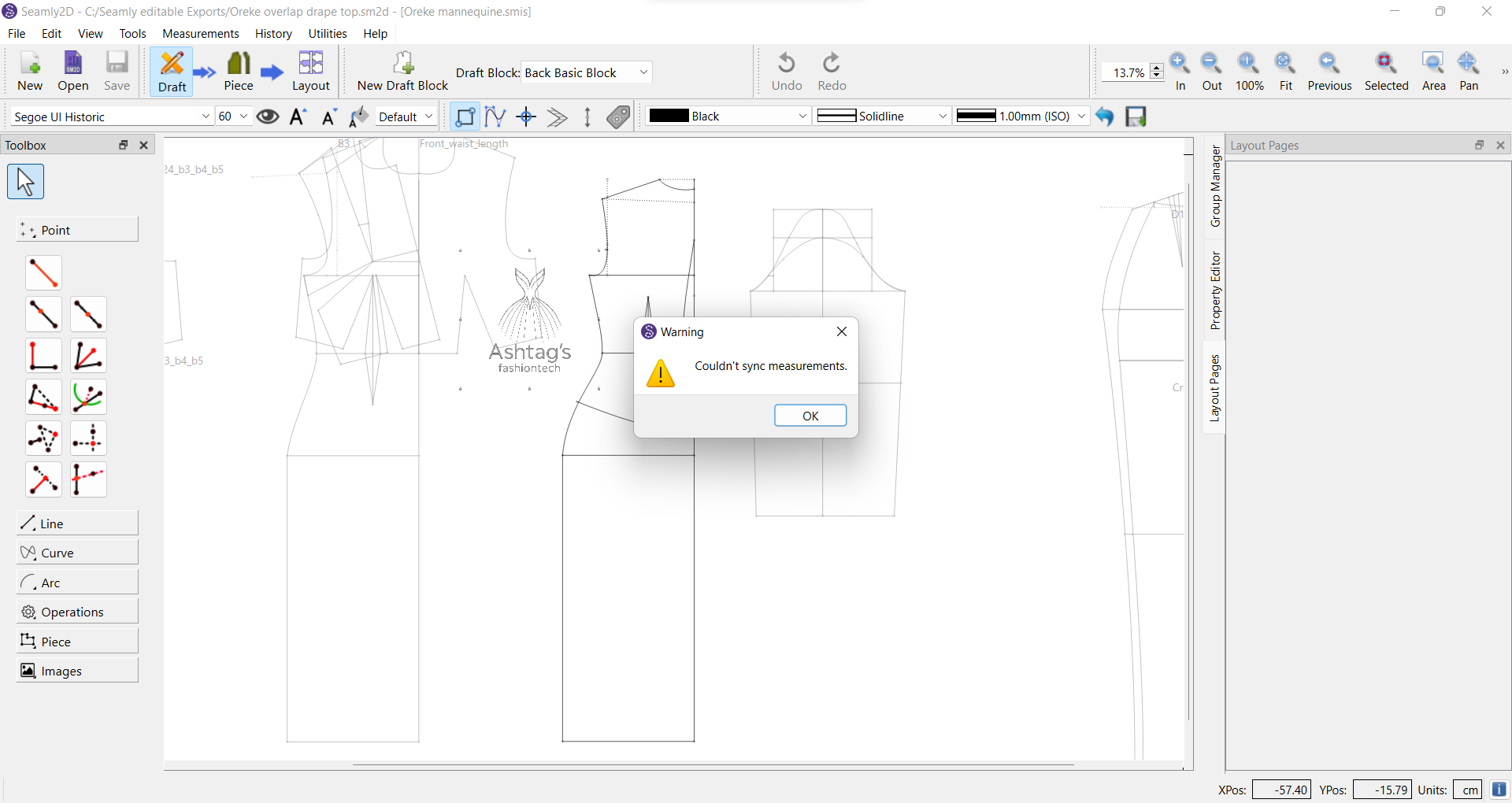
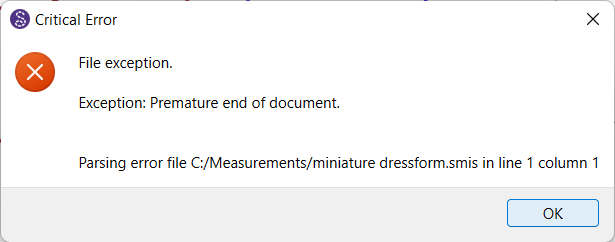
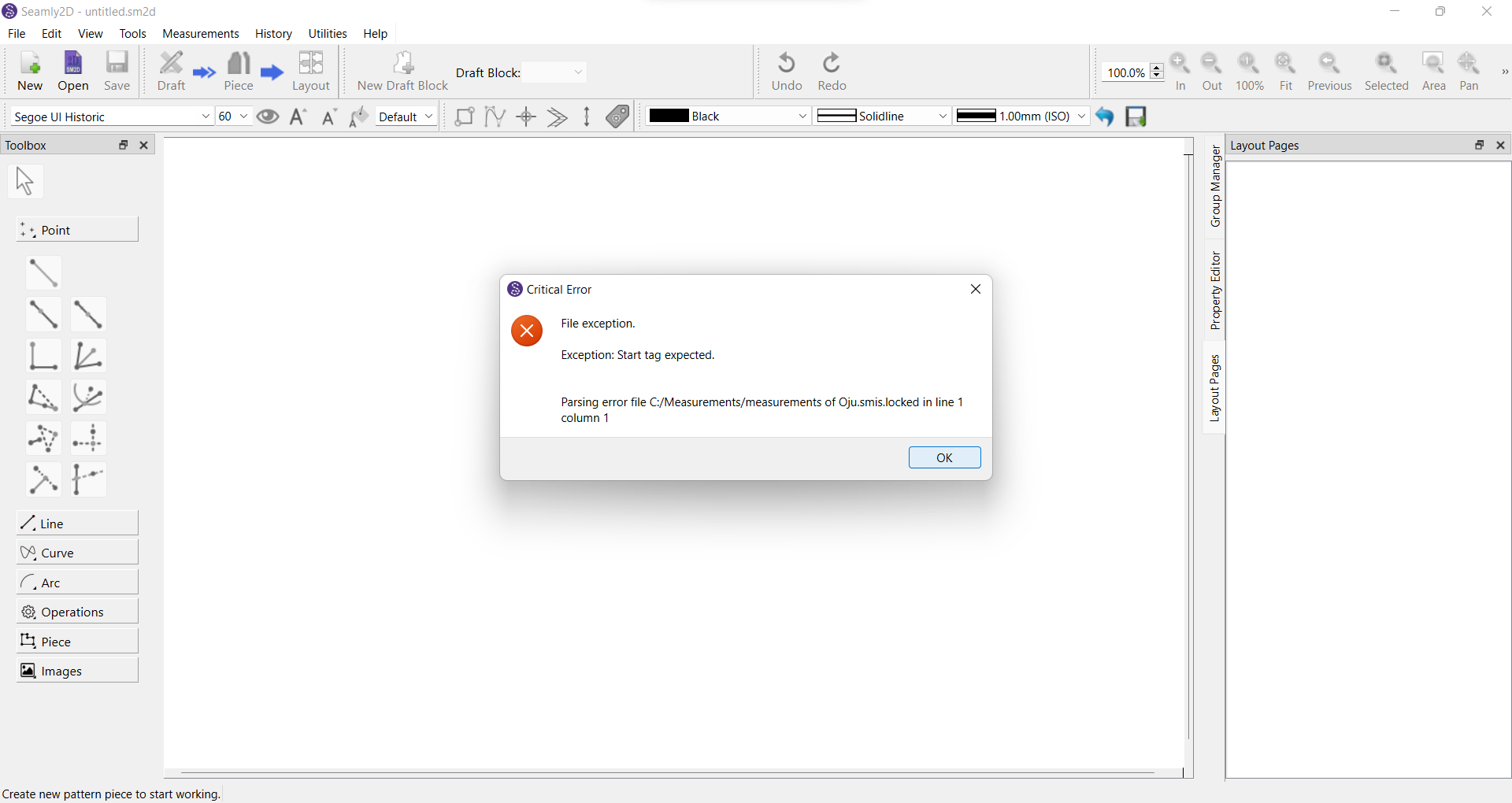
Post any of your files that won’t open, and I’ll fix them. Also I want to see what may be going on with the files.
I opened up all of my multisize files, and several individual files, to see if this problem replicates. I have Seamly 2026.3.6.214, the release after the one @Latifah_Omolola installed. I did not have any problems with my files saving, and I was able to open patterns with them. I understand that this is not the same version that @Latifah_Omolola used. However, I wanted to show that this problem does not exist on Windows 11 with Seamly 2026.3.6.214.
GitHub had some access problems last week, so that is not likely related to the issue of her measurement files.
She opened all of her measurement files to update them to last week’s version, and her measurement files now have 0 bytes. We need to test last week’s version and see if it reproduces the problem.
They convert fine. I just loaded an old vit file and it converted & saved fine. Need to check if the issue is related to having a measurement file open in a pattern (or multiple patterns - my suspicion) and then trying to edit and save it.
I did not try to edit and save measurement file, i only open them so that i can save them on the updated version since it’s been long since i open them last.
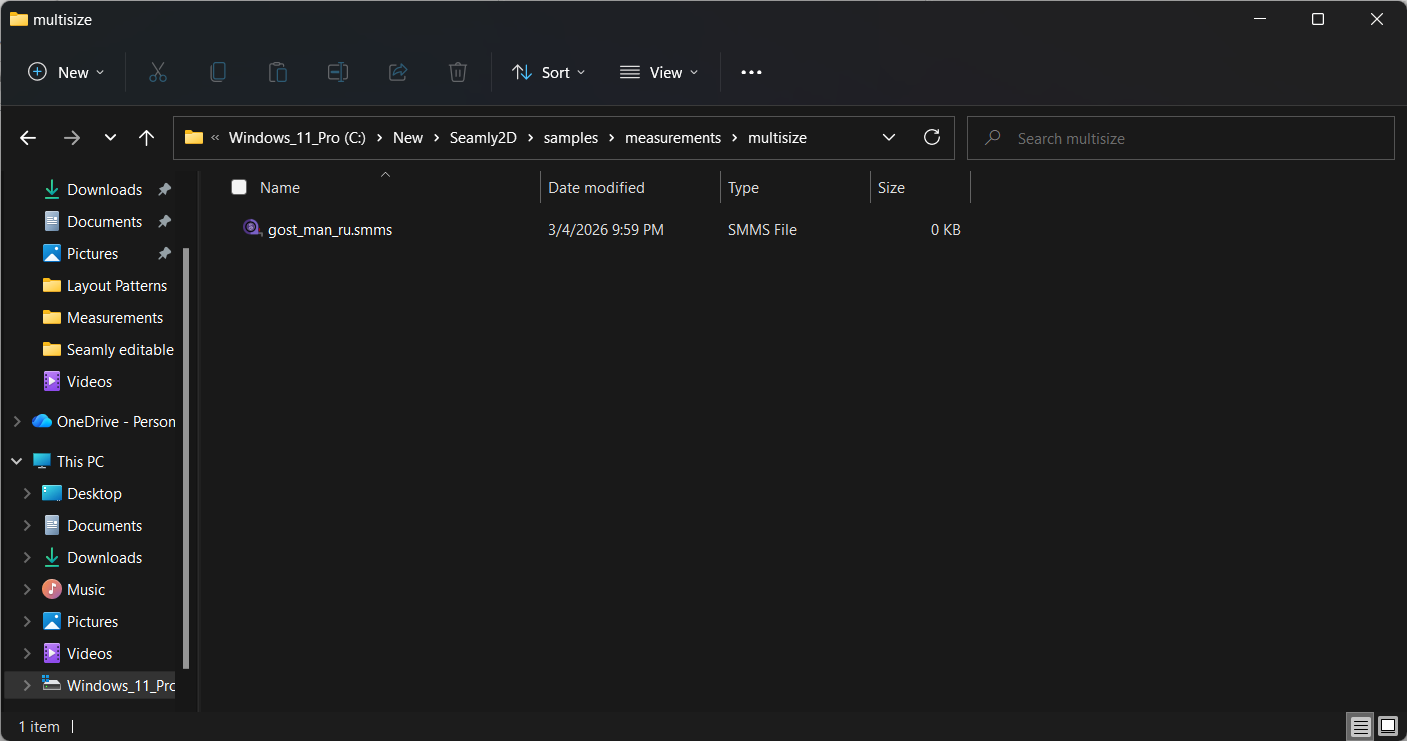
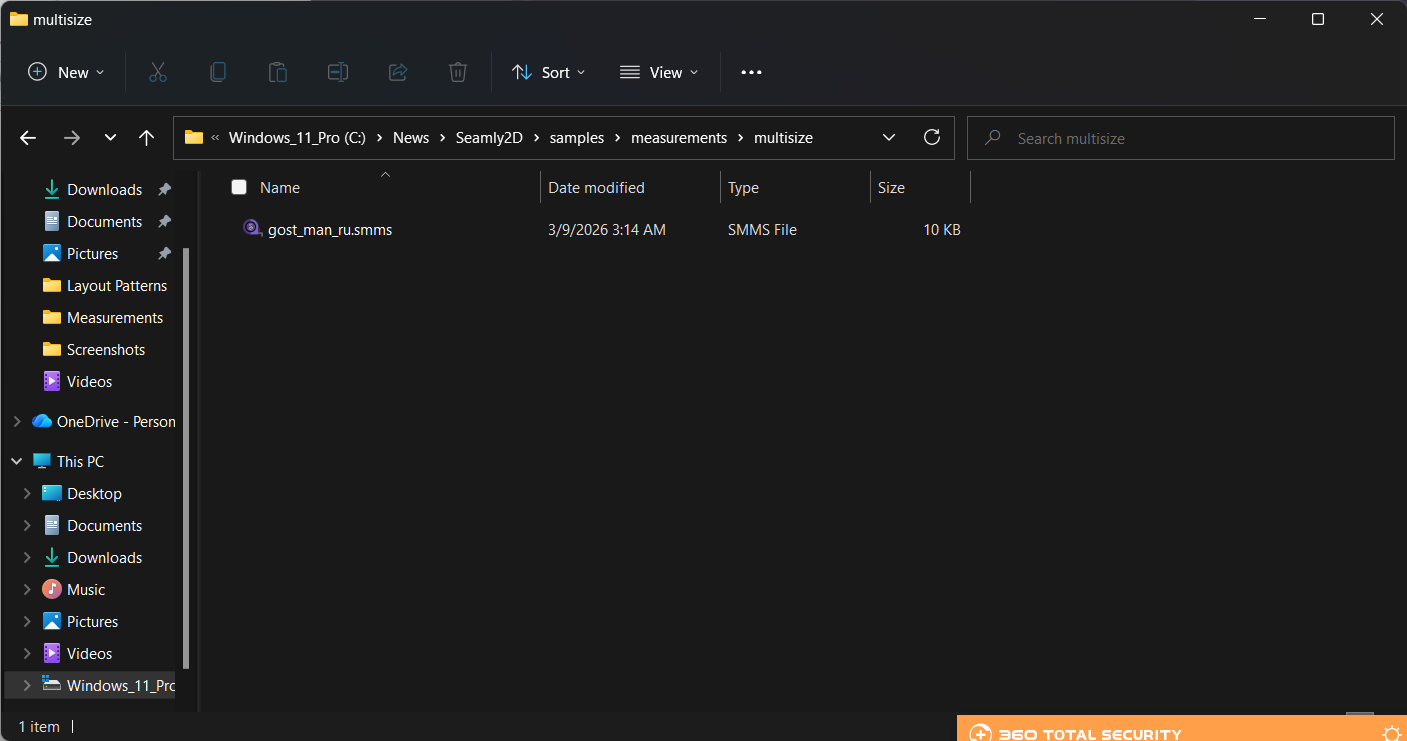
It’s not Ghost…its GOST. 
GOST (ГОСТ) refers to a set of technical standards, or “state standards” (gosudarstvennyy standart), originally developed by the Soviet Union and currently maintained by the Euro-Asian Council for Standardization, Metrology and Certification (EASC) for use in Russia and many CIS nations.
Are any other files (that were 0 bytes) working properly with the latest version?
The gost_man_ru.smms file is distributed as a sample so when @Latifah_Omolola updated that file, it was replaced with a copy that works.
oh my bad, thanks for correcting me