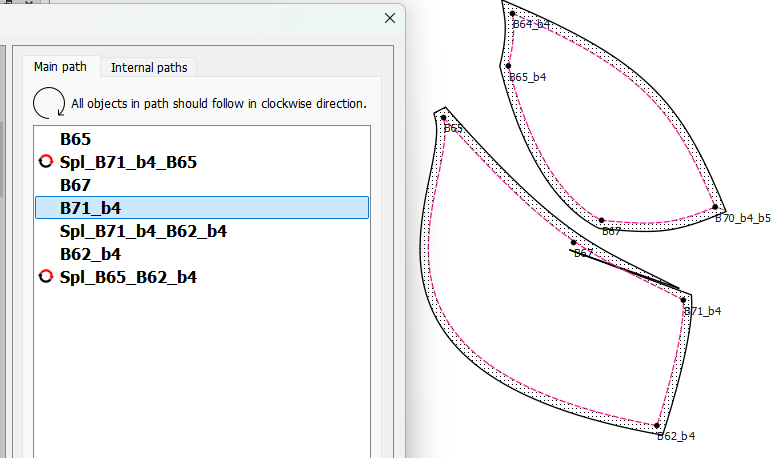
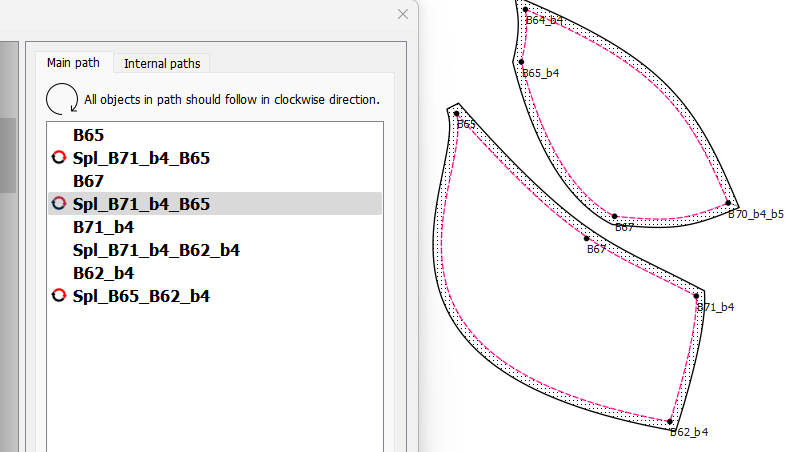
Hello everyone, please I need some help. I’ve been working on a pattern for hours, and while trying to create a workpiece, I suddenly encountered a CRITICAL ERROR PARSING FILE.
Since then, I’ve been unable to open the pattern file. I’ll be dropping the file here in case anyone can help me fix it.
You can import the measurements from the pattern… albeit they are empty. Sometimes it’s enough get past loading the measurements so you can see the exception thrown.
Well this one had me stumped for awhile. I had to delete the pattern piece that was in the “Size XL sleeve” draftblock that included points from the “Size XL individual front” draftblock. I don’t even know how that’s possibe. I also deleted the image as I got tired of having to bypass it after a dozen or so times of loading the pattern. Also you will have to redirect the measurement file to your mesurements folder.
Thank you so much for taking the time to fix the file — I sincerely appreciate it! That must have been a frustrating issue to troubleshoot, especially with the overlapping points between different draft blocks.
Honestly, I’m just as surprised because I made sure to open a separate draft block for each pattern piece. I’ve experienced serious lagging issues with my previous pattern file, and after finally building up the courage to start over, it’s disheartening to run into another problem — especially when I don’t even understand how it happened.
Nevertheless, I’m truly grateful for your help. Do you have any tips on how I can avoid this kind of error in the future?
What had me stumped is when there’s an error that says such and such id was not found, the 1st you do is search and see if the tool / object does exist. In this case yes… it did exist, but not in the same draftblock. The only way I could get the pattern to load was to delete the piece that was looking for nodes it couldn’t find. I jotted down the node ID numbers and was going to recreate the piece and that’s when I realized the 1st node was from the front draftblock. Which is impossible to do since the front block is greyed out when the sleeve block is active.
I’m not exactly sure, but please let me know if it happens again.
I believe he deleted the pattern piece which was made (mostly) of nodes from the sleeve block. How in the world it was even possible for a node to sneak in from another block is a profound mystery. The blocks themselves were left alone.
Not unless the file was hand edited… a the whole piece moved. Otherwise I’m baffled. I just moved the modeling nodes and piece from the sleeve block to the front block and it works. ??? I created a new piece in the front block and it worked fine.
Just a note… not that this has anything to do with the parsing error… when you have a point on a curve, you have the select the curve again or you get a glitch in the curve