Hello,
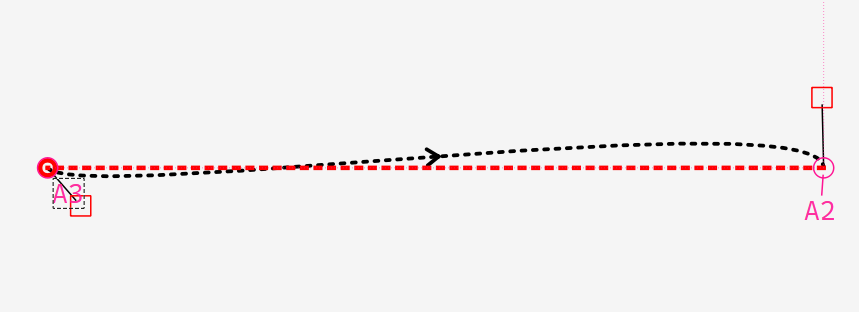
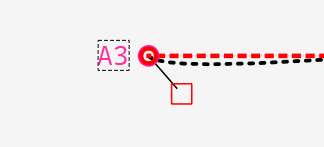
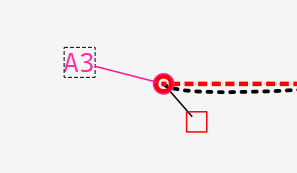
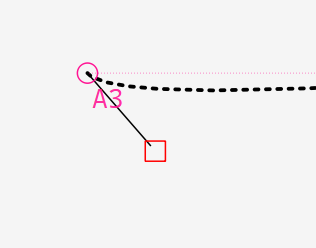
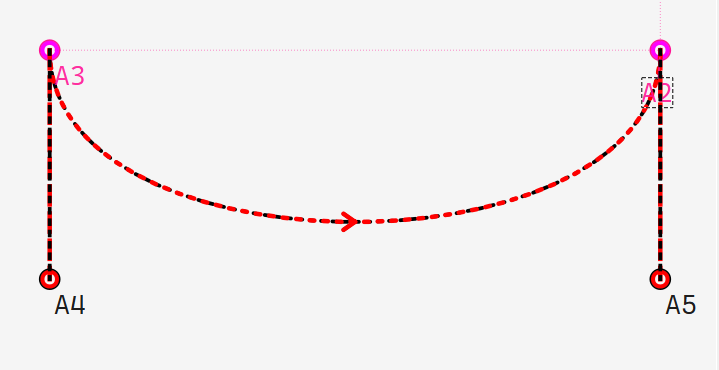
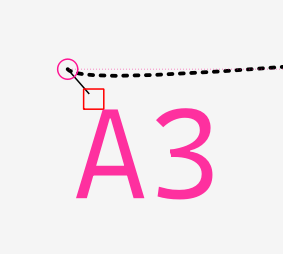
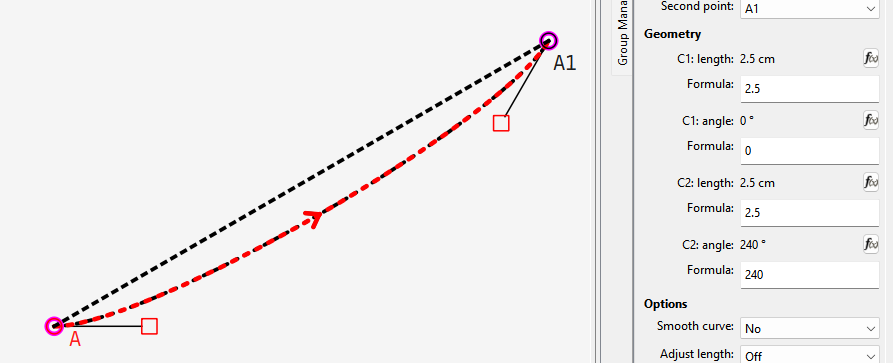
Every time I start a curve, one of the curve handles/control points always overlaps with the point name. (I usually use defalt point names.) When I try to adjust the curve, Seamly always moves the point name instead of the curve handle. This happens even on very simple shapes, not just busy drafts. It would be nice if the default curve handle were longer.
And last… Can I assume you mean larger’? … making the control handle ‘longer’ changes the shape of the curve. The fact you can resize the point name makes making the control handles larger a moot point.
Just to add to what @Douglas has said… I don’t know if I missed it, but here it is…
When selecting a point - whether the 1st one or the last one or any in between - Click, hold and drag a bit without lifting your finger and releasing it until you have the handle line going more-or-less in the direction and the length that looks good, then release it and move on to the next point doing the same. When you’re done, your curve should look pretty good and you can use the lengths and angles to guide the formulas later.
I do mean longer. Since the default curve has to be adjusted anyway after selecting two points, I thought the initial curve could be curvier with longer handles, rather than the current shallow curve.
I hadn’t considered that people might be using tiny or giant fonts.
Maybe because I work with a trackpad, grabbing and dragging the curve to distort it feels a bit cumbersome. I’ve developed a habit of doing this every time I draw a new curve before adjusting the handles. But if it’s just me and no one else is bothered by it, I can live with it.
Decreasing the font size of the point names might help. I’ll see if I can get used to it.
I tried formulating all the control handles before, but I’ve given up for now. I might need to learn how to do that eventually, but for now, I’m just drafting for myself.
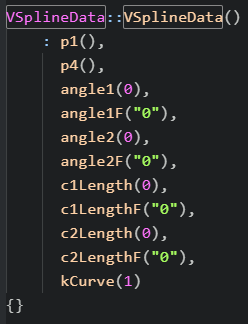
Ok. That’s possible. I wasn’t around when the code was first written so I’ll have to decipher exactly where the control handles are created and with what default length (s) and angle(s).
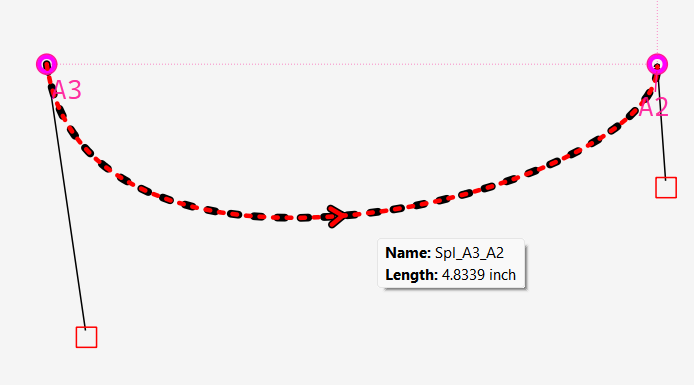
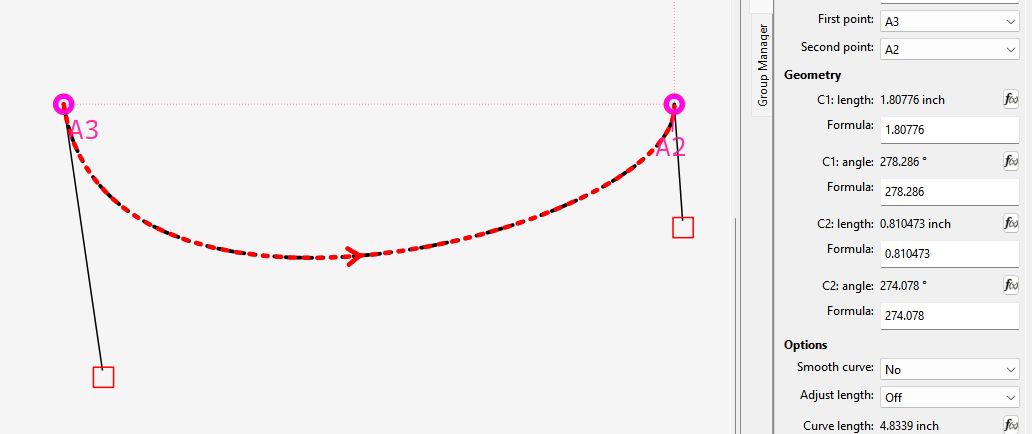
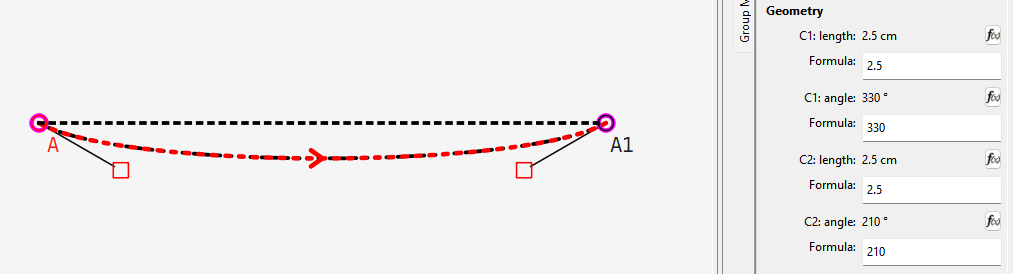
This is how this curve in my previous reply was created…and the lengths & angles do seem rather arbritary.
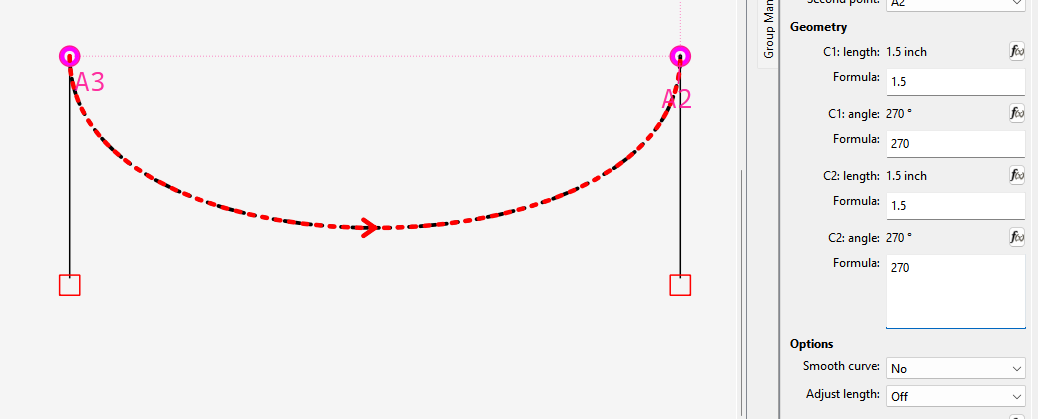
I think what would work is setting the default length to 2.5cm (or what ever that is in pixels) and each handle 30 degs off of the line between the 2 points.