There have been a few errors recently. Fortunately, some of them have already been fixed.
I installed the new version 2026.10.26.146 on Windows 11 today. There are still a few bugs that significantly affect workflow.
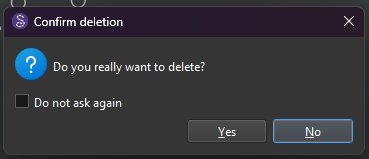
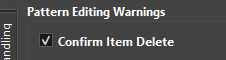
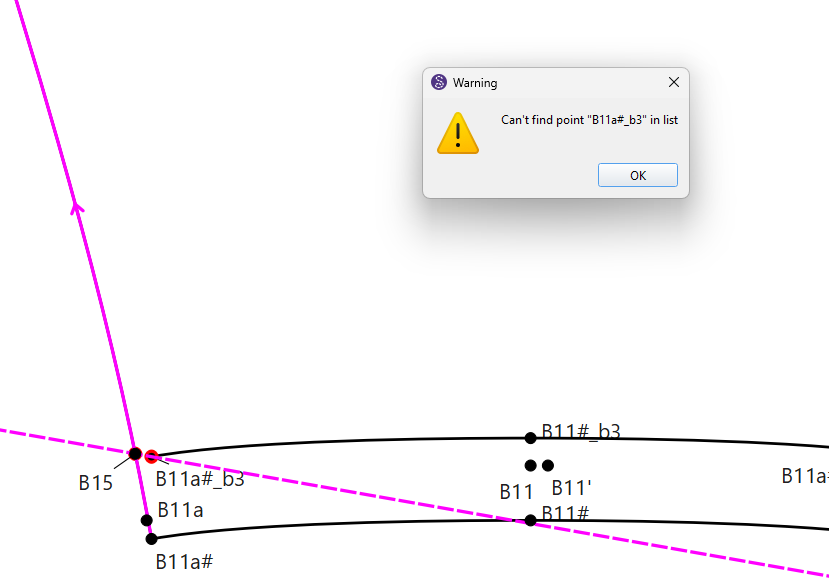
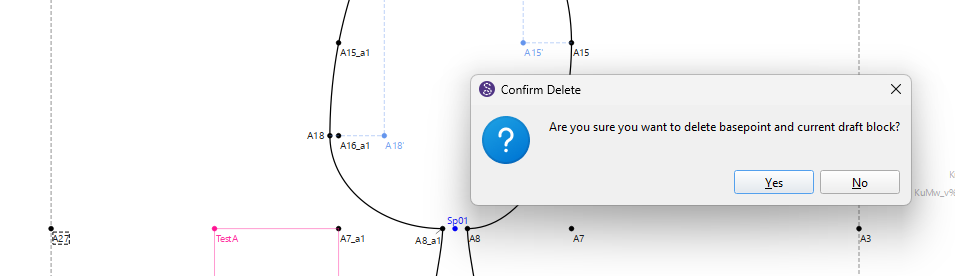
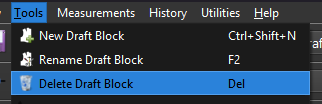
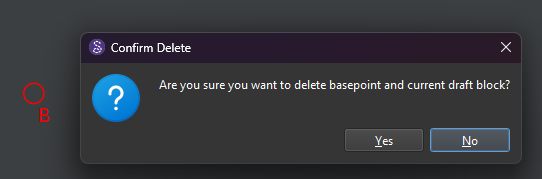
Sample 1: Deleting lines, points and curves. I get the question if i want to delete the base point. This happens quite often. Up until now, this could sometimes be resolved by opening and closing it several times. Unfortunately, that is no longer possible.
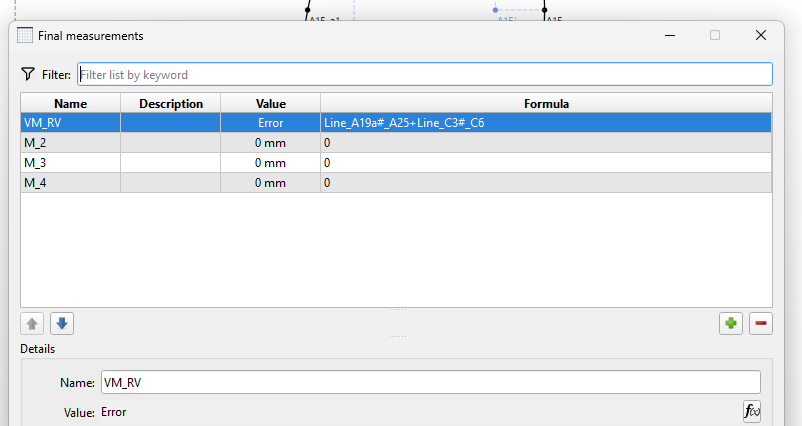
Sample 2: The ‘Final Measurements’ tab also only displays ‘Error’. Closing and reopening it usually helps.
This doesn’t just happen with older files. I created some new files (1 to 2 weeks ago) and hoped it would work better. Unfortunately, that isn’t the case.
Hi Douglas,
thanks for the quick reply.
I’ve just tried to reproduce the error. It’s working at the moment. If it happens again, I’ll take a screenshot and send it.
Thx.
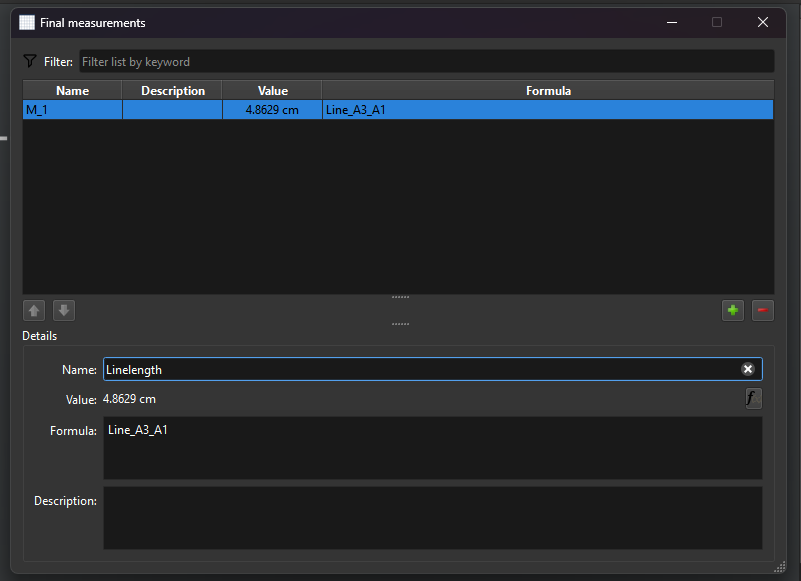
Tab Final Measurements: As far as I have figured out, this new tab is a kind of control panel. It’s a carry-over from Valentina. I actually have no real clue what its purpose is.
Now if you export the Final measurements… it will exported the ‘final’ calculated value in the CSV:
For example…you could set the formula for one FM to calculate the combined cuves that make up an arm hole… and another to calculate the sleeve cap. When you export the CSV you can now compare the 2 to see if the sleeve fits the armhole.
Of course the calculations will change with a change in a measurement file.
This feature was recently added by another dev who reimplemnted the feature… not a carry over. I may someday consolidate it into the Variables table where it should be.
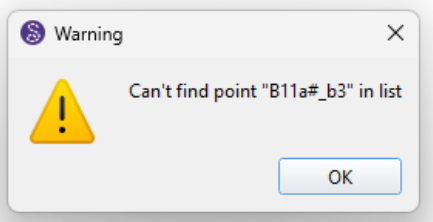
Ok… My brain was a little fuzzy as this was a recent addition. When you try to delete a draft block OTHER than the first one using the menu: