First, I really love this software. I start using it few days ago and it is just great. So really appreciate the effort you put on it and on the assistance provided through the forum.
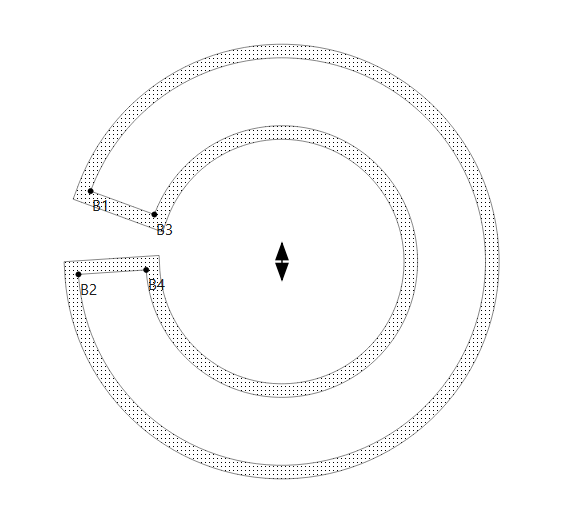
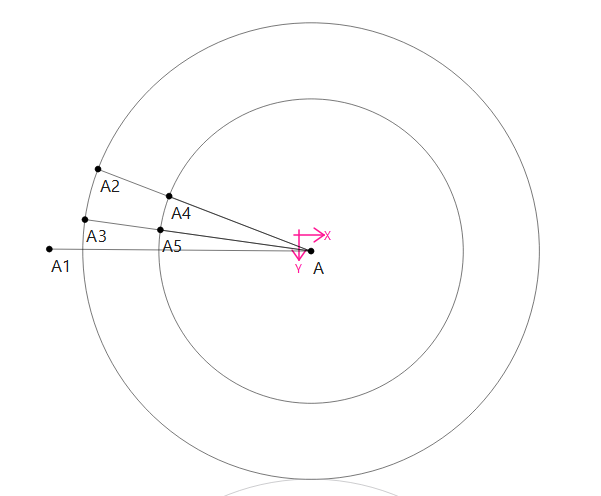
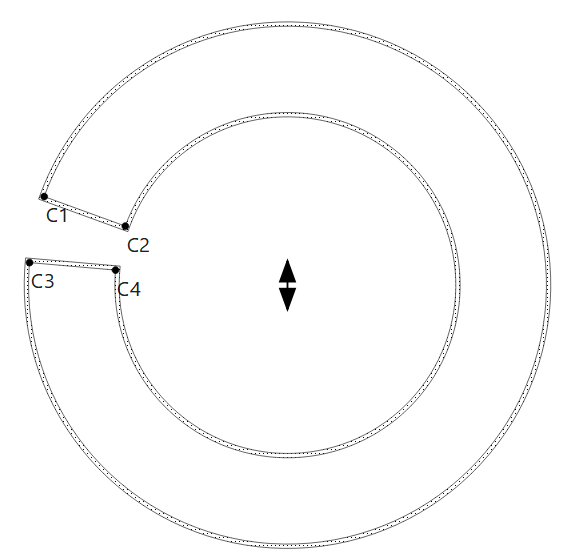
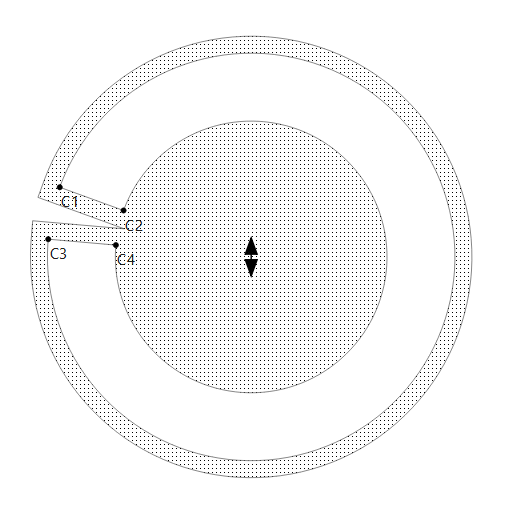
I have an issue that I could not locate solution to on the forum. When trying to select an arc to a piece, I have only a piece of this arc being selected if a line cross the arc. I could not find a way to select the portion of the arc on the other side of the arc portion already selected. I try to add nodes to the path, without success. A pdf attached will help understanding the issue. Tks
Seamly anomaly.pdf (395,7 Ko)
Tks. 2 files attached. I thought I was doing something wrong in my blank bucket hat, therefore I produced the test, much simpler, with which I got the same issue.
test.sm2d (5,0 Ko)
Blank Bucket Hat 1.sm2d (16,1 Ko)
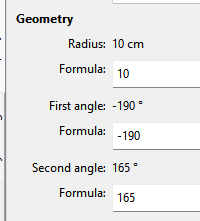
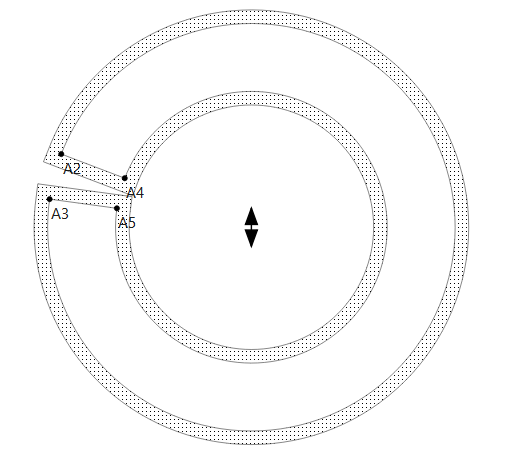
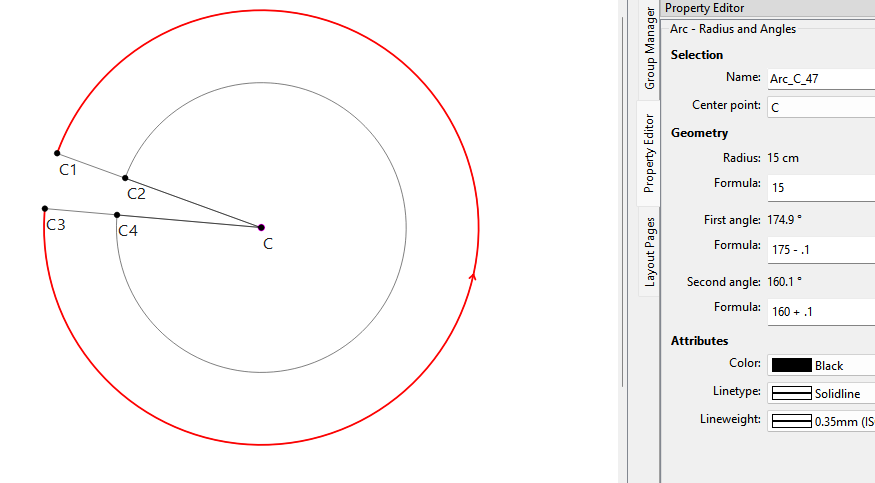
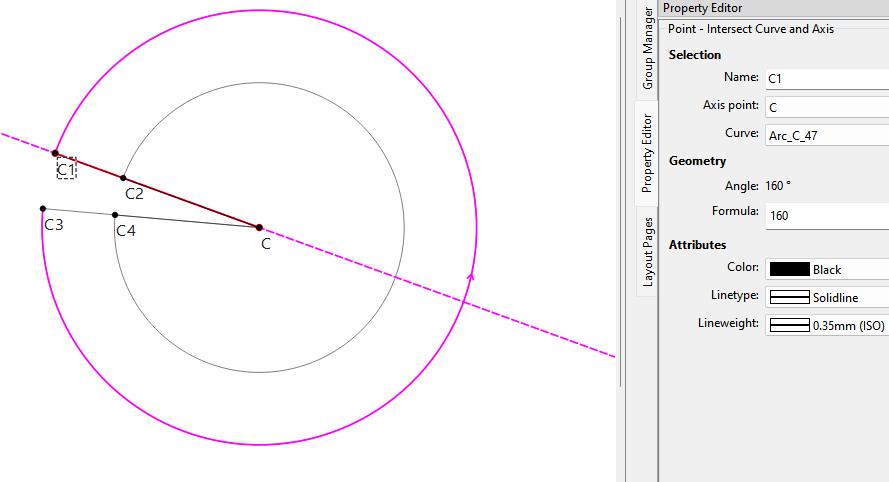
Here I formulized the start and end angles by adding & subtracting “0.1” from the start (175) and end (160) angles of what will be the angle of the intersect axis - so we insure an intersect:
Tks a lot Douglas. Happy that there is a solution. I just need to digest it, that I will do tomorrow morning. I love seamly2D but started recently and needs practice