Hello and welcome to the Seamly forumm, @NativeBeeCo
It doesn’t matter how you post, we’ll find your post when we come online.
And no, new users can’t upload attachments - it’s to prevent people from spamming on our forum. I’ve bumped up your user level a bit so that you can now upload the files. Please attach them in a reply.
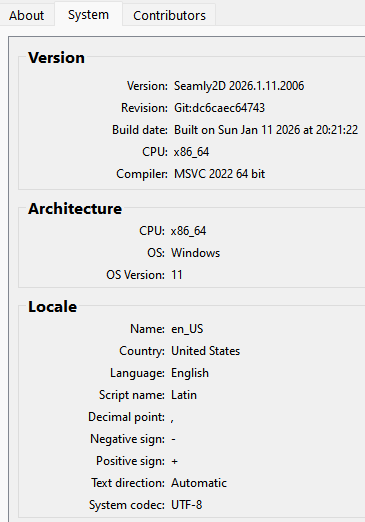
I suspect that the version you have installed is a slightly older version which had a problem. Please install the latest version of Seamly - see the link at the top of this page - which will prevent this from happening again and one of us will repair your file. Hopefully it is the problem that I’m thinking of.
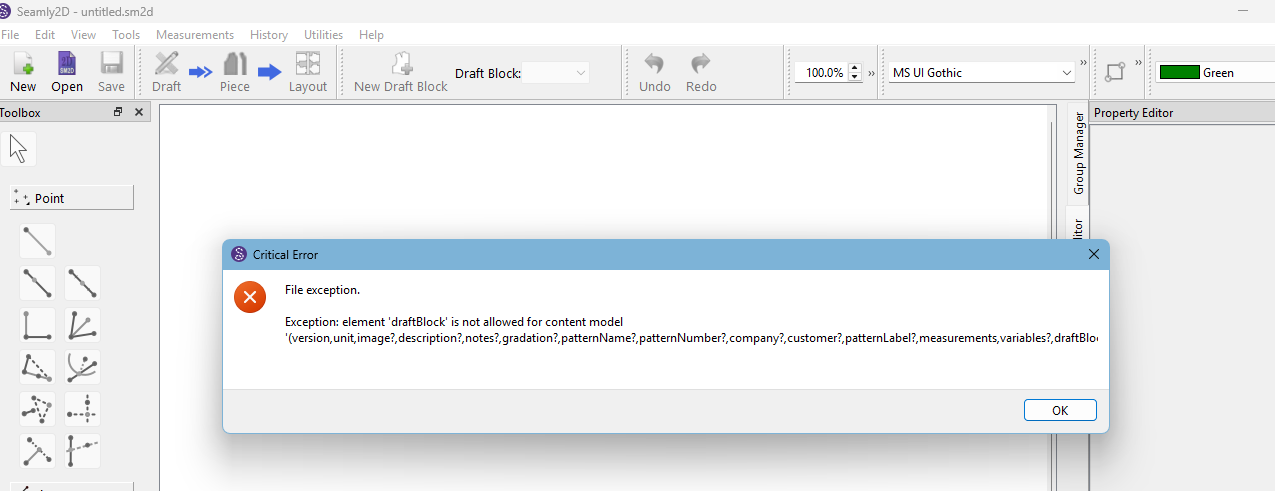
Other than the fact I don’t have the logo image… the pattern loads fine me. Can post a snapshot of the error dialog - it may help us figure out what the issue is?
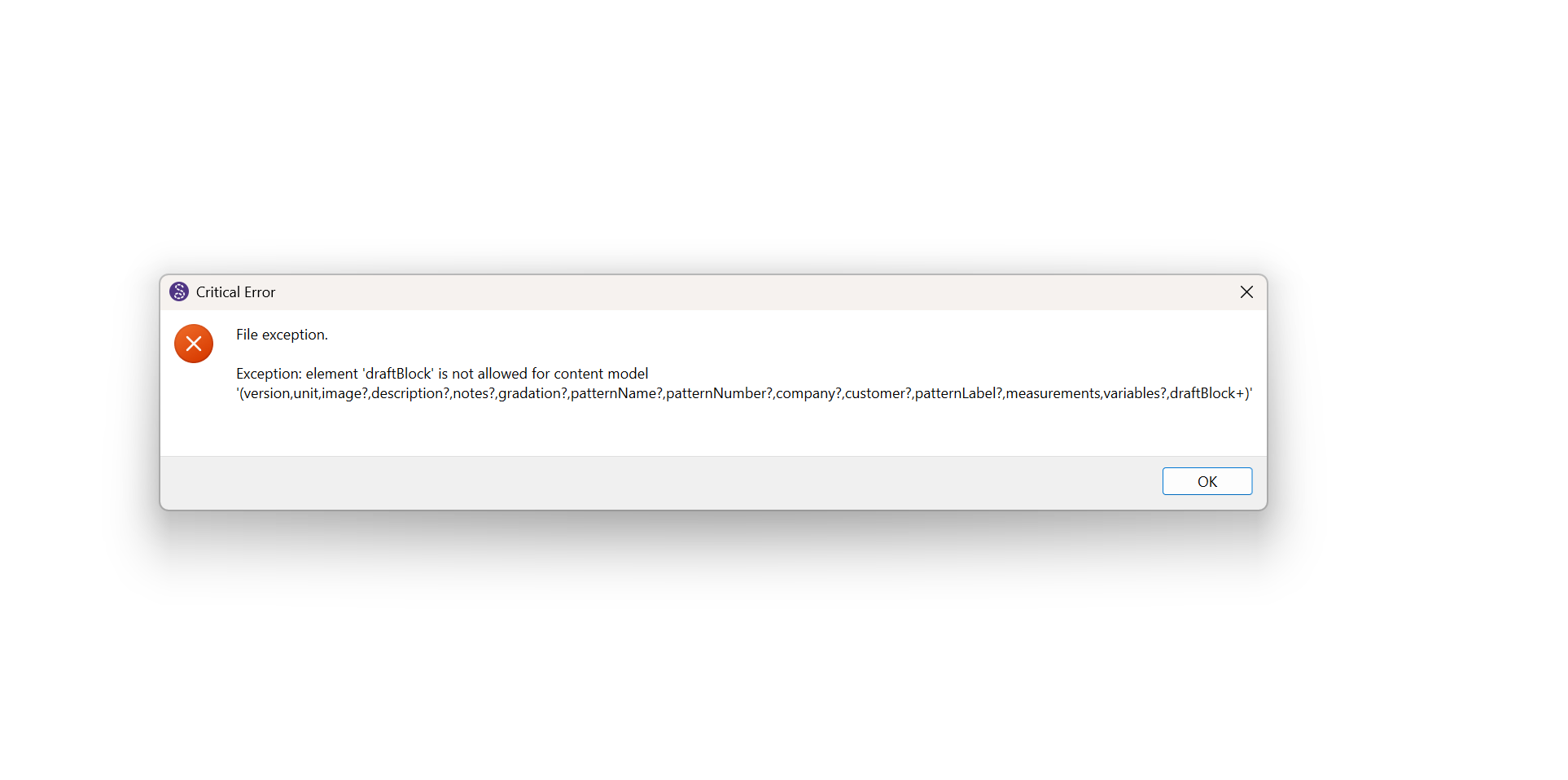
I’m a bit baffled at the momment. The dialog indicates an xml schema validation error, and yet I have no issue opening the pattern with the same build ver it was written in. If there was an issue with the pattern file I should be getting the same error. Hmmmm.
Shouldn’t matter. It’s an xml valadation error. I think the problem might be with the image file since that’s what’s different - we’re not trying to load that image file. I think the issue is having spaces in the png file name. That’s why I never use spaces in filenames.
I’ve bumped you up to a Basic user, so you should be able to add your pattern and measurements file to a message now, so that we can see what’s happening.
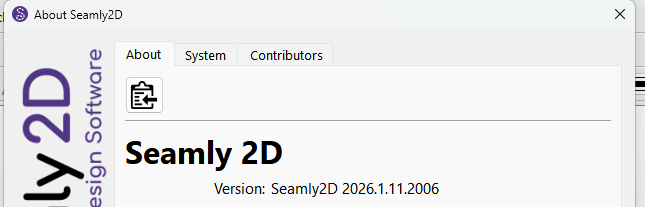
I suggest that you download and install the latest version of Seamly. There is a link at the top of this page, or you can do it through the Help > About Seamly2D.
The file from the other day was an Me file. That being said I’m not sure what is going on.
First the pattern file exhibits the case where the header part of the file ends up at the bottom… this has happened before. What’s different here is when I went to cut & paste the section back to top… 1) My editor will not allow me to select the end of a line - I often scroll up with the mouse to select text which I could not do. 2) When I do select the section and paste it back above, it inserts 5 blank lines between each line I pasted.
We can rule out that it’s a Notepad issue as it’s acting weird in my editor as well. I’ll have to look at the file in hex code and see if there is something strange going on with some chars being appended to the end of each line… other than a LF or CRLF. Don’t know if it’s UTF or locale issue? I did just install the a current artifact of a pending PR tha would imclude anything from lastweeks build… and loaded a pattern, made some changes, and SavedAs’d the file with no issues in editing or empty lines.
OK… 2 things… I mispoke last tues when I said Notepad doesn’t have line / col numbers… I was thinking of Wordpad which is what I use instead of the Old Notepad. The new Notepad does display cursor line / col numbers.
Notepad also gave me THIS clue:
What is a “Macintosh (CR)” ? … the file should be XLF… UTF8… LF or CRLF.
“Macintosh CR” refers to the classic macOS (pre-OS X) use of a single Carriage Return (CR) character (ASCII 13 or \r ) to mark the end of a line in text files, a convention different from Windows (CRLF, \r\n ) and Unix/Linux (LF, \n ). This often causes display issues when opening Mac-formatted files in Windows, showing text as one long block, but modern tools and OS X/macOS now largely use the Unix standard (LF).
I guess this is why I splurged for a MacBook… so I can figure this kind of thing out.
Thank you very much for checking this out. It’s all very strange to me. The previous incidents were with the SeamlyME file and this is the 1st incident with a pattern file.
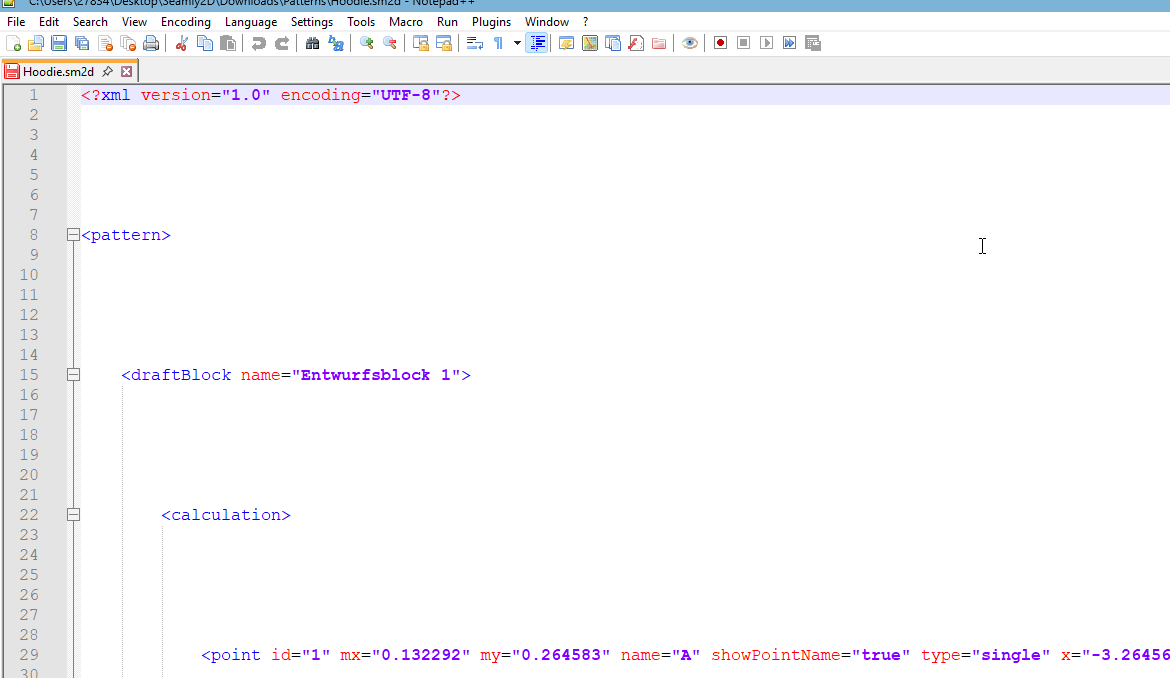
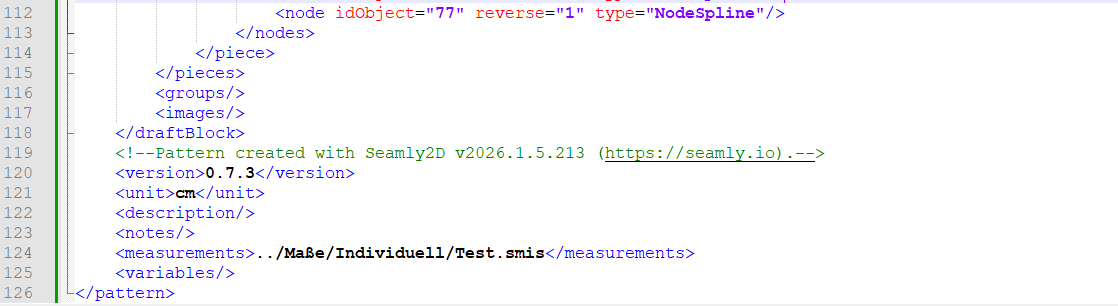
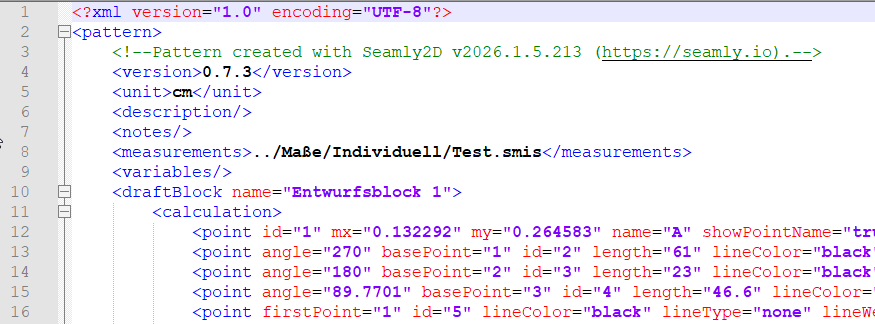
Just for FYI, I use Notepad++ which also colour codes the lines according to the different parts of the line but that would mean that you need to get used to a different set of colours and you’re used to your editor, therefore just for FYI: