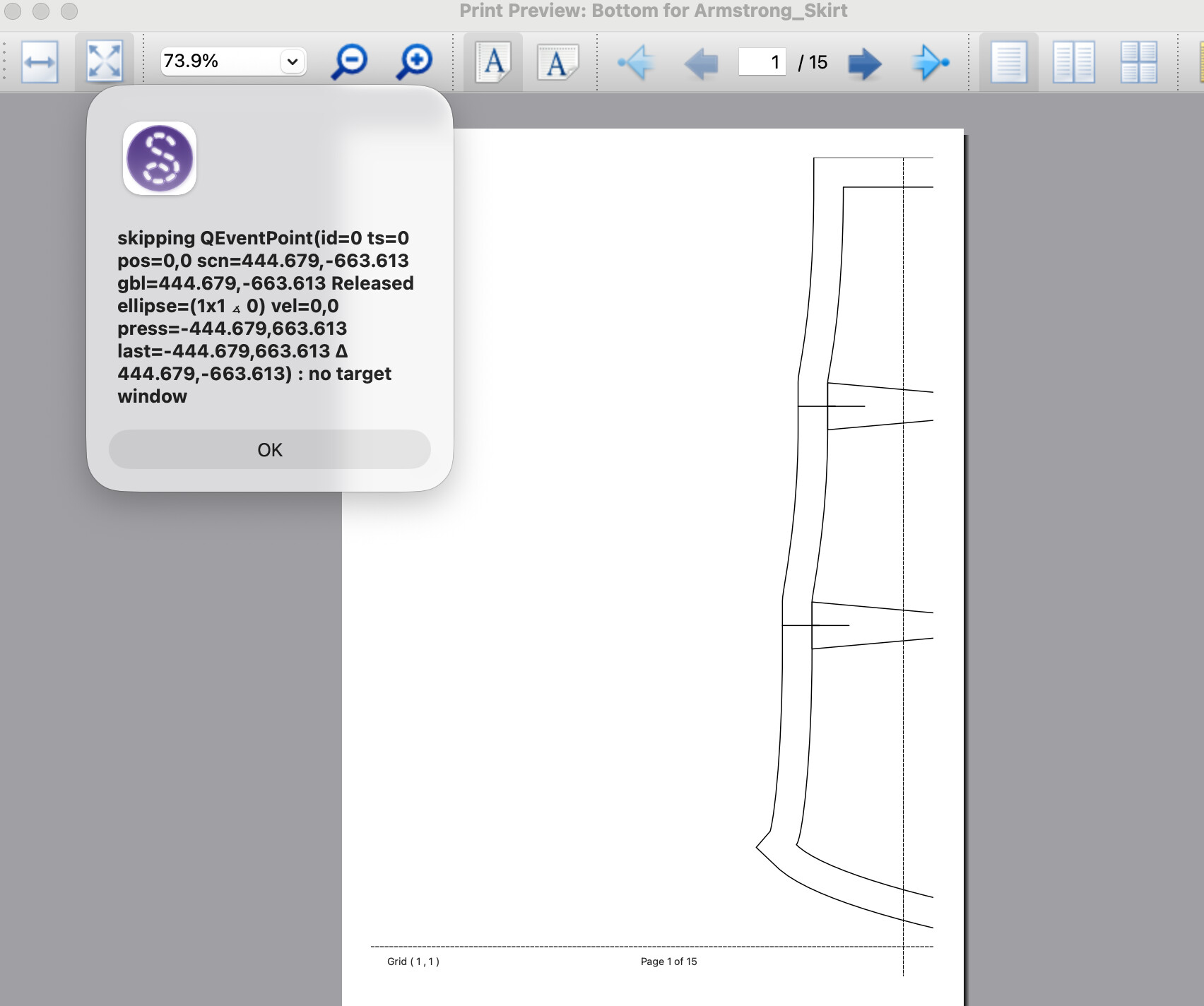
Hello,
How can I get rid of this error in my printer view. Every time I try to do anything on the view it pops up again so won’t let me interact with it.
For reference I’m in macOS Tahoe 26.5 atm.
Thanks!
Hello,
How can I get rid of this error in my printer view. Every time I try to do anything on the view it pops up again so won’t let me interact with it.
For reference I’m in macOS Tahoe 26.5 atm.
Thanks!
Hi @Ely
From what I read it appears related to not handling trackpad gestures properly. There’s a couple fixws I can try that disables the gestures in the print preview and only use simple mouse events. It will probaaly take a few days for me to build and test oit n my Mac laptop.
In the meantime here are some suggestions:
If you are not the developer of the application and are just trying to use a program’s print preview feature, use the environment workaround:
QT_LOGGING_RULES="qt.pointer.dispatch.warning=false".-____________________________________________________________________________________________________
Workaround 1: Force-Hide the Errors via Terminal/Shortcut (All OS)
You can launch Seamly2D with a global instruction that tells the underlying Qt engine to completely silence this specific touch-pointer tracking warning. [1]
 For macOS Users
Instead of double-clicking the app icon, launch it via the Terminal app:
bash
export QT_LOGGING_RULES="qt.pointer.dispatch.warning=false"
Use code with caution.
bash
/Applications/Seamly2D.app/Contents/MacOS/Seamly2D