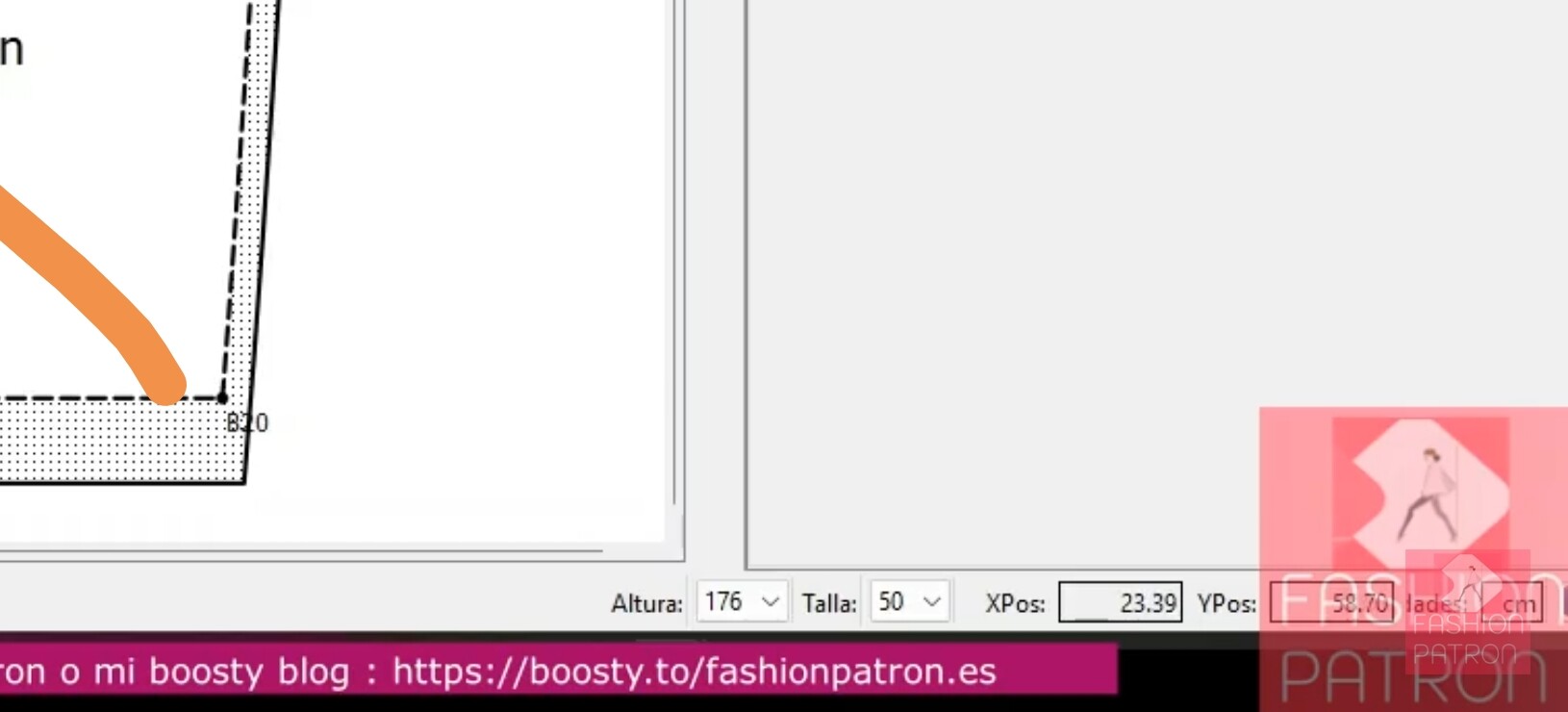
Gusto en saludarles. En mi programa, no me aparece este dato de talla incluso con las tallas cargadas por lo que no puedo escoger la talla que quiero imprimir. No sé si desactivé equivocadamente alguna función que me impide ver este dato. Muchas gracias.
2 „Gefällt mir“
Welcome @Jackeline_Guzman
The size (and height) drop downs only show when using a multisize measurement file (smms). When using individual measurement (smis) files you have to load a different measurement file to change the pattern size. In other words… individual measurement files are to create a made to order pattern, while a multisize measurement file is for producing standardized off the rack sized patterns based on a “base size”.
Let us know how we can further help.
3 „Gefällt mir“
你好:我刚接触这软件不久 多个size不知道怎么添加
2 „Gefällt mir“
You need to create a multisize measurements file in SeamlyME and then load it into the pattern file.
You’ll find more information on how to do this in the Wiki Manual: UserManual:Tape measurements Tutorial - Seamly
In this topic, I explain how I create them: Creating Multisize Measurement Files
If you have any questions, please don’t hesitate to ask.
3 „Gefällt mir“
Thank you all very much for your kind replies and suggestions. I was able to solve the issue. It turned out not to be a Seamly2D problem, but a technical issue on my computer. The screen zoom/scaling was preventing me from seeing the bottom part of the interface where the size information was displayed. Thank you again for taking the time to help me. I really appreciate your assistance.
1 „Gefällt mir“
That happens to me on occasion… not just with Seamly. Clicking the “maximize” button in the window title bar fixes the issue.
BTW just a heads up in regard to multisize files. I’m currently working on some improvements to the way multisize will work. You can get an idea what improvements will bke added here:
1 „Gefällt mir“