Over here in Linux, using the Seamly darkmode experimental branch or the Feb 23 AppImage:
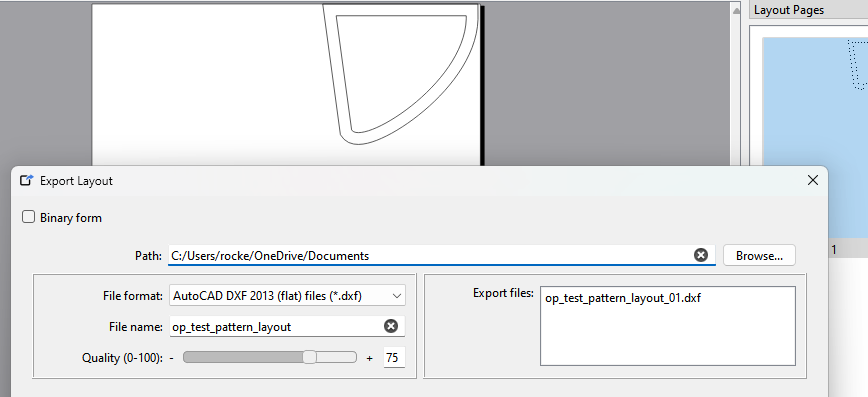
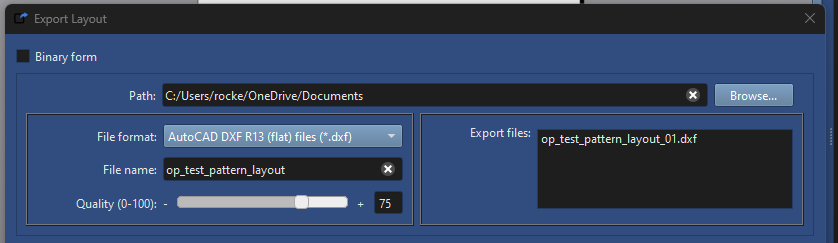
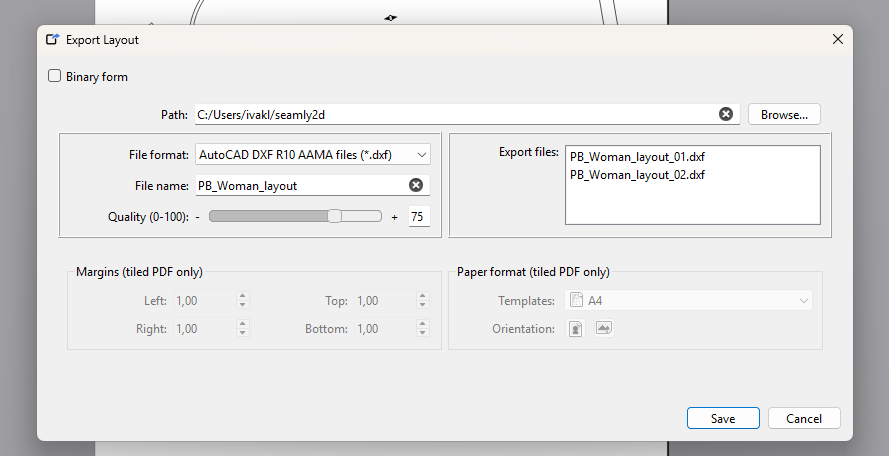
I just tried exporting a layout as a (flat) DXF & got this error: VDxfPaintDevice::metric(), unhandled metric 14 (it toggled between the 14 & 13 when acknowledged until it crashed Seamly2D & left a file unreadable as a DXF*.)
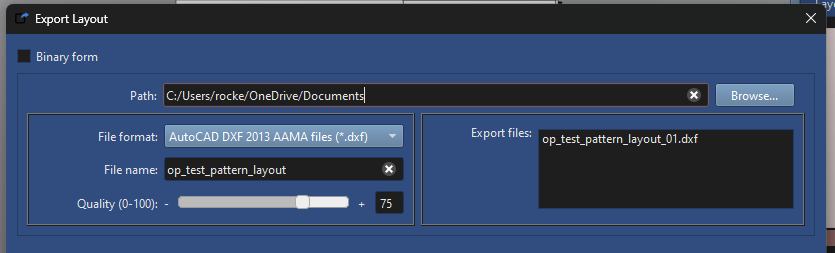
Trying as an AAMA DXF, it goes through, but the file(s) is unreadable as a DXF*.
OpenOffice insists on opening it in Writer, not Draw, & my Inkscape seems to be having trouble handling DXF. FreeCAD reported that found type 999 record when expecting start of a SECTION or EOF.
There was a update to qt 6.8.0 that added a couple enums that were not being handled in a switch in the DXF export. I have already fixed it locally… I just have’t pushed that commit yet to the branch.
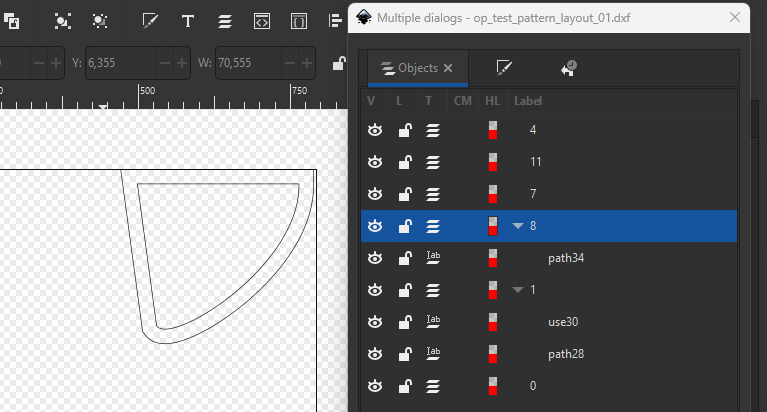
I just did this export and it opened in LibreCad ok:
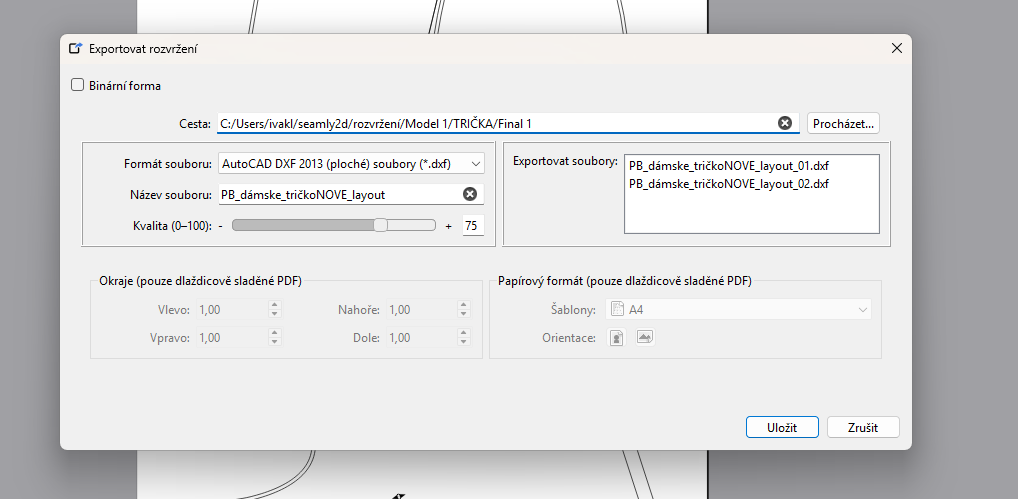
I need to investigate… there may be an issue with some of the Czech chars or the CAPS in the file name with the DXF export. The DXF library code is from a 3rd party, so it may be handling the filenames differenly than other exports like the SVG or PDF.
Thanks for the suggestion. I rename files, measurements file, folders, and everything so there are no specific Czech letters. And I start Seamly in American English.
Export was OK to DXF R10 Aama. I also tried the DXF R10 (flat) files, but it crashed Seamly and exported only one of two papers.