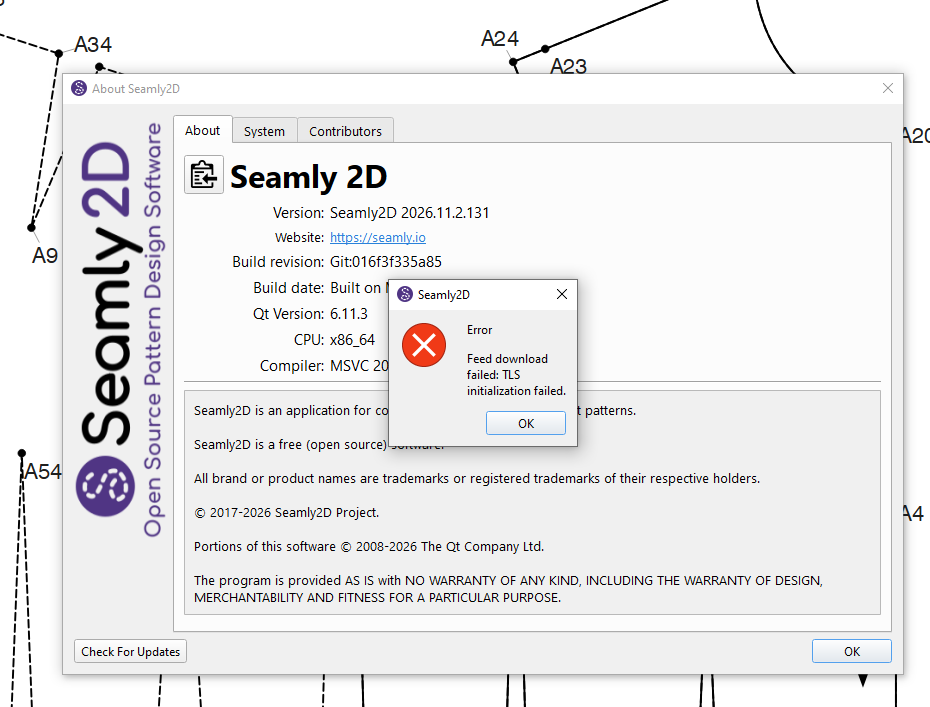
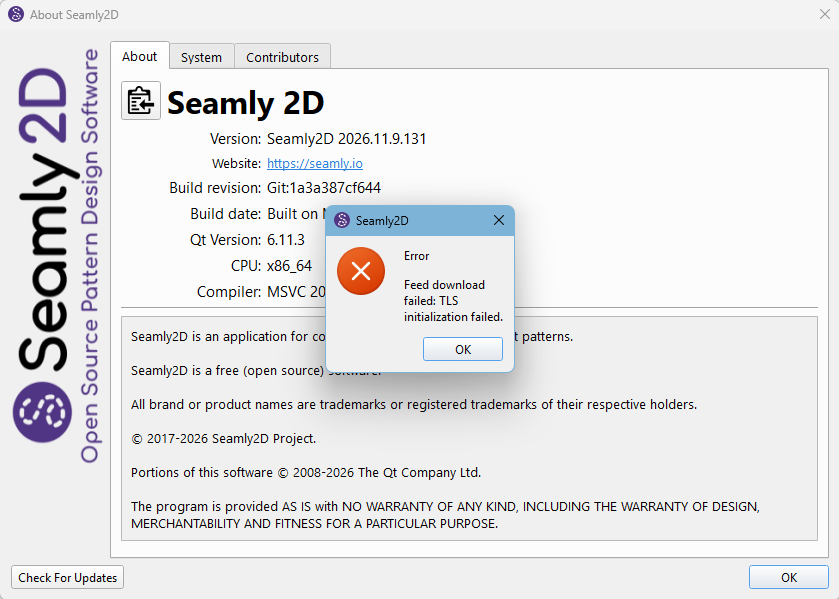
I previously downloaded and installed the latest version manually without any issues. Checking for updates with the latest version brings up the same problem. A quick Google search didn’t reveal any easy solutions. Before I delve deeper, does anyone have any insights?
I am using Windows 10, which is regularly updated.
Ok… I just checked 1/2 dozen builds from the last couple weeks on Windows 11 and none produced that error.
My suggestion. Download the lastest directly from Github. (scroll to bottom and pick the windows.zip) run that and open the About menu and ckick the “Check for updates”. You should get the no updates available… but it’s proving that the app is connecting to Github.
I may have the answer… The issue could be with using Windows 10 and the fact that Seamly is packaging the releases with older versions of libcrypto-1_1-x64.dll and libssl-1_1-x64.dll.
In my case I have the newer libcrypto-1_3-x64.dll and libssl-1_3-x64.dll that are required when building with newer than Qt 6.5… they come with Windows 11, so when the app can’t find them in the Seamly folder it looks elsewhere… where I have them and you don’t.
Ok… then the issue is more related to users simply not having the SSLv3 libs on their system. I assumed it was a Windows 10 vs 11 thing. I must have the SSLv3 libs elsewhere in my system path as the issue doesn’t show up for me. The fix I made now packages the newer SSLv3 libs instead of the older 1_1 versions. Not sure what triggered the issue… Github deprecating the use of the 1_1 libs? Changes going from Qt6.5 to 6.8 to 6.11?
In any case let me know if the issue is resolved with the updated release - whether you try the artifact or wait till Monday’s release.
It could also be related to the Microsoft upgrades they’ve been doing to their servers (that crashed yesterday). That affected 72 countries, but not all countries.