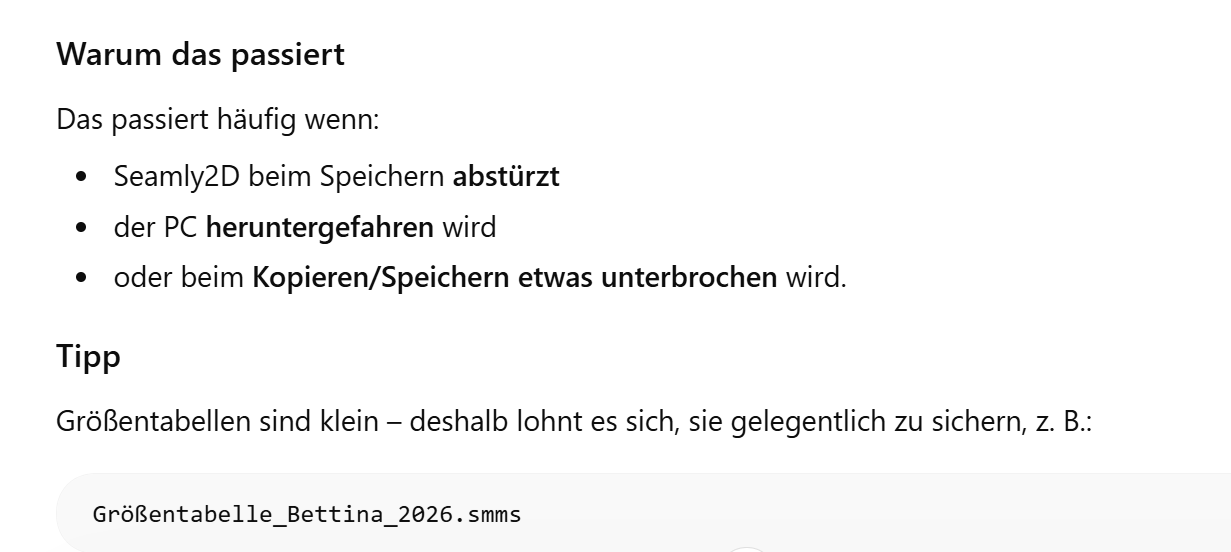
wenn ich einen neuen Entwurfsblock öffne und dann eine Mehrgröße laden möchte, erhalte ich die Fehlermeldung “Dateiausnahme - Ausnahme: vorzeitiges Ende des Dokuments”. Ich bin ratlos. Hat jemand eine Idee? Ich kann die Mehrgröße einfach nicht laden. Habe natürlich das Programm schon wieder geschlossen und wieder geöffnet usw….
Hi Douglas, thank you for your quick response! I wasn’t allowed to attach a screenshot yesterday as I’m new to the forum. But I kept fiddling around last night and it turned out it was because I didn’t save it in the Seamly folder but in my onedrive. Not that I understand, why, but it solved the problem…
Thanks for the screencap. BTW… you can disregard my response on the Github issue.
I had a suspicion that it might have something to do with the Onedrive. Likewise I’m not sure why that would be a problem, but at least now I’m aware of the issue if it pops up with other users.
One more thing - I forgot to redact the screenshot, could you make the personal information parts invisible or take it off and I’ll attach a redacted one?
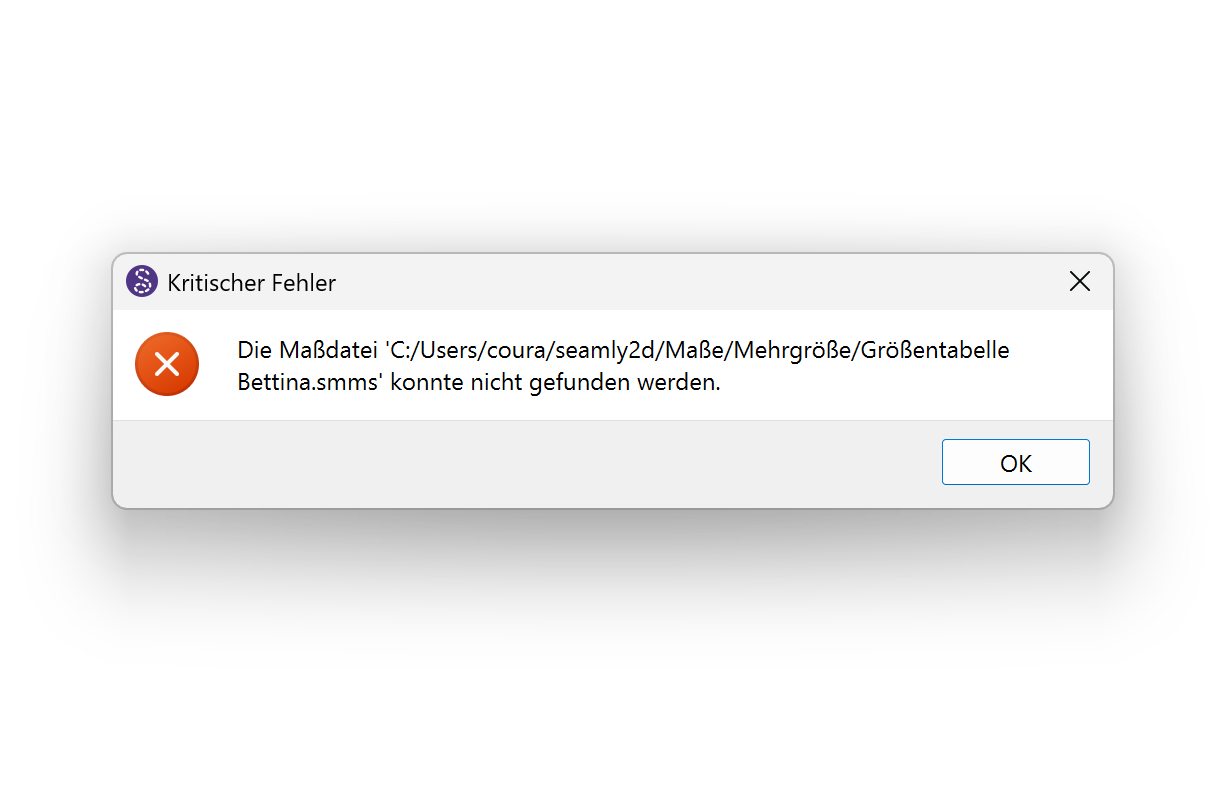
Ich habe ein Problem. Heute Morgen habe ich noch ganz normal mit einem Schnitt gearbeitet. Dann wollte ich eine andere Datei öffnen und bekam folgende Meldung und keine einzige Datei auf dem Computer lässt sich noch öffnen.
This is now the 2nd person getting this. Please don’t open any other files. Save them quickly to some other place like a flash stick/thumb drive so that you have a backup.
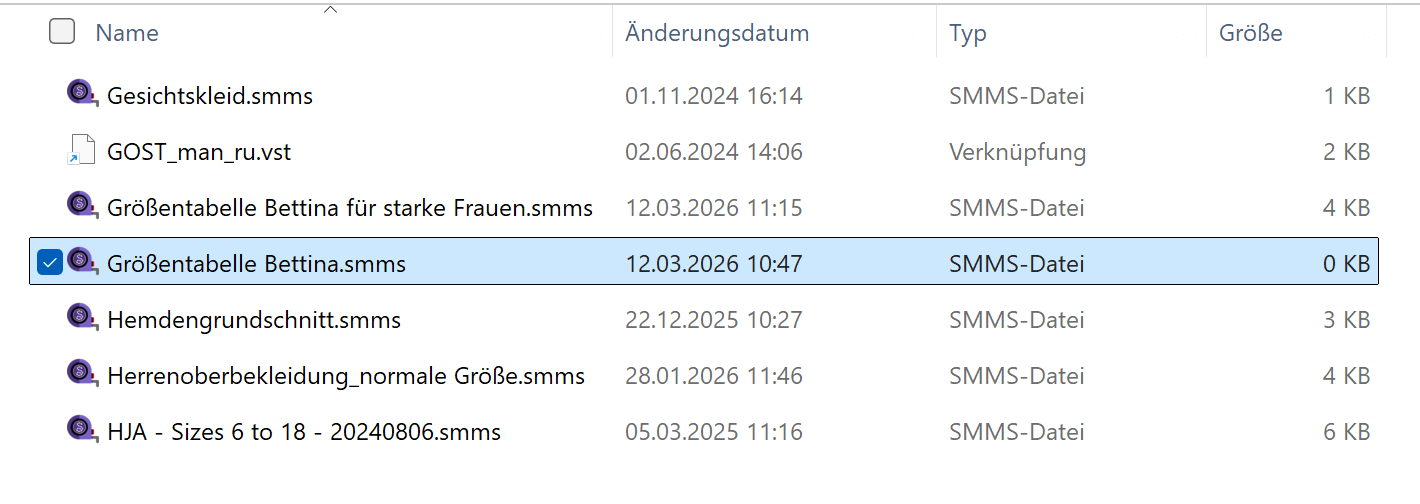
I think I may have a copy of your measurement file that is now 0 on my external drive. I’ll just check.
Ich habe das Problem gelöst, mit dem Gefühl das es aber auch in die Hose gehen kann:
Nach der Fehlermeldung bleibt seamly ja offen (unbekannt). Ich bin dann auf Maße gegangen, dort habe ich meine Maßdatei mit Inhalt gesehen. Ich habe dann auf speichern unter gedrückt und die leere Datei überschrieben. Das hat funktioniert.
Ok, it seems like it’s actually doing this when 2 pattern files are opened that use the same measurements chart. In your case, luckily you had the measurement file open as well, so it only wiped the one on the hard disk so you could save the one that’s open and not loose anything. Well done!
Nein, ich habe nichts verloren - bis vielleicht auf ein Lebensjahr, als mir das mögliche Ausmaß ersichtlich wurde, wenn ich all meine Dateien verloren hätte. Ich habe geschwankt zwischen jemanden umbringen oder mir selbst was antun
Hallo zusammen, hat sich etwas geändert? Kann man wieder mit mehreren Dateien gleichzeitig arbeiten oder soll man es noch lassen? Vielen Dank für eine kurze Rückmeldung. Bettina
Yes… and in the mean time I suggest to only open 1 pattern at a time. If you have to open another pattern, close the pattern, close Seamly2D and restart Seamly, then open other pattern. By no means open more than 1 pattern that uses the same measurment file and attempt to edit the measurements while the patterns are open. Also make sure to make backups of all your patterns measurements.


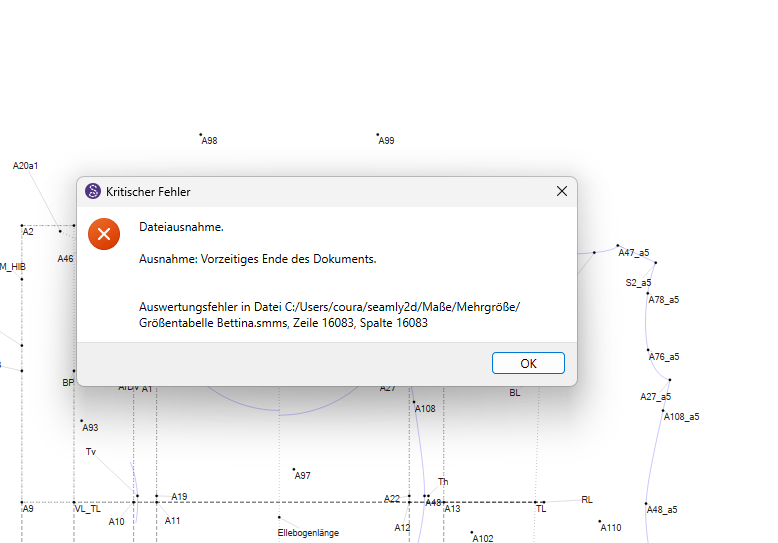
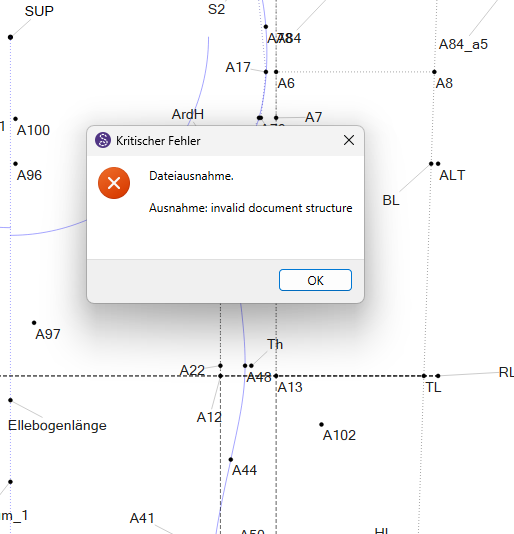
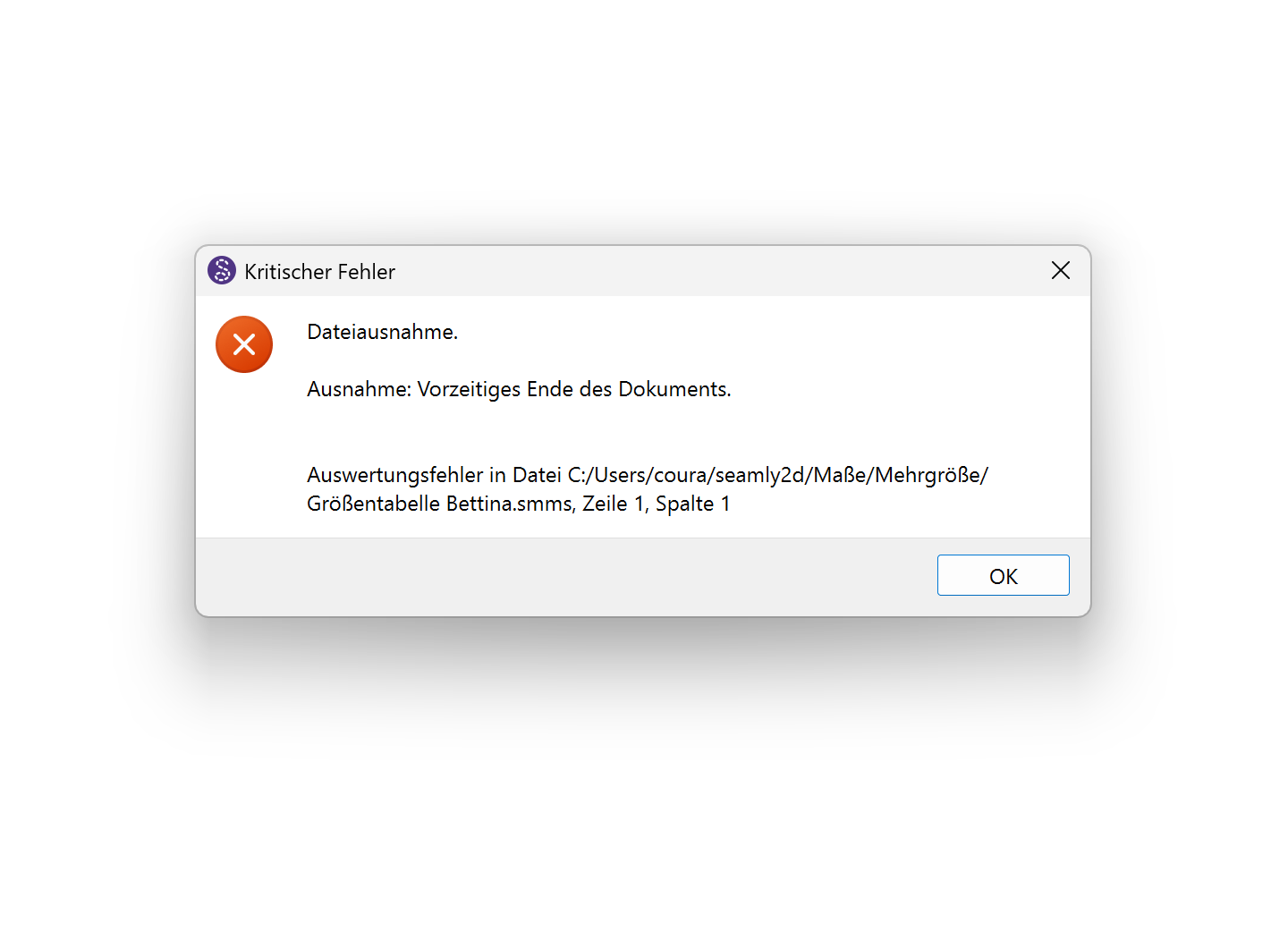
 This is now the 2nd person getting this. Please don’t open any other files. Save them quickly to some other place like a flash stick/thumb drive so that you have a backup.