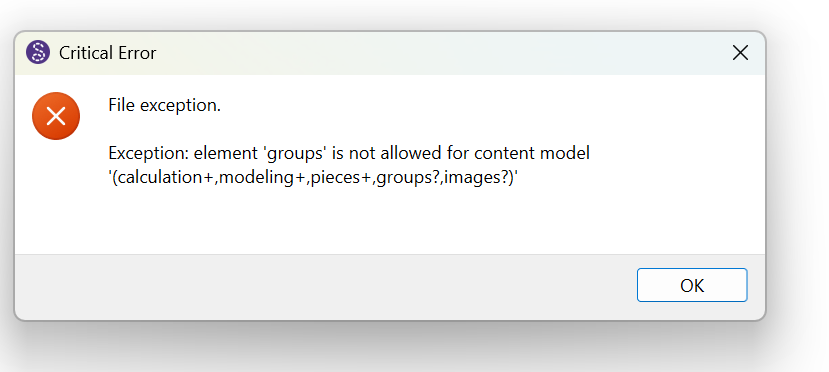
My Seamly2d crashed while editing a pattern and I can’t reopen it because this error shows up:
Exception: element ‘groups’ is not allowed for content model ‘(calculation+,modeling+,pieces+,groups?,images?)’
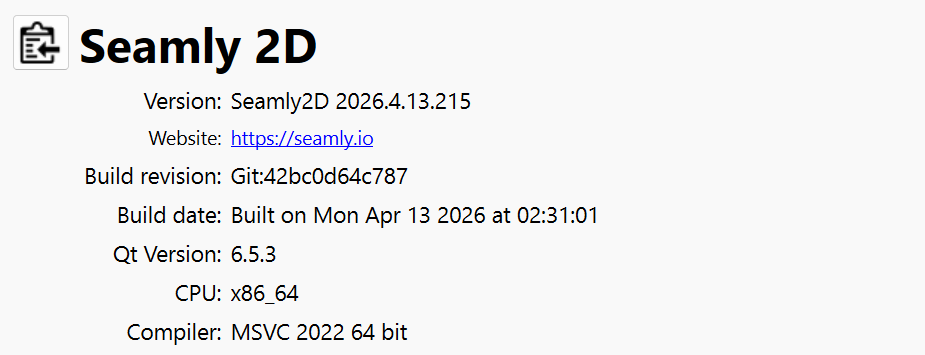
You probably need to update Seamly to the latest release which will fix the issue with writing any new files with groups.
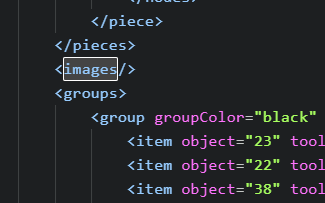
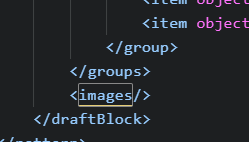
If it happens again you can fix the issues by manually editing the file by switching the order of any <images/> and </groups> tags. The images have to come after the groups.
This error is still happening. It’s occurred for me a few times in the last month, despite having updated to the latest version each time. This time, I asked chat GPT to fix it for me, which worked. Hopefully this issue could be fixed in new updates?
FYI, here’s the report from ChatGPT:
Fixed. I moved the misplaced:
<images/>
from before the <groups> block to after </groups>, so the draft block now follows Seamly’s required order:
The issue has been fixed for some time now as far as writing the correct order of the groups and images tags. but the app currently can’t fix existing patterns that are broken. While I could probably write in a fix, as time goes on it will just become useless code as by then most patterns would have been manually fixed.
As @Grace pointed out we would be more than happy to fix any broken patterns for you.