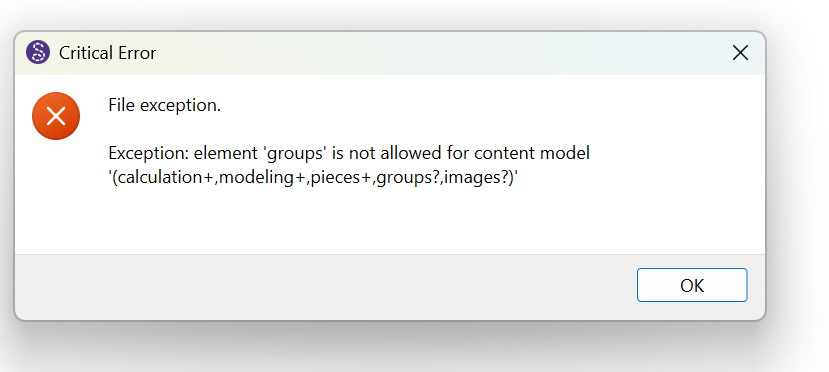
My Seamly2d crashed while editing a pattern and I can’t reopen it because this error shows up:
Exception: element ‘groups’ is not allowed for content model ‘(calculation+,modeling+,pieces+,groups?,images?)’
Is there any way to fix that file?
BauchtascheInforama.sm2d (37,8 KB)
Thanks in advance for any help
2 „Gefällt mir“
Yes.
Here’s your file fixed.
BauchtascheInforama._fixed.sm2d (37.8 KB)
2 things…
-
You probably need to update Seamly to the latest release which will fix the issue with writing any new files with groups.
-
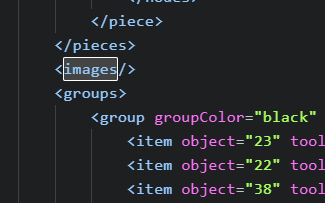
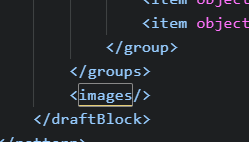
If it happens again you can fix the issues by manually editing the file by switching the order of any <images/> and </groups> tags. The images have to come after the groups.
This:
neesds to be here:
3 „Gefällt mir“
Wow that was fast! Thank you soooo much.
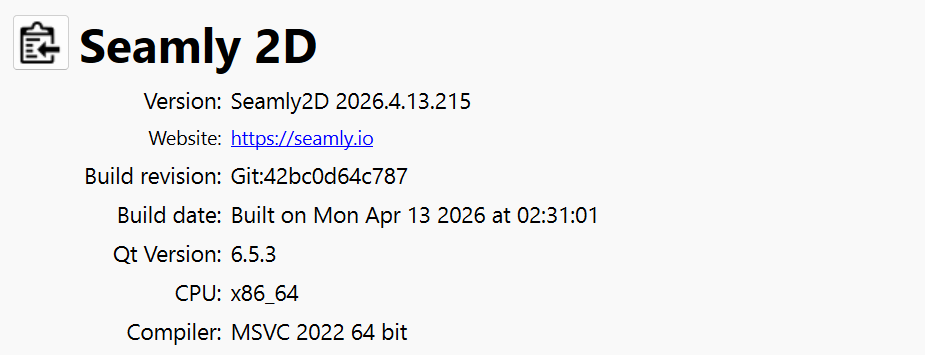
When I check for updates it says there aren’t any new updates. I’m on Version 2026.4.13.215
I will kee checking and update as soon as I can.
Thanks again
2 „Gefällt mir“
OK - Good. The new release though won’t fix broken patterns made with the bad version of Seamly2D.
2 „Gefällt mir“