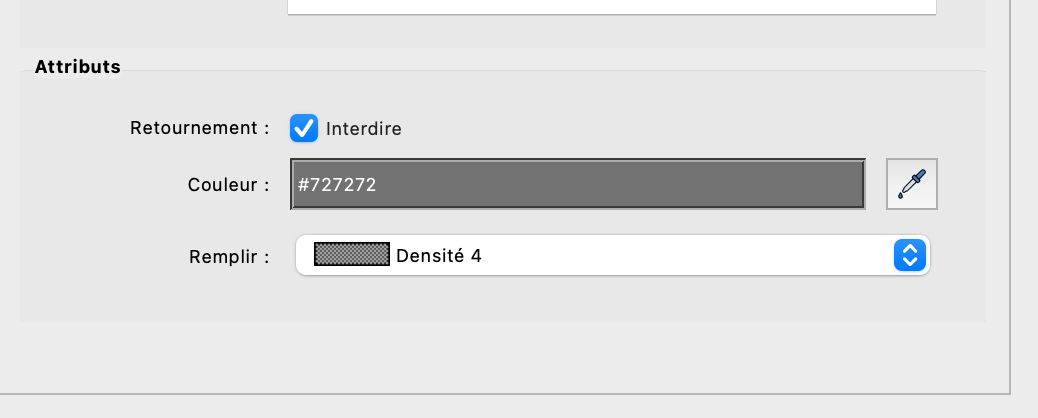
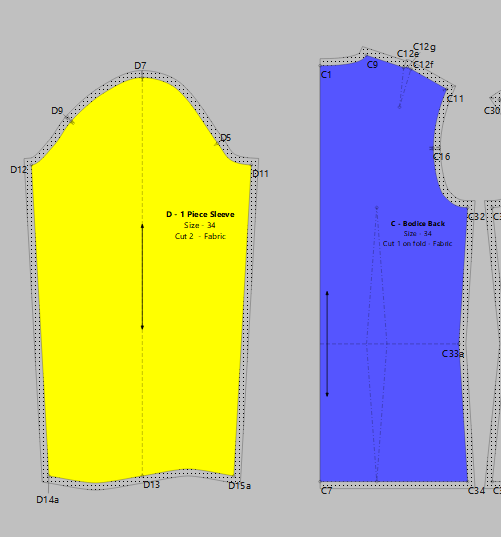
I’d like to use the fill mode in the detail view adding colors and some dots and lines inside my patterns using this parameter. But when I go to the layout mode all my pieces are plain white. Is it normal ? Do I have something to activate ?
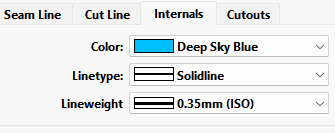
And while I have a symbols feature in the works (dots, squares, arrow, etc) you can create small circles in draft mode around a point and add them as an internal path. Of course they are going to be what ever Internals color you set.
It’d in deed be useful for me to ease cutting. Each color or filling attributed to lining or main fabric. It’d avoid mixing up pieces As I video project my pieces and not print them, the definition doesn’t always allow me to read the labels correctly. A more visual aspect would be appreciated. is that something you could implement or not at all ? Is that complicated to do ?
When you create a layout or export pattern pieces you can select which pieces to include by clicking the “eye”. That way you create a layout or export the fabric pieces separate from the lining pieces.
If you are projecting your pieces you may find Exporting from piece mode better anyways as you can some what create a better layout than the Layout mode will. And in that case you can color the pieces according to fabric or lining.