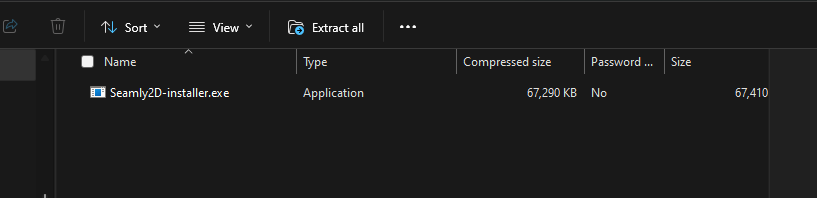
Please can you help! I have an old version of Seamly 2D dated 2018. Non of the update links work so I went to your site but the download button woudnt work. I then went to Souceforge and manage to get a zip folder full of files but no .exe file to install. I then managed to download the Seamly 2D installer. That has downloaded files to my computer but there is no link to the application files I have downloaded and no evidence of your program on my desktop!
What do I have to do to be able to use your product?
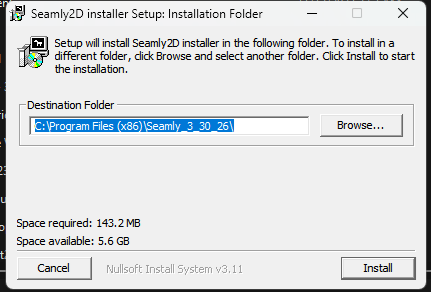
Double click the file… You will get the dialog asking if you want the app to make changes.. click yes. You should then get the installer. Enter a destination folder or leave the default… Click install.