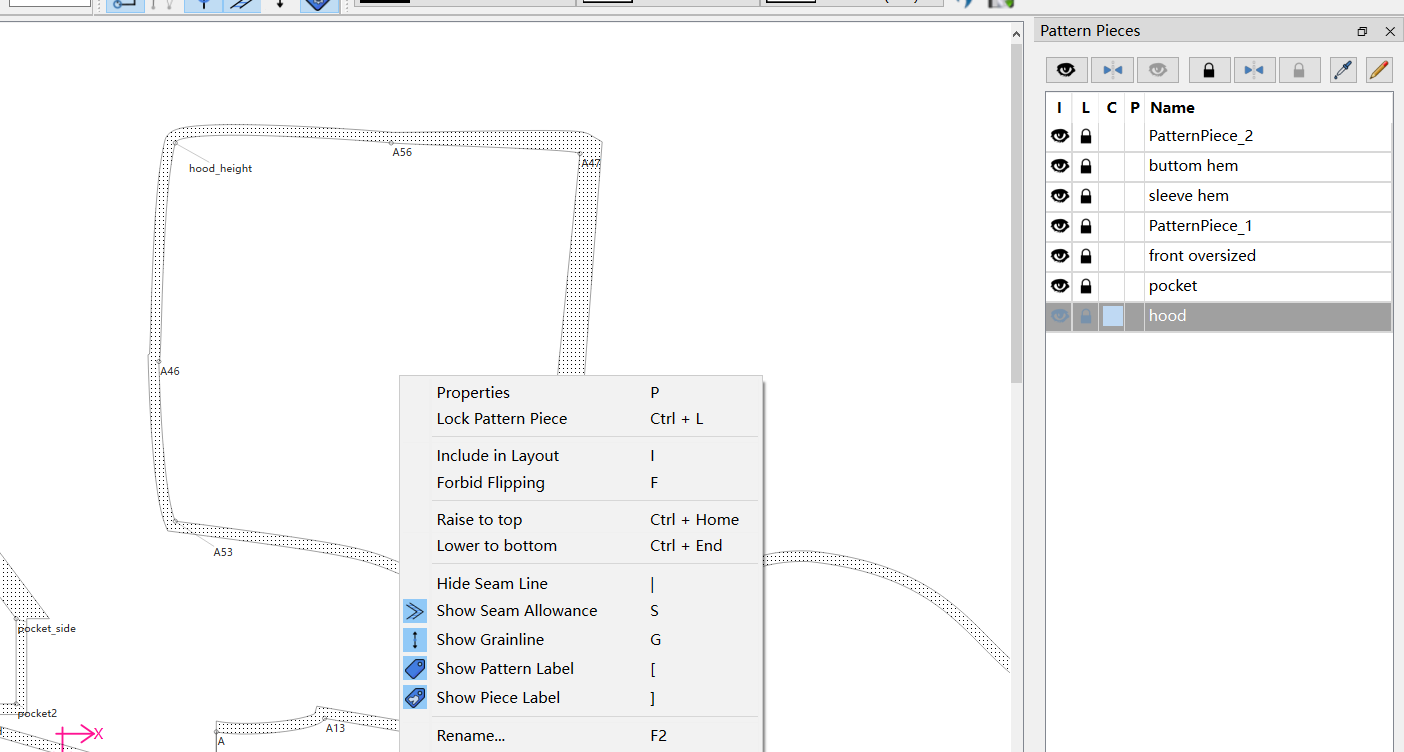
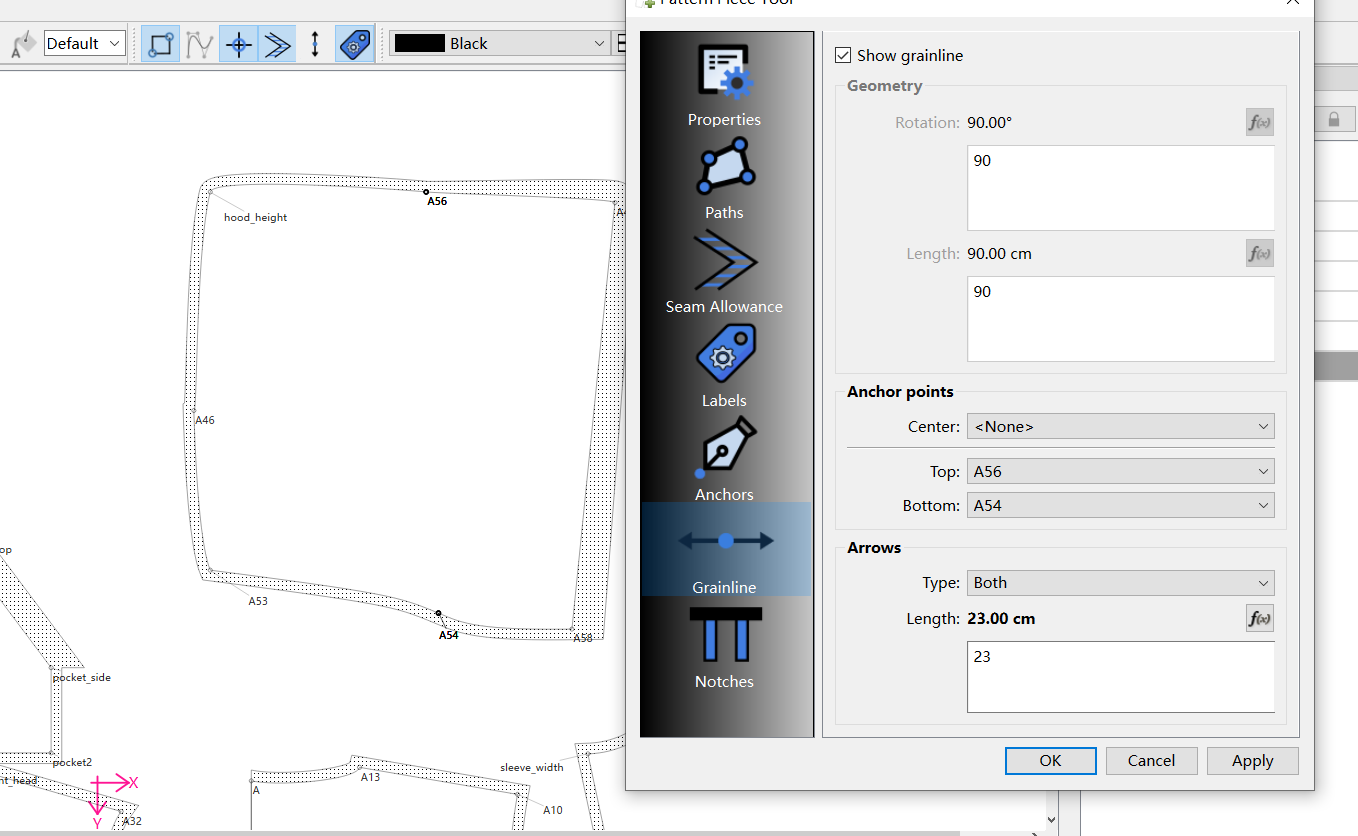
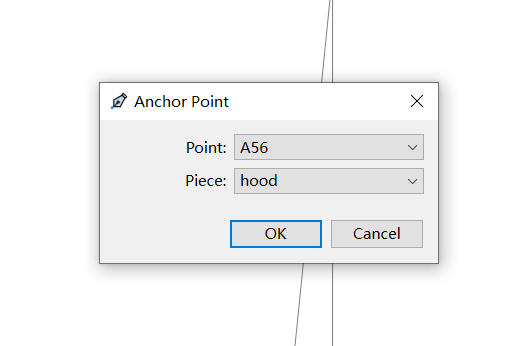
hey guys , i am drafting a hoodie pattern, but having trouble on the layout pdf to identify which way is which so i decided to add guide line, but no matter what i do the guideline still NOT showing up! even add anchor points (followed a few tutorials online), please help
Hello, @Ray
If you right-click on the pattern piece and click on “Show Grainline” on the menu that pops up. I think the Grainline may be hidden from this menu.
Let me know if this helps.
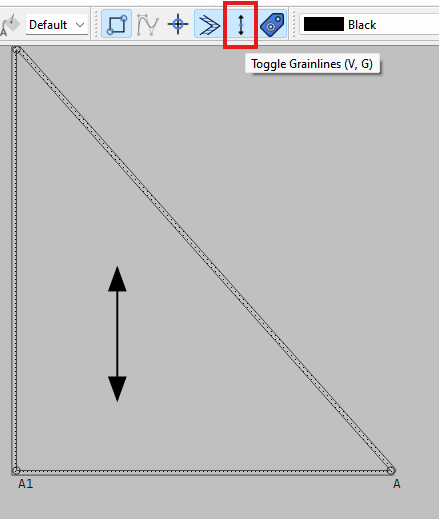
omg i didnt even realize this button  this solves it, thank you so much!
Glad to help. I basically put those toggles in there when exporting multiple pattern sizes to join as a nest - where you don’t need a grainline or the labels for each size.