TL;DR: I’m exporting VIT measurement files from 3D MeasureUp and importing them into Seamly2D to adapt Aldrich blocks. Even after filling in missing measurements in SeamlyMe and double-checking them, my patterns still look distorted. Could this be caused by missing key measurements, or extra/unnecessary ones confusing the conversion?
Hi everyone,
I’m running into an issue when trying to use measurement files generated from 3D MeasureUp inside Seamly2D, and I’d really appreciate some help figuring it out.
What I’m doing:
I scan users and upload the OBJ files into 3D MeasureUp.
3D MeasureUp generates their measurements, which I export as a VIT file.
I then load that VIT file into Seamly2D.
For context, I’m working with Aldrich blocks, using the official Seamly measurement file. My goal is to adapt these base patterns to each user’s body measurements.
What I’ve tried so far:
Manually added missing measurements in SeamlyMe.
Double-checked all measurements against the standard SeamlyMe measurement files — they seem correct.
Tested with multiple models (Blossom and Margo), but the results still look distorted.
What I need help with:
Is there a way to validate or troubleshoot which specific measurement(s) in my VIT/SMIS files could be causing the distortion in Seamly2D?
Does anyone have experience working with 3D MeasureUp → VIT exports, and know if there are any known compatibility issues with Seamly?
Could extra/unnecessary measurements in the file cause problems with how Seamly2D interprets the data?
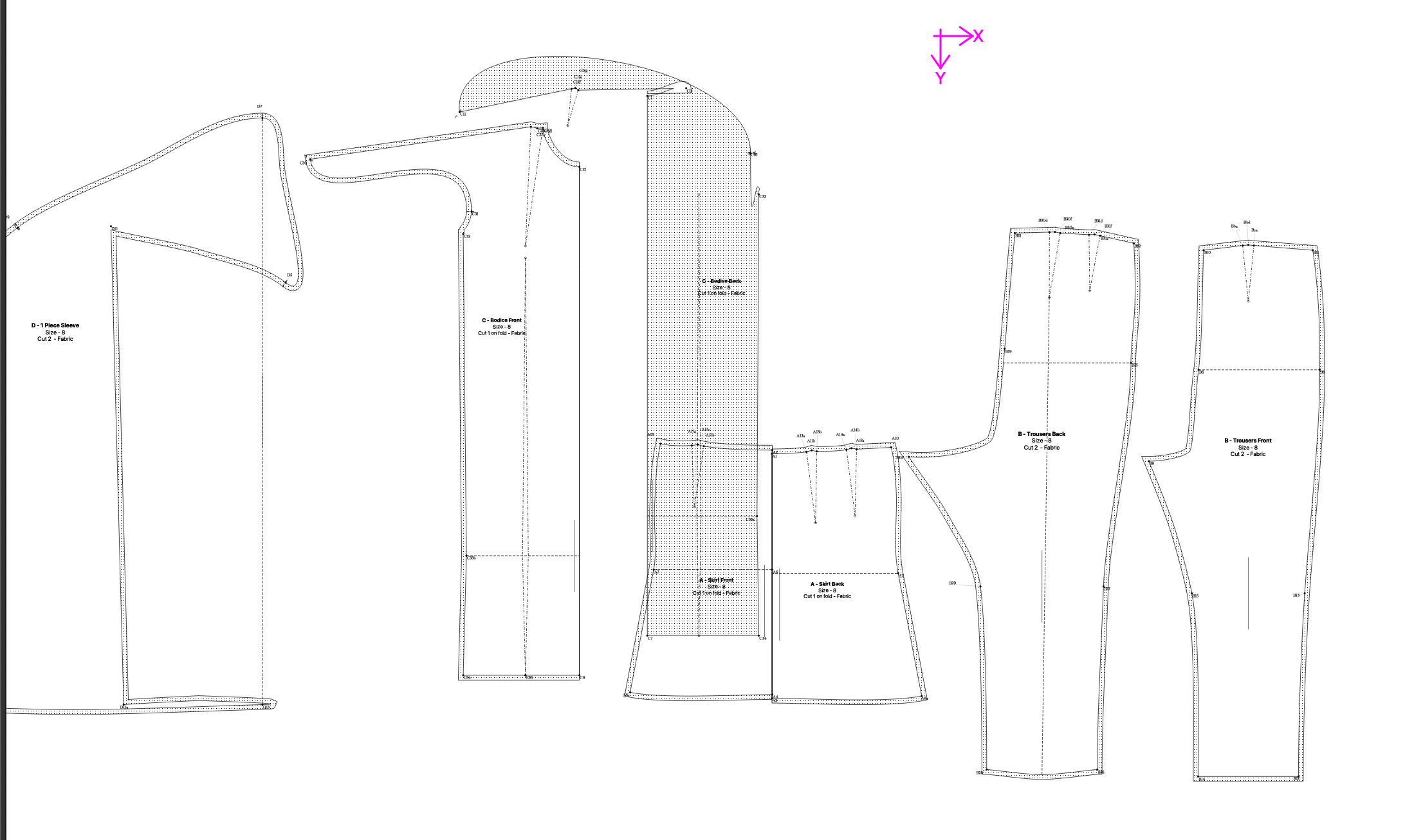
I’ll attach the two SMIS files (Blossom + Margo) and screenshots of how the patterns render in Seamly2D so you can see what I mean.
Thanks in advance for any advice or troubleshooting tips!
Open them up in SeamlyMe and check to see if they look right… and are in the same units as the pattern file. If the measurements look correct, and are the same units, then there must be something off in the formulas in the pattern -which wiithout the pattern we can’t tell.
I am using Aldrich-Womens-6th-Ed-Basic-Blocks.sm2d. I “Imported from a patter” (Aldrich-Womens-6th-Ed-Basic-Blocks.sm2d) but nothing comes up as 0 so im assuming I have all the required measurements.
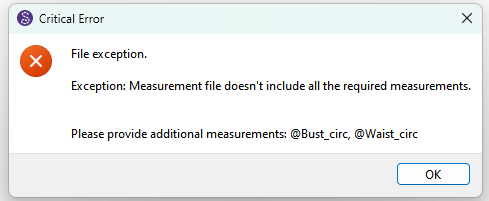
You would know if there are missing measurements when loading a pattern file as it will give an error telling you what measurements are missing… for ex:
Yes, I do get an error when I try to import the original VIT file directly from 3D MeasureUp. The message says:
File exception.
Exception: Measurement file doesn’t include all the required measurements.
Please provide additional measurements:
size, height_waist_side_to_knee, dart_width_shoulder, rise_length_side_sitting,
across_chest_f, across_back_b, armscye_length
Because of that, I can’t even proceed to edit the pattern — Seamly2D just blocks me at that point.
To get around this, I open the VIT in SeamlyMe and manually add those missing measurements. Once I save the file with those added, Seamly2D will then let me move forward and actually load the measurements into the pattern.
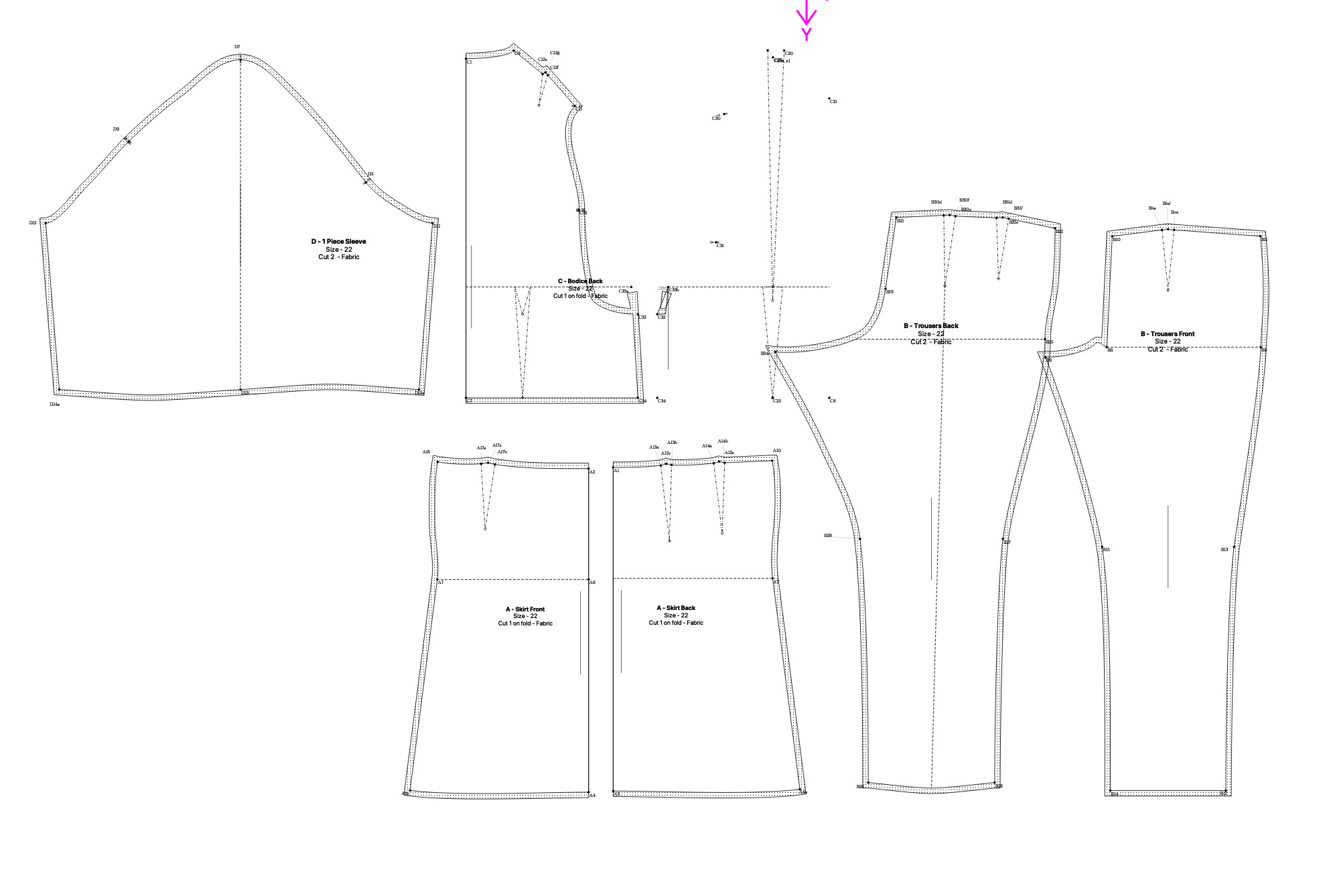
The problem is, even after filling in those missing values, when I use the updated VIT in Seamly2D the resulting pattern blocks still look warped/distorted. So the first barrier is the error message, and then the second barrier is that the corrected file still doesn’t translate properly into the pattern.
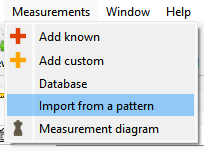
Like I said… you can load your measurment file into SeamlyMe, and then “Import from pattern”… it will add a blank entry for the missing measurements. It’s easier than trying to figure out what’s missing, and adding them one at a time. Of course you then have to fill in the blank measurements.
Is this the pattern from the Seamly store? I don’t have the pattern so I can’t tell.. but since your measurements are in cm, check the Units of the pattern… Seamly2D status bar lower right corner:
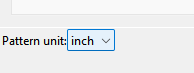
and the pattern units in SeamlyMe… lower left corner:
They need to match… or the pattern is going to be using incorrect values for the measurements.
Ok. Don’t post the pattern here. We have a team meerting tomorrow so I’ll either get the pattern or have Sue take a look at the pattern. we’ll figure it out.
Thank you for addressing this — I really appreciate your help and I’m looking forward to figuring out this issue. It looks like the problem might be related to the conversion from 3D MeasureUp to SeamlyMe.
Here are some of the measurements that seem to be particularly off:
Shoulder_length
Dart_width_shoulder
Neck_back_to_waist_b
Rise_length_side_sitting
Arm_shoulder_tip_to_wrist_bent
Please let me know if there’s any additional information I can provide or files I can send that would help better understand what’s going wrong.
Be aware that 3DMeasureUp doesn’t create all of the Seamly measurements. It is possible to have a pattern that needs measurements which 3DMeasureUp does not provide.
I’m looking into a way to derive the additional measurements.
 .
.