Pattern Piece Labels:
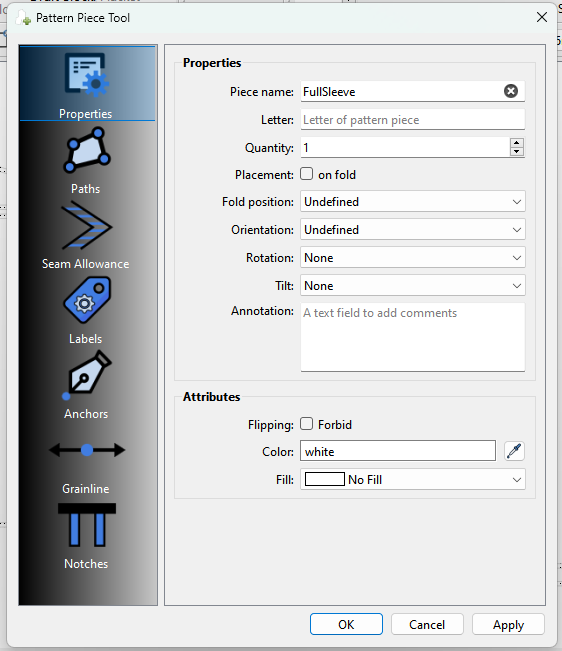
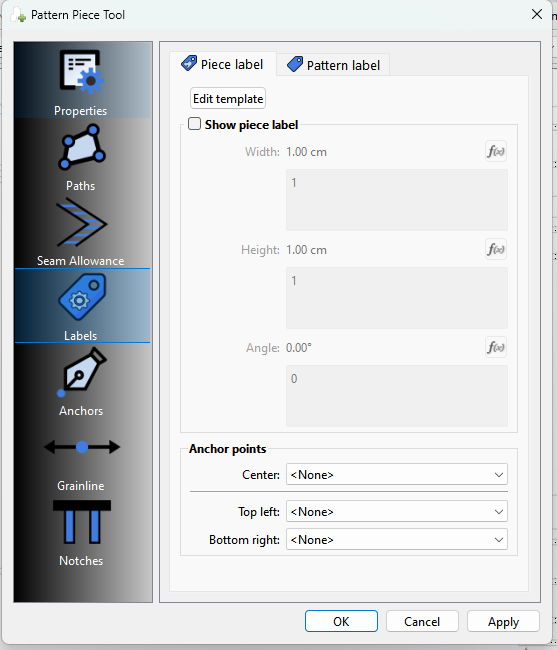
Open the Properties ans select Labels:
Im just going to add the Piece label… the Pattern label is the same other than the tmeplate used. Click Show piecelabel and click Edit Template:
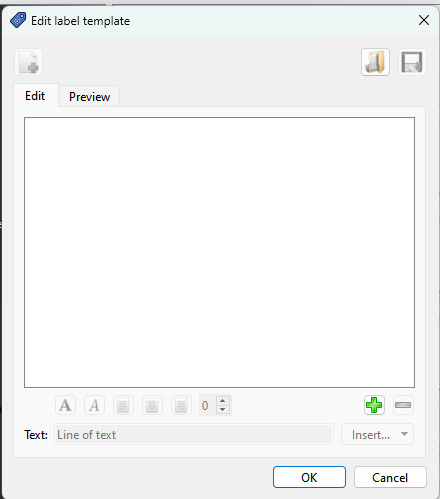
This is the label editor:
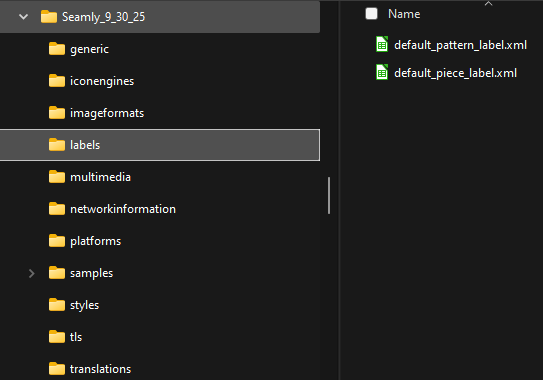
You can either create a template from scratch or load the default_piece_label.xml.
Let’s just create one… click the green plus button:

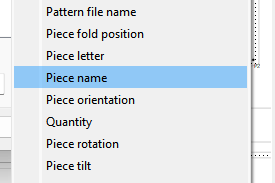
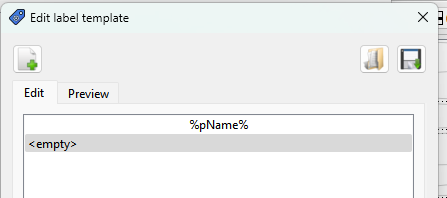
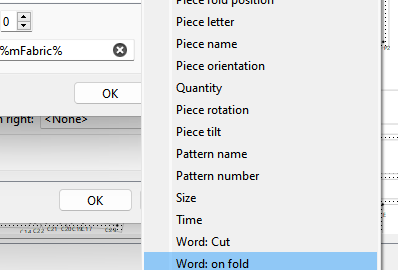
It adds an < empty > text. The text field is any text plus any placeholder which will be filled in with the piece or pattern data. Lets add the piece name… select the insert drop down, and from there select Piece name:
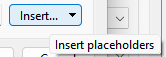
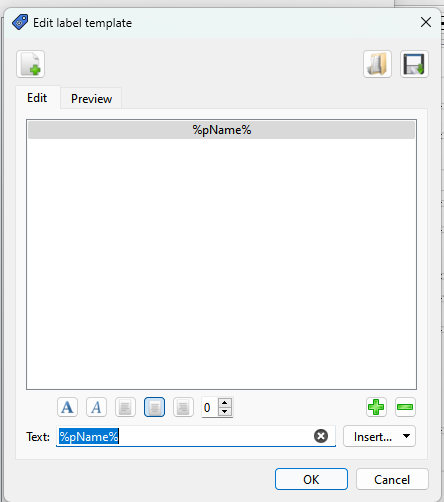
Yiu shoudl now see this:

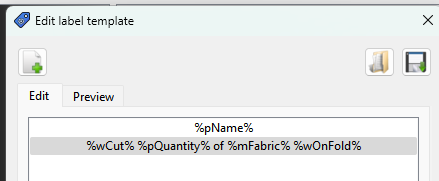
delete the < empty> text leaving just the %pName%… anything between the %'s will be replace by the piece data.
Yiu can set the alignment… I prefer centered - you can see the label template in the window above:
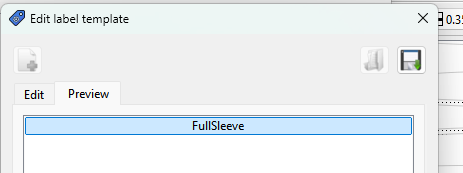
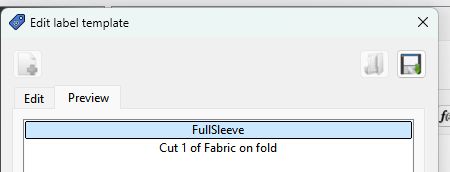
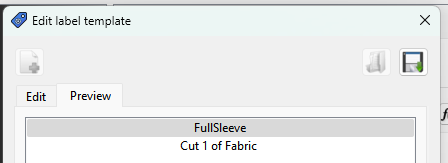
Clicking preview will preview how your label looks:
Click plus again to add another line:
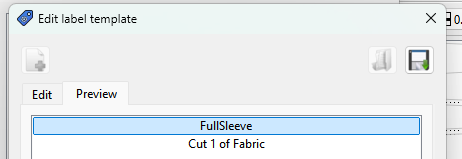
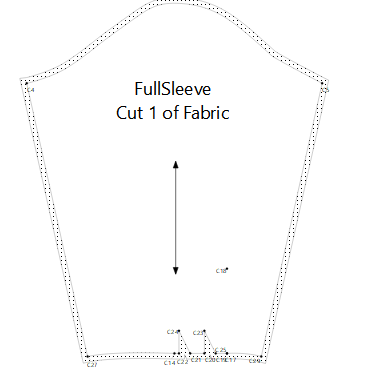
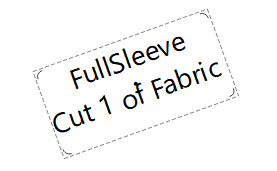
This time I’m going to make the label show Cut 1 of Fabric: Insert Word cut, Insert Quantity, add text ’ of ', insert Material:Fabric, Center… preview, and you have:
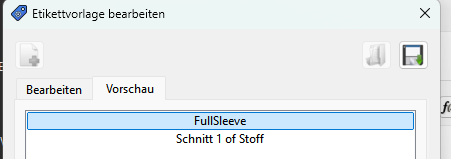
Note… the reason for the wCut is because wCut is a variable that gets translated…text you type is not. For exmaple here’s the label in german:
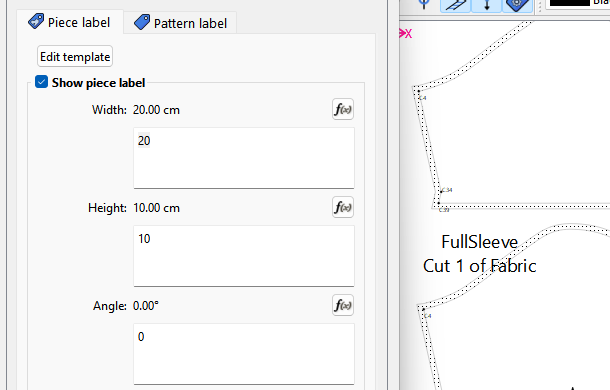
So now you may want to adjust the size of the label…
Click OK and move the label.
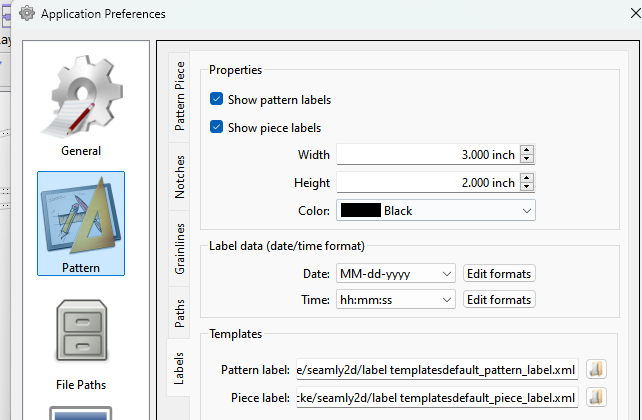
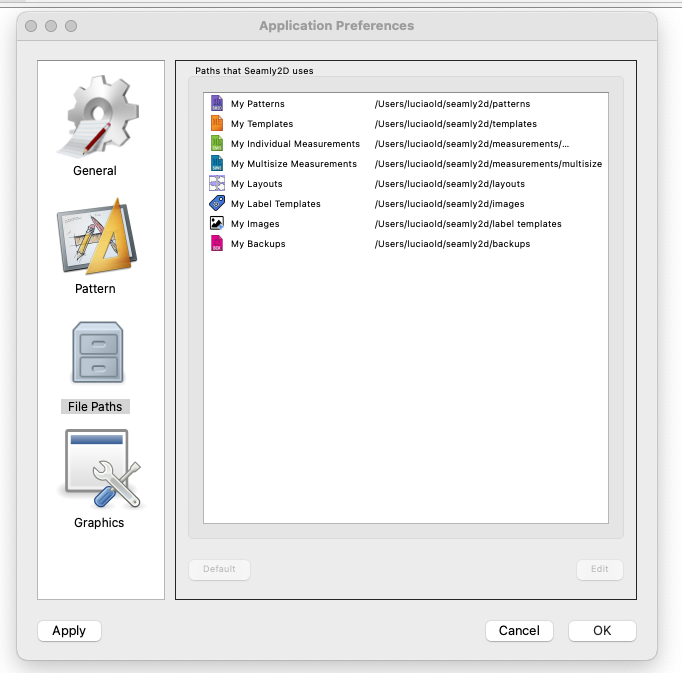
You can set the label prefs that will apply to new pattern pieces.Note that you can set the default label templates for each label.
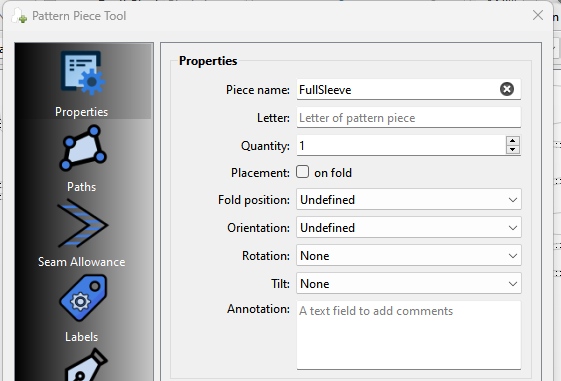
The piece placeholders get the data from the piece’s properties:
If you wantto use the wOnFold placeholder you need to check the on Fold box:

otherwise you get this:
Last… you can load and save label templates to use in other patterns. Most likely you would create a pattern and piece template that suits your needs and set those as your defaults in the prefs so they are automatically loaded when you create a new pattern piece.
If a label is free floating you can resize it or rotate it interactivey.
If a label is anchored to a center point, you can only rotate it.
If a label is anchored at the top and bottom corners you can’t change it.
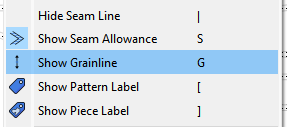
You can golbally hide all labels by toggling the toolbotton off:
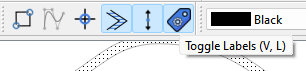
Other than actualy setting anchor points that’s about it for labels.



 .) Can you still ctrl/right click the App to open it as a folder? It’s been a long several years since I used MacOS
  .
.