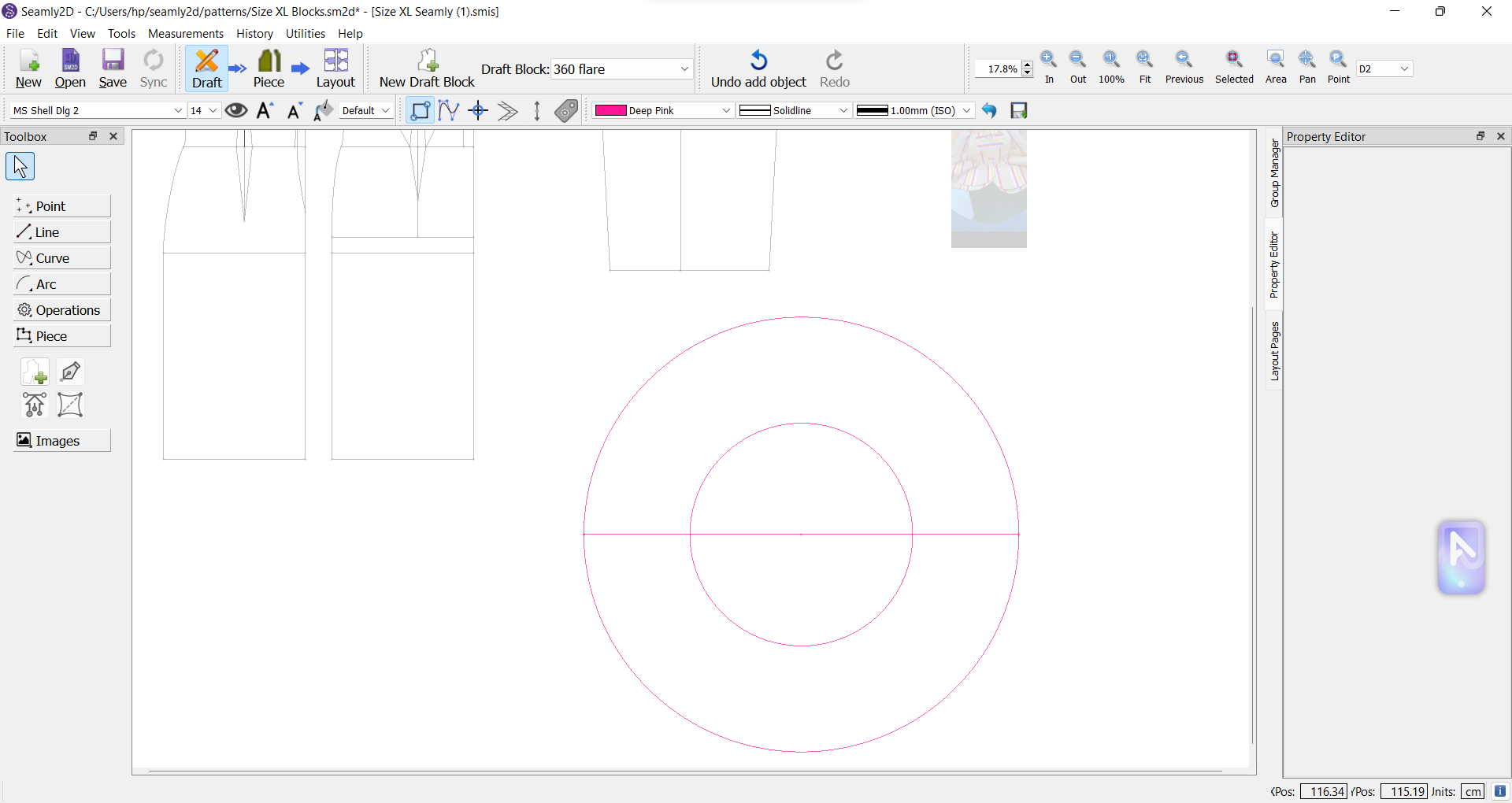
Yes, you can. Just remember that you may need to hold down the Shift key while selecting it because all arcs go anti-clickwise. It would be best if you first click a point on the arc.
The center arc will need to be an Internal Path and they don’t get seam allowances at the moment.
But the arc is just a single circle, the only thing i need to pick is just the big circle, there is no node there for me to trace it on a clockwise or anticlockwise direction(i hope you understand me.
The circle is the node. (Just not a node which is a point)
- Hold SHIFT, click the circle,
- press ENTER
- ??? (do the stuff to the traced Piece)
- Profit!

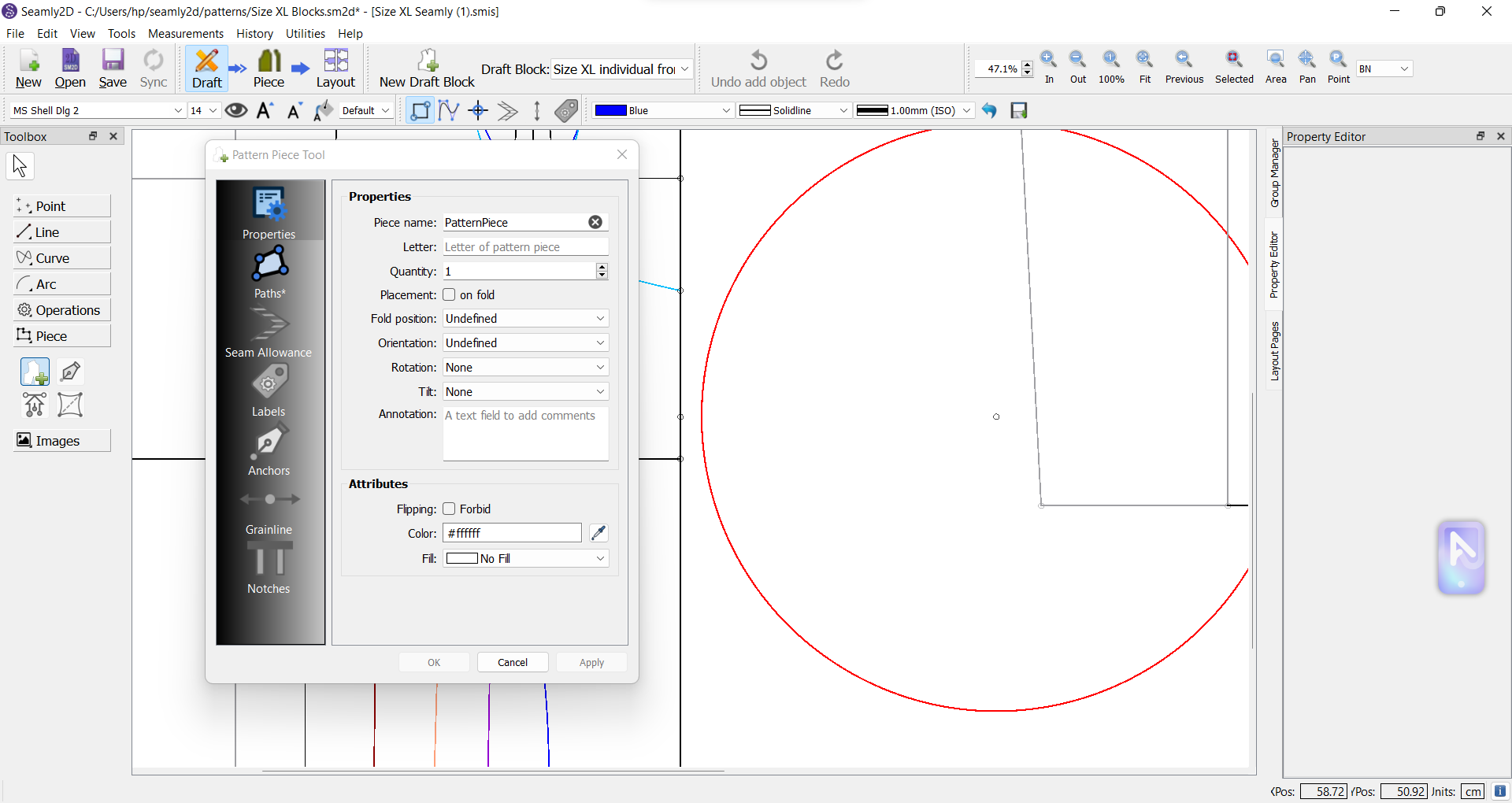
What release date of Seamly are you using? I think you need to update to a more recent release.
I normally use the Point - Intersect Arc & Axis tool to place a point at position 0° so that I do have a point.
I’m up to date 2days ago
I’ve try that too, it’s still not working. can you try to do that from your end maybe you will get it right.
Test Arc Pattern.sm2d (2.9 KB)
It works just fine on my side 
I tried again following the same thing you did but its still not working 
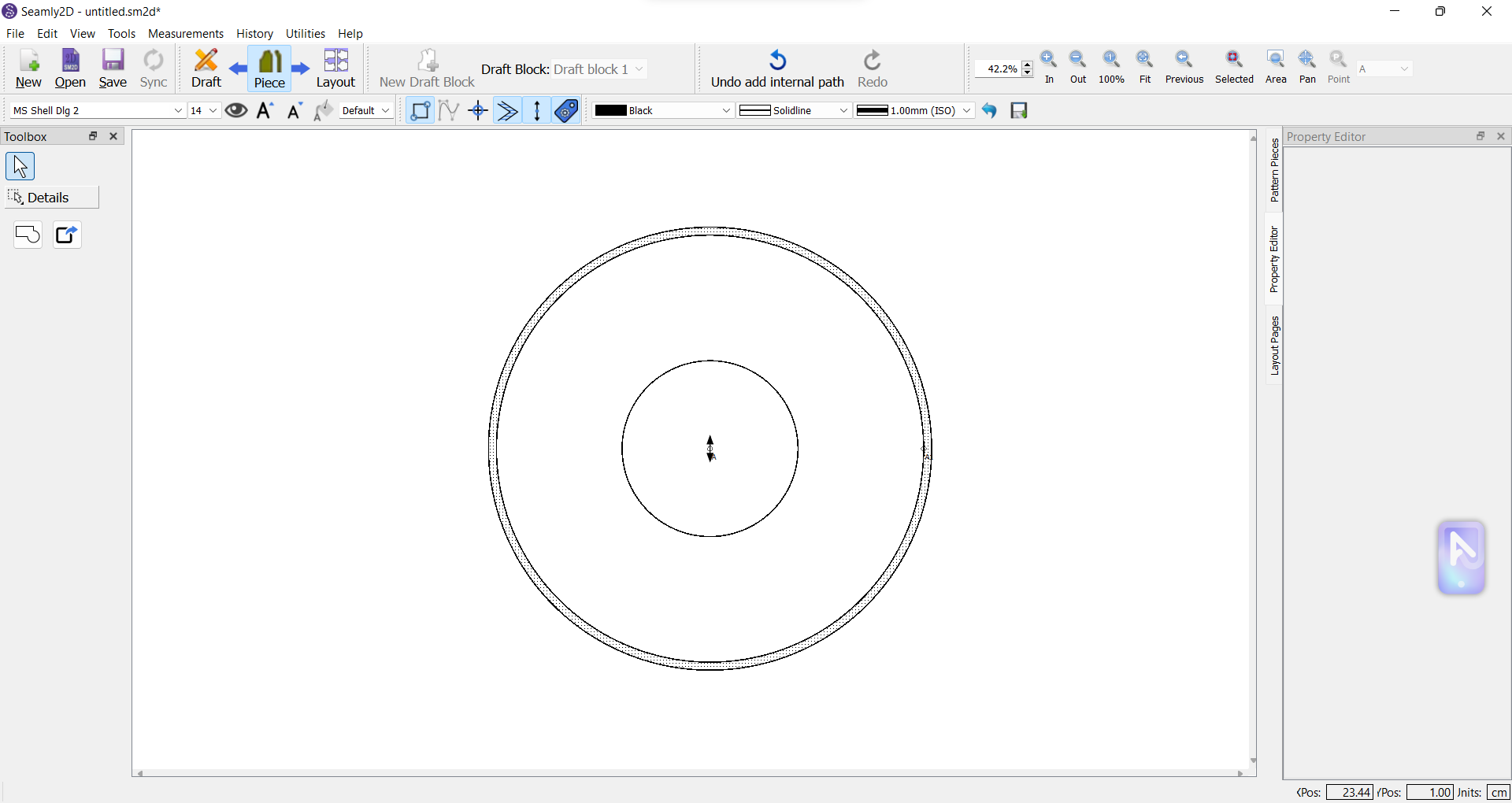
 ! I had to step away for a bit and focus on drafting something else—even though deep down, I was still bothered that I hadn’t gotten it right.
I kept replaying how you selected the two nodes in my mind, and when I tried again with a fresh perspective, it worked! 
Thank you so much, @Grace, and everyone else in this space who always shows up to help. I genuinely appreciate you all!
Yup. The brain is a stange thing. I too find walking away from something and coming back you have a different way of looking at it. Glad you figured it out.