Dear Group,
I don’t understand this message and am hoping someone can help me figure out how to fix the file.
Thanks in advance for your assistance!
Sure. It means you were trying to create an intersection point “point_g” on “Curves”, but since the intersection was not found it needs to use a known point so the pattern doesn’t crash.. We use the origin (0,0) as a substitute. I can’t see to know exactly what tools you were using, but I suspect you were trying to find a point on an Arc?.. Change the angles to make the Arc longer.
If this doesn’t help, if you can post the pattern we can give a better answer. 
Thanks for the clarification!
This issue only appeared when I changed measurement files from the original chart used to draft the pattern. I take this to mean that I either have an incorrect measurement in the 2nd measurement file or in the first but it was close enough in version 1 that it worked. Or do I understand this incorrectly?
Yes and/or no. One needs to be careful when intersecting arcs because measurements change and angles change accordingly, so the actual arc may move to a slightly different location which would put it out of reach of the intersection angle from another point.
Is there a better approach when drafting a pattern? I used a pattern draft version similar to M&S, where dart legs lengths and shoulder length are established via radii intersections. Is this not always scaleable?
I’m really not in a possition to reply to that, since I don’t know M&S’s methods nor the one that you’re using. However, if the arc is wide enough and the angle is formulated to intersect the arc, it should scale just fine.
There are a few people on the forum who do use M&S and have no problems. Perhaps @Scholli will come by with a solution for you.
I am working with Mueller und Sohn, but have limitied expewrience with DOB (Female) more with HAKA (Men’s) patterns. Can you give more info what are you trying to do, so we can discus things.
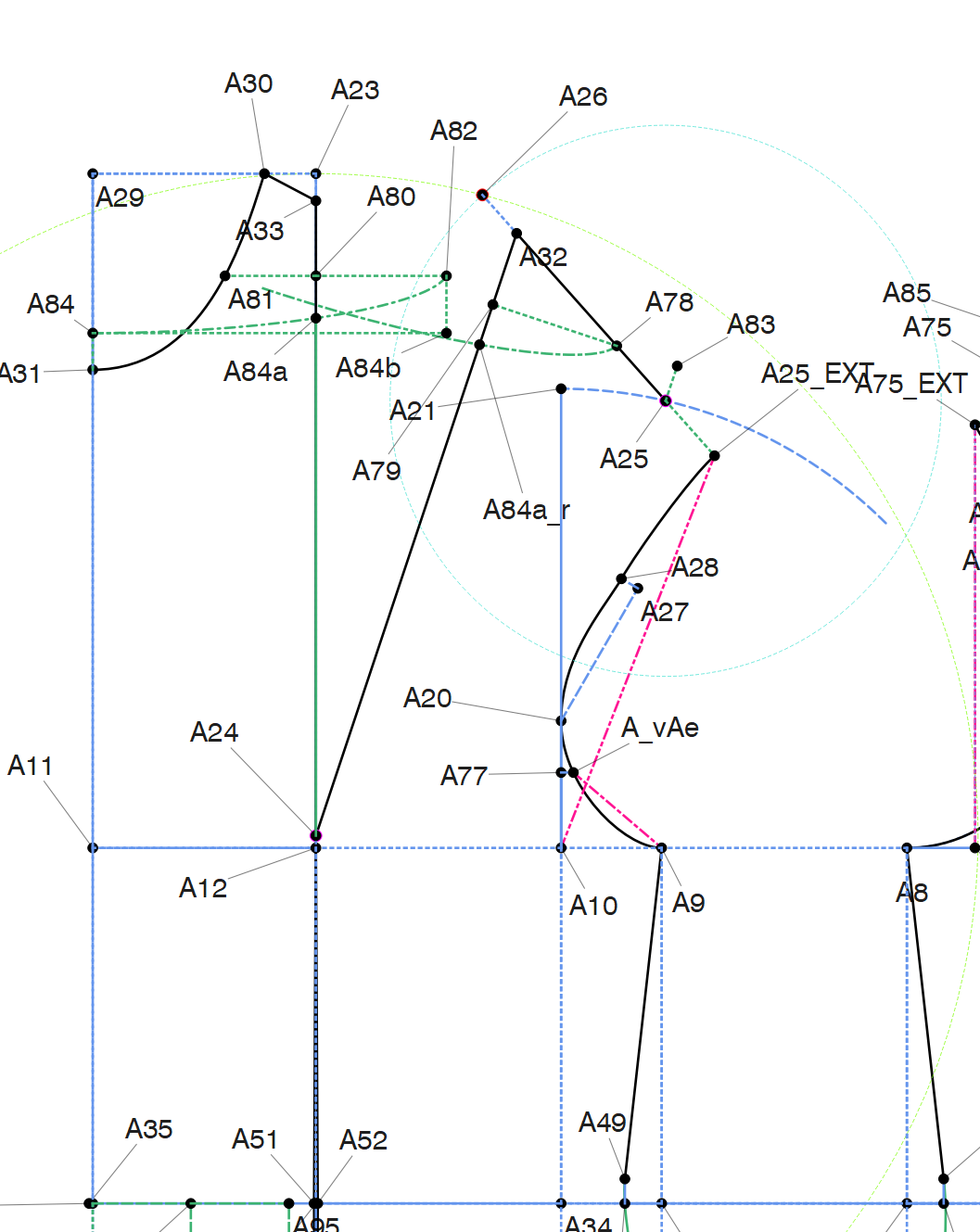
Here is print screen from my pattern, basic dress.
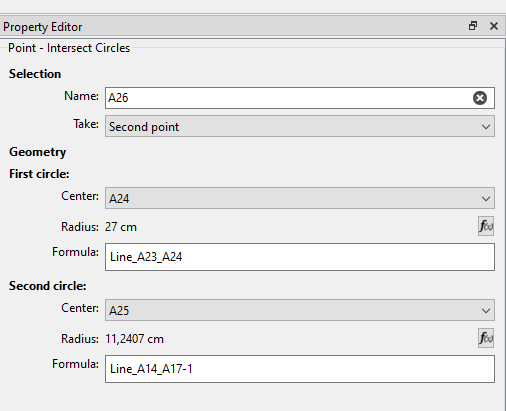
and the formula for the front front dart (line_A14_A17 is the back shoulder
M&S patterns expect that you are working inside some expected body measuremtnes, did you compared the measured vs their set and what does it looks like?
Thanks - the screenshot is very helpful.
I am using M&S’s system but with custom measurements and fewer formulas, which I am very comfortable doing on paper. I think my difficulty still lies in trying to figure out how to get the program to do the things that I do automatically by hand, and therefore I may create reference points that actually don’t make sense. Will try based on your drawing and then switching out the measurement charts later to see if everything calculates.
Ich arbeite aus einer Mischung M&S und Hofenbitzer, wobei ich die Erfahrung gemacht habe, dass sich insbesondere Hofenbitzer besser mit der digitalen Schnitterstellung auseinander gesetzt hat.
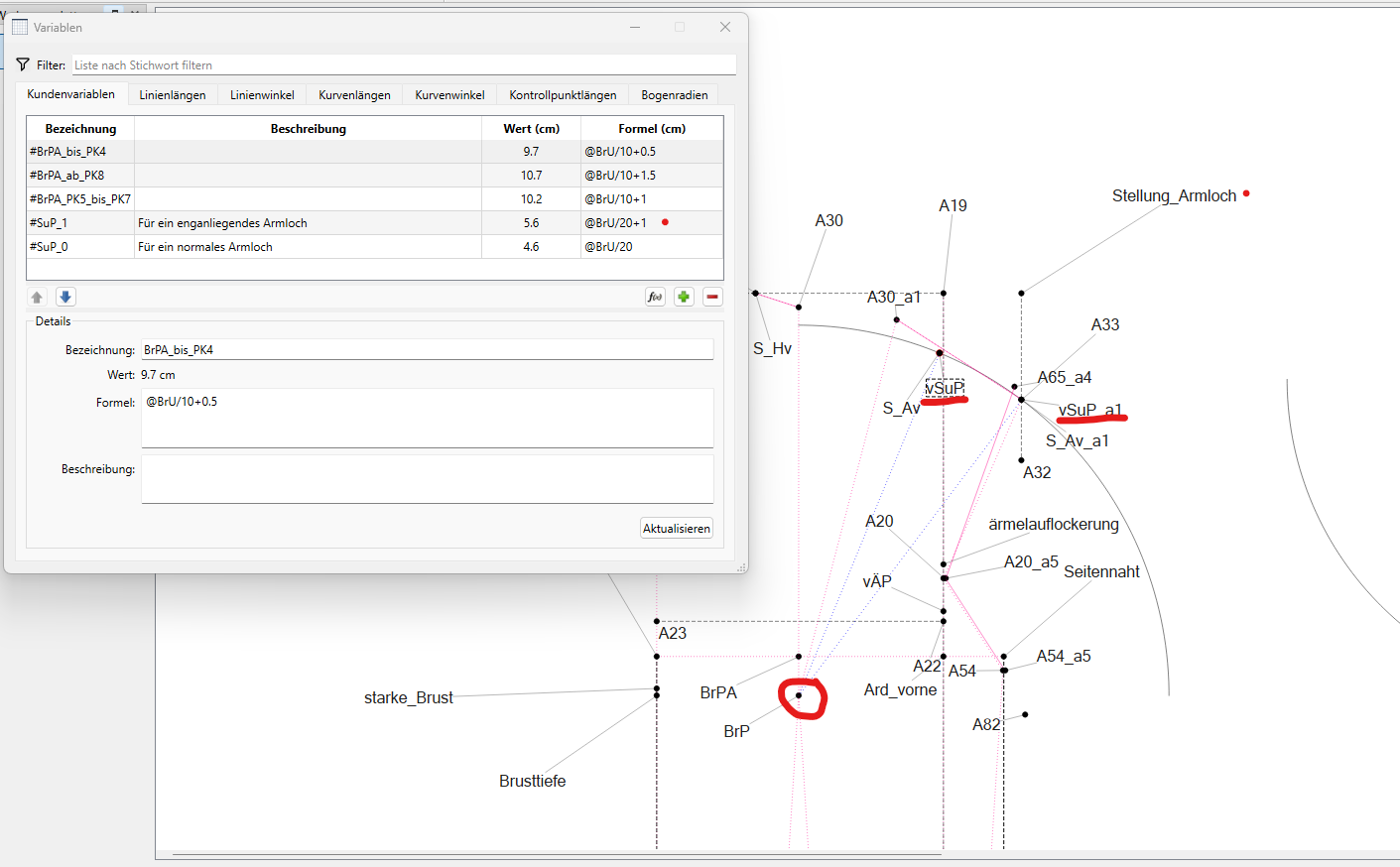
Ich arbeite auch immer mit einer Maßtabelle und habe mir diese als Mehrgrößenschnitt angelegt. Um den Schnitt für Kunden ab zu ändern, habe ich eine Gruppe mit Änderungspunkten angelegt und kann hier die Änderungen vornehmen. Die meisten Punkte werden mit Formeln angelegt.
Ich arbeite mit Bögen aber auch sehr viel mit Drehungen.
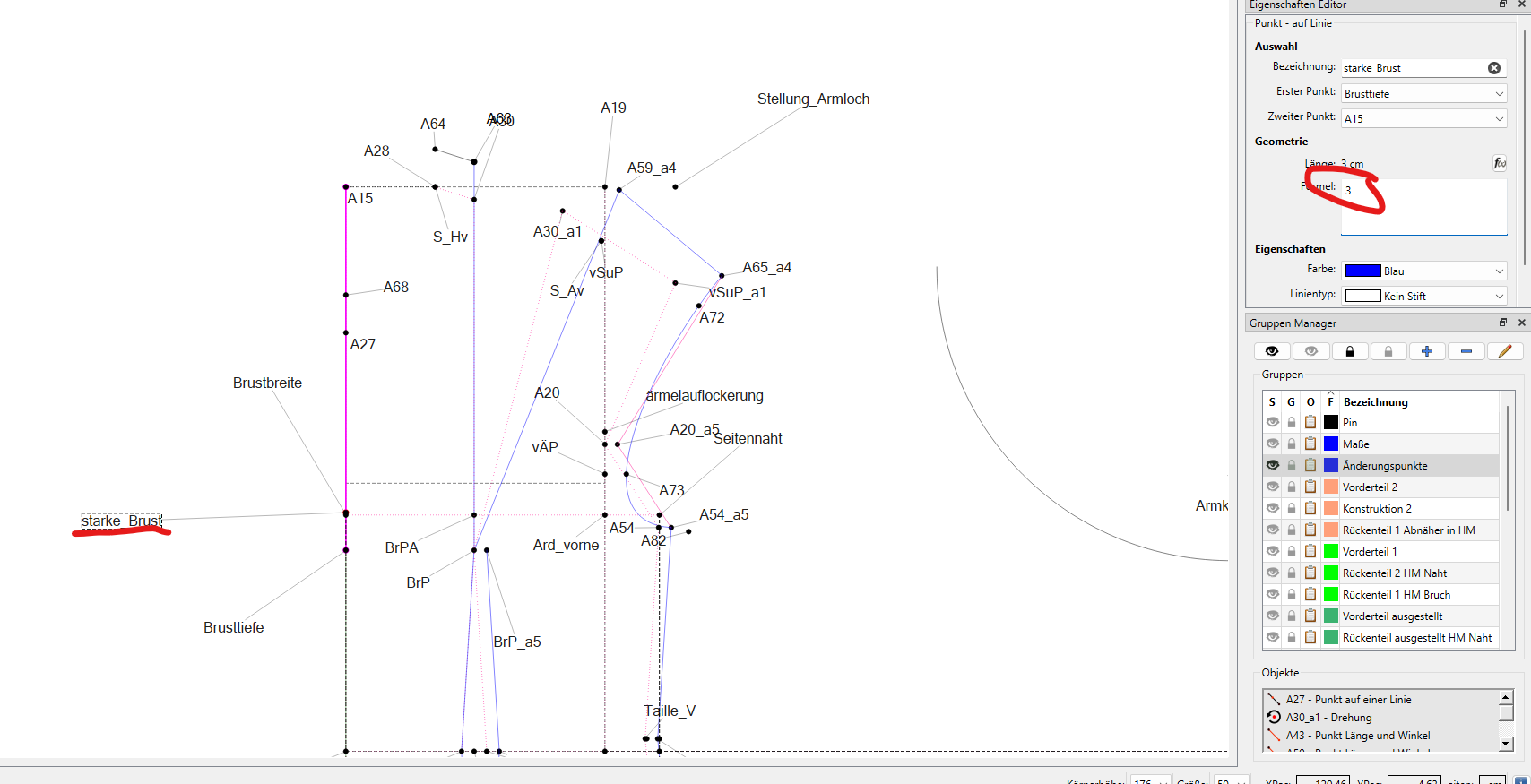
Ich habe ihnen meinem Gerüst noch die Möglichkeit eingebaut besser auf die Brust einzugehen ( starke Brust). Das ist die Drehung a4. Das Vorderteil wird länger und breiter. Die Breite wird am Rückenteil jedoch wieder abgezogen. Hier habe ich die “starke Brust” mal auf 3 gesetzt, damit der Unterschied deutlich wird: