Misure_Antonio.smis (1,1 KB)
Camicia carre.sm2d (34,1 KB)
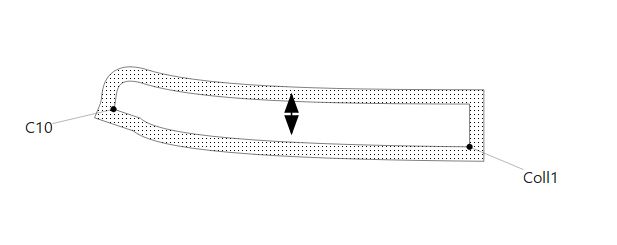
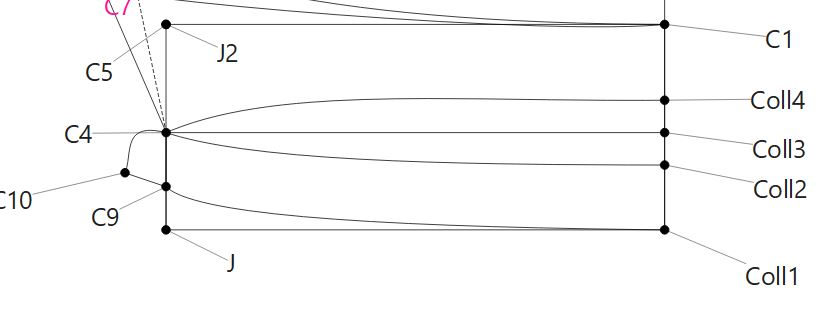
Why are there various “nodes” in the “Draft” section, whereas there are only two in the “Piece” section? How do I remove the seam allowance on the right?
Misure_Antonio.smis (1,1 KB)
Camicia carre.sm2d (34,1 KB)
Why are there various “nodes” in the “Draft” section, whereas there are only two in the “Piece” section? How do I remove the seam allowance on the right?
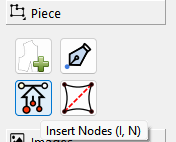
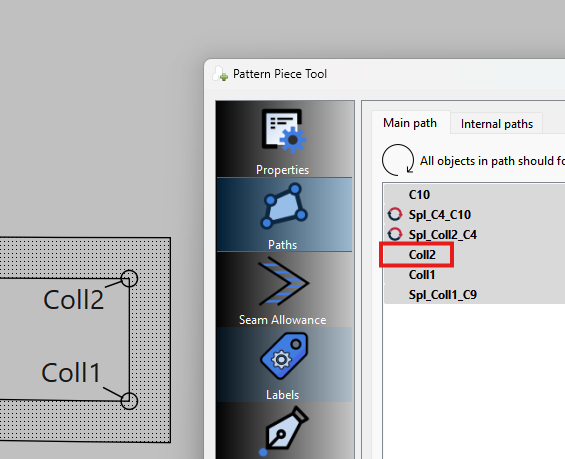
Because those were the only nodes added to the pattern piece path. Since we will need the point Coll2, I used the ‘Insert Nodes’ tool to add that node to pattern piece:
Now that point Coll2 is added we can remove the SA between Coll2 and Coll1.
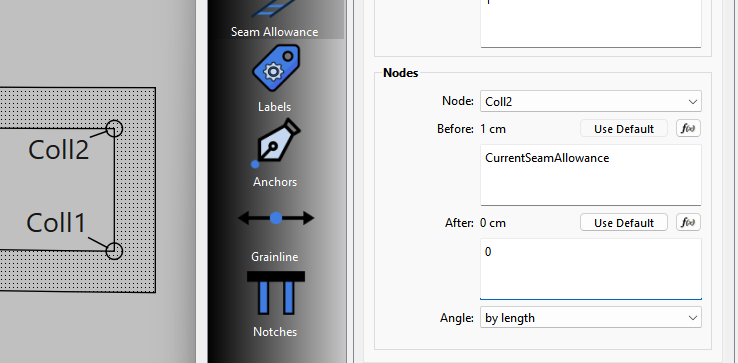
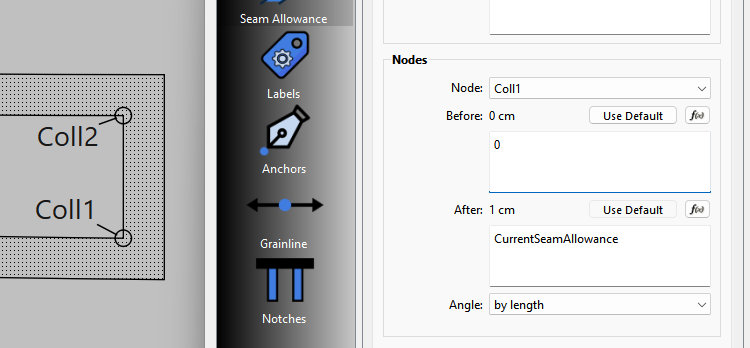
Set the After SA for node Coll2 to 0:
Andf the Before SA for Coll1 to 0:
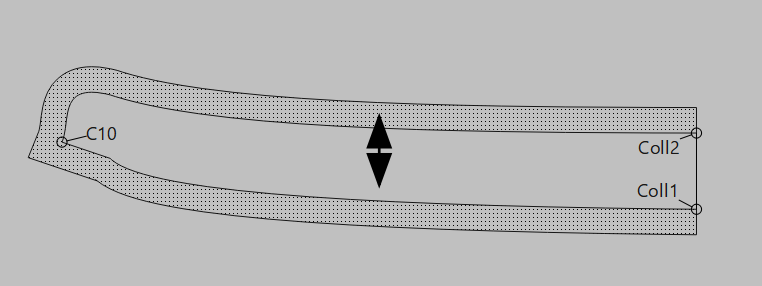
And now the SA is removed:
Here’s the fixed pattern back… but I suggest learning how to use the ‘Insert Nodes’ tool as it’s used often when you miss nodes or need to change the main path of a piece.
Camicia carre_fixed.sm2d (32.7 KB)
Let me know if you would like to learn how to resize the grainline and anchor it so it stays in place if you resize the pattern.
There are many things I would like to learn. This one you just showed me is really useful and brilliant! I really thank you a lot. It’s like having an expert friend who helps you when you need it.