I have a project with large pieces (many feet by many feet). It is not practical to print this at 1:1 scale. Nor is it necessary as there are only straight lines.
I’ve been poking and searching but I can’t find out how to:
Print line/item dimension labels, like in a technical drawing.
Print the layout (or piece) scaled. – EG: 1 inch on paper equals 1 foot on fabric.
How do I do these things in Seamly?
I like how it is quick to prototype designs and that Seamly makes seam allowance handling easy. But I need to be able to print the results in a usable format for others.
I’m a newbie to fabric CAD programs, so sorry if I missed something obvious but please help.
#1… you can’t unless you hardcode the dimensions in a label. Currently Seamly does not support adding the value of variables in labels. It’s not really a thing to dimension garment patterns so there’s been no priority to add such a feature.
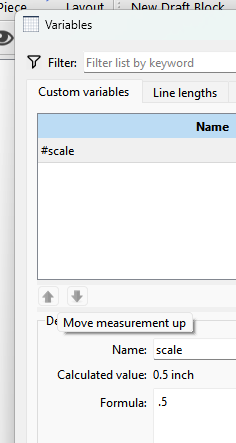
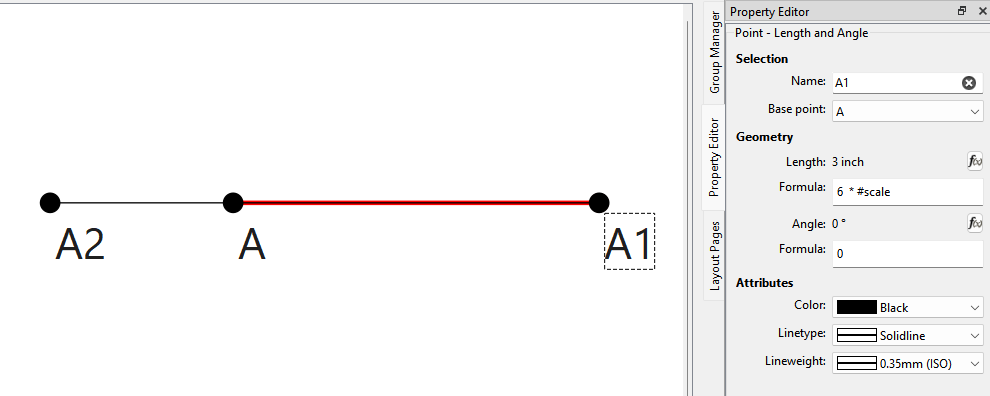
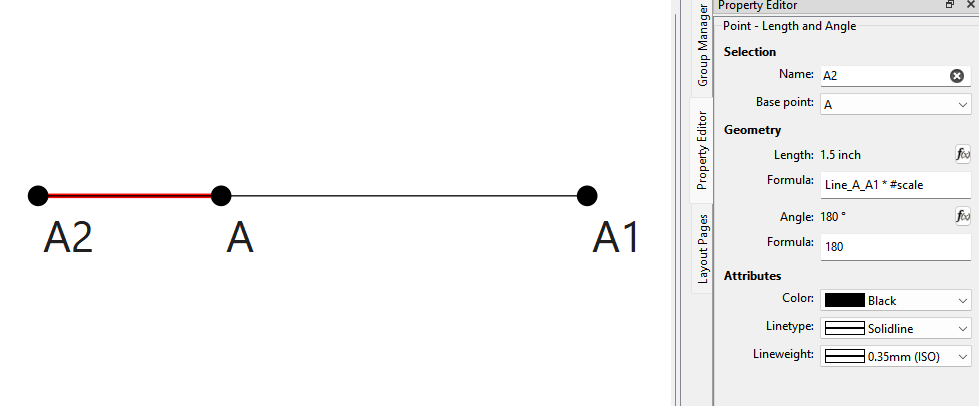
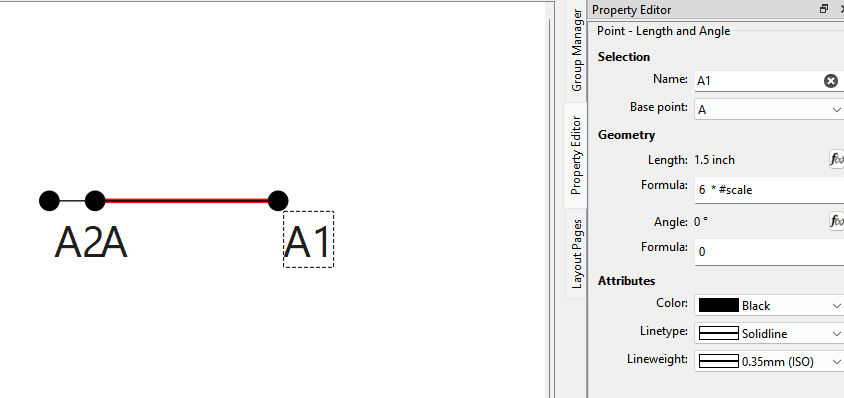
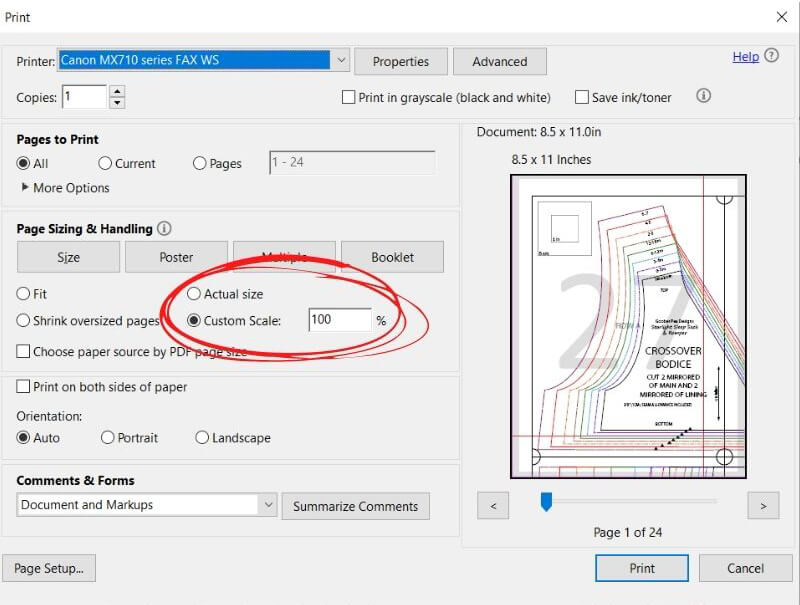
#2… Well the easiest way is to just set the scale in your print preview. The Seamly way to do it would be to add a “scale factor” custom variable… lets call it #scale. Then in the formulas you would multiply by the scale factor. For example…let say you have the distance form point A to point A1 - or Line_A_A1… multiple by #scale, so the formula is Line_A_A1 * #scale. If you want the size at 50%… set the #scale variable to .5. 100% set it to 1. 25% set it to .25. When the pattern is drawn and exported it will be at the scale you set #scale to.
For example here I created a custom variable #scale, and set it too .5.
You could also create a custom measurement @scale and create different measurement files with different values of @scale. And in your formulas you use the custom @scale measurement instead of the custom variable #scale… and instead of changing the variable, you load a different measurement file. The thing to remember here is that variables stay with the pattern, where as measurements are stored in a measurement file that needs to be loaded to chnage the pattern .
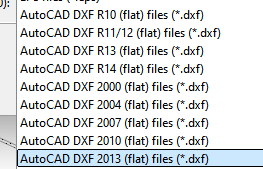
DXF exports work… but you may have to play around with which format works for you. It’s been awhile since I last used a dxf, but I think I used the 2013 Flat or the R14 Flat
To be honest I think we may be able to get rid of some of the formats as some are quite outdated. Also I haven’t looked too closely at the dxf code, so I’m not sure what the AAMA formats support. Theoretically they should be handling garment specific features such as which layer different parts of a pattern are. Don’t know.
Yeah, if Seamly isn’t going to run on older hardware, there’s little purpose in it exporting formats which are only useful for software which will only run on older hardware. But the userbase needs to be polled first, to verify what’s actually outdated.