HPGL AND PLT export file file format

Hell everyone!

Hope all of you are well, is it possible to extend file’s export’s format to be including HPGL format, also is possible to add IMPORT option in FILE list for import DXF files please, in WIKIVALENTINA was mentioned it is possible to export files in HPGL format but that option not listed in export list, is it possible to add HPGL format to experts list please and the import DXF files as well

1 „Gefällt mir“

welcome, @Jacob. I do not know the answer regarding the export of HPGL format, perhaps @Sue could help with this.

Sadly, the import of a DXF file will not be implemented any time soon because the DXF is a vector graphic representation and the information used to generate the pattern is not included. This was first answered here: Will be Importing DXF available?

You may also see an earlier discussion about the HPGL format here: Difference between PLT and HPGL

and, in general, if you wish to see if a topic has previously been discussed, you may use the search icon at the top of the window on this forum

3 „Gefällt mir“

Right now we can’t import drawings, photos, or illustrations, regardless of whether they are stored in a raster or vector format.

2 „Gefällt mir“

Hello @kmf and @Sue Hope you are doing well, many thanks for your answer Best Wishes Jacob

3 „Gefällt mir“

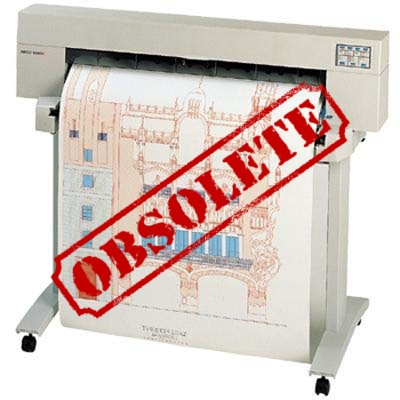
@Sue Could you clarify if the HPGL format supported by Seamly2D is HPGL or HPGL2? In a previous post you had alluded to it being HPGL2, which would be a drag for me and my ancient pen plotter which only supports HPGL.

1 „Gefällt mir“

HI @xy_rn! Welcome to our forum! We export HP-GL/2, it replaced HPGL in 1990.

1 „Gefällt mir“

@xy_rn Just curious, what make & model is your plotter?

1 „Gefällt mir“

It’s a late 1980s Ioline LP-4000. It supports DMPL (default) and HP/GL. It works great.

1 „Gefällt mir“

Yeah I loved my designjet 350. It stopped being able to print past 54" one day after a Windows update. :crying_cat_face:
image

1 „Gefällt mir“