But these settings doesn’t preserve in layout mode. My goal is to have my lines on paper being 0. 05 mm. Pardon my English
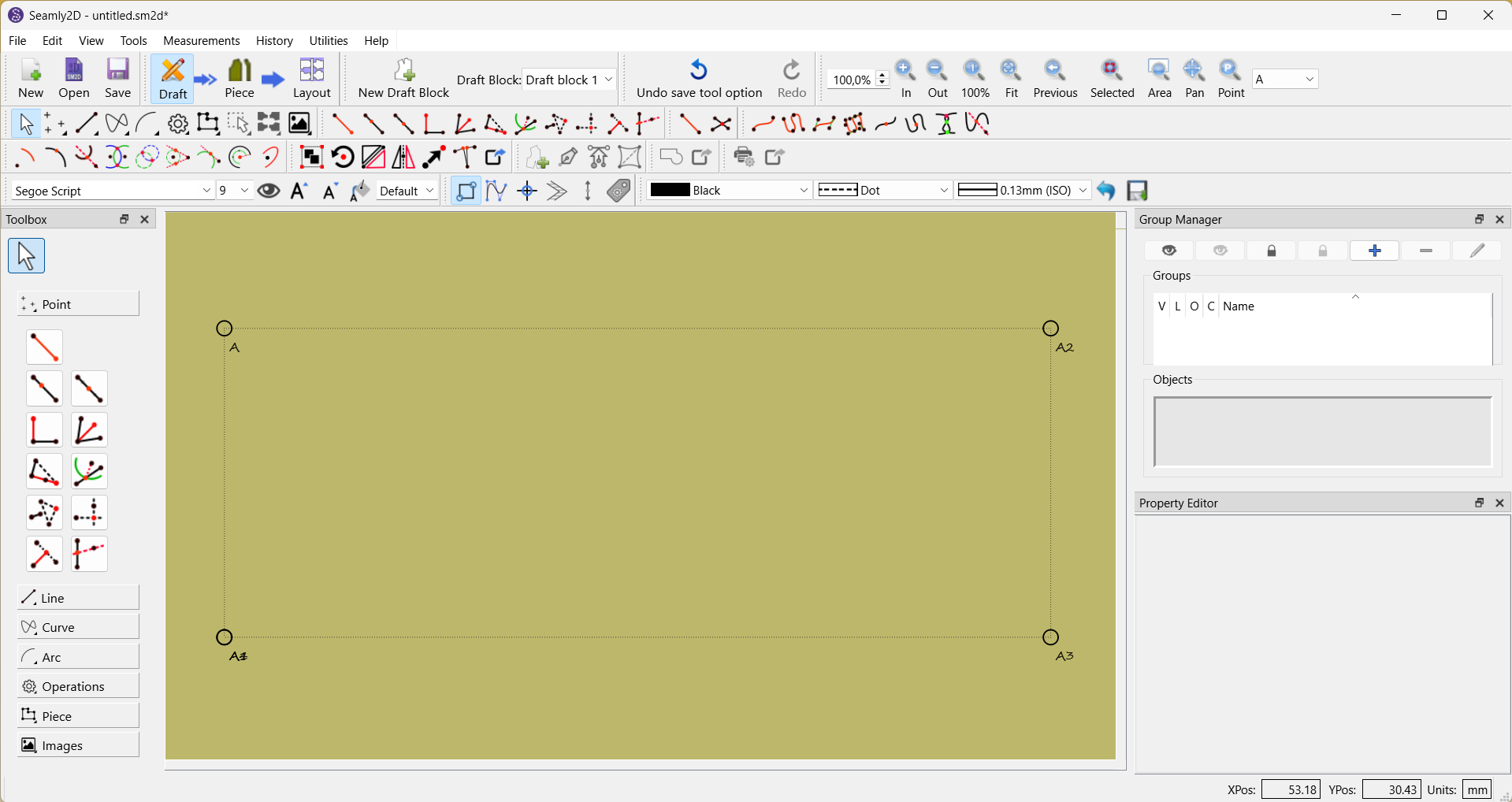
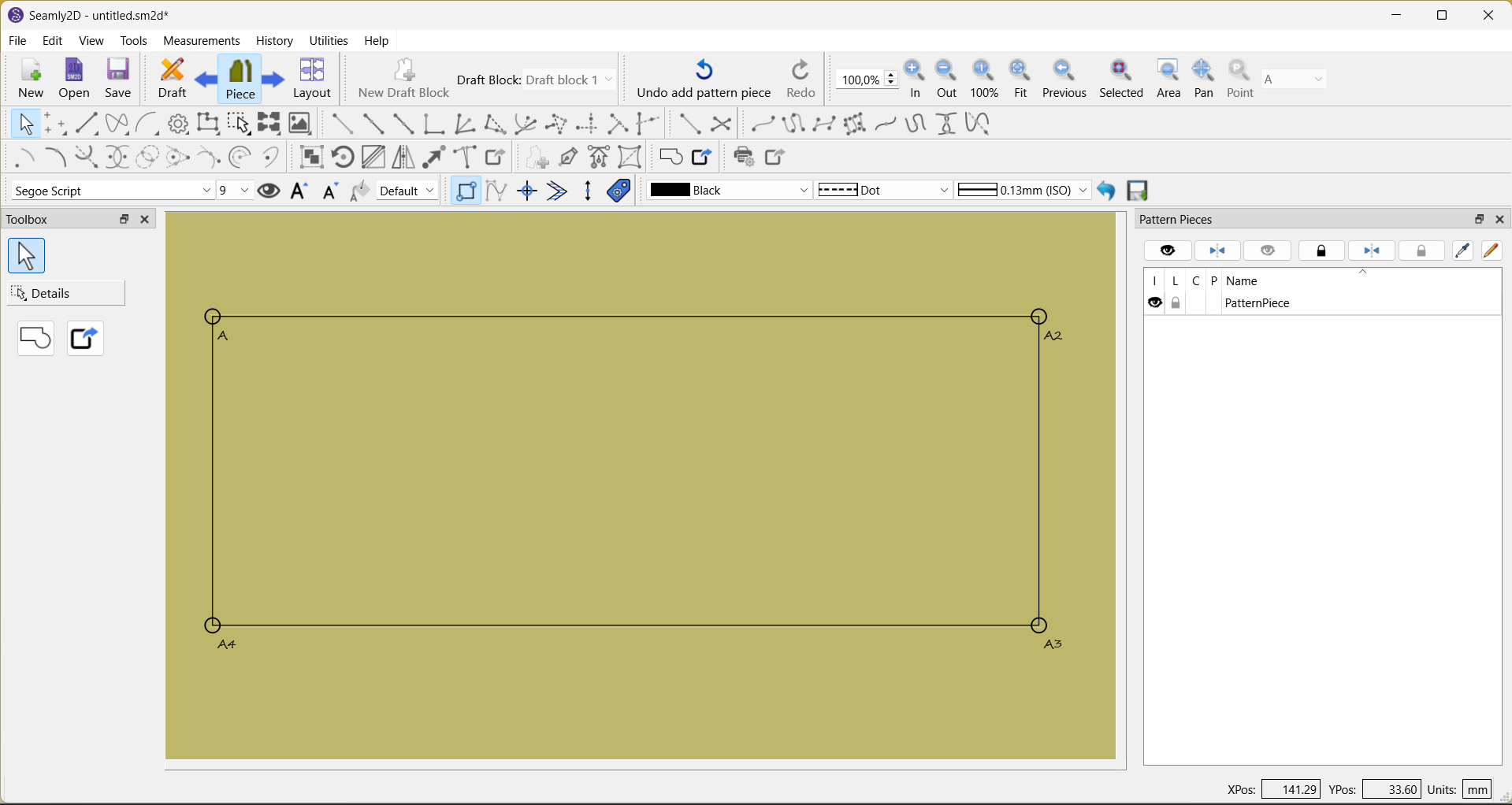
On a first screenshot the lines represent my settings but on a second they are changed to settings I didn’t set
Hello and welcome to the Seamly forum, @Timofei
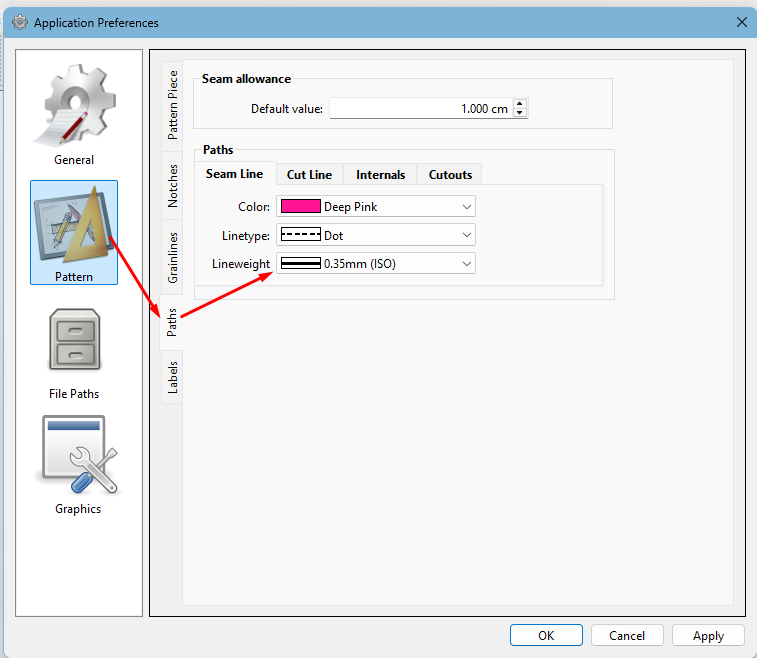
The layout doesn’t copy the line weights from draft mode. You need to set your preferences by going to File > Application Preferences > Paths > Lineweight to set them in Layout mode.
Have a look through Pattern Piece, Notches, Grainlines and Labels, while you’re there, and set them to your preference, as well.
Thank you so much! Your answer released my headache. Now my soul can have a rest