But these settings doesn’t preserve in layout mode. My goal is to have my lines on paper being 0. 05 mm. Pardon my English
1 curtida
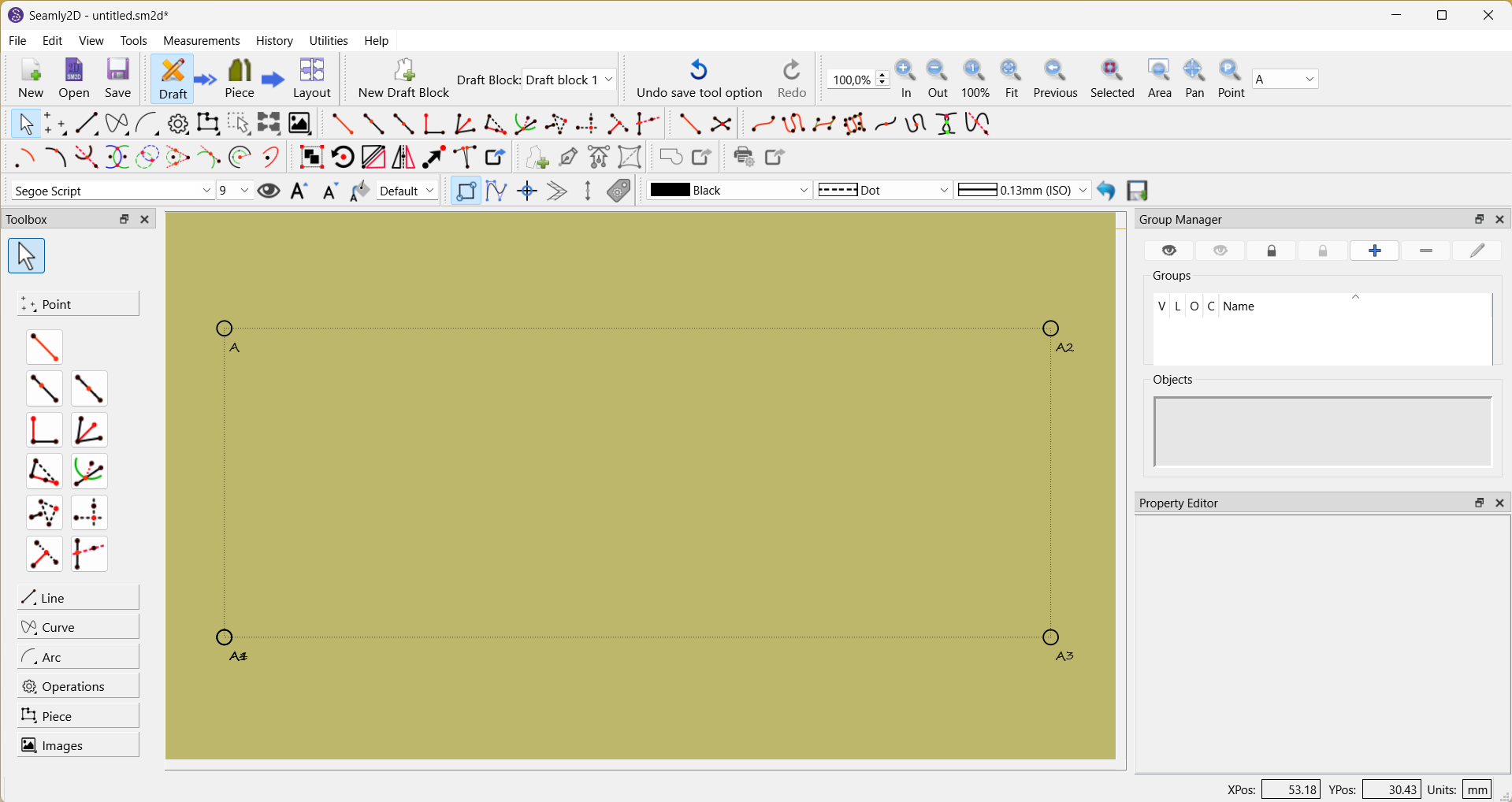
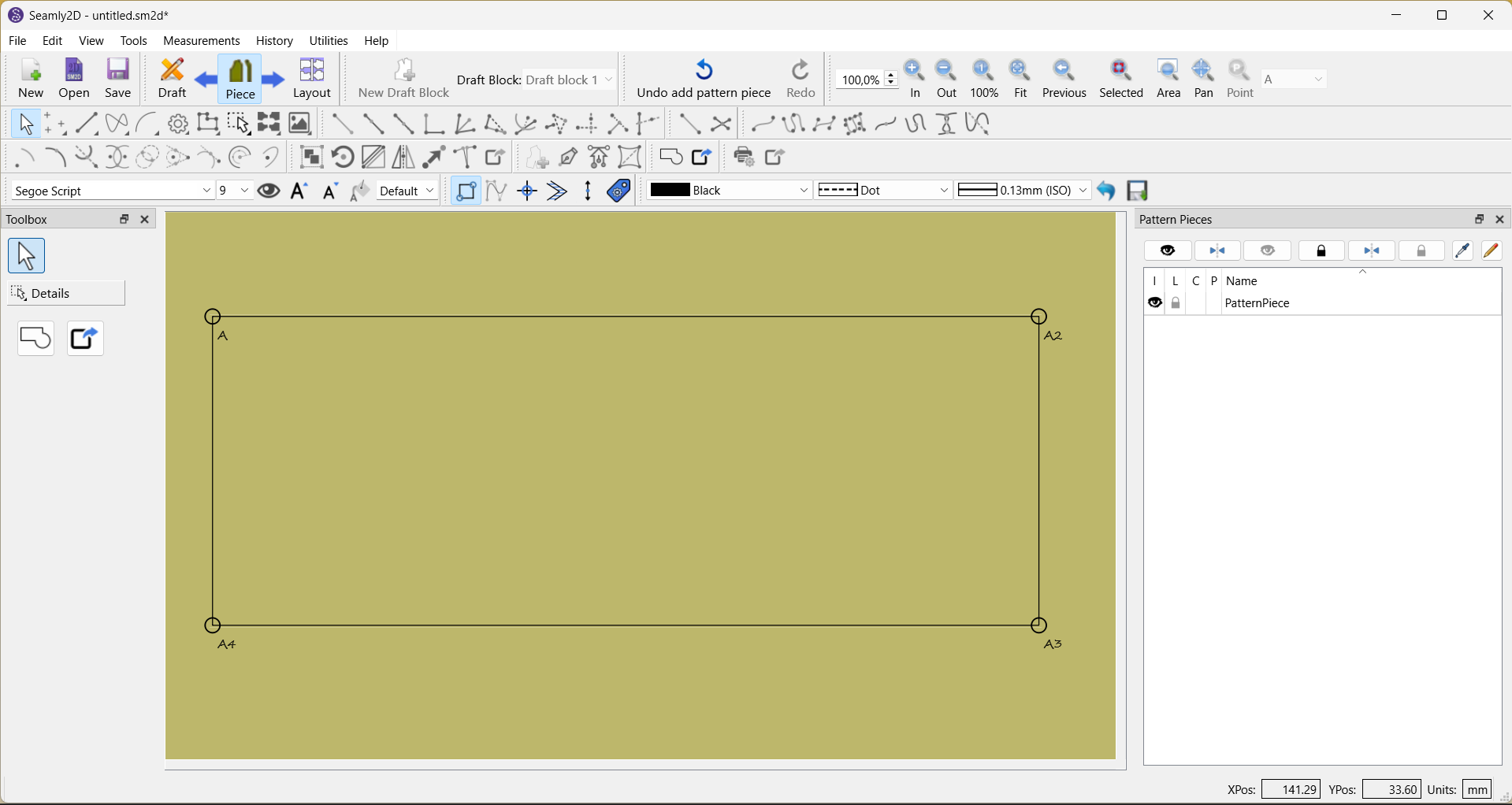
On a first screenshot the lines represent my settings but on a second they are changed to settings I didn’t set
1 curtida
Hello and welcome to the Seamly forum, @Timofei
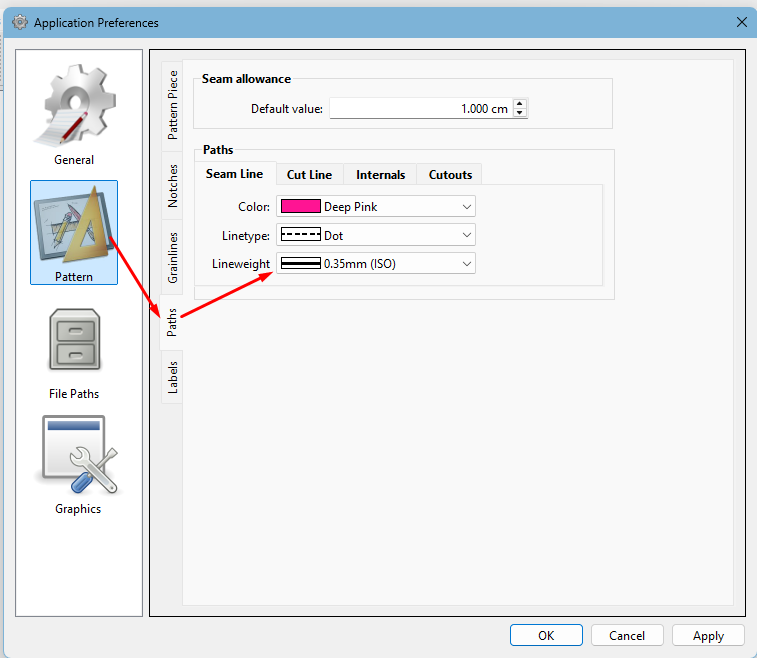
The layout doesn’t copy the line weights from draft mode. You need to set your preferences by going to File > Application Preferences > Paths > Lineweight to set them in Layout mode.
Have a look through Pattern Piece, Notches, Grainlines and Labels, while you’re there, and set them to your preference, as well.