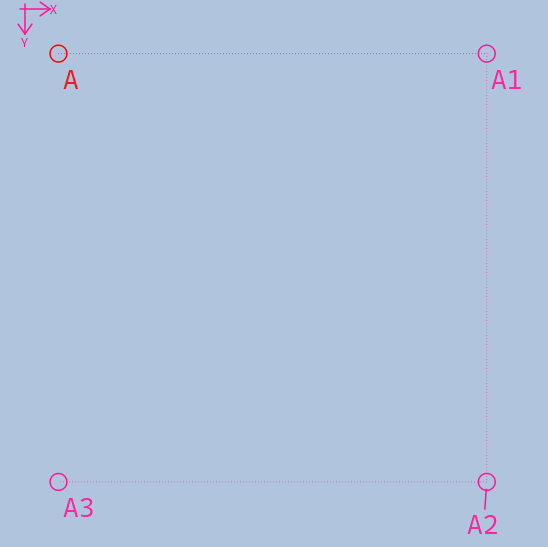
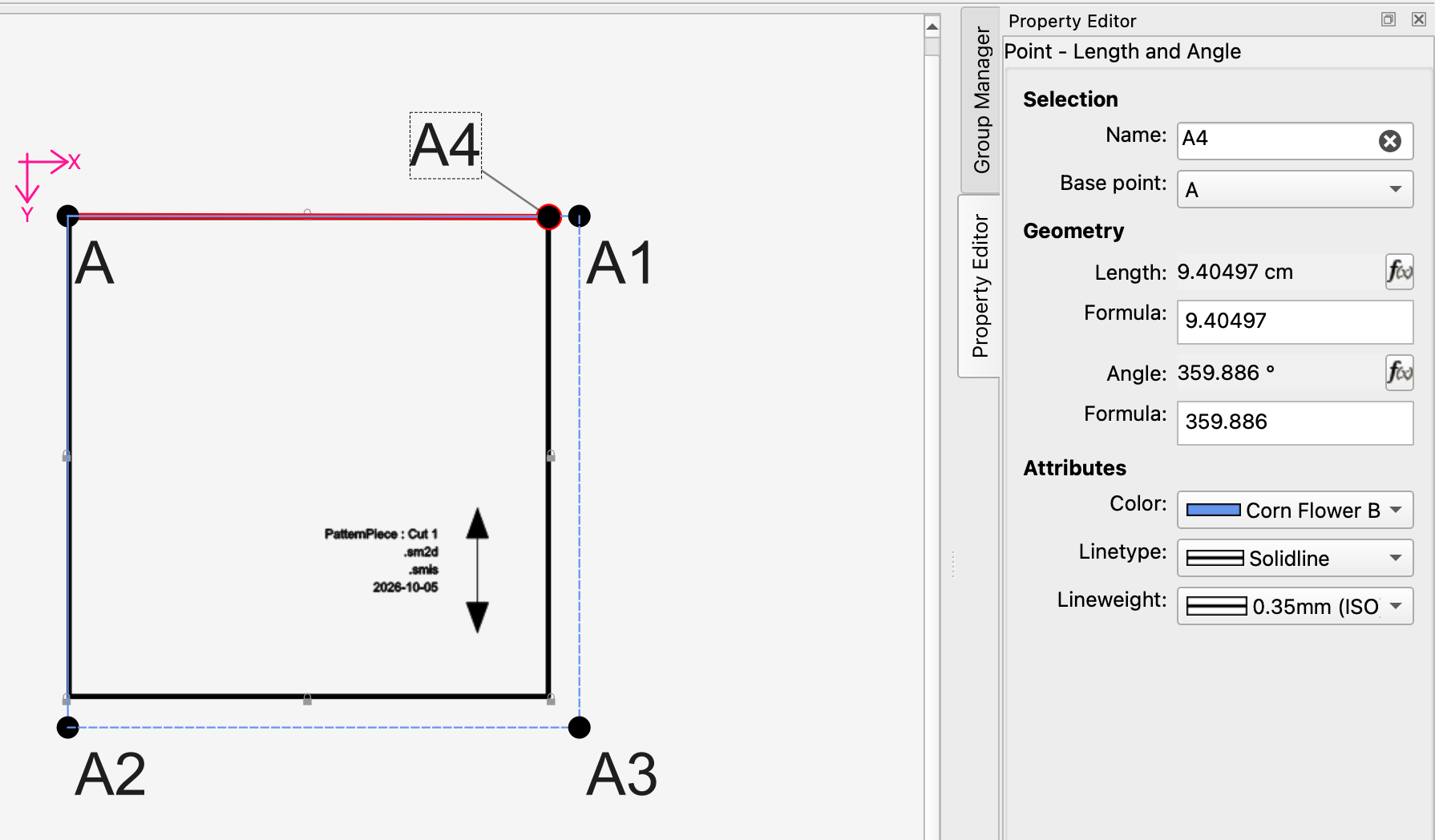
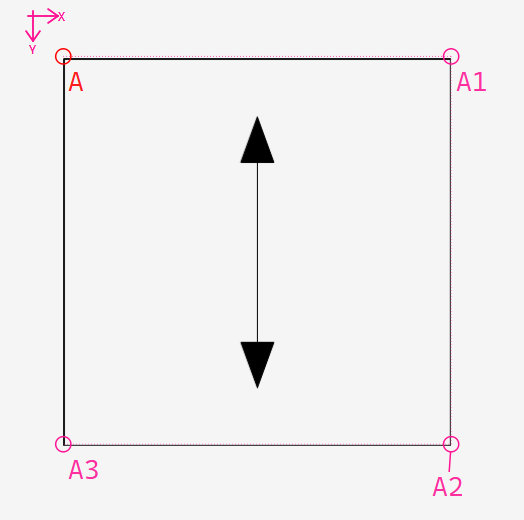
I’m encountering a scaling issue when importing SVG images into the Draft mode and am wondering if anyone else has run into this or knows a definitive fix.
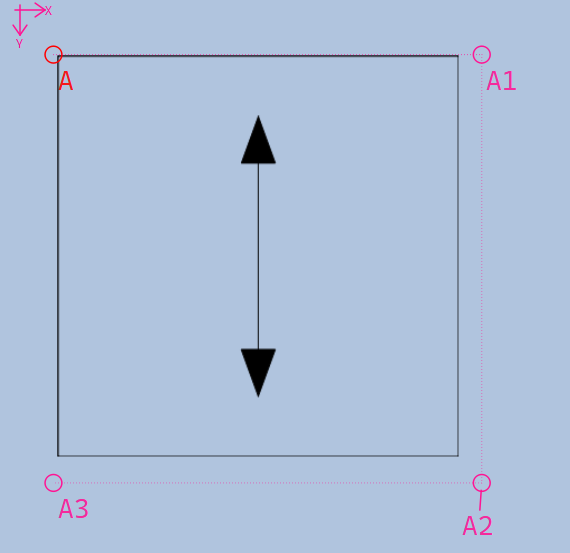
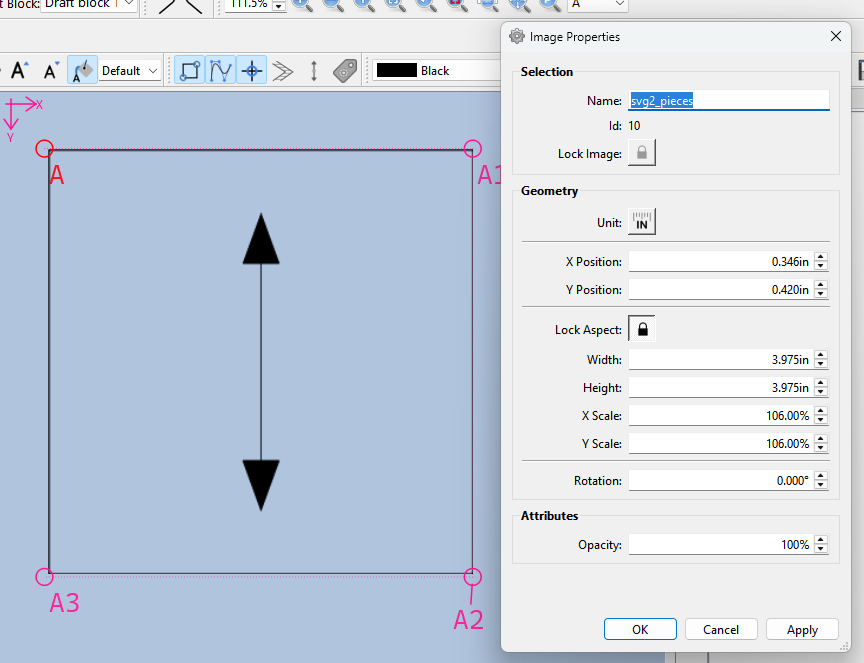
I exported an SVG file from Seamly2D. When I open it up in Inkscape, the dimensions look exactly as they should be. However, when I import that same SVG into Draft mode, the image appears smaller than it’s supposed to be.
Interestingly, if I export the file from Seamly2D as a PNG and import that into Draft mode instead, the image scale matches my drafted lines perfectly.
I tried it with a layout svg I have. The file had been edited in Inkscape. It was smaller than the draft. Looking at the svg in my text editor, I see that it’s supposed to be 14" by 8.5", & remember that I was printing it to Legal size paper. It’s a doll-size layout. Setting the size to 14" by 8.5" in the Image Properties dialog gets it fitting at 106.67 magnification.
In Devuan (Chimera) Linux, as I usually am. The file was last modified in Inkscape on 2026.03.11
Note that the width and height are 101.865mm close enough to 4in (101.6..). Also note that the path rect in pixel size is 384 x 384… again close enough to 385px x 385px.
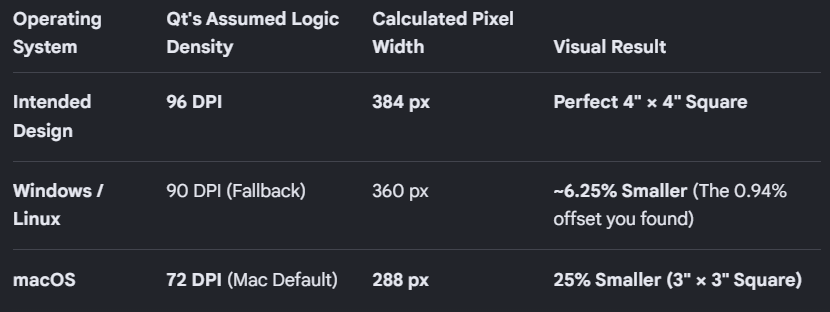
The mathematical root cause for both the 0.94% shrinkage and the exact 106.67% scale correction factor comes down to a hardcoded conflict between two industry-standard density constants: 96 DPI vs. 90 DPI.
When you export your pattern, Seamly2D targets 96 DPI for its physical-to-pixel conversions:
4 inches × 96 pixels/inch = 384 pixels.
Look closely at your <path d="..." /> coordinates: M30,40 to L414,40.
414 - 30 = 384 exactly. The path data itself is a perfect 4-inch square.
However, when you re-import it, the underlying Qt SVG parser or the layout loader is misinterpreting the viewport density as 90 DPI (which was the historical standard for legacy systems and old Inkscape formats)
The fix - force Exports and Imports to use 96 DPI.
Import:
QSvgRenderer* renderer = new QSvgRenderer(svgFilePath);

// Force the system framework to map millimeters cleanly to the 96 DPI pixel space
int targetDpi = 96;
qreal mmToPixels = targetDpi / 25.4;
and Export:
// Change the header rendering calculation from an arbitrary float to an explicit integer step
int totalPixelsW = qRound(widthInInches \* 96);  // 384
double exactMm = (totalPixelsW / 96.0) \* 25.4;  // 101.6mm
Huh? I’m surprised Qt still defaults to 90dpi.
Inkscape switched from 90dpi to 96dpi in 2017.
Windows switched to 96dpi as its underlying pixel-to-inch implementation at about the same time.
MacOS still uses 72dpi.
On top of all this, high res monitors default to 125%, 150%, etc. which breaks the pixels-per-inch barrier but implement this high resolution as a percentage of the base calculation of 96dpi.
So this is very surprising. Good catch, @Douglas !!!
I can’t take all the credit… @Pneumarian put me on the track of the 106.67%, I determined it was an issue in the import render, so II just knew the right question to ask Gemini.
I just tested a fix on Windows and it scales perfecftly now. The fact you are also scaling at .94% means Qt is bypassing the macOS fallback 72dpi and is hardcoded to 90dpi.
QSvgRenderer::defaultSize() reads the width and height attributes. If the units are cm, in, or mm, they are multiplied by an appropriate value to give pixels at a resolution of exactly 90 DPI. For example, mm is multiplied by 90 / 25.4.
I have already pushed the fix to Github and made a PR. Should be in next week’s build… unless one has a Github account then they can download the artifact build.
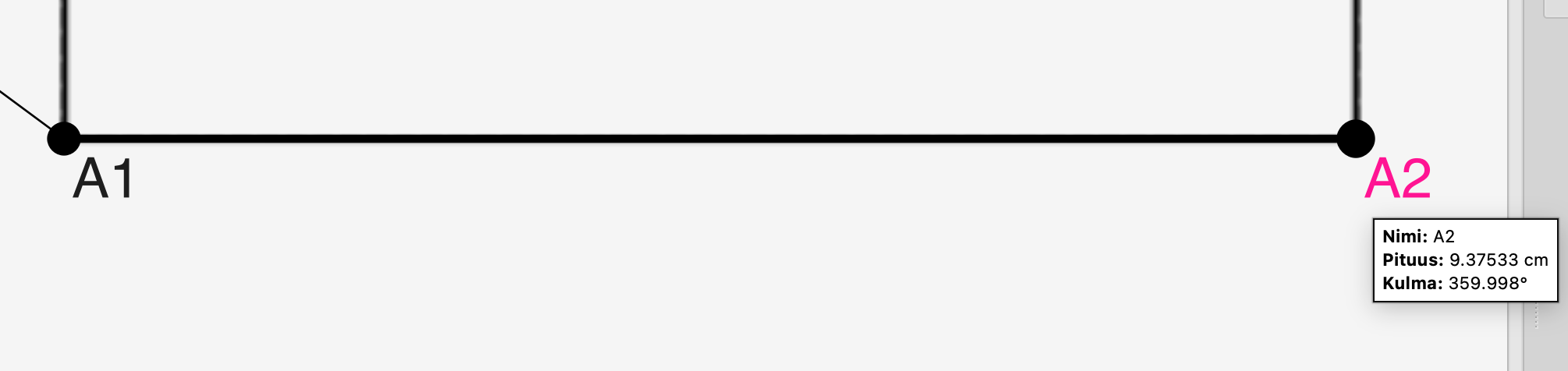
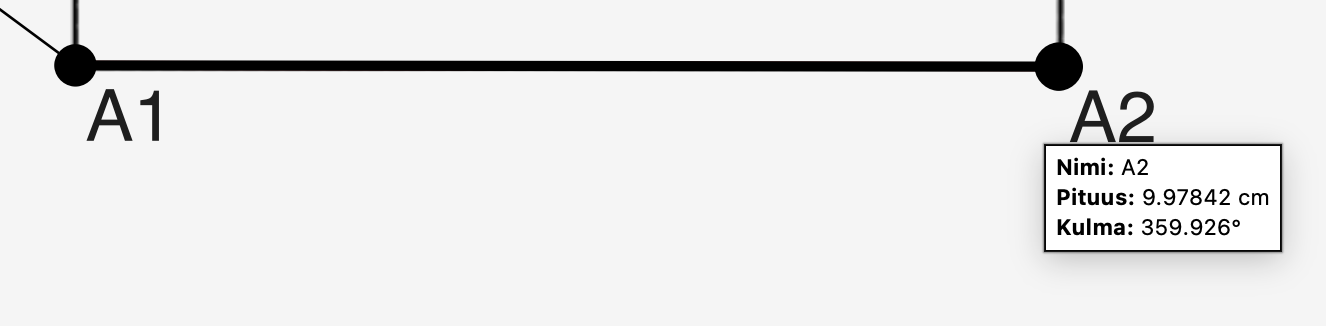
I tested the artifact build and compared it against this mornings official build. I used same imported SVG on both tests. With Mac (macOS 27).
First screenshot is from today’s official download and the second screenshot is from artifact one. My imported reference image had 10cmx10cm square. I eyeballed line there but it seems to be more accurate in artifact build (9.37533cm vs. 9.97842cm)