Hello! Question, if I have a file saved with the Seamly2D extension (.sm2d or .smis) can it be imported? Meaning, I have a physical paper pattern that I want to digitize and create a file for but I don’t think Seamly let’s you upload files, only draft out patterns then save them, correct? So I was curious, if I saved my pattern file with an acceptable Seamly extension then will I be able to upload it?
If this doesn’t make any sense forgive me, I am in no way a developer or tech savvy with this type of topic 
Thank you for your input!
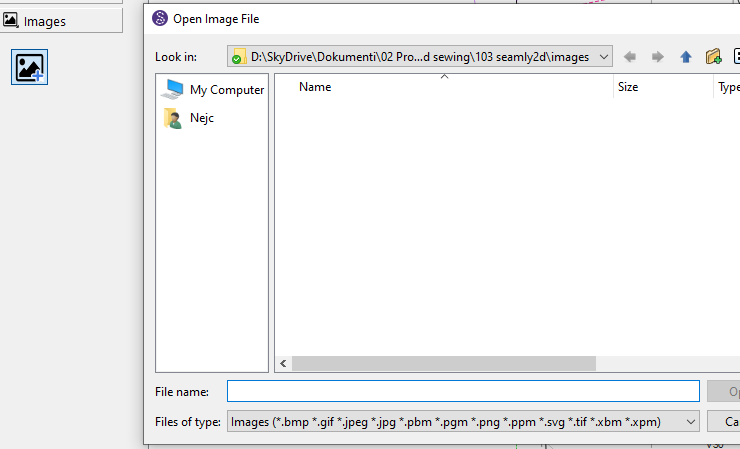
just renaming file type doesn’t do much. But you can always import images.
Imported where? Seamly2D (.sm2D) files can only be Opened in Seamly2D. Measurement files (.smis and .smms) can only be opened in SeamlyMe.
Don’t know what you mean by upload? The Seamly apps are meant for drafting patterns… again the files are only usable within their respective Seamly app, and can’t be used in other applications without exporting to some other fprmat such as DXF or SVG.
You can open .sm2d files retrieved from elsewhere with Seamly2D. Seamly2D cannot convert your DXF to .sm2d, but as @nejcek74 said, you can import a picture to have as the background & draft over it in Seamly2D.
I hope this helps clarify things for you!

Thanks for your reply. So when I say upload my file pattern, I meant to open the file in Seamy2D. So if my pattern file is saved as SVG or DXF or .VIT which I believe is the file extension Seamly2D uses, can these types of files be opened in Seamly2D?
My goal asking this is I would like to turn my physical paper pattern into a computer file to open in the program so I can adjust it with the tools to size it to my measurements.
So can this be done or is Seamly2D a program that only lets you draft a pattern from scratch?
Sorry if this is confusing. Like I said. I’m not too efficient with tech talk 
Yes and No.
An SVG can be imported as a background image that can de drawn over.
DXF files can not be Opened / Imported in Seamly2D.
VIT files are the old Valentina ext for SeamlyMe measurement (.smis) files. While SeamlyMe will still open vit files that may be deprecated at any point in the future. Like wise VAl files are the old Valentina ext for Seamly2D pattern (.sm2d) files.
FYI:
SM2D... Seamly2D pattern file.
SMIS... SeamlyMe Individual Size measurement file.
SMMS... SeamlyMe Multi Size measurement file.
That being said… it’s possible to import an image file and draft over it, bu I took a different approach to digitize existing (paper) patterns. It entails 1) knowing what size the existing pattern is so you can formulize it to resize. 2) Basic knowldge of grading to know what grade points to include and how much they move up/dn lt/rt when grading 3) Drafting each grade point by locating it’s x:y pos from a given origin point. I did an example years back on digitizing a basic shift dress an employee of mine draped… you can find it here: Shift Dress Pattern
Thank you Douglas for explaining this to me! Appreciate it