I have just had a warning to say seamly will no longer be supported unless I download a silicon version.
2 Mi Piace
Forgot to say I am on a mac
2 Mi Piace
2 Mi Piace
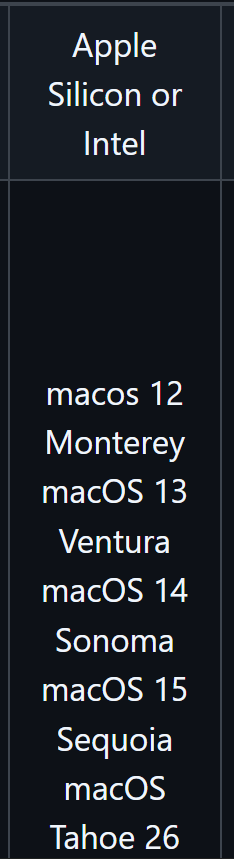
Hi @Saphire – Which MacOS do you have?
1 Mi Piace
Seamly perfectly supports Apple Silicon since a while now. You may be on an old version of Seamly, thats why macOS is warning you, @Saphire
1 Mi Piace
A 2024 macbook air M2 with macOS Tahoe ver26.41
1 Mi Piace
Thank you Saphire. That will help.
1 Mi Piace
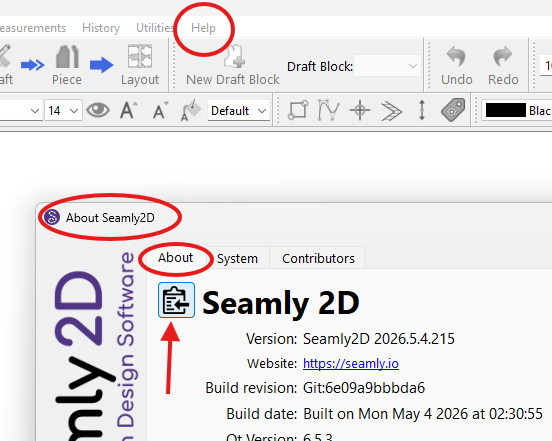
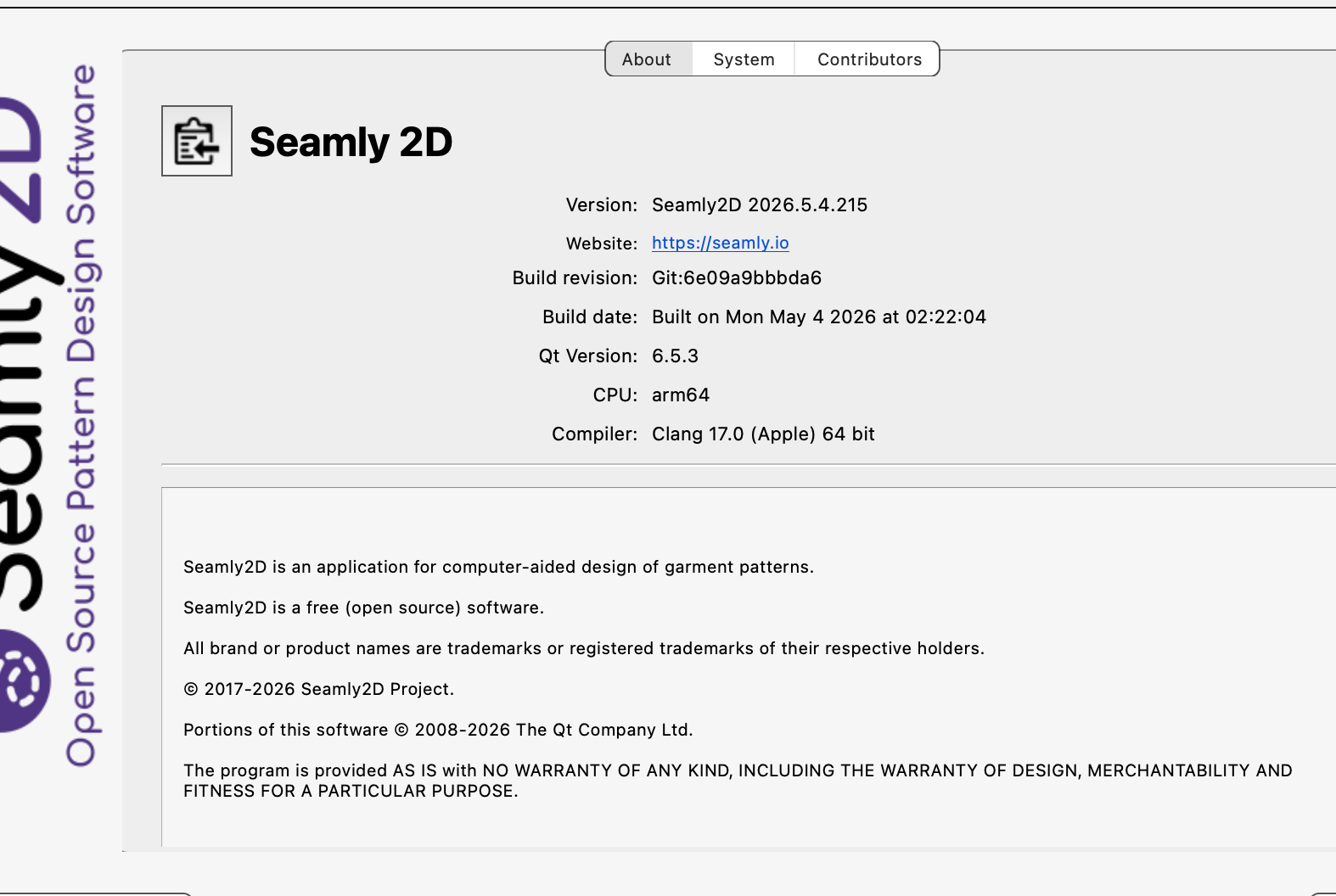
What is your Seamly version?
Look at the top menu bar, select Help.
From the drop down menu select About Seamly 2D.
In the dialog, select the About tab.
Click on the black & white Copy icon the left of the Seamly2D heading to copy your Seamly version and system information.

Paste the results in this thread.
Thanks Saphire!
1 Mi Piace
You should be fine. Just wait till the next release when tonights / mons is available to update… It has a bug fix.
1 Mi Piace
I haven’t had any issues when checking for updates before, it isn’t showing the fault now. I tried to take a screenshot but everything just locked up so I had to reboot.
2 Mi Piace
1 Mi Piace
Hi, @Saphire . I had same warning, using mac (m1). It had this link Using Intel-based apps on a Mac with Apple silicon - Apple Support
Warning is about that Apple is ending rosetta support for intel-based app’s in mac’s running apple silicon, like m-series macs. What i understand apps in mac can be intel, universal or apple silicon type apps, and intel-type apps are affected by this, but universal-type apps are not.
I don’t know why it shows that warning with Seamly. Seamly has “universal” tag and that apple site says “universal” apps are not affected.

2 Mi Piace
Thank you, thats the same fault had but now it isn’t showing up. I was beginning to think I imagined it.
2 Mi Piace
Same with my mac, i saw that warning one time only.
2 Mi Piace
Its probably just glitch, I recently upgraded to the latest Tahoe version.
Its probably just a glitch in mac Ta
2 Mi Piace
Lol! I think I am glitching.
2 Mi Piace