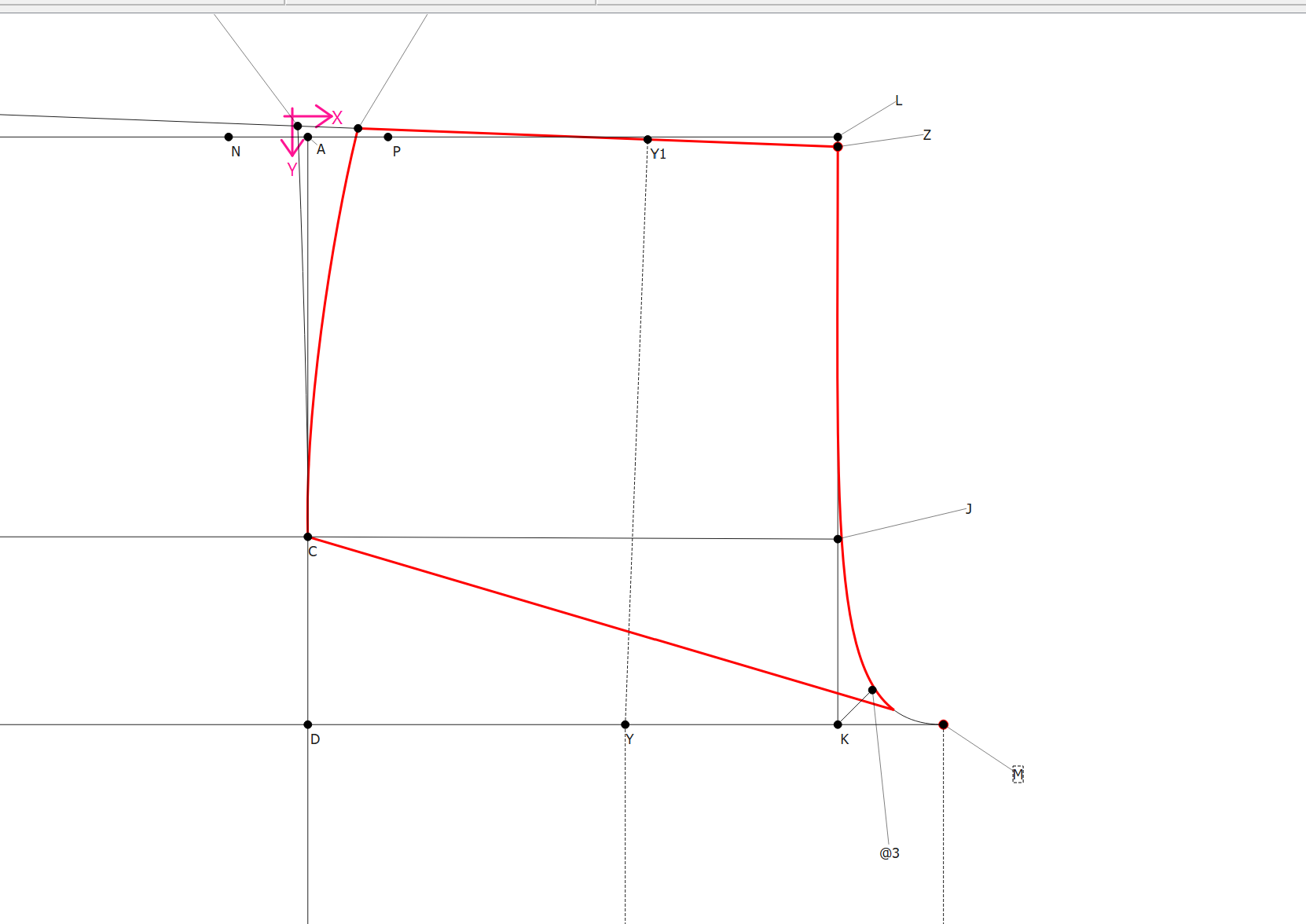
I’m having an issue in Seamly2D when creating a new pattern piece that depends on existing curves (see attached image).
While creating a new Pattern Piece works, the software seems to read curves only when points are in a strict sequence (e.g. A1, A2, A3…).
When curves are built from non-sequential points, Seamly appears to read only points and straight segments, not the full curve geometry.
As a result:
curves lose continuity or change behavior
parts of the curve seem to remain linked to the original piece
the derived shape becomes inconsistent
Is this expected behavior?
What is the recommended workflow for creating a new pattern piece based on curves?
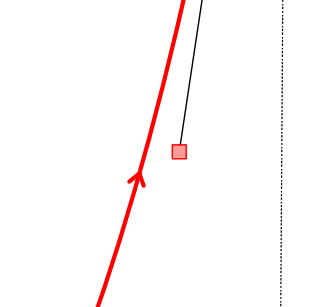
Since all points must be selected clockwise… this includes curves which are really just a vector of points. If a curve is going counterclockwise it needs to be reversed. Note: You can tell which direction a curve is going by the arrow:
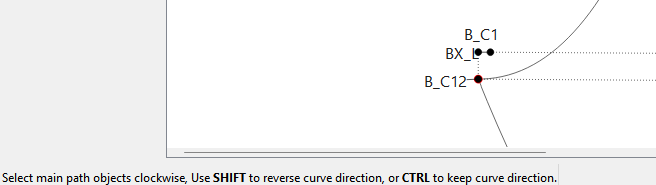
Usually a curve will automatically reverse when selecting, but if not - holding the SHIFT key while selecting will reverse it. Note: Follow the tips in the status bar:
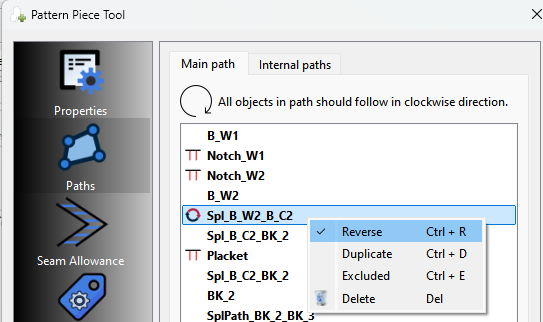
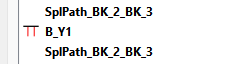
Note the curve, notch point, curve in the path here:
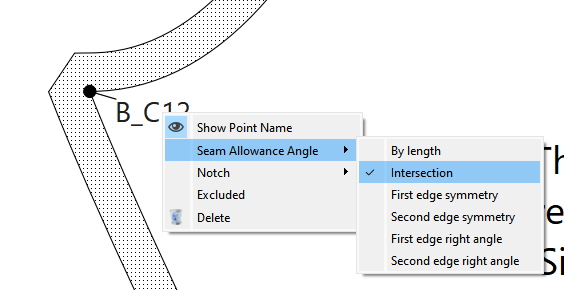
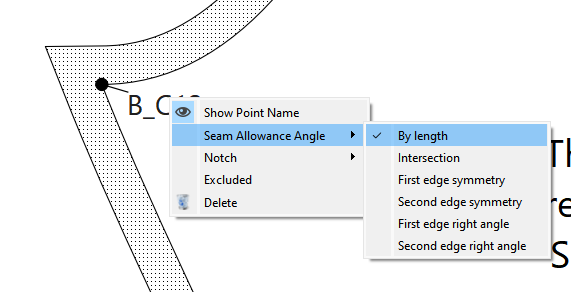
Also it’s best practice to always include the beginning and end points of a curve in the path when creating a piece. For one you can then control the corner angle in the Seam Allowance: