I created the A36 point at a 45° on the A34-A32_a4
I then created the A37 at the opposite of point A35 Result is that Points A35, 36 and 37 are not aligned A check using the mirror function confirmed the issue. ![Capture d’écran du 2025-12-01 14-06-14|860x498] (upload://vVfZJfjyyY8Wk094G0K6Z9v5MLq.png) Puzzling. I must be doing something wrong but could not find where… Tunique2.sm2d (11,8 Ko)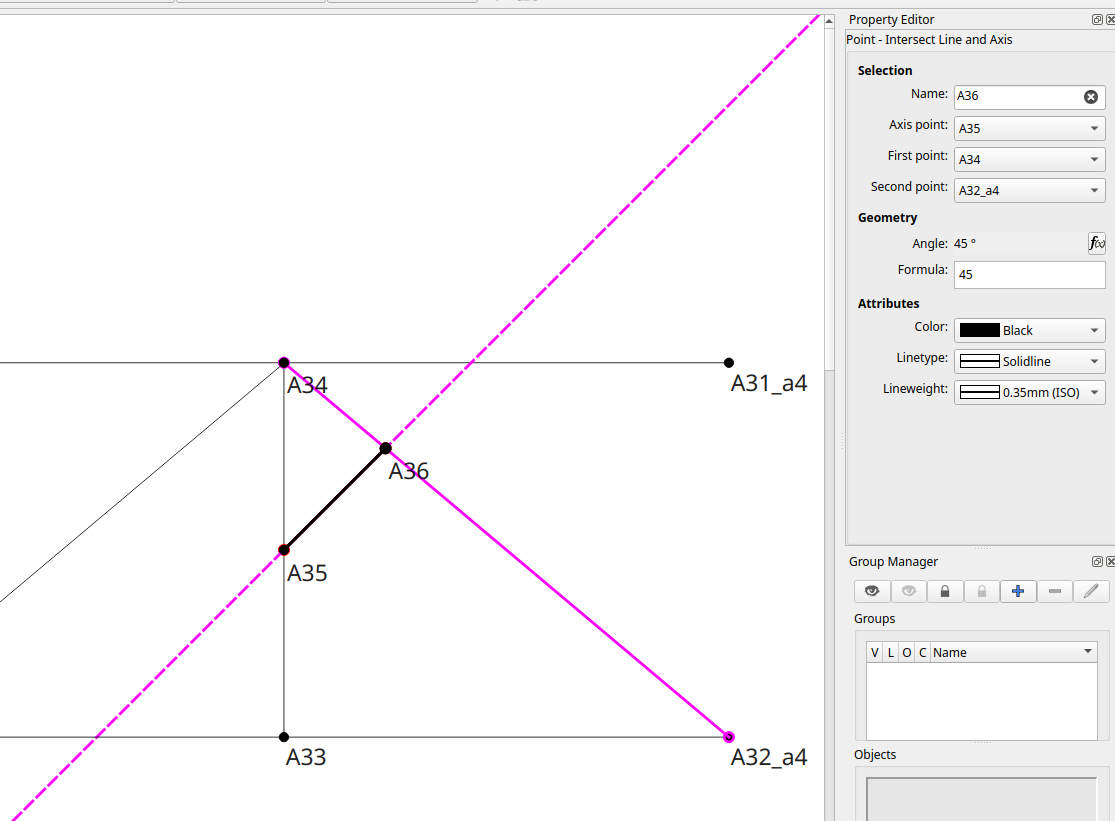
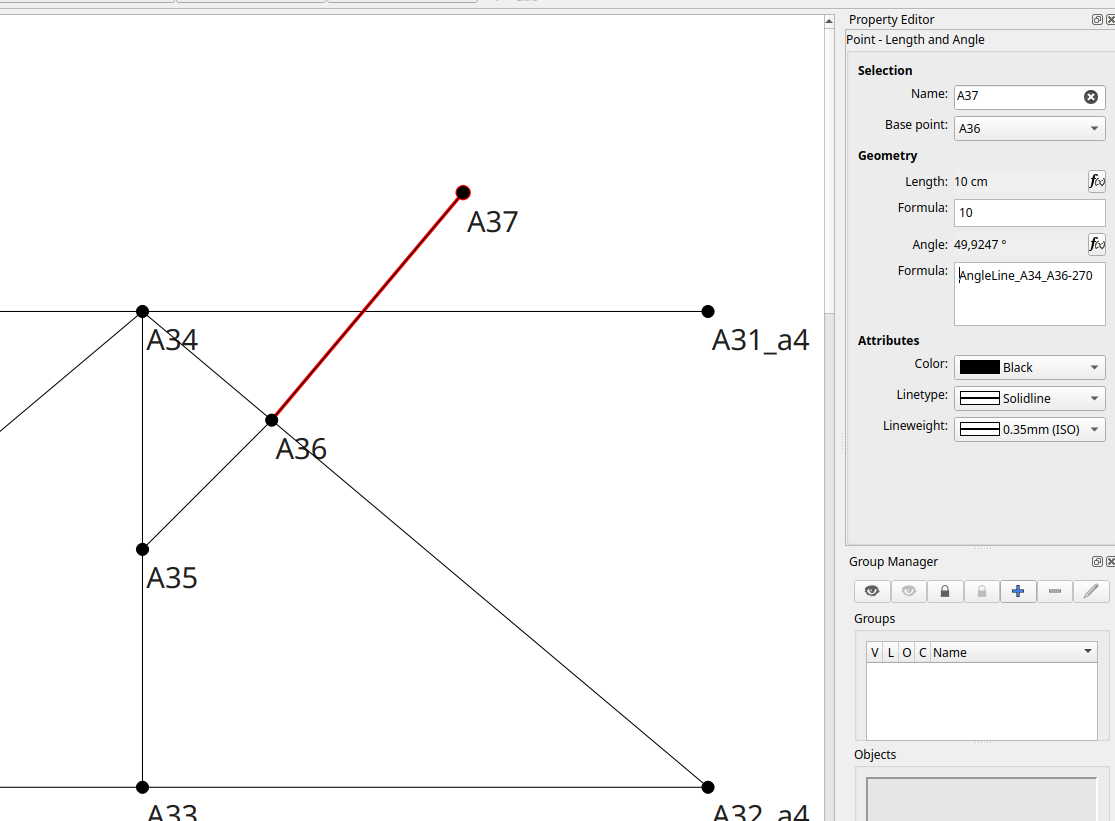
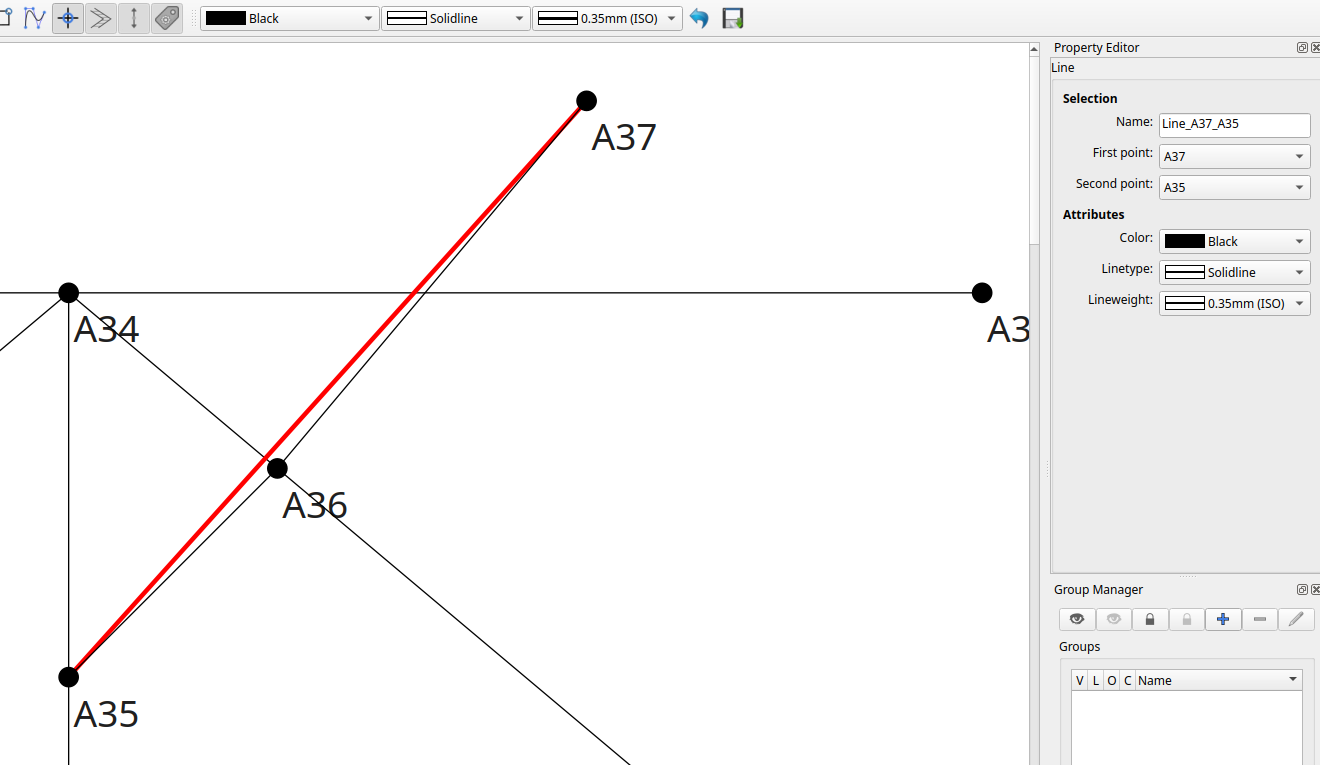
 .png)
.png)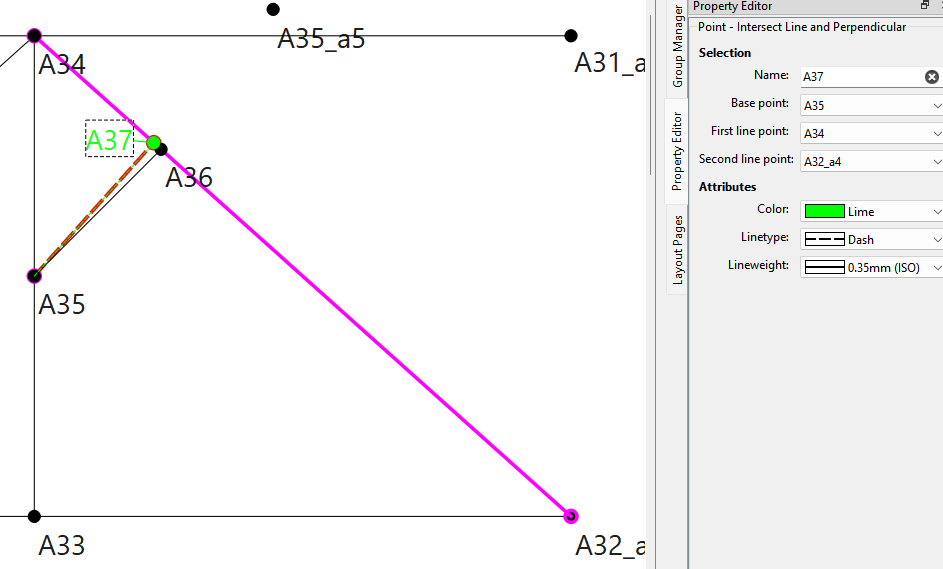
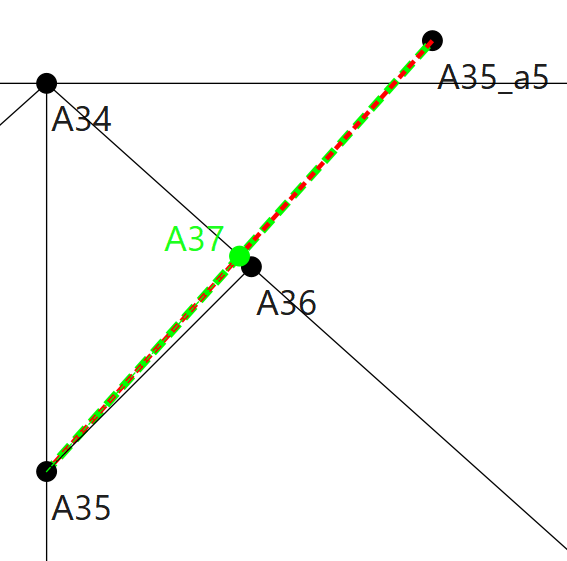
Thanks Doug. Still slightly puzzled as, looking at properties on my first screenshot, it was supposed to create a 45% A34 A36 A35 angle? As per your advise, I will use use the Point - Intersect Line and Perpendicular. Best Eric
Hello, @bibgab
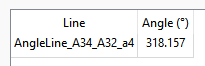
The reason why this isn’t mirroring correctly is because the line that you are mirroring from isn’t at 315°:
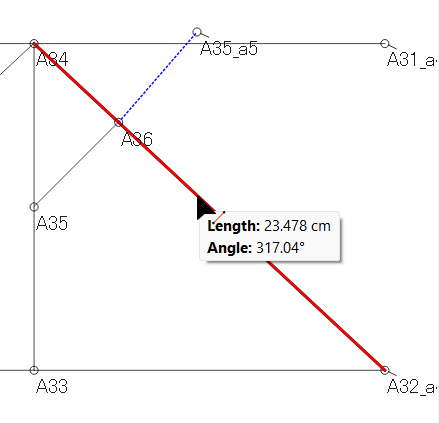
It’s 2.04° more, so the mirrored point isn’t on the line that is at 0°.
This is what it could look like:
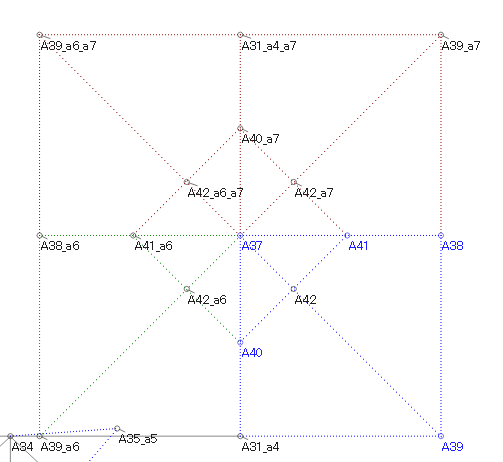
Here’s your file back:
Tunique2a.sm2d (17.2 KB)