Hi all,
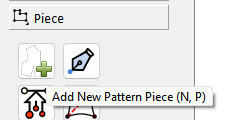
After the update (and repeated installation according to the bug fix), I am now unable to view the properties of any previously created ‘Piece’ (P), nor can I create any new ones (N,P). The currently existent pieces’ properties were viewable and editable.
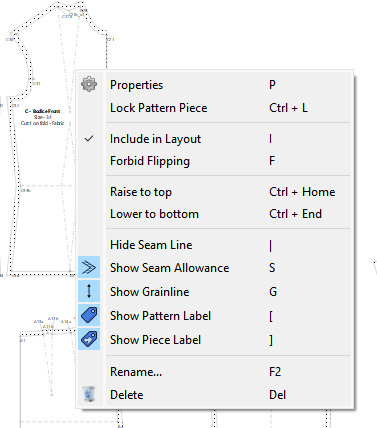
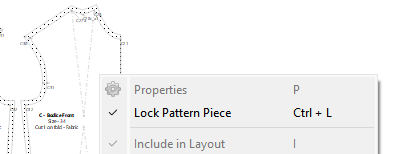
If I select any piece and right-click Properties / or type ‘P’ the window is locked and responds with an unpleasant Windows ‘Bloinnggg’
On creating a new piece, and following the rules for that operation, the procedure ends without apparent errors, but there is no new ‘Piece’ present. I even zoomed out to see if it was hiding from me, but there was nothing to see.
I would appreciate any tips / hints / ideas on this …
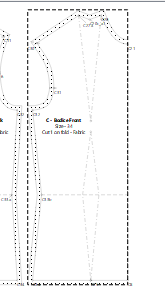
BTW: I have a projector (Epson EB-685W) and the images from existing PDFs and SVGs are projected quite well … but seam allowances (red) don’t show up properly and some cut lines on curves are ‘spotty’ to missing entirely.
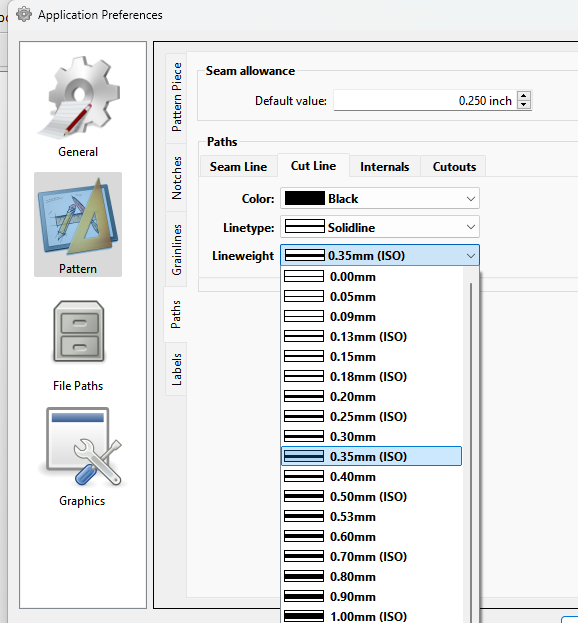
Remedies such as changing the colours (webApp Pattern-Projector.com) were also not successful! Can these ‘Cut-lines’) be set bolder / as bold as the normal lines?
With the difference that after the n-th attempt, I did manage to creat a Piece in a new ‘virgin’ pattern, but as before, it is not possible to access the properties of the object.
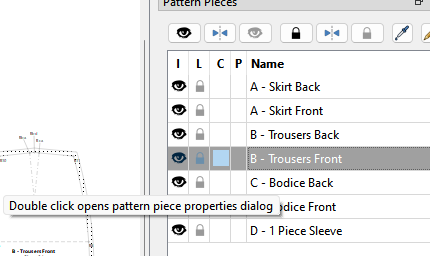
OK… I think I can see what might be going on. Something is probably not right with the seam allowance and youre unable to select pattern piece. Try the double clicking method… it by passes the need to select the piece.
I wrote a really long piece this morning, but it seems that I did not hit ‘Send’ (WTF!) and its gone now.
The bottom line:
The ‘issue’ and cause (both ‘me’!) has been resolved. I had in the dim & distant past, a second monitor, which I was using for various apps (Seamly2D too) … I then removed the monitor and forgot about the settings!
When I attached the projector (:= Monitor#2) the properties dialog was sent to this device. This occurred to me during the night and I corrected this today at 06:30 CEST (currently 17:39 )
I had to check… and I’m not sure why that was the case… it should not have mattered that the 2nd monitored was removed as I accounted for that:
// If second monitor exists and user pref is to use second monitor, open dialogs on second monitor.
if (qApp->Settings()->useSecondMonitor() && (screenList.count() > 1))
{
    m_screen = screenList.at(1);
}
But then I never checked by unplugging my 2nd monitor. I would think Windows is smart enough to remove the 2nd monitor from the list of available screens without having updated the system settings… but then I could be wrong.