Is there a way for all pattern pieces to auto label with default template and other settings?
Or a way to change multiple pattern piece labels at once?
Is there a way for all pattern pieces to auto label with default template and other settings?
Or a way to change multiple pattern piece labels at once?
If you go to File > Application Preferences > Pattern > Labels, you can add a path to your label template, set the default label size, etc. which will automatically populate each pattern piece with these details. You can change them to be different in the pattern piece:
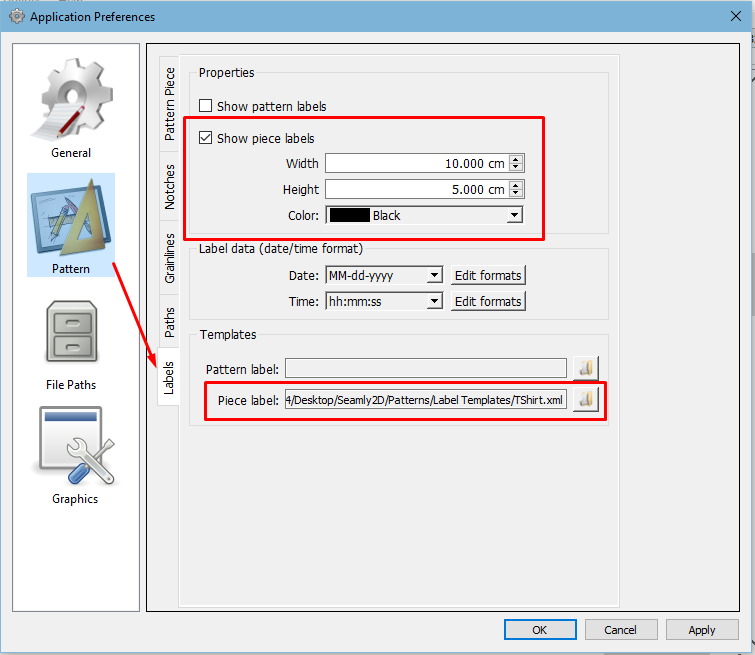
i have that put in but it’s not working. Does it only work before you create the file?
You have to save a label template before you can set a default. The app comes with 2 very basic default label templates.

I totally forgot I added that. 
i have saved templates and am able to use them but they don’t auto populate when i make a new pattern piece.
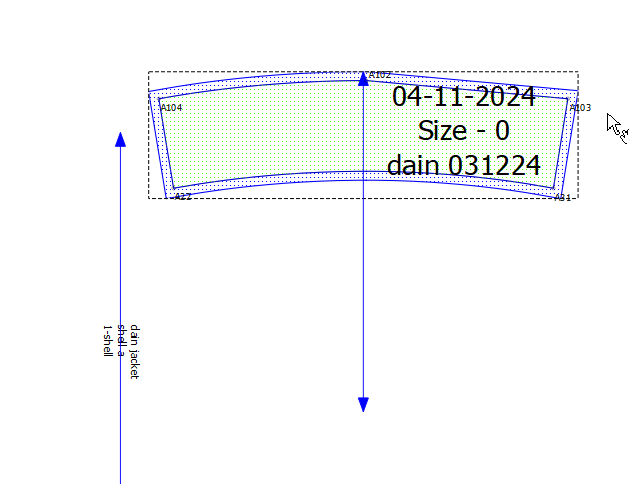
I created a small piece & it’s populating it just fine with my default label.
Ok, I see there is a problem for @Douglas to sort out. It’s automatically populating the the Piece Label with the label set in the Pattern Label. As a quick fix, you can direct both paths to the Piece Label.
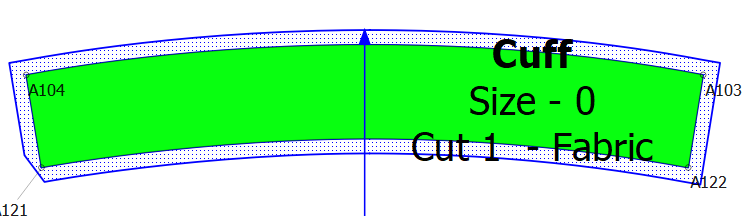
Fixed. My bad… case of cutting and pasting the pattern label routine name, and not changing getDefaultPatternTemplate() to getDefaultPieceTemplate(). Probably the shortest commit I’ve made yet. 
thank you! i’ll see if that works.
worked. thanks!
