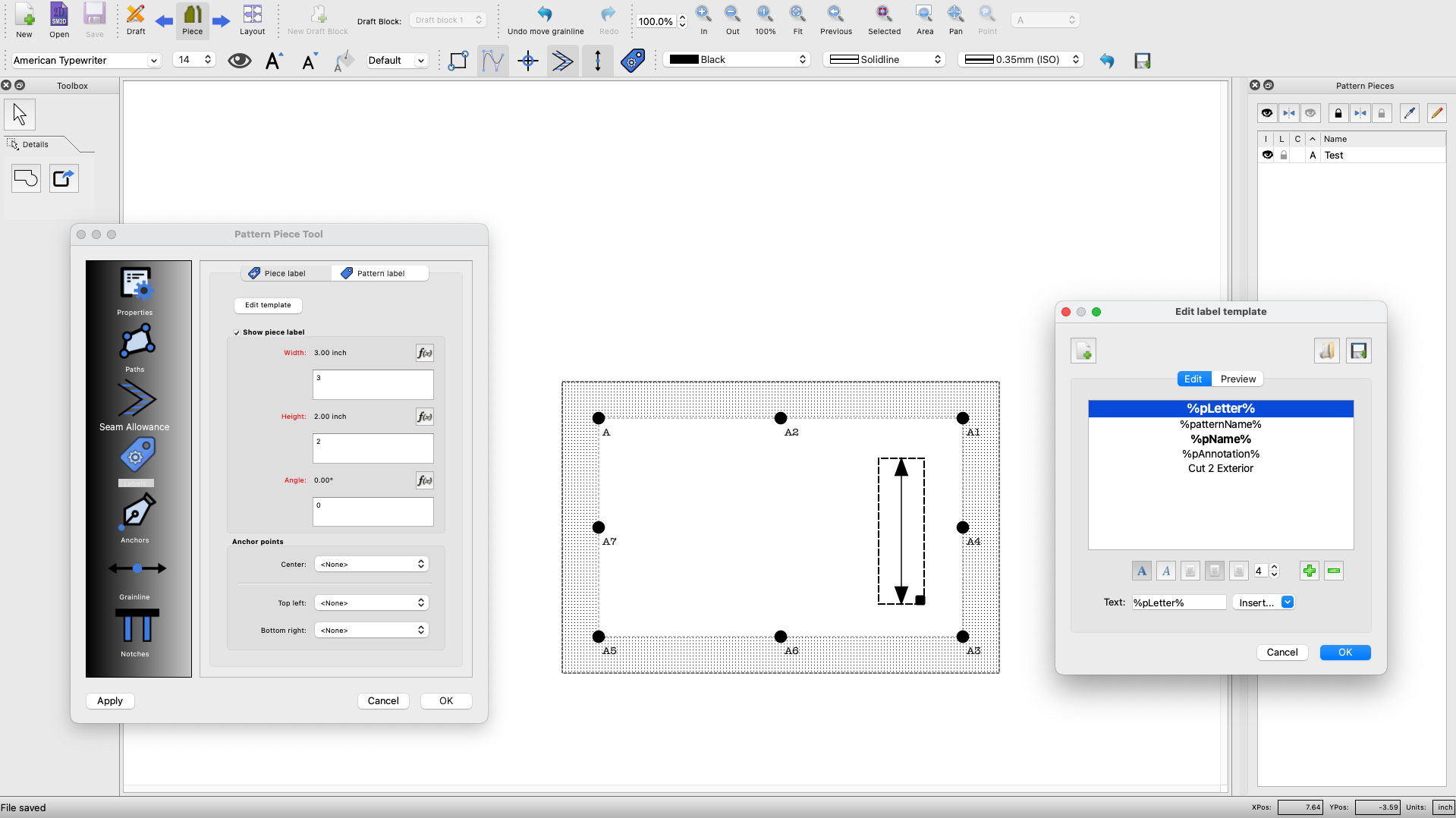
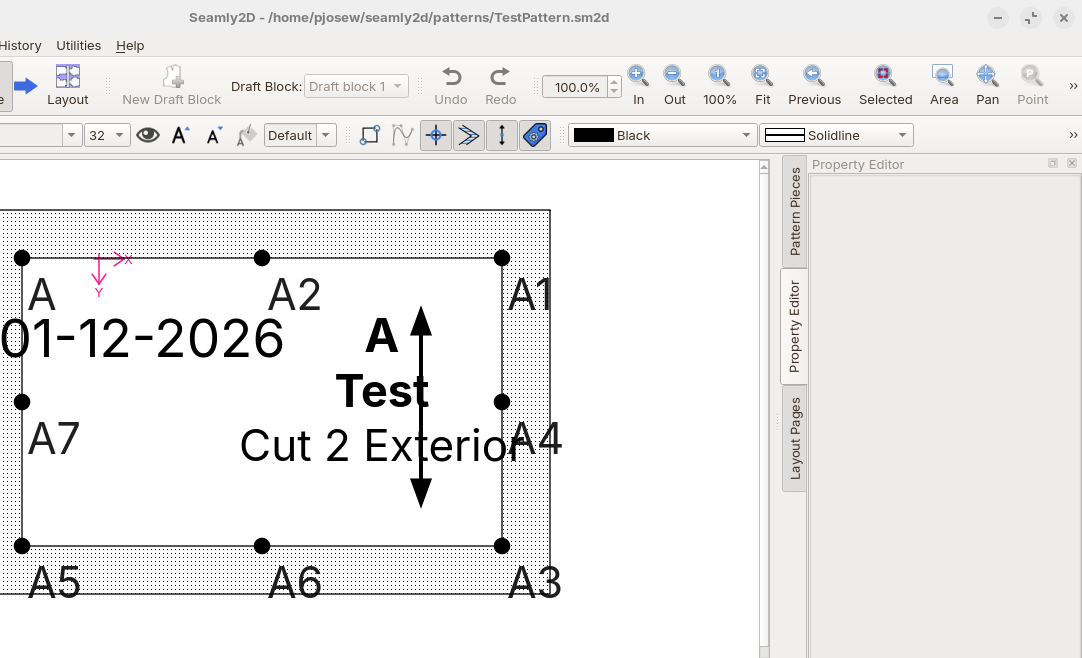
I recently downloaded Seamly 2D for my Mac (Ventura 13.7.8) and am unable to get the piece and pattern labels to display on the pieces. I had been assuming this was user error since I literally just started using the software. However, after some research and watching a YouTube video that demonstrated the labels, I am starting to think it may be a bug. I installed on a Linux machine and opened the same pattern and can see the labels so I am less certain that I’ve done something wrong, but still can’t rule it out.
Below are images from my Mac (showing the setup) and the same pattern on the linux machine.
Any help with what I am doing wrong would be greatly appreciated!
Could you post your pattern and measurements files please? I think it could have something to do with Dark mode on Mac, but I could be wrong, and @Douglas will be able to check it out on his new MacBook.
I’ve attached the test pattern that I started playing with to limit the complexity. It doesn’t use a measurements file. I’m not currently using dark mode, but did try switching back and forth with no difference in the results. I’m wondering if it could be the age of my Mac.
Thanks
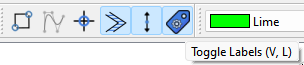
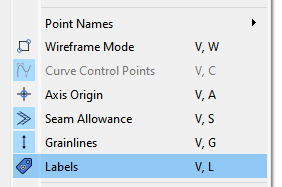
I think the labels are just toggled off. I’ve had the same thing happen while working on a new build, and thinking I messed something up, only to realize the Labels (or GL, SA) are toggle off.