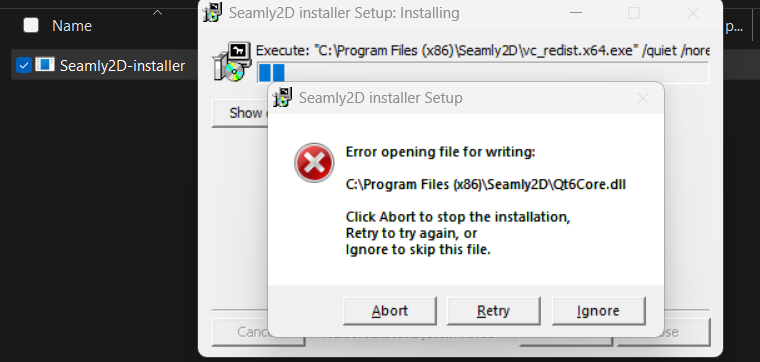
Hello, I am trying to upload the latest version of Seamly to Windows and I am receiving errors with the install. Attached is one of error I screen shot. There are several error popups after I ignore the first one. Are there are issues with the file?
Thank you for your help 
2 Likes
When running installer through “help” > “about seamly 2d” “check for updates” you need to close all the instances of Seamly for update to continue.
Go back to Seamly, close the “about seamly 2d” window and close the program. Than you can go back to installer and click “try again”. Or run the installer again if you already closed it.
4 Likes
Thank you for your reply and help with this. I will give that a try and message back if it works.
1 Like
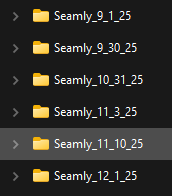
That might only apply if you’re installing over an existing folder. For ex: going by the origianl error msg, you can’t open the Qt6core.dll for writing while THAT Seamly is running as it’s in use. On the other hand if you install to a diifferent folder there is no Qt6core.dll in use. I always install to a new folder by build date:
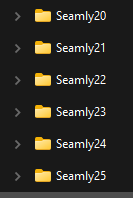
I can then always go back and run a previous version without downloading and reinstalling. It can often help me pinpoint when a bug might have been introduced so I can then look at the commit history to see what part of the code introduced the error. I periodically move the install folders off the laptop to an exernal drive going all the way back to 2020:
5 Likes
@Douglas Thank you! I like the creating a new folder to save each new version update.
2 Likes