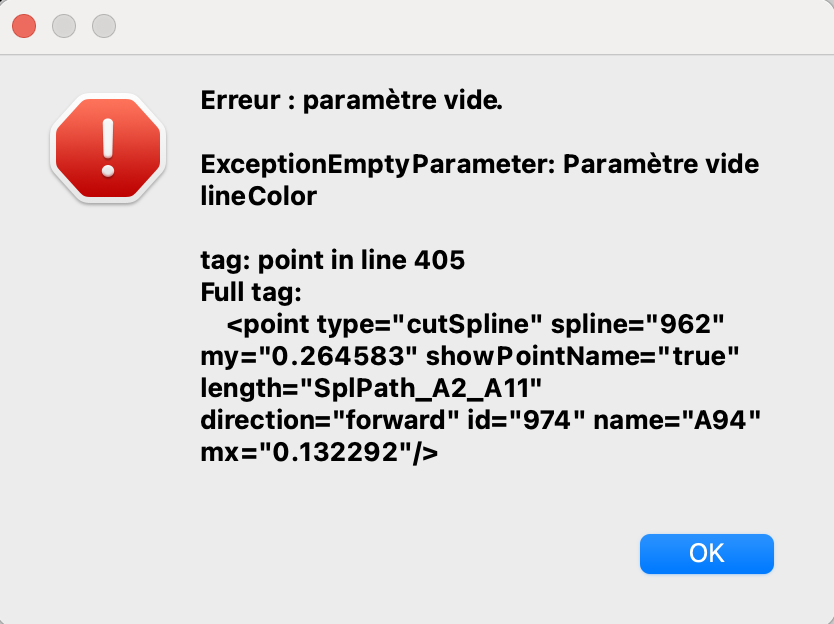
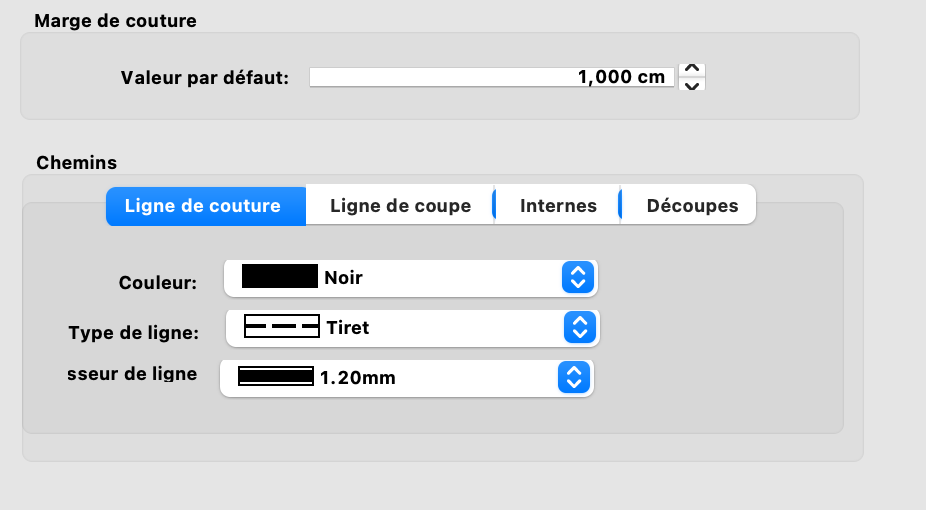
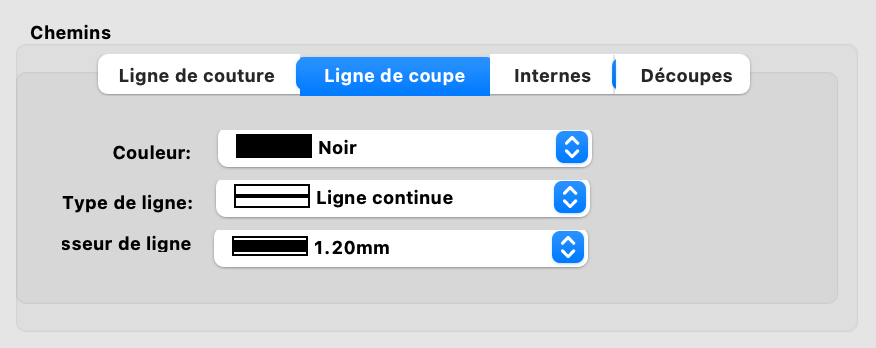
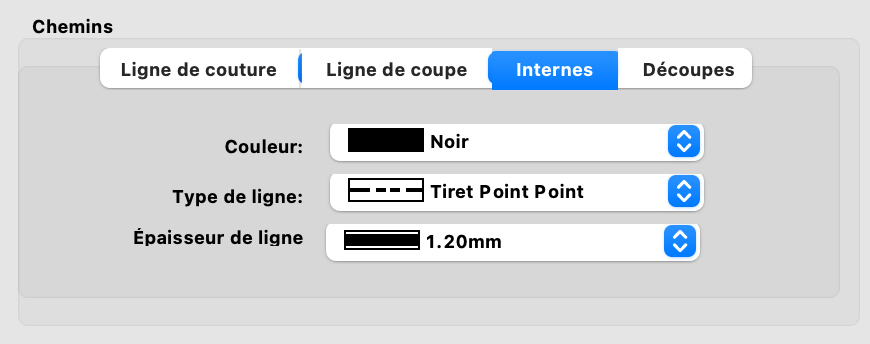
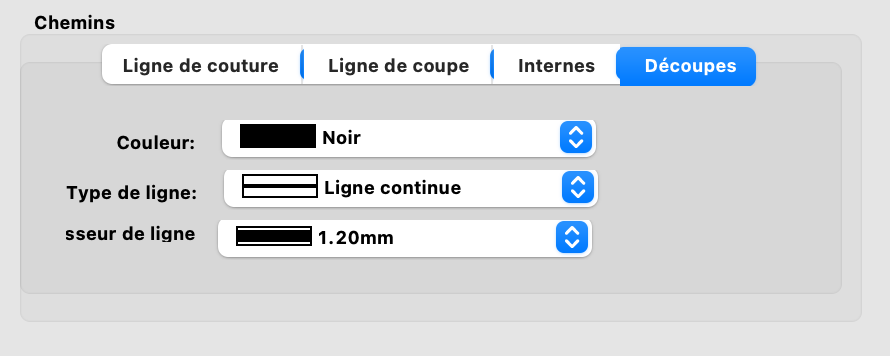
Hello, This morning all my patterns display an error of this type not all at the same line but I don’t know why. I changed parameters of the app yesterday so maybe it’s related but all my type line have colors picked.
Hello, @Castiane
I believe there was a problem (last week) with the color Black that has something to do with the upper case/lower case in the software. All you need to do is to select the color again.
I believe this has been fixed, perhaps in today’s update? If you’ve downloaded and installed the latest update, then I think you should send your measurements and pattern file to @Douglas to have a look at.
I’ve selected the color again and tried the last release and the issue is still here…
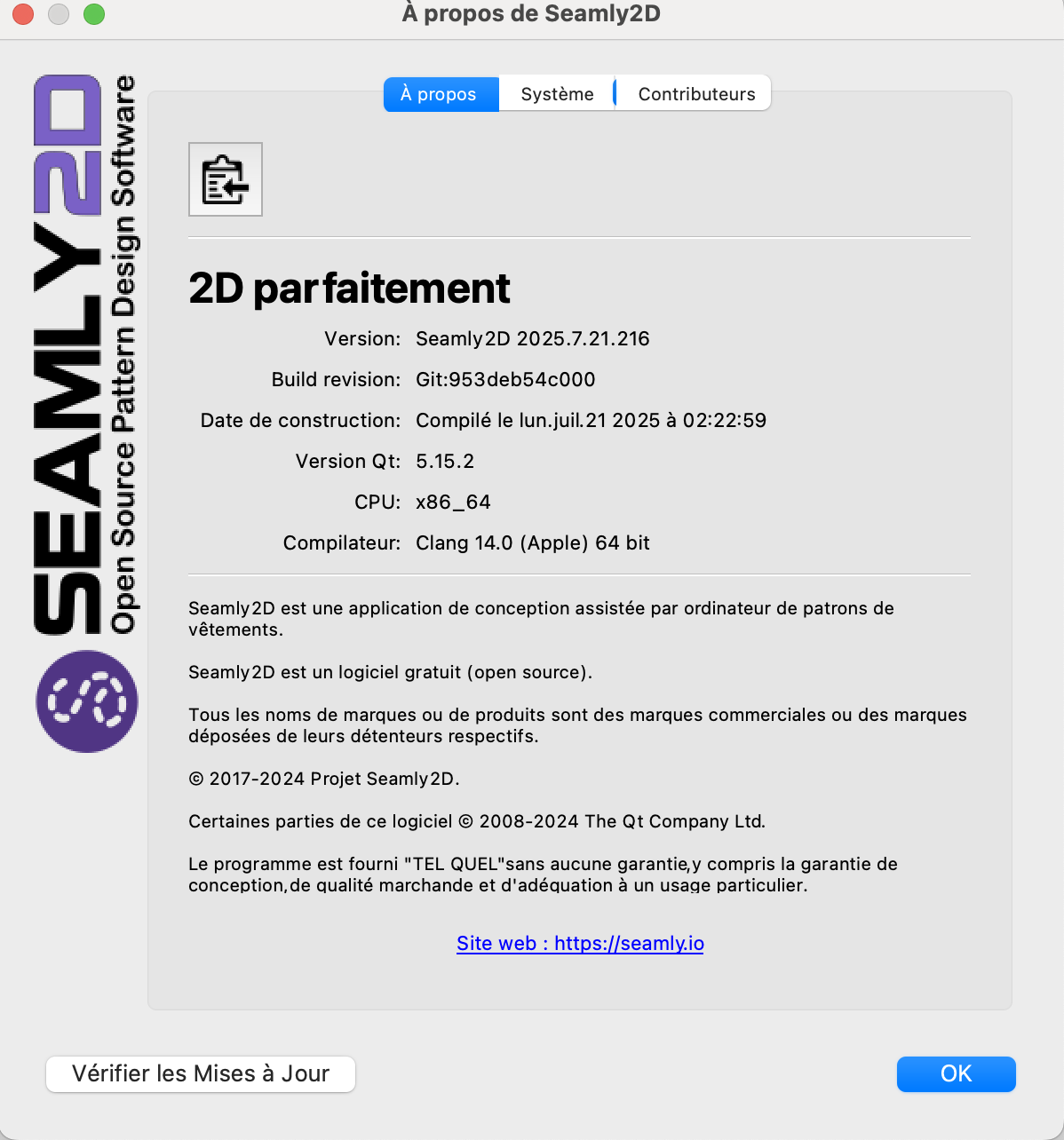
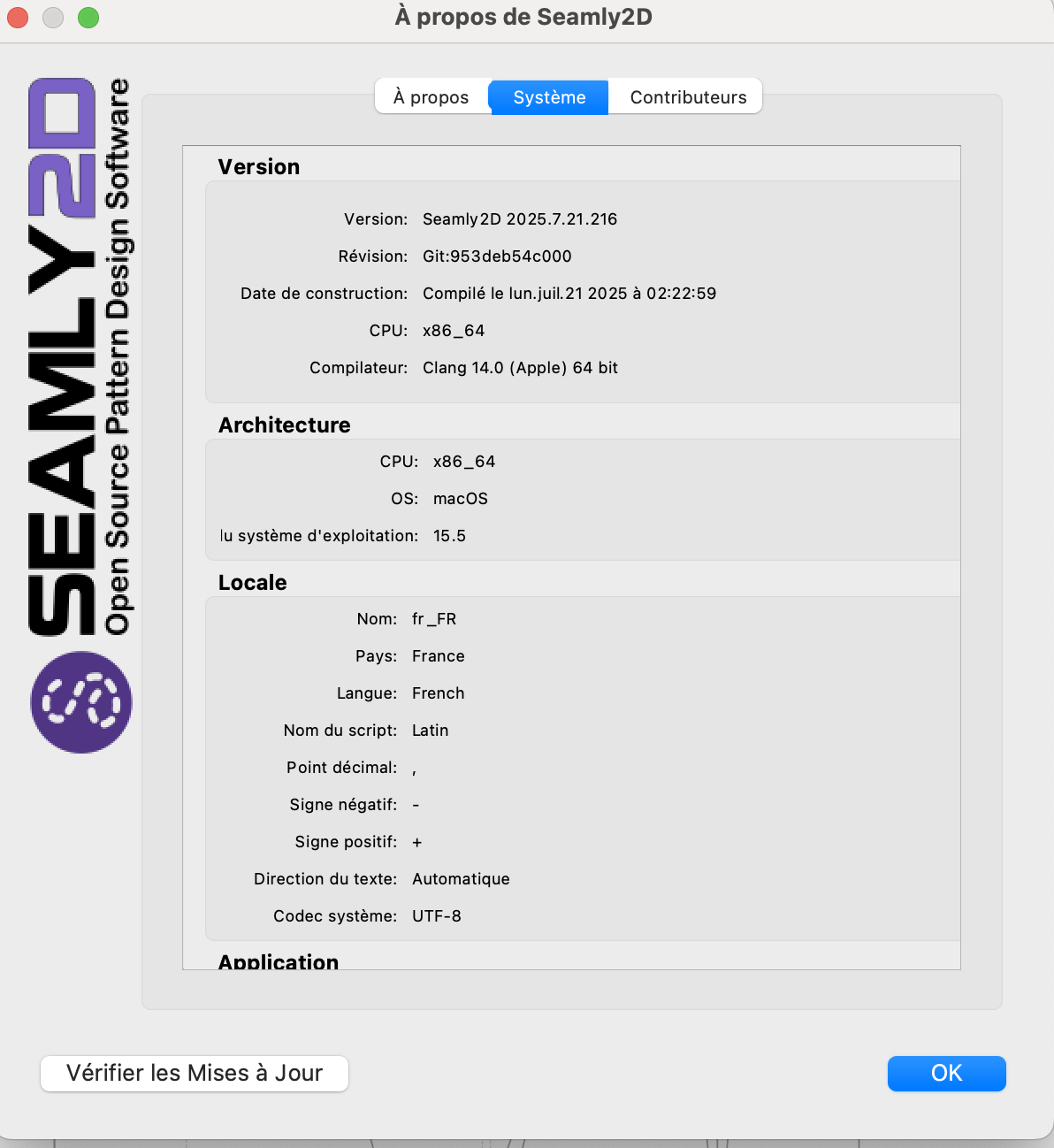
Ok, which OS do you use, if you can take a screenshot of the Help > About Seamly2D screen and upload a pattern and measurements file then we can have a look and see what needs to be done, please.
I work under OS Sequoia 15.5
There are all the info
Veste Victorienne - Fem.sm2d (186,0 Ko) Castiane.smis (3,1 Ko)
This pattern loads fine for me, and it does not match the Error code message. ??? It also is looking for a different measurement file
<measurements>../../../../seamly2d/mesures/Individuel/Mélanie Edrei.smis</measurements>
There is the measurements but it does the same with all my patterns and all the measurements
Mélanie Edrei.smis (1,3 Ko)
I’ve tried to restore pattern from yesterday and the error message is thill there
Is it possible to reset the app ?
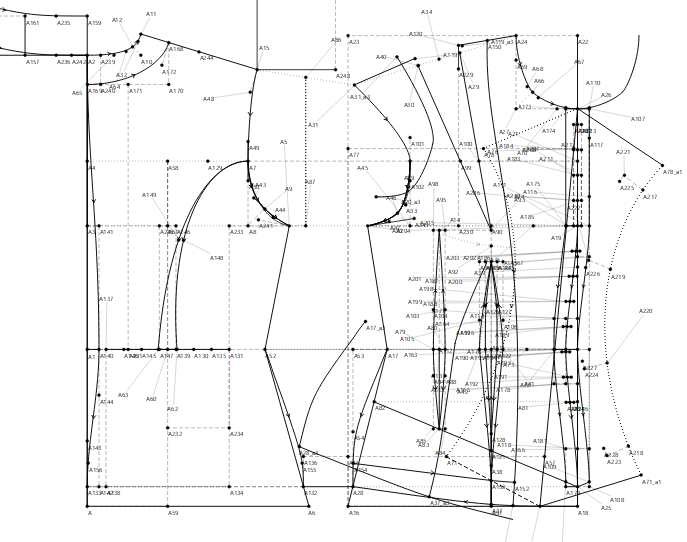
It’s also opening just fine for me. Both @Douglas & I are on Windows 11, so I don’t know if it isn’t a Mac problem.
Anyway, I’ve saved the pattern to a different name. Can you check if you’re still getting the error on this one as well?
Veste Victorienne - Fem 1.sm2d (186.0 KB)
Do you mean to a previous release version? You can always download and install any previous releese from Github. Dont know what the MacOS does. but I always install a new release in a new folder, so the older versions are always there.
I tried to open your file Grace and this time this message error opened
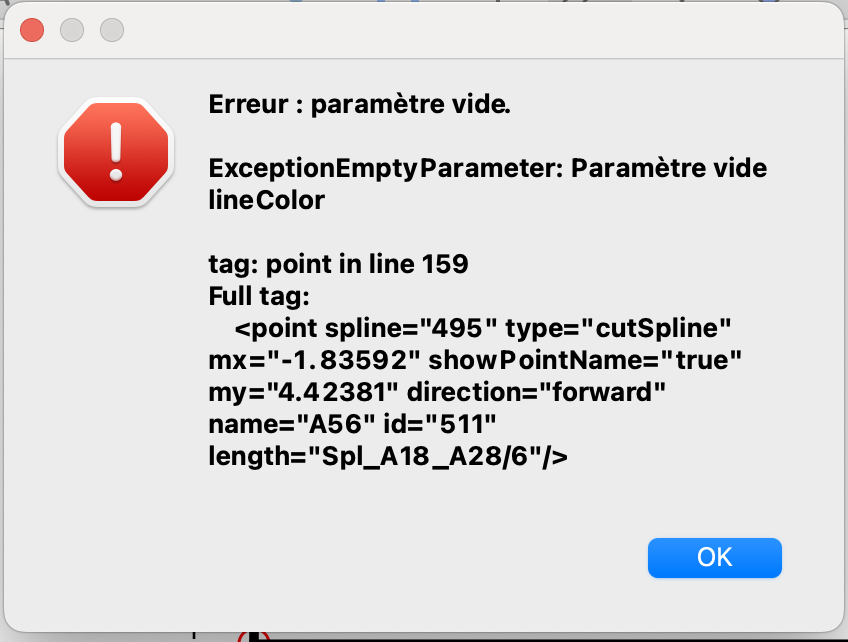
And Douglas I meant as I tried to personnalise the app with Line Type and Color maybe this is the source of my issue. The patterns without pattern pieces open just fine but not as soon as there is a pattern piece so I think the issue come from here.
I can’t say what the real issue at the momment as the error message does not match the Veste Victorienne - Fem.sm2d pattern.
The message though is indicating that a Point on Curve

is missing the lineColor attributte. But the pattern has no point tool with an id = “974”… 974 is a piece.

???
May the issue comes from the app and not the file ?
Grace’s file opened fine for me as well. I even changed my ini settings file so all the path line colors are “Black” instead of “black” to rule out the upper / lower case issue. The thing is the error is indicating there is no lineColor for the Point on Curve points… which makes no sense as the app will use the default color black if there is no lineColor attribute in the pattern file.
Not the Windows app… as it’s working for me. Unfortunately I can’t test with a Mac.
Ok… I implicity put the lineColor in each Point on Curve… see what this file does:
Veste Victorienne - Fem 2.sm2d (186.4 KB)
I think this is a different pattern.
This file opened !! What should I do if it happen again with another file ?
Well that’s a good question. The fact that the file with no Point on Curve lineColor attributtes won’t open on the Mac release, but does on a Windows release kind of baffles me.
This is what I suggest you try… set the Pen toolbar to what ever and then Save the pen settings.

The pen color will be the default color when you create a new tool… such as the Point on Curve.
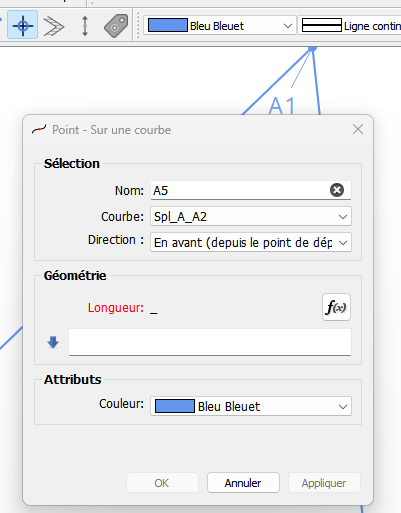
If that doesn’t work then there may be something with the Mac build. If we have any other Mac users out there that could see if the original pattern loads, then maybe we can rule that out.
As a last resort you can edit the file like I did to add the lineColor attribute. The pattern files are xml text files that can be edited by any text ediitor.
You just need to search for the “cutspline” tools and add "lineColor=“black”:
 I can be anywhere within the < point /> tag… the app will resort it alpahebtically.
As I cannot change any parameter on the patterns (they don’t really open with the error message) I’ve tried to edit them with a text editor as you suggested and it fixed other files
Thank you so much !