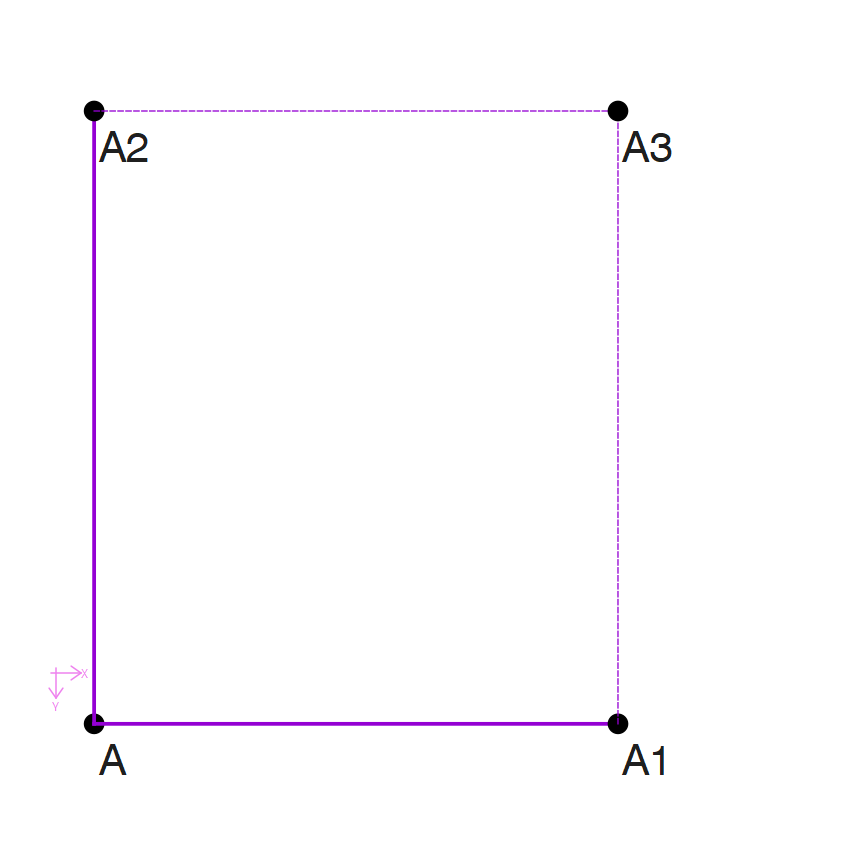
So I used the Point - intersect XY tool to make a new point (For example: A1 intersects with A2 to make A3) However, I when I input the length between A1_A3 or A2_A3 it displays an error. Even when I use the Line tool to create a new line: Line_A1_A3 and Line_A2_A3. I’m not sure what I’m doing wrong?
Hello and welcome to the Seamly forum, @bubbubble
Are you trying to do this?
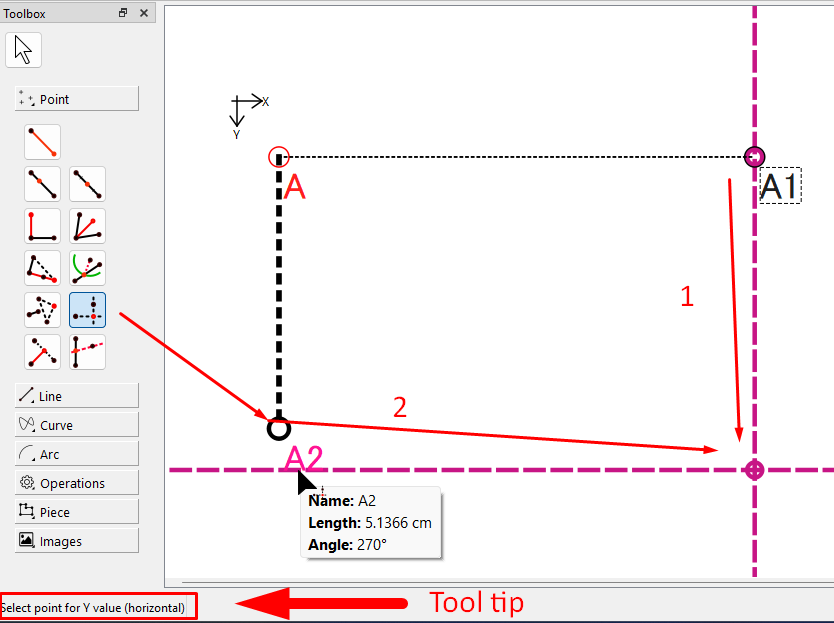
Keep an eye on the bottom left where the Tool Tip is located.
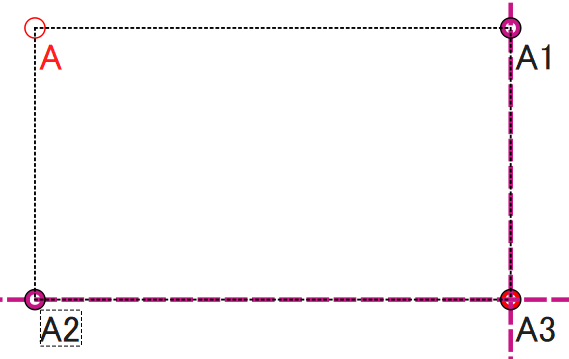
First click the point on the vertical/X axis and then the point on the horizontal/Y axis. This will place a point at the intersection of the 2 points:
@bubbubble Although your example of the formulae used looks right from here, most likely you entered the line length formula wrong. An example would help, eg “I entered Line_A1_A3 into the formula box, no other characters are in the box, & all I got was this lousy error.”
Until you are fully familiar with entering variables into your formulae, you should always use the formula wizard (the Fx button by the formula entry box)
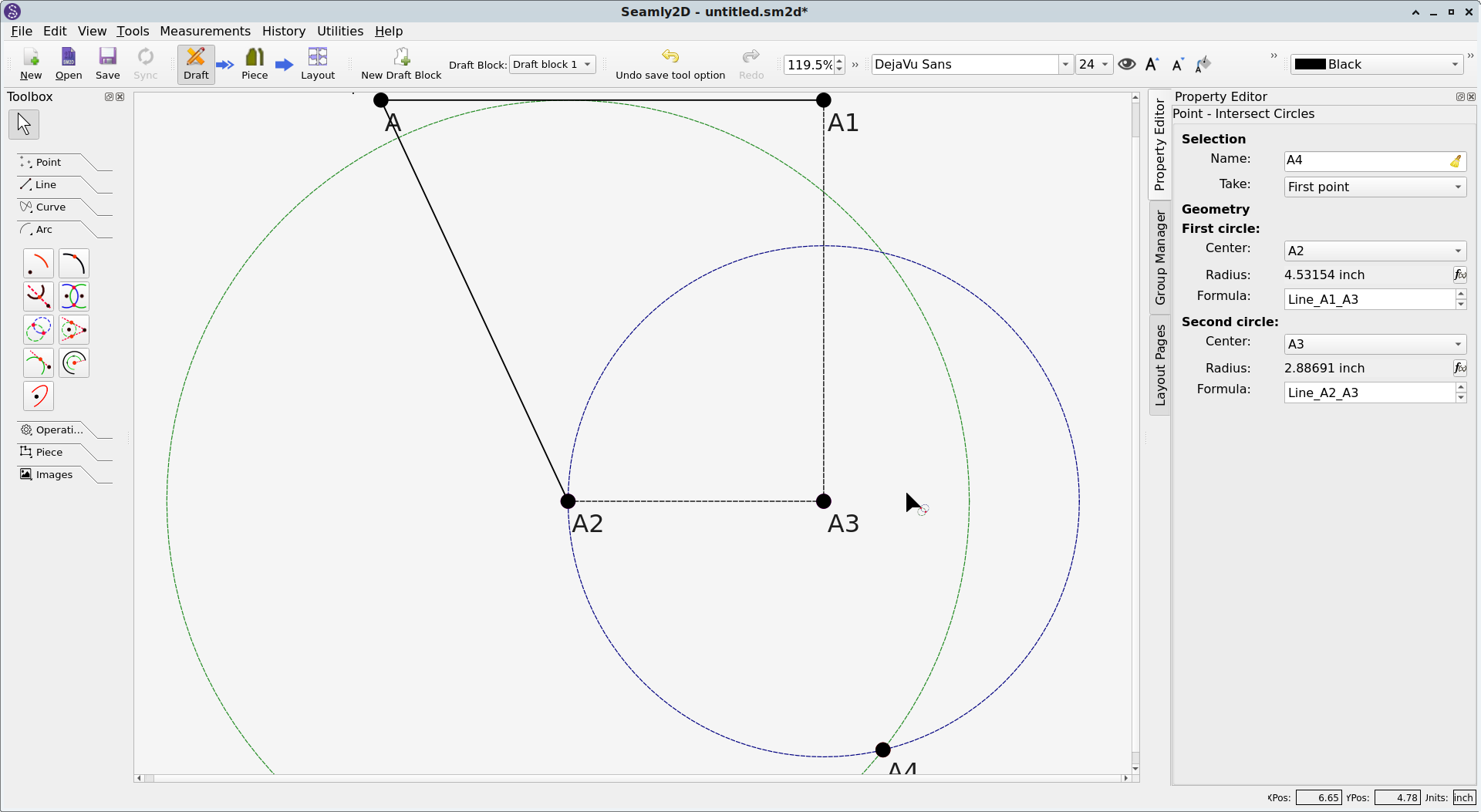
As you can see, I did what I understood you to describe without error.
If you’re still experiencing problems after reviewing our replies, please post your Seamly release date, OS, & localization so that the devs can effectively 
 bug hunt.

I recomend to always use the fx Editor unless you’re absolutely sure of the variable name, and that it’s available for use in the tool one is trying to use it in.
Hi everyone, thank you so much for your replies. I learned a lot from everyone’s response, though I figured out my problem shortly after posting. As a new member, I wasn’t able to post a photo. I also used A1, A2, A3 as an example because I felt it was easier to understand.
However, my problem essentially was that I was trying to input information from the newest line I’ve created into a previously created line. Lacking planning on my part lol (being a previous Illustrator user, I was used to going back to editing my lines and points whenever.) Finally redid the whole block 2-3 times before I finally got it right. Thank you so much for all the help 
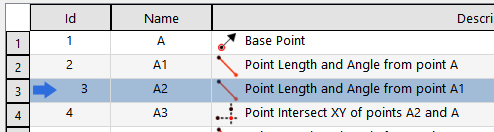
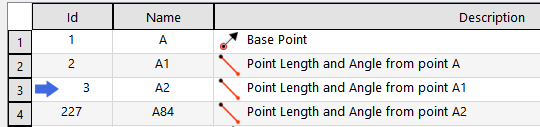
Have you already researched “history” tool? You open the history window, jump back by double clicking the number of the input after which you want to add something.
Of course you need to be careful:
- that you use only functions that were already drawn before that position
- that after you jump back to the latest input (I so often forget this)
Mistakes in this stage results in program terminating itself, but it is still extremely useful tool.
Thank you so much! I did not know about this, really helpful going forward!!