When trying to add a point on a line, I am clicking to select first point then I cannot get the edit box up to enter the parameters I what the only way to “let go” of the new line is to press escape
2 Likes
Welcome @Adrienne
To add a point on line you use the Point - On Line tool (Or the Midpoint tool if you want the point 1/2 the length).
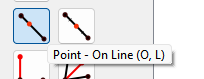
You then select the first point, then the second point:
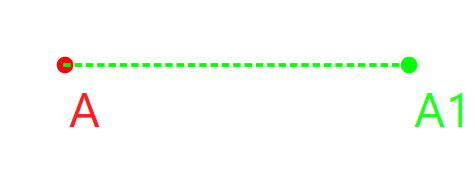
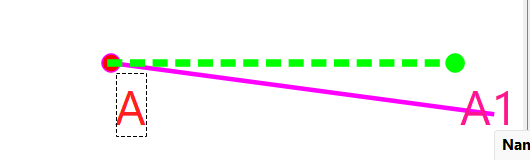
A… and A1:
And the dilaog will open. You can then enter the length you want the point from the 1st point you selected.
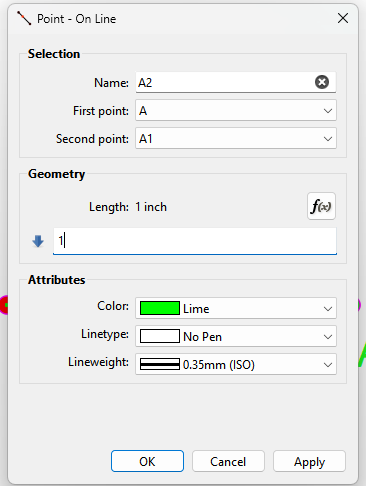
Click Ok to save the tool.
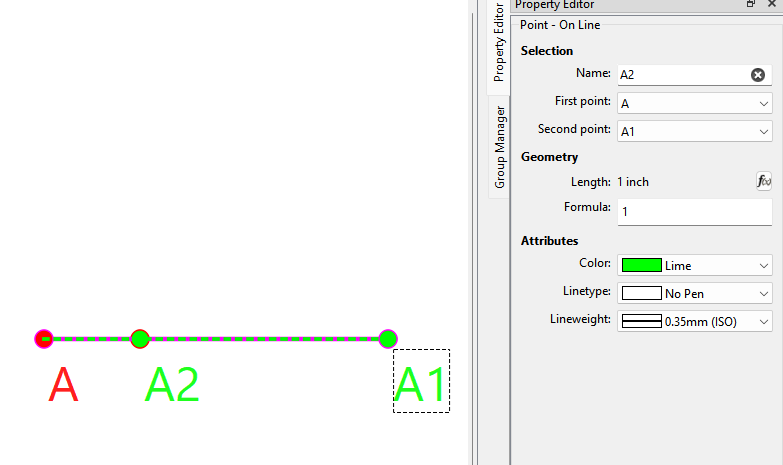
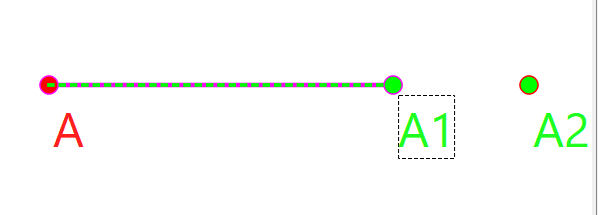
Note: You can select a length that is longer than the line segment. The point will still appear on the “line”, but past the “segment”.
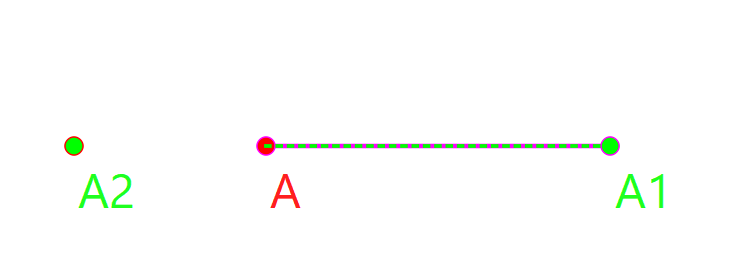
You can also enter a negative length and the point will appear on the opposite side of the first point:
Also Note that the Point - On Curve operates much the same way, except you will simply select the curve, the dialog opens, and then you enter a length.
3 Likes